 PDFJadoo
Real document problems, solved properly
No fluff and no "top 10 tools" lists — each guide starts with the exact problem you searched for, walks the fix step by step, and hands you the free tool that does it. Everything runs in your browser; your files never upload.
Resume Won't Upload? The Real Size Limits of Job Portals (and Why a Scanned CV Fails Silently)
USAJOBS and Workable cap at 5 MB, Reed at 1 MB — and Greenhouse parses only 2.5 MB. The limits, plus the scanned-CV trap no error message warns about.
Read the guide →
One Upload Button, Ten Documents: Build Your Scholarship Application Pack in the Right Order
Official guidelines say it outright: merge the documents as a single file. Form first, marksheets in sequence, certificates after — audited before upload.
Read the guide →
Assignment PDF Too Large to Upload? Shrink It to Your Portal's Limit Without Blurry Pages
Turnitin takes 100 MB and Blackboard 250 MB — but your Moodle course may cap at 5 MB. Aim target-size compression just under your portal's real number, handwriting intact.
Read the guide →
Handwritten Assignment? Turn Your Notebook Photos Into One Clean PDF in the Right Order
Name and roll number on page 1, photos bound on A4 in the order you set, and the thirty-second audit that catches the swapped page before your marker does.
Read the guide →
Thesis Page Numbers Wrong? Roman Numerals First, Then Page 1 at Chapter 1 — Fixed in the PDF
Split at Chapter 1, stamp the body from page 1, merge it back — and the honest truth about the Roman-numeral half.
Read the guide →
JPG to PNG: The Transparency Myth
No, conversion won't make the background transparent — a JPG stores none. What it does: a lossless working copy that stops generation loss at every re-save.
Read the guide →
JPG to WebP: A Quarter to a Third Off Every Photo
The site-owner's conversion: predictive coding vs 1992 blocks, quality allocated by job — and the destinations where JPG must stay.
Read the guide →
JPG to BMP: For the Software That Only Reads Bitmaps
About 3 bytes per pixel, pixel-exact, no quality gained. The requirement-driven destination, with the arithmetic done in advance.
Read the guide →
JPG to GIF: A Still Image in at Most 256 Colours
No animation, a per-picture palette, banding in gradients — stated up front, for the legacy doors that open for nothing else.
Read the guide →
JPG to TIFF: What the Print Shop's Request Means
The wrapper is uncompressed and lossless from here on; the picture is still the JPG's. When to convert — and when to send the original.
Read the guide →
PNG to JPG: Why the Background Turns White
Flattening is a decision: white or black, chosen by the destination. Photos at 92% are invisible; line art stays PNG. The box, explained.
Read the guide →
PNG to WebP: Transparency Kept, File Shrunk
The case JPG cannot solve: alpha intact at roughly a quarter less weight. Lossless for logos, lossy for photos — chosen by content.
Read the guide →
PNG to BMP: Pixel-Exact for Legacy Programs
Lossless in, lossless out — at 3 bytes a pixel. The cleanest feed for a bitmap-only destination, from the lossless source.
Read the guide →
PNG to GIF: 256 Levels of Transparency Become Two
Soft shadows and glows flatten onto your chosen ground. The downgrade, priced precisely — and the destinations that still force it.
Read the guide →
WebP to JPG: Fix “File Type Not Supported”
Renaming fails because checkers read magic bytes, not labels. The real conversion, at 92%, that makes the web's picture a citizen of everywhere.
Read the guide →
WebP to PNG: The Lossless Editing Master
Same source, opposite decision to JPG: every pixel exact, alpha intact, ready for editing. The “which exit do you need?” article.
Read the guide →
WebP to GIF: A Still for Systems That Still Ask
The newest format deliberately downgraded — still, 256 colours — for legacy allow-lists. The three spends, itemised.
Read the guide →
WebP to PDF: Web Images Bound, No JPG Detour
Decoded once, placed by nature: photos as JPEG pages, transparent graphics as lossless PNG. Fit, A4 or Letter, margins your choice.
Read the guide →
BMP to JPG: The 6 MB Picture Becomes Emailable
Raw pixels at 3 bytes each meet DCT compression: typically 85–95% smaller at High. The legacy-folder rescue, sorted by content first.
Read the guide →
BMP to PNG: Screenshots Shrunk, Text Kept Sharp
Bit-exact and a fraction of the weight — the edge-content exit, and the page image OCR deserves. Photos go to the sibling; edges come here.
Read the guide →
BMP to WebP: A Legacy Capture at Web Weight
The oldest file meets the newest page: edges respected better than JPG, alpha kept, browsers only. The republication workflow.
Read the guide →
BMP to PDF: Legacy Screenshots, Bound Sane
Hundreds of megabytes become one document: JPEG pages for photos, lossless PNG for transparency, in your order, at a sane size.
Read the guide →
GIF to JPG: The First Frame, in Full Colour
Frame one becomes the still — check it first, because fade-ins start blank. The 256-colour ceiling lifts; transparency flattens by your choice.
Read the guide →
GIF to PNG: A Still With Clean Edges
The lossless still for logos and design work: pixel-exact, alpha honestly binary. The reading still is JPG; the using still is PNG.
Read the guide →
GIF to WebP: It Converts the First Frame Only
Expectation says the animation survives. It does not — and this article says so, then shows where the still WebP genuinely wins.
Read the guide →
GIF to PDF: A PDF Page Cannot Move
First frames bound as pages — photos as JPEG, transparent images as lossless PNG — for the submissions that accept only PDF.
Read the guide →
AVIF to JPG: The File That Won't Open, Fixed
What an AVIF is, why you received one, why the JPG is bigger — and the on-device decode at 92% that ends the refusal.
Read the guide →
AVIF to PNG: The Lossless Editing Copy
Exact pixels and alpha for editors, at an honestly large size. The fidelity exit from the newest source; the master discipline included.
Read the guide →
AVIF to WebP: A Sideways Step Into Acceptance
Not down a generation — sideways: modern and small, for platforms that take WebP but not AVIF yet. Convert once, keep the master.
Read the guide →
AVIF to PDF: Bound Into What Everything Opens
Decoded once, placed by nature, in your order. When nothing opens the images, the document ends the argument.
Read the guide →
HEIC to PNG: The iPhone Photo's Working Master
Every pixel exact for editing — at 8–15 MB, with a few honest seconds of decode per photo. The bench copy; JPG remains the delivery.
Read the guide →
HEIC to WebP: Camera Roll to Web Page, One Hop
Skip the JPG detour and its second lossy toll: direct at High for heroes, Balanced for body. The publishing workflow, masters intact.
Read the guide →
TIFF to JPG: First Page Out, Email Size
Only the first page converts — the tool says so itself. The 25 MB archive page becomes a still that displays everywhere and fits an inbox.
Read the guide →
TIFF to PNG: The First Page, Pixel-Exact
Lossless-to-lossless: a page image browsers, documents and OCR can use, with text edges intact. Every page's route is TIFF to PDF.
Read the guide →
TIFF to WebP: The Archive's Viewing Copy
The master stays TIFF; the audience gets a light WebP. The master/delivery split that lets archives publish without endangering preservation.
Read the guide →
SVG to JPG: Your Logo for Word and Forms
Rendered at 512, 1024 or 2048 px wide, on white or black by your choice, at 92%. The two decisions that make a logo survive Office.
Read the guide →
SVG to PNG: Choose How Many Pixels It Gets
A vector has no pixels — rendering decides them, once, at export. The size table for favicons, app icons, retina and social, with alpha kept.
Read the guide →
SVG to WebP: When the Platform Blocks SVG
Platforms refuse vectors for their scripts; the raster answers at 2× display size, alpha kept, a few kilobytes light.
Read the guide →
Compress an Image to an Exact Target Size (KB or MB)
Type the size the form demands — 200 KB, 100 KB, any number — and the search finds it: quality steps first, dimensions second, with a floor that never silently ruins the photo.
Read the guide →
Rotate an Image by Any Angle — Nothing Cropped
Not just 90° steps: drag, scroll, or type any angle. The canvas grows to fit the tilted picture, transparency survives, and a typed angle can be undone exactly.
Read the guide →
Remove Hyperlinks From a PDF: How the Stripping Works
Links live in an annotation layer above the text — which is why the words stay and the clicking dies. What the count-and-strip pass removes, and what it cannot touch.
Read the guide →
Fix a Document Photo: Shadows Levelled, Stamps Preserved
Three different repairs — level the light, enhance the photo, erase the object — and the stamp that survives the first because pigment is not shading.
Read the guide →
CBZ to PDF: Pages Embedded Losslessly, Sorted Naturally
Your drawings are already the finished pages: embedded as-is, 2 before 10, spreads wide. Plus the honest CBR/CB7 boundary and the desktop way around it.
Read the guide →
PDF to CBZ: Numbered Pages Your Comic Reader Opens in Order
Pages rendered to JPGs numbered 001, 002, 003 — the zero-padding is the ordering. DPI per device, the reader roll-call, and Kindle the holdout.
Read the guide →
EPUB to PDF: A Book Typeset for Print, Following Its Spine
Chapters in the book's official order, on A4 in a clean serif — rendered pages, not selectable text. Why, and the OCR remedy when you need the words.
Read the guide →
PDF to EPUB: Reflowable Text From the PDF's Own Words
Headings become chapters; text resizes and reflows on real readers. The honest inventory: columns simplified, and pictures not carried over.
Read the guide →
PDF to RTF: The Text Rebuild That Opens Absolutely Anywhere
RTF is the format nothing refuses — Word, WordPad, LibreOffice, Pages. The wording travels, the stage set does not, and that is the honest trade.
Read the guide →
PDF to TIFF: One Uncompressed TIFF Per Page (300 DPI)
A 300 DPI A4 page is 2,480 × 3,500 pixels and can top 25 MB uncompressed — stated in advance, delivered per page in a ZIP, for print and archive.
Read the guide →
TIFF to PDF: Every Frame Becomes a Page, in Stored Order
The decoder walks the multi-page TIFF frame by frame; each becomes a full-size page. Why the PDF is a reading copy and the TIFF stays the master.
Read the guide →
SVG to PDF: The Honest Render (Rasterised at Up to 4×)
Rendered at up to 4× natural size, longest side 2,400 px, over white — a faithful picture of your vector, not a native-vector PDF. The difference, named.
Read the guide →
A QR Code PDF That Still Scans After Printing
Static codes encode the destination directly — no expiry, no middleman. Error correction M/Q/H explained, and the finger's width of quiet zone that scanning needs.
Read the guide →
PDF to WebP: Page Images at Two-Thirds the Weight
The web's own format for page previews: same render, roughly two-thirds of the JPG's bytes. When the page travels to a website, weight is a feature.
Read the guide →
PDF to GIF: Still Pages in 256 Colours — Not an Animation
Each page becomes one still GIF with its own best-256 palette. Flat graphics stay crisp; photographs band — the format's physics, stated before you convert.
Read the guide →
JPG to Word: A Photographed Page Becomes Editable Text
One OCR engine, three sources — this is the camera volume: angle, shadow, glare, and the numbers-first proofing rule for the check box.
Read the guide →
PNG to Word: Screenshot Text, Set Free Into Word
The cleanest OCR source there is — pixel-perfect and level by construction — with its own three traps: tiny fonts, dark mode, multi-column layouts.
Read the guide →
WebP to Word: Decode the Unopenable, Then Read It
Word cannot open WebP at all — so this conversion is two jobs. Display fonts, text over photos, and the pixels-per-letter budget of web images.
Read the guide →
HEIC to JPG: Decoded at Exactly the Original Pixel Size
High quality is 92%; nothing is resized; batches arrive as a ZIP. Plus the two iPhone settings that stop the compatibility wall at its source.
Read the guide →
HEIC to PDF: iPhone Photos Bound as One Document
Full-resolution decode, orientation respected, drop order as page order. The one-step route for portals that accept PDF and reject everything Apple.
Read the guide →
PNG to PDF: Fit Page, A4 or Letter — the Geometry Guide
Fit page makes a 1920×1080 screenshot a 51 × 29 cm sheet — fine on screen, a surprise at a printer. Margins 0, 18 or 36 pt, and the lossless bill, explained.
Read the guide →
How an Invoice Generator Calculates Totals
Line, subtotal, tax, total — in that order, computed live. The three joints where invoice disputes are born, and the numbering discipline that welds them shut.
Read the guide →
A Quotation Clients Can Accept: Number, Scope, Validity
Itemised rows, totals shown separately, terms printed — and a Valid until date that protects you when prices move. Always set one.
Read the guide →
Receipt: Proof of Payment, Issued When Money Arrives
The receipt confirms; the invoice asks. Timing is its whole ethics, the For line references the invoice, and part-payments are worded as part-payments.
Read the guide →
The Purchase Order: Your Formal Offer to Buy
Supplier acceptance generally forms the contract. Ship-to separate, delivery as its own line, and the three-way match the PO number anchors.
Read the guide →
Proposal Structure: Overview, Scope, Timeline, One Figure
Persuasion with a fence: scope one deliverable per line, exclusions in the terms, a timeline built backwards, and a single Total investment.
Read the guide →
Certificates for a Whole Class: 42 Designs, Batch Discipline
Names are data: paste, never retype, and judge the literal preview at the longest name. Print on matte card 160–200 gsm, landscape, at 100%.
Read the guide →
ATS-Friendly CV: 360 Combinations, One Parseable Structure
The robot reads first: standard headings, real selectable text, 24 layouts × 5 colours × 3 fonts — plus an old-CV import that fills the form for you.
Read the guide →
The Cover Letter: Five Parts, One Page, One True Detail
Header, greeting, opening, proof body, closing — 180 combinations that match your CV, a composer that drafts from your notes, and the detail that beats compliments.
Read the guide →
A Document Checklist You Can Tick Off (Presets Included)
IRCC, visa and job presets gather your requirements into one printable list with a notes column — starting points only; the official list still rules.
Read the guide →
Annotate a PDF: Highlights, Notes and Markups That Stay
Highlights, underlines, boxes and notes — in colour, with undo — then baked into the page so they survive every forward. Margin marks vs burned-in, explained.
Read the guide →
Fill a PDF Form: Real Fields, Answered on the Page
The fields are already in the file — text, checkboxes, radios, dropdowns, and a signature pad where a signature is asked. Answers written back as data.
Read the guide →
Create a Fillable PDF Form: Add Real Fields to Any PDF
Pick a field type, click where it belongs, name it like data. The flat document gains genuine AcroForm fields — build once, fill forever.
Read the guide →
Redact a PDF Properly: Black Boxes That Actually Destroy Data
Covered is not redacted. The saved pages are re-rendered as images, so what is under the box stops existing — plus the release checklist.
Read the guide →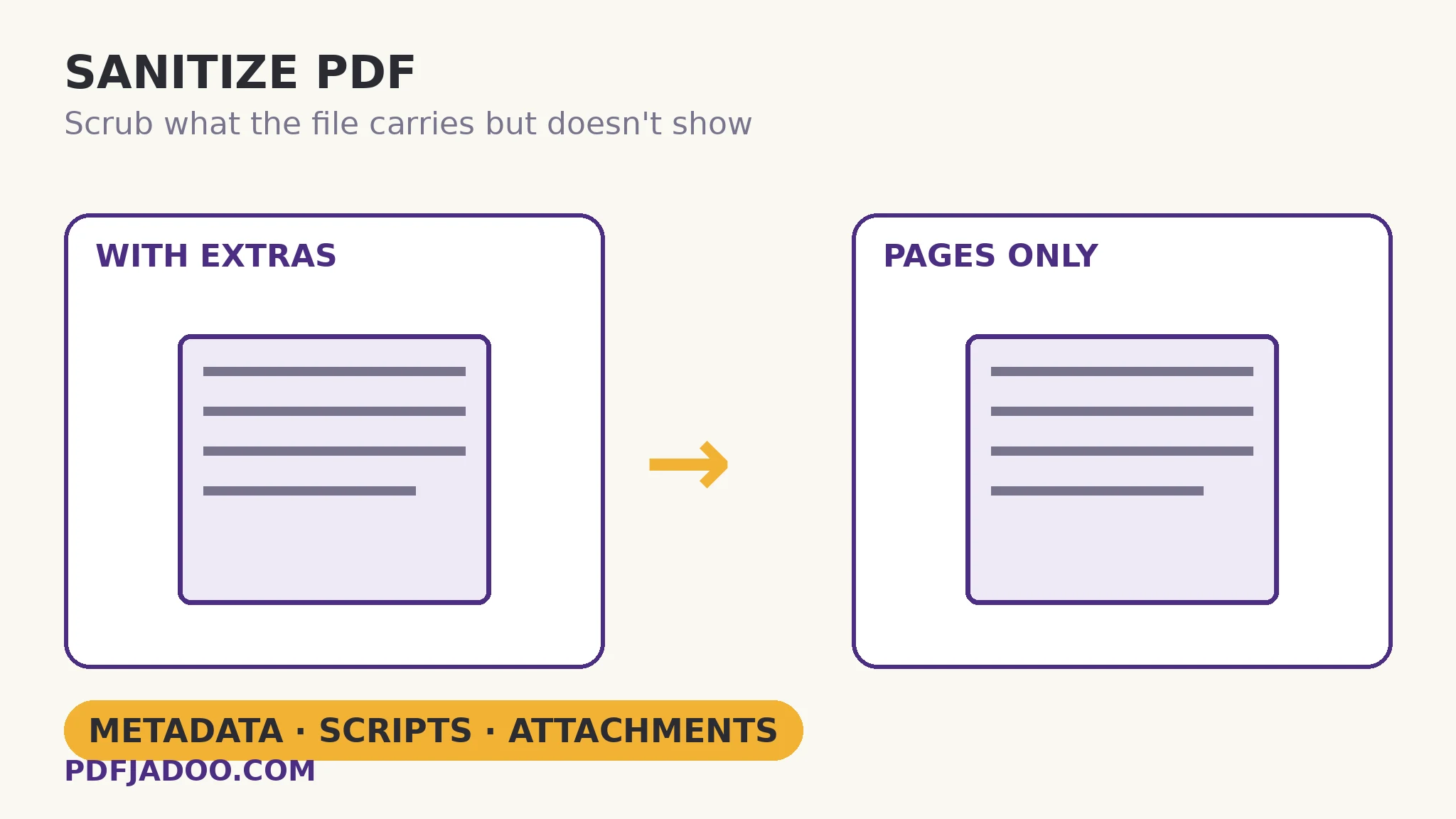
Sanitize a PDF Before Sharing: Metadata, Scripts, Attachments
PDFs carry author names, edit history, embedded files and even scripts. The scrub rebuilds the document clean — and reports what it found.
Read the guide →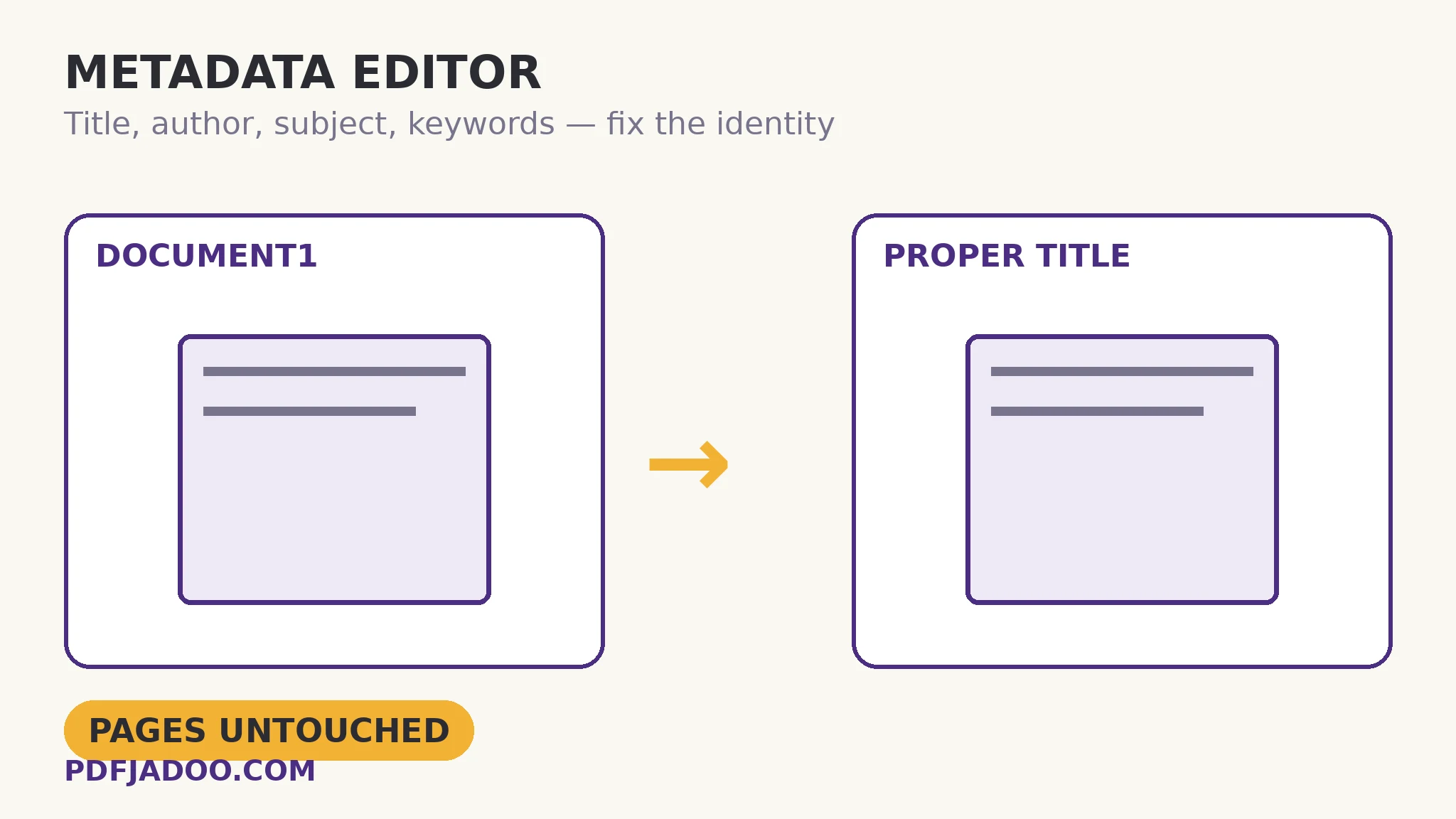
PDF Metadata: Fix the Title, Author, Subject and Keywords
Your document introduces itself in tabs and archives before page one is read — often as “Document1”. View the identity card and fix it.
Read the guide →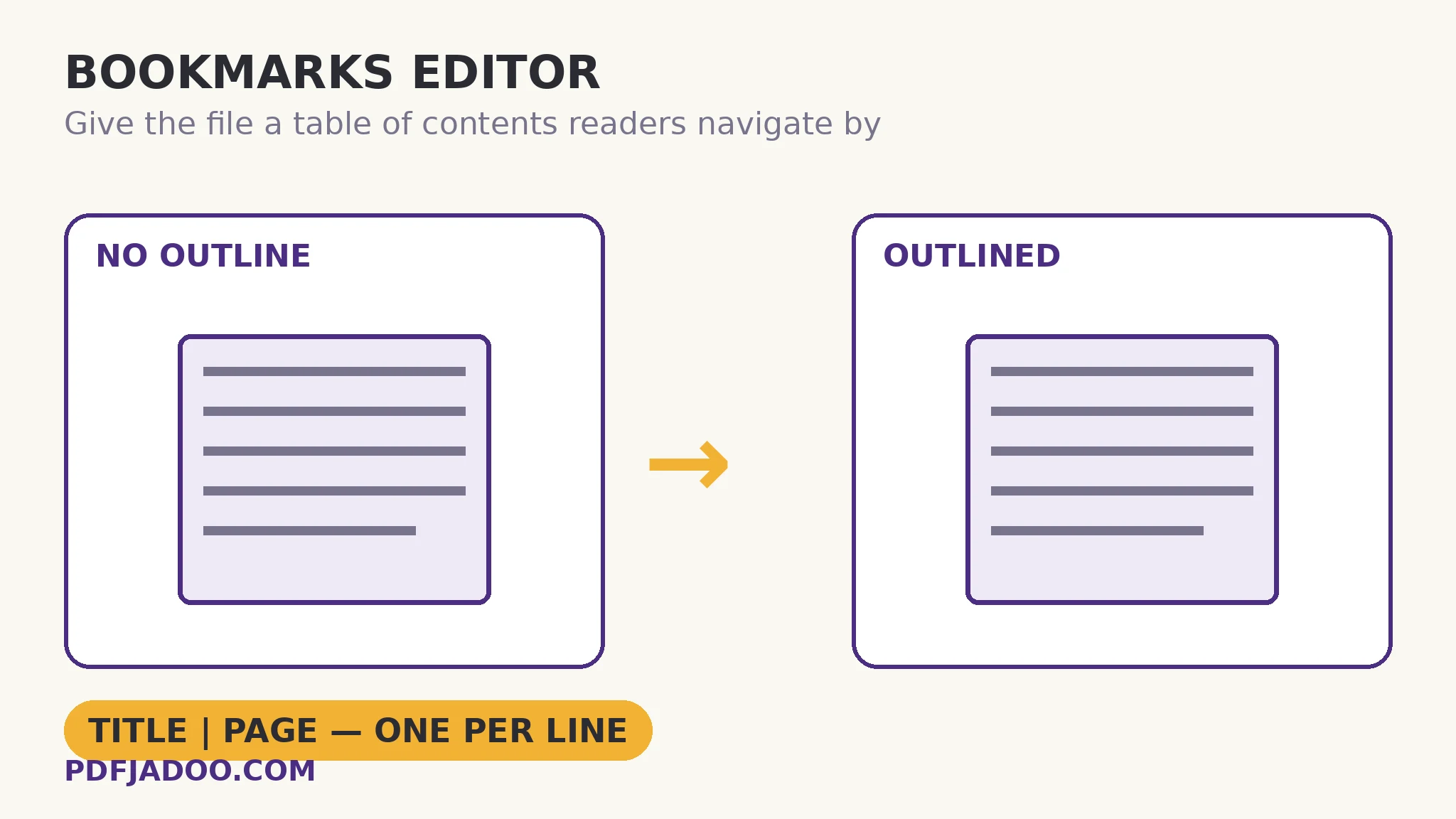
Add Bookmarks to a PDF: A Table of Contents Readers Navigate By
One line per entry — Title | page — and the outline is written in. Navigation, chapter-splitting and citation all unlock from the same list.
Read the guide →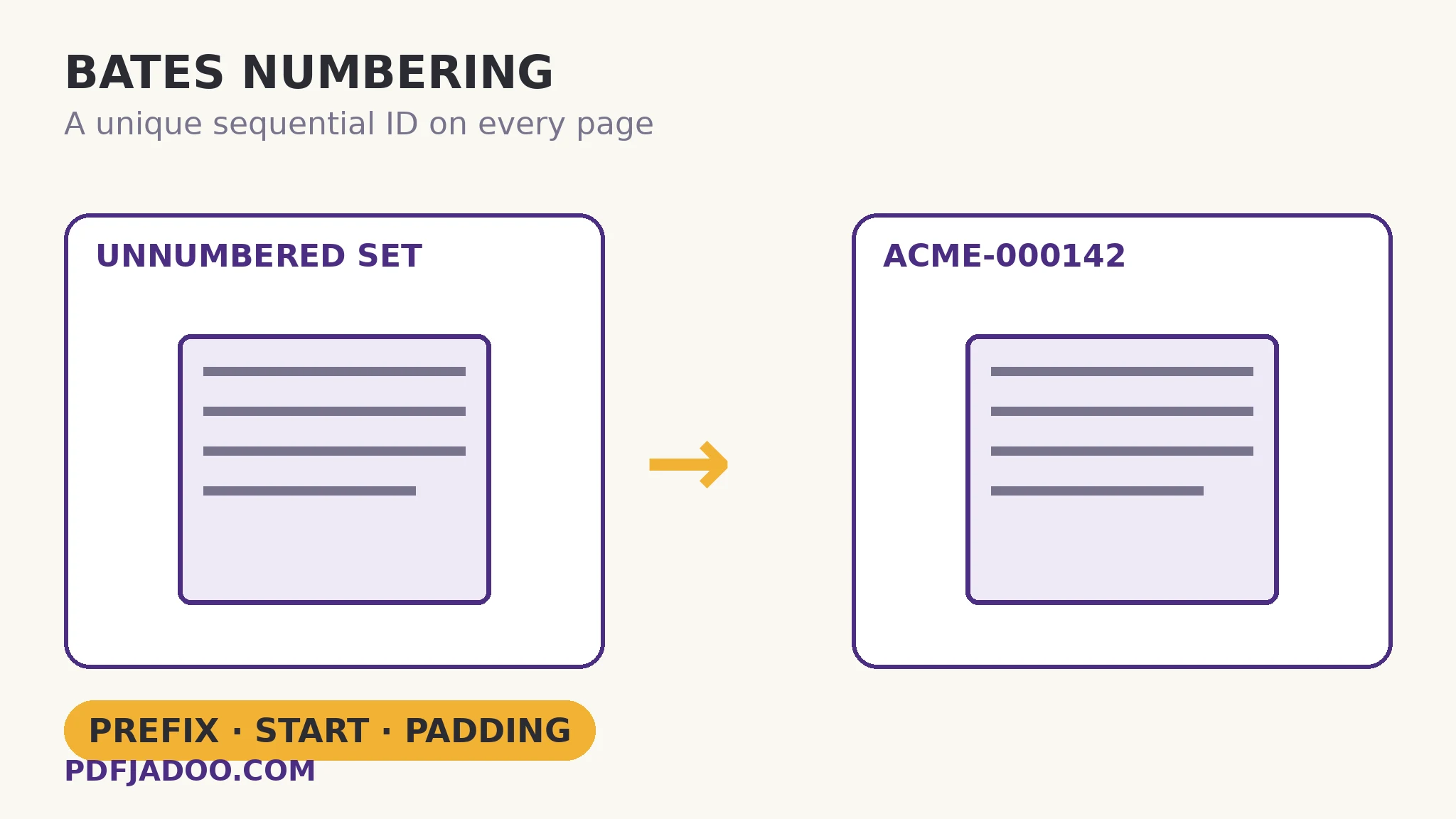
Bates Numbering Explained: Unique Page IDs for Legal Discovery
ACME-000142: a prefix plus a padded sequence gives every page in a production a name that can be cited forever. The convention, piece by piece.
Read the guide →
Compare Two PDF Versions: Which Pages Actually Changed?
“Just two small changes.” Both versions are rendered and pixel-compared; the report shows each changed page, old beside new. Trust, verified.
Read the guide →
PDF Inspector: A Full Checkup for Any PDF, in Plain Language
Page sizes, fonts embedded or not, image resolutions, form fields, JavaScript, encryption, metadata — one report. Diagnose before you treat.
Read the guide →
Linearize a PDF (Fast Web View): First Page Instant, Rest Streams
The file is restructured so page one renders from the first bytes — real linearization by the QPDF engine, and why it is not compression.
Read the guide →
PDF to HTML: Turn Pages Into Self-Contained Web Pages
Each page becomes one HTML file — text at its true positions, pictures embedded, 150/200/300 DPI. The document as web pages, not a download.
Read the guide →
PDF to Markdown: Clean Structured Text Out of a PDF
Headings from font sizes, lists from their markers, paragraphs re-joined — the document's skeleton as Markdown, ready to paste anywhere.
Read the guide →
Markdown to PDF: Typeset Clean Documents From Plain Text
Headings, code, lists and quotes, typeset with margins and page numbers. The supported syntax — and the stated limits (no tables or images yet).
Read the guide →
Text File to PDF: A .txt, Typeset as a Proper Document
A4, margins, page numbers, wrapped lines, blank lines as paragraphs, dash lines as dividers. The humble .txt with a document's manners.
Read the guide →
CSV to PDF: A Real Table — Header on Every Page, Print-Ready
Header repeated per page, columns fitted to contents, quoted commas parsed properly, numbers kept exactly as written. Up to 2,000 rows, stated.
Read the guide →
PDF to CSV: Get a Table's Data Out of the Document
Lines become rows, gaps become columns, and every row can carry its page number. The honest extraction — merged cells need a tidy, scans need OCR.
Read the guide →
Extract Images From a PDF at Original Quality (ZIP)
The embedded originals lifted out untouched — logos, photos, figures — with a size filter for the confetti. Vector drawings go to SVG, honestly.
Read the guide →
PDF to SVG: Pages as Scalable Vector Graphics for the Web
Diagrams, charts and artwork kept vector: sharp at every size, light in the file, editable in design tools. When a page is really a graphic.
Read the guide →
Insert Pages Into a PDF: Add a Document After Any Page
A whole second PDF grafted after any page — 0 means the front. The annex workflow, and the page-number aftermath done properly.
Read the guide →
Remove Blank Pages From a PDF: Duplex Scan Cleanup
Each page's ink is measured; the empties go at your sensitivity — and a report lists every removed page number, so the sweep can be audited.
Read the guide →
Deskew a Scanned PDF: Straighten Tilted Pages Automatically
Tilt measured from the text lines themselves, corrected beyond 0.3° up to ±15° — level pages copied untouched. OCR's cheapest accuracy upgrade.
Read the guide →
OCR Image to Text: Read Text Out of a Photo or Screenshot
JPG, PNG or WebP in, words out — English, Urdu, Hindi, Arabic, French and more. Enhanced mode, a B&W boost for faint copies, all on-device.
Read the guide →
Scan Documents With Your Phone Camera — Straightened, Cleaned
Pages photographed in order: perspective straightened, shadows levelled, four looks, out as one PDF or per-page images.
Read the guide →
Scan Book Pages: Split Spreads at the Spine Into Single Pages
Photograph the open book; each spread becomes left and right single pages, straightened and cleaned. The reading copy a book deserves.
Read the guide →
ID Card Scan: Front and Back on One Page, Ready to Submit
Two phone photos become the artefact every portal asks for: both sides cleaned and laid out on one A4 page — or one side per page.
Read the guide →
Summarize a PDF (Extractive): Key Sentences, Zero Invention
The document's own sentences, ranked by frequency and position — plus key terms and a content map. Nothing rewritten, nothing invented, nothing uploaded.
Read the guide →
Chat With a PDF — Locally: Answers Quoted, With Page Numbers
Ask a question; get the most relevant passage, quoted, with its page. No AI server, no paraphrase — the document answering in its own words.
Read the guide →
Read a PDF in Your Browser: No Install, No Upload
Drop the file and read: fit-width or up to 200% zoom, go-to-page, arrow keys. The reader for machines without one — and documents that shouldn't travel.
Read the guide →
Listen to a PDF Read Aloud: Your Device's Voices, Your Edits First
The text is extracted and shown to you, editable, before anything is spoken — then your device's voices read it, highlighting as they go.
Read the guide →
Extract Text From a PDF: Reading Order and the Scan Wall
Extraction reads the text layer in reading order, page by page — and hits a wall at scans. Columns, hyphenation, and when to convert instead.
Read the guide →
PDF to PNG: The Lossless Choice for Text and Diagrams
JPEG fringes around letters; PNG keeps every pixel exact. When lossless is worth its megabytes — DPI, batches and the design-master rule.
Read the guide →
PDF Tables to Excel: Columns Inferred From Positions
A PDF table has no cells — the grid is guessed from where words sit. Neat tables fly; tangled ones need a tidy. The inference, explained.
Read the guide →
Word to PDF Without the Formatting Surprises
Headings, lists and tables come across; text boxes and SmartArt may simplify. The structural spectrum that predicts your conversion.
Read the guide →
Excel to PDF: Values Travel, Formulas Stay Home
Every sheet becomes PDF pages — values frozen, formulas left behind by design. The presentation copy, and its honest manifest.
Read the guide →
PowerPoint to PDF, Slide by Slide — Text Stays Text
The deck becomes a document that opens anywhere. What converts, what simplifies, and the per-deck vs combined choice.
Read the guide →
PDF to PowerPoint: Every Page Becomes a Slide
Pages rendered full-bleed onto widescreen slides — perfect for presenting the document itself. The editability trade, labelled honestly.
Read the guide →
HTML to PDF: The Browser Prints Its Own Drawing
Rendering-first conversion: the browser draws it, the printer paginates it. And the relative-image-path gotcha that eats logos.
Read the guide →
Rotate PDF Pages: Lossless Right Angles, Honest Redraws
A 90° turn is a flag — instant and lossless. A 3° straightening re-draws the page. Tick only the crooked ones; dial by preview.
Read the guide →
Crop a PDF: Trim the Margins — Hidden, Not Deleted
Drag the gold box or type the trims. A crop moves the window onto the page; it does not shred what is outside it. Know the difference.
Read the guide →
Add Page Numbers to a PDF: Position, Format, Cover Rule
“Page 3 of 12”, bottom-right, cover skipped but counted — or the count starting at page two. Set once, stamped on every page.
Read the guide →
Add a Header & Footer to Every Page at Once
Title up top, confidentiality line below, page numbers that count — set once with a live preview, stamped on all forty pages.
Read the guide →
Watermark a PDF: DRAFT, CONFIDENTIAL, Your Name
Drawn into the page content, so it prints and cannot be peeled. Diagonal, straight or tiled — and the opacity judgement that is the whole craft.
Read the guide →
Delete Pages From a PDF: Tick the Previews
Blank scans, duplicates, separator sheets — tick what you see, keep the rest in order. The visual way to prune a document.
Read the guide →
Extract Pages From a PDF: Keep the Chapter
Type 1-3, 5, 8 or tick the previews — the chosen pages copied losslessly into a new file. The book stays whole. Extract vs split vs delete, separated.
Read the guide →
Remove a PDF Password You Know: Unlock Your Own File
Your file, your password, your copy without the lock. No cracking, no guessing — and the empty-field route for restrictions-only files.
Read the guide →
Repair a Damaged PDF: The Index Breaks Before the Book
Truncated downloads break bookkeeping, not pages. A rebuild re-indexes what survives — and reports honestly when content is gone.
Read the guide →
Flatten a PDF: Bake the Form Answers Into the Page
A filled form is only final once its fields stop being fields. One-way, identical to look at — and why filing systems demand it by name.
Read the guide →
Convert a PDF to Grayscale: The Honest Render Trade
Colour printing costs vanish; the text layer goes with them. DPI choices, the luminance trap for colour-coded charts, and keeping the master.
Read the guide →
Resize PDF Pages to A4 or Letter: Never Cropped
Mixed page sizes, rebound to one standard sheet — scaled to fit, centred, vector-sharp. Resize vs crop vs print-scaling, separated.
Read the guide →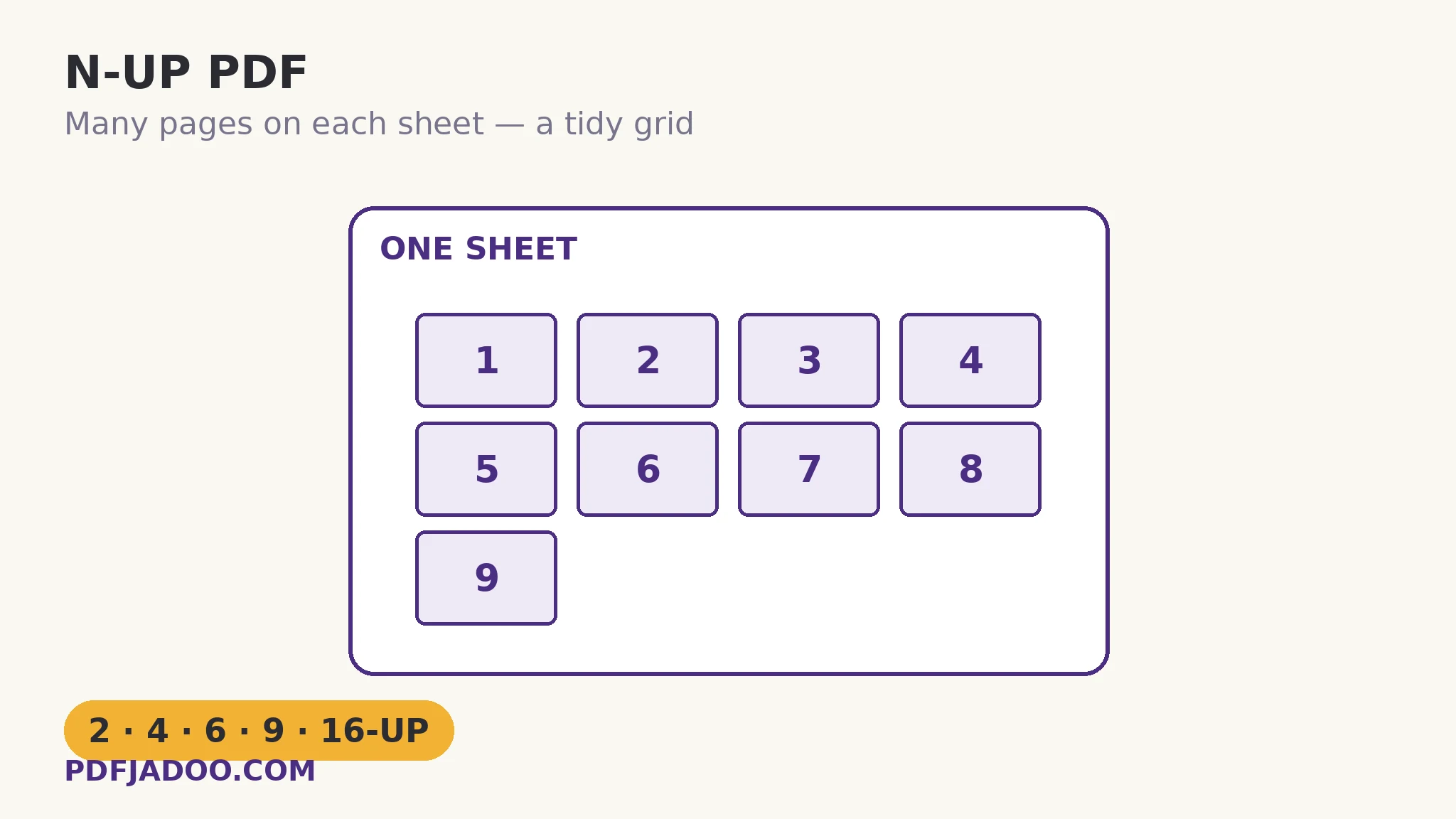
N-Up PDF: 2, 4, 6, 9 or 16 Pages on One Sheet
The print shop's grid: slides as handouts, drafts for review, reading copies at half the paper. Counts, orientation and borders, chosen by genre.
Read the guide →
Make a Booklet PDF: Imposition and the Short-Edge Flip
Page 1 beside the last page, on purpose. The pairing map, the padding to multiples of 4, and the one print setting that ruins runs.
Read the guide →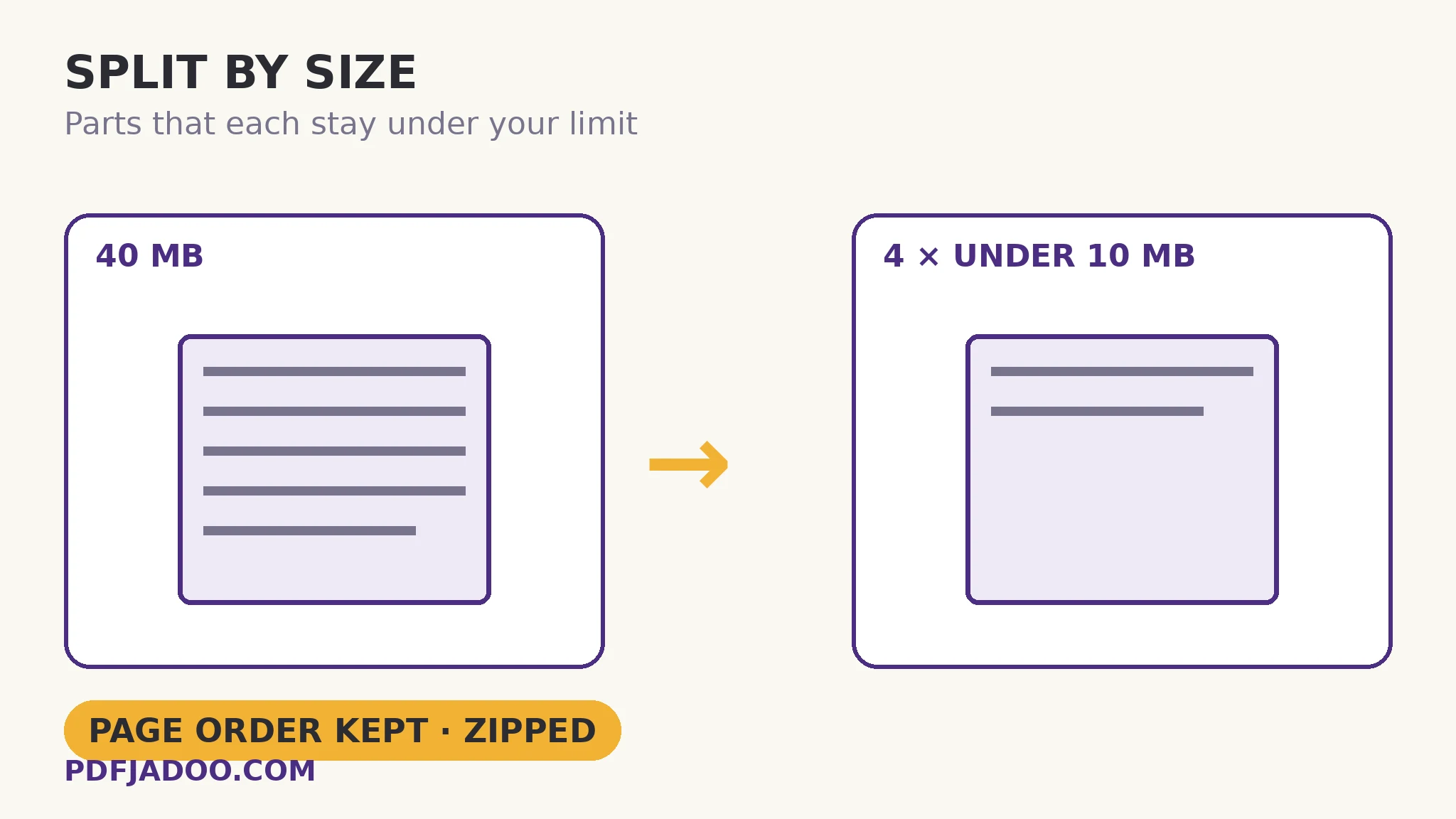
Split a PDF by File Size: Parts That Fit the Limit
Email says 10 MB; the PDF says 40. Greedy packing in page order, every part under your cap — and the honest single-page exception.
Read the guide →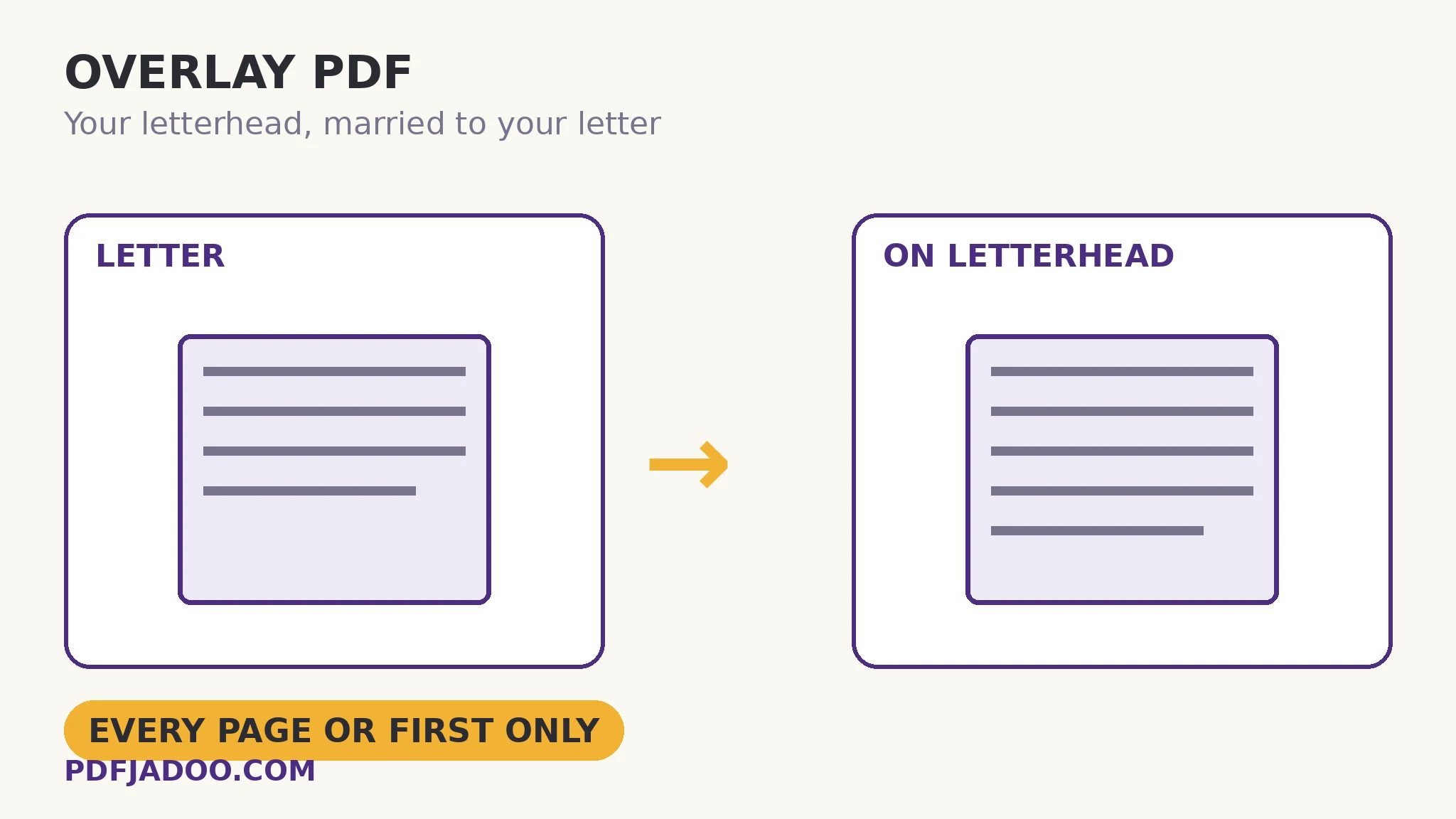
Overlay One PDF on Another: Letterheads and Seals
The letterhead is a file; stamp it over every letter. Scope, opacity and sizing for heads, seals, PAID stamps and form backgrounds.
Read the guide →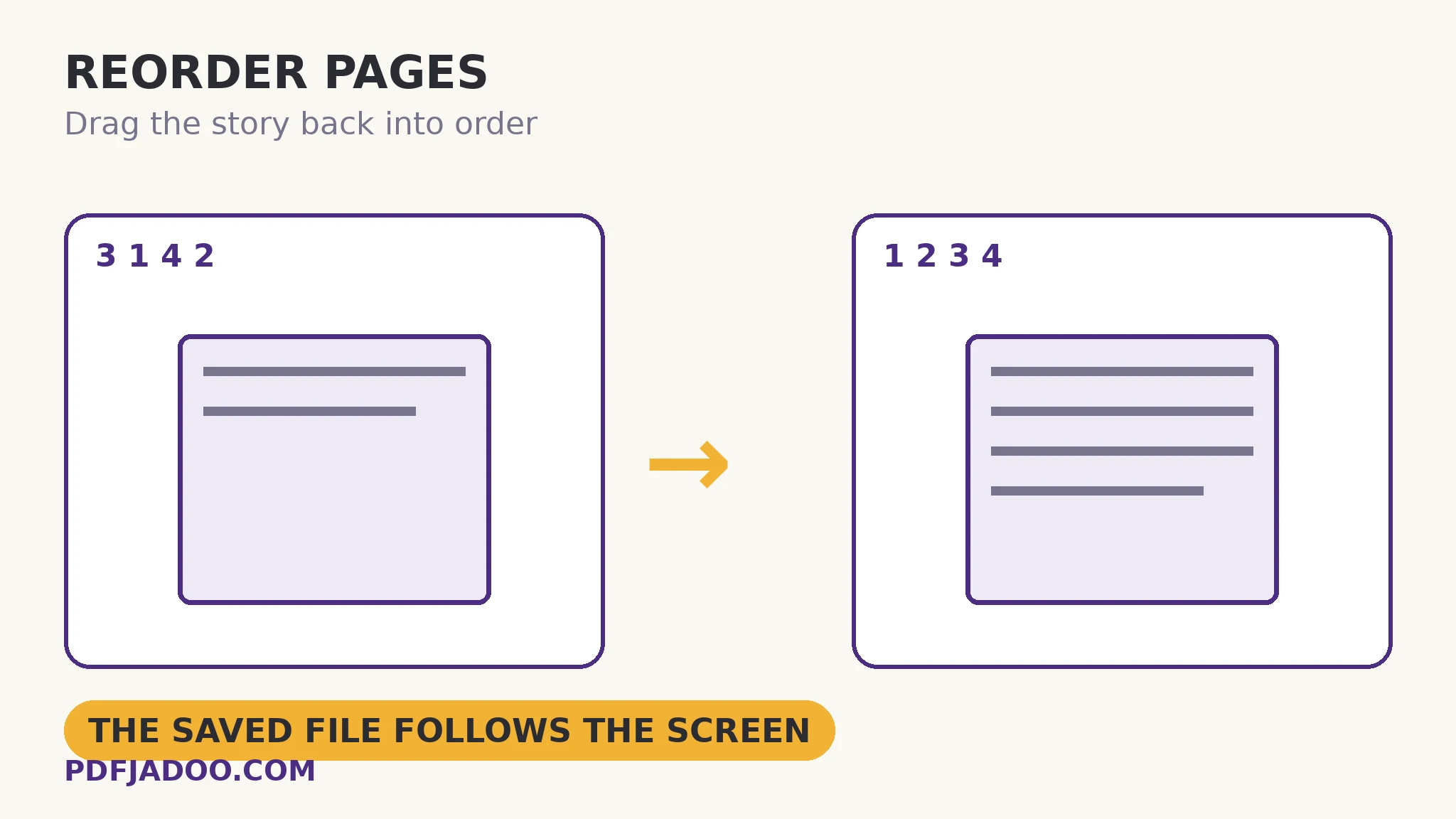
Reorder PDF Pages: Drag the Story Back Into Order
The feeder shuffled them; the preview wall unshuffles them. The saved file follows exactly the order you see — lossless, visual, final.
Read the guide →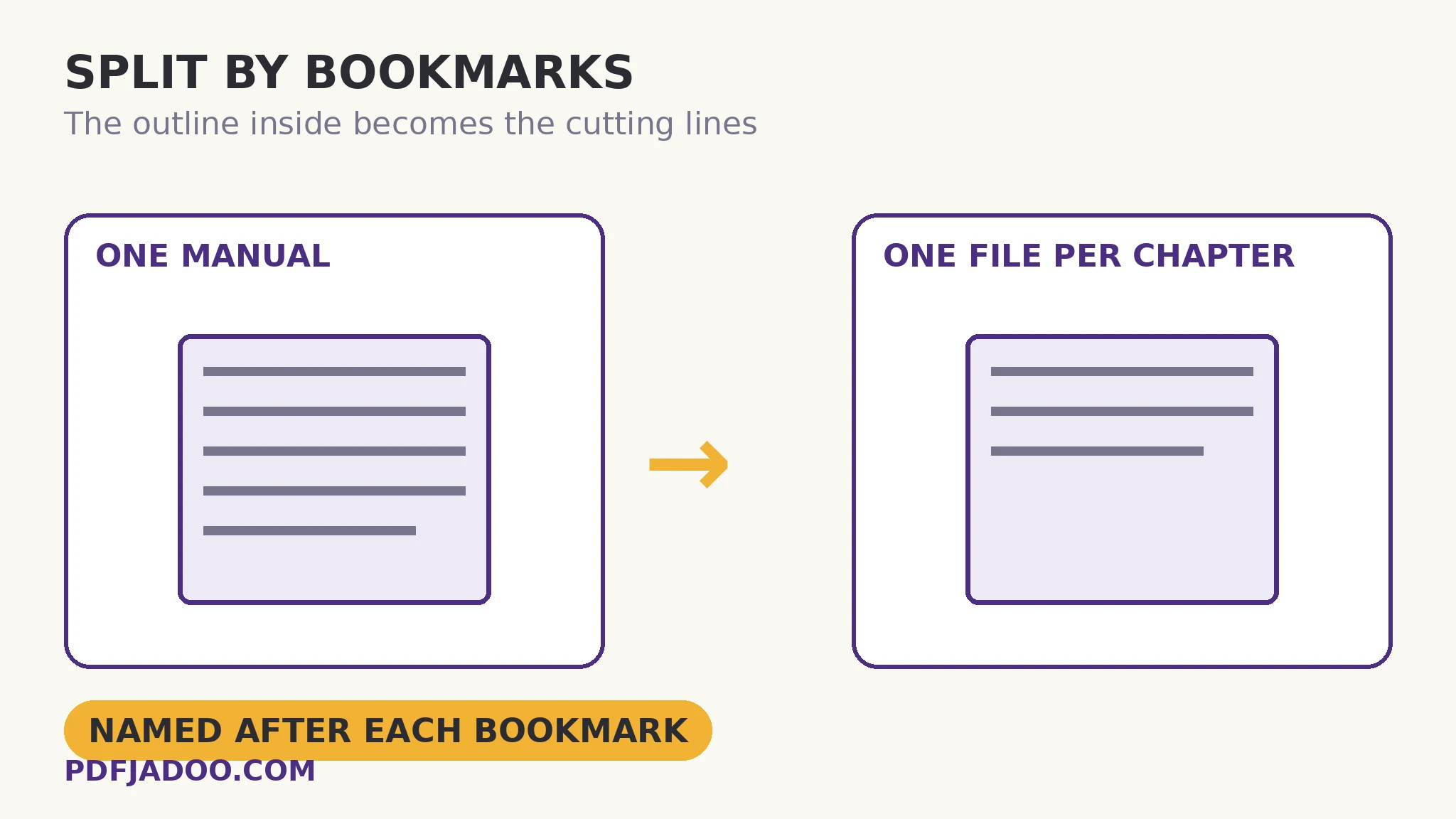
Split a PDF by Bookmarks: One File Per Chapter
The document's own outline draws the cutting lines — parts named Installation, Troubleshooting, not “pages 41–86”.
Read the guide →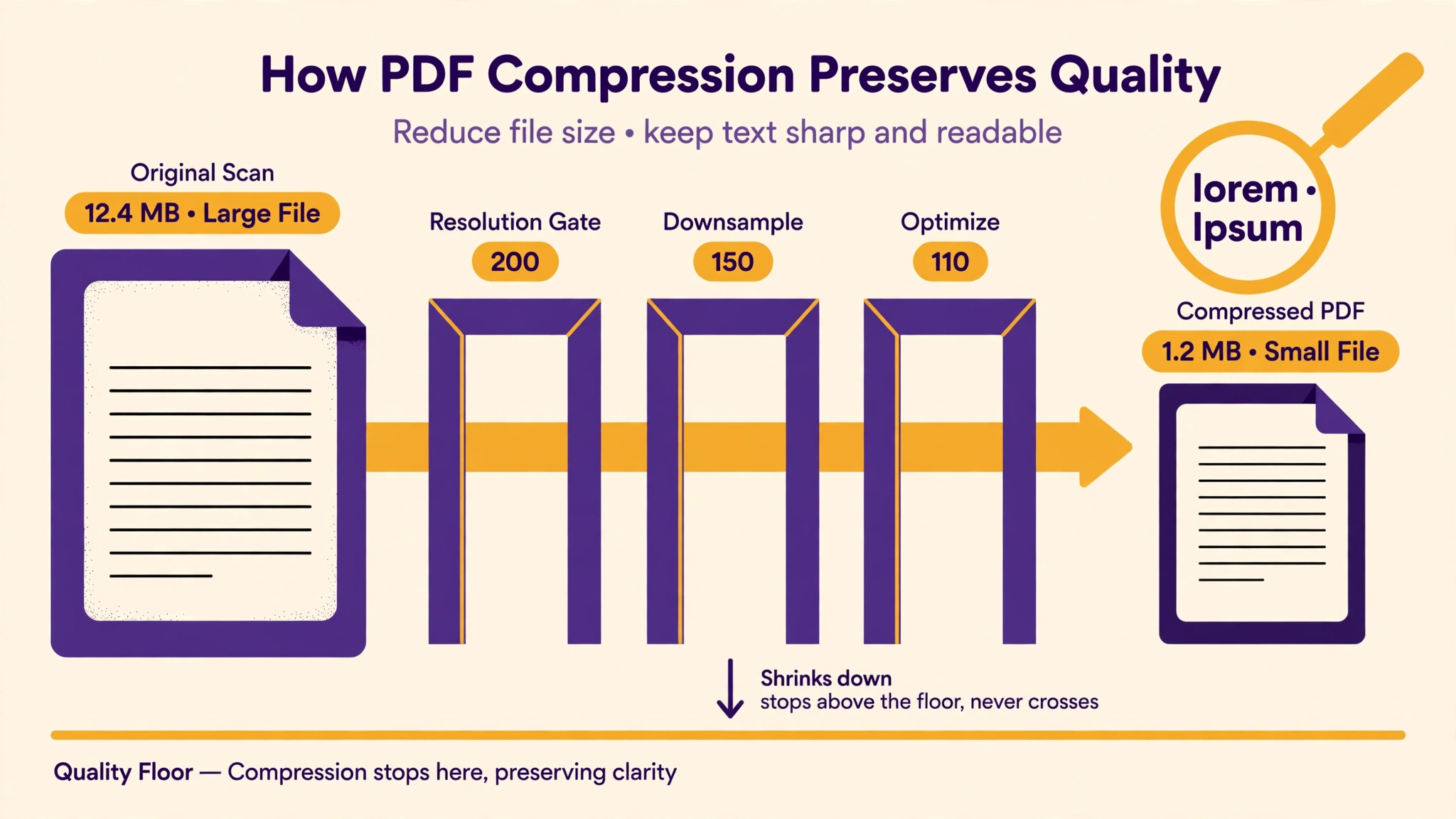
Compress a PDF Without Losing Quality — What the Levels Really Do
Your file is 24 MB and the limit is 25 — so you pick the strongest compression, and the scan turns to soup. The honest mechanics of levels, floors and the check that matters.
Read the guide →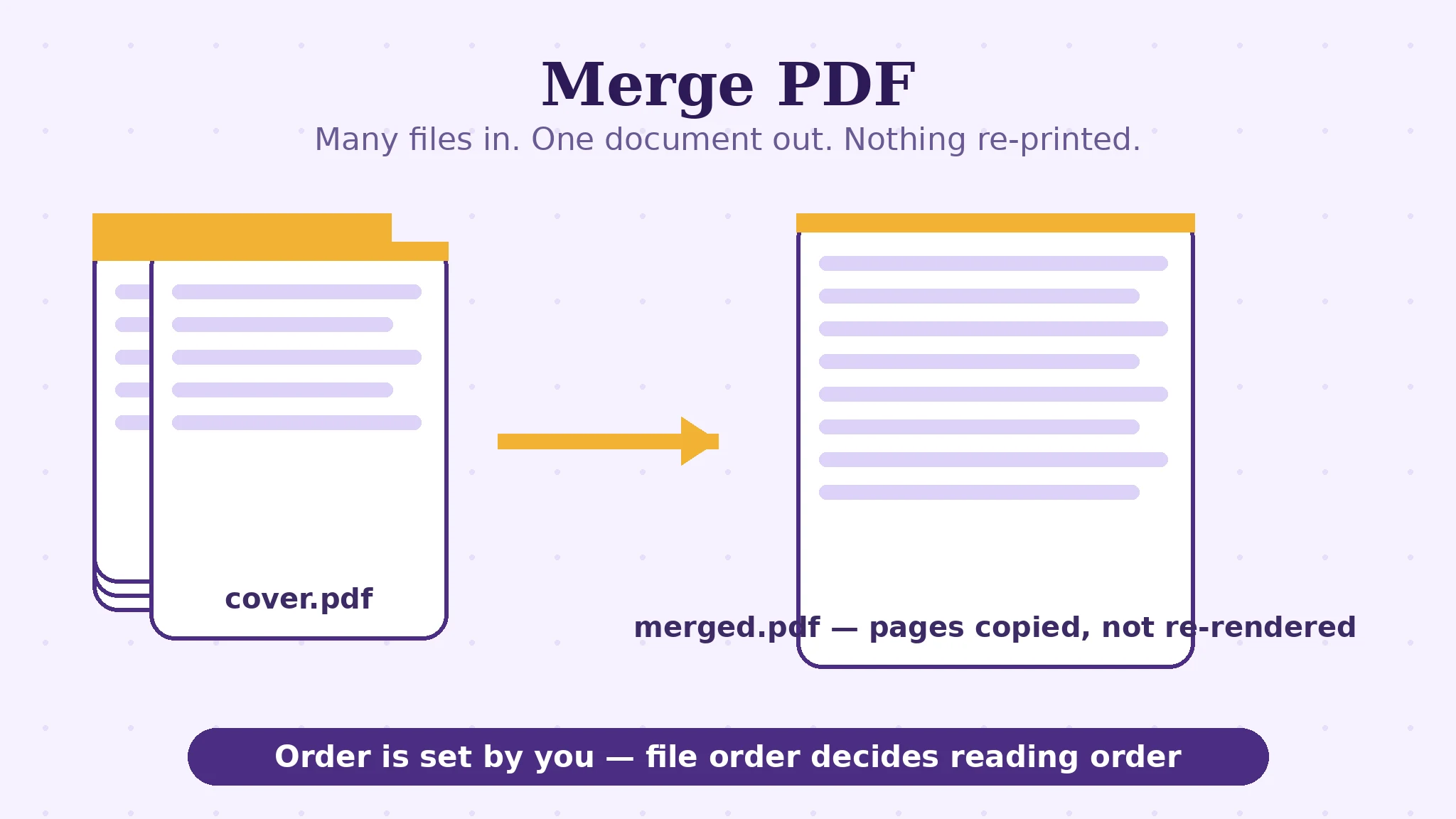
How to Merge PDF Files Into One — Order Is the Whole Job
Seventeen files, one upload box. Merging never fails; arriving in the wrong order does. Lossless page copies, bookmarks, and the thirty-second audit.
Read the guide →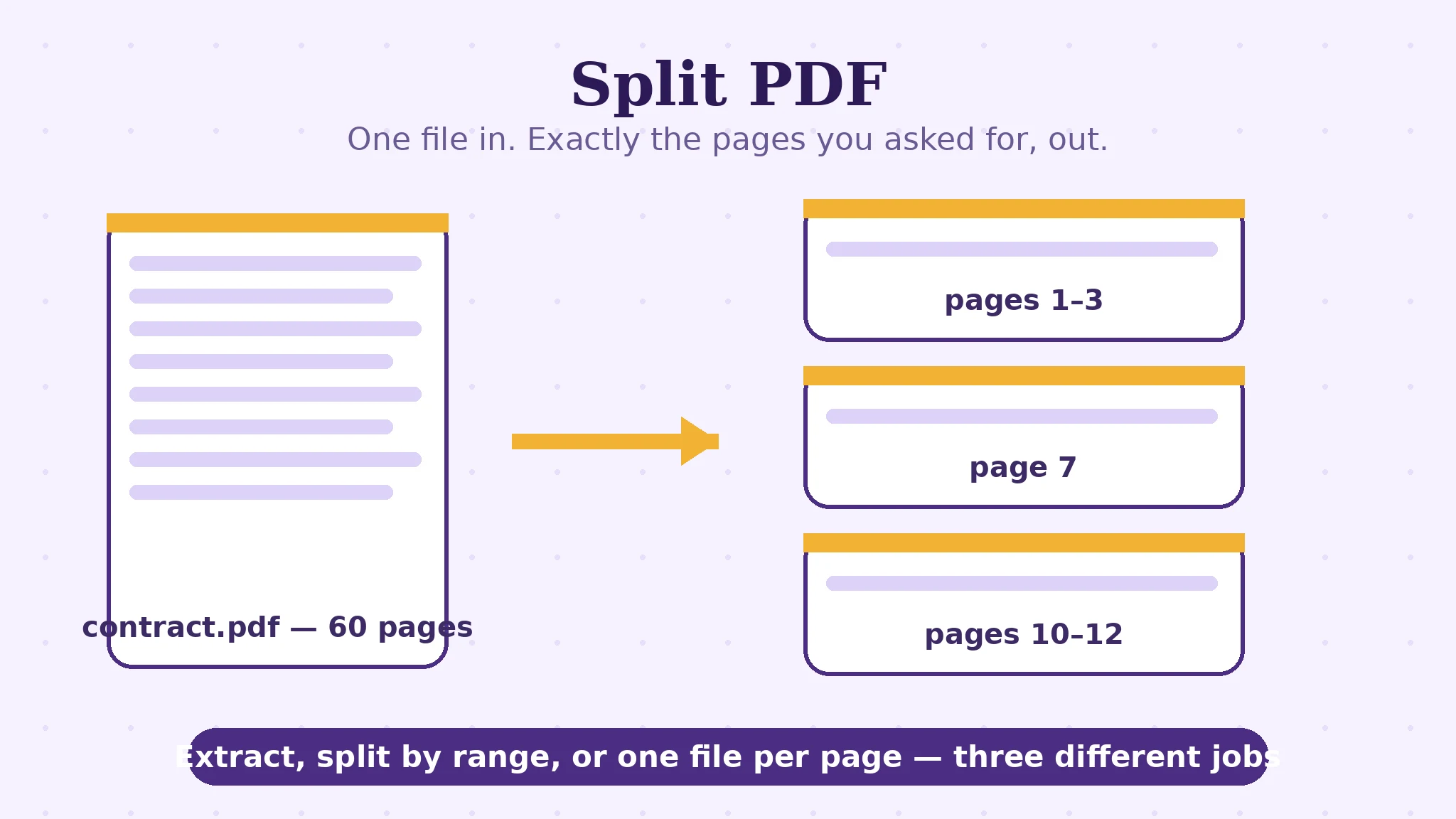
Split a PDF by Page Range — Extract, Split Everywhere, or Keep Both Halves
A range string like 1-3, 4-6, 7 is a tiny language. The three split shapes, the off-by-one that eats a page, and the ZIP that keeps order honest.
Read the guide →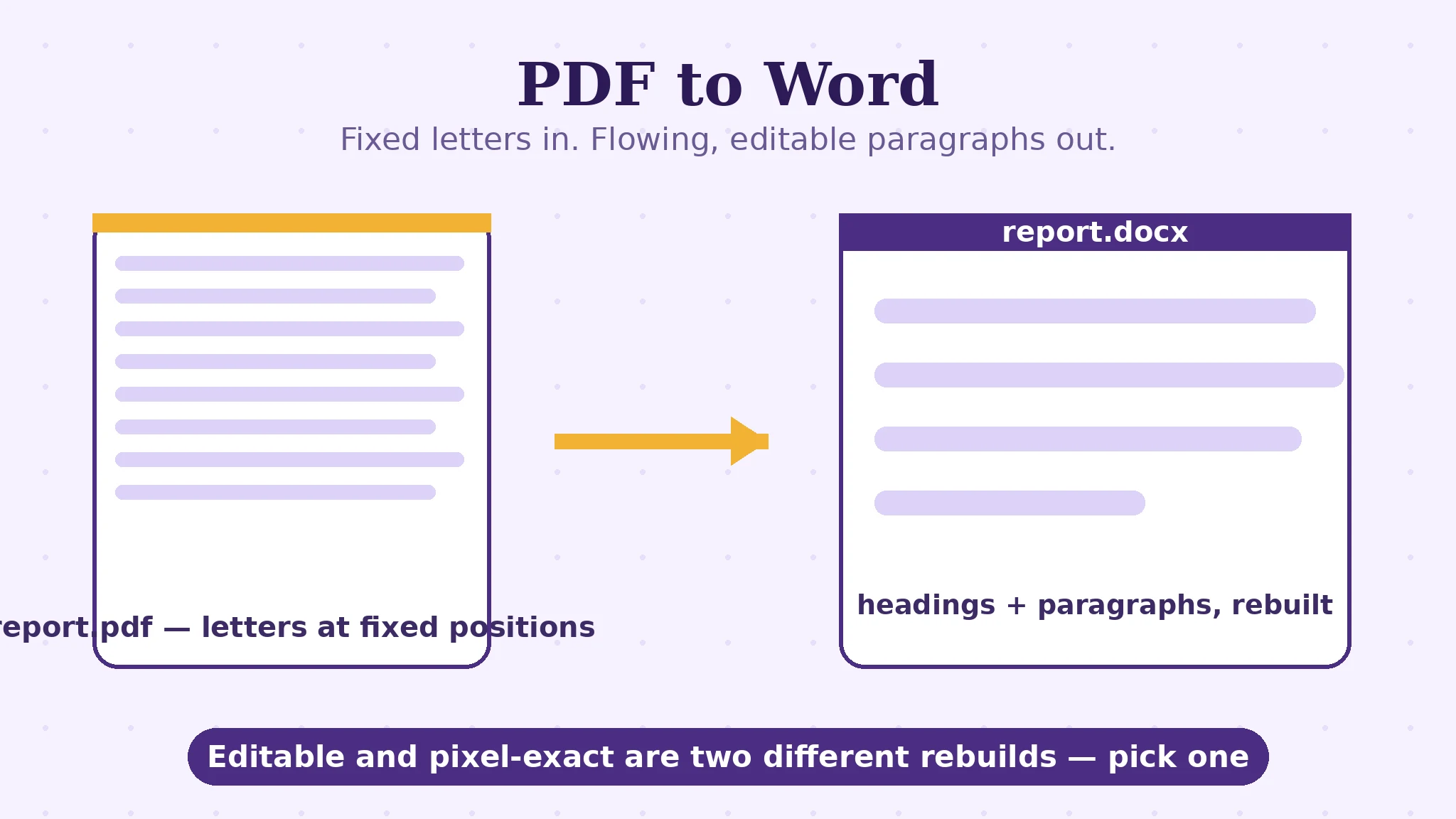
Convert PDF to Word Without Losing Formatting: The Honest Mechanics
A PDF stores letters at fixed coordinates; Word stores flowing paragraphs. Conversion is reconstruction — here is how the guessing works, and what it cannot promise.
Read the guide →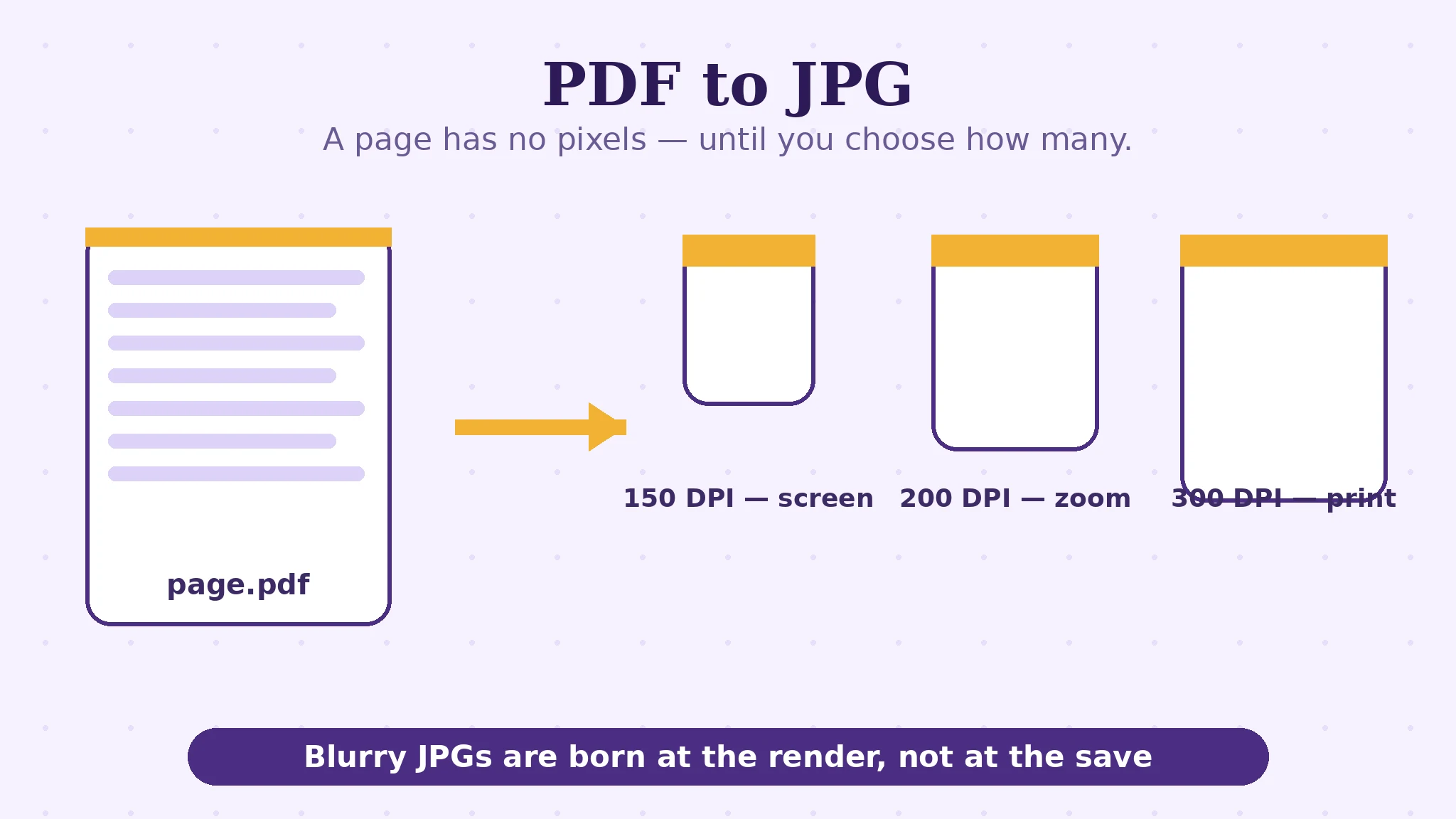
PDF to JPG: Which DPI to Choose — and Why Blurry JPGs Are Born at the Render
150 for screens, 200 for zoom, 300 for print. A PDF page has no pixels until you render it — the one setting that decides sharpness, explained.
Read the guide →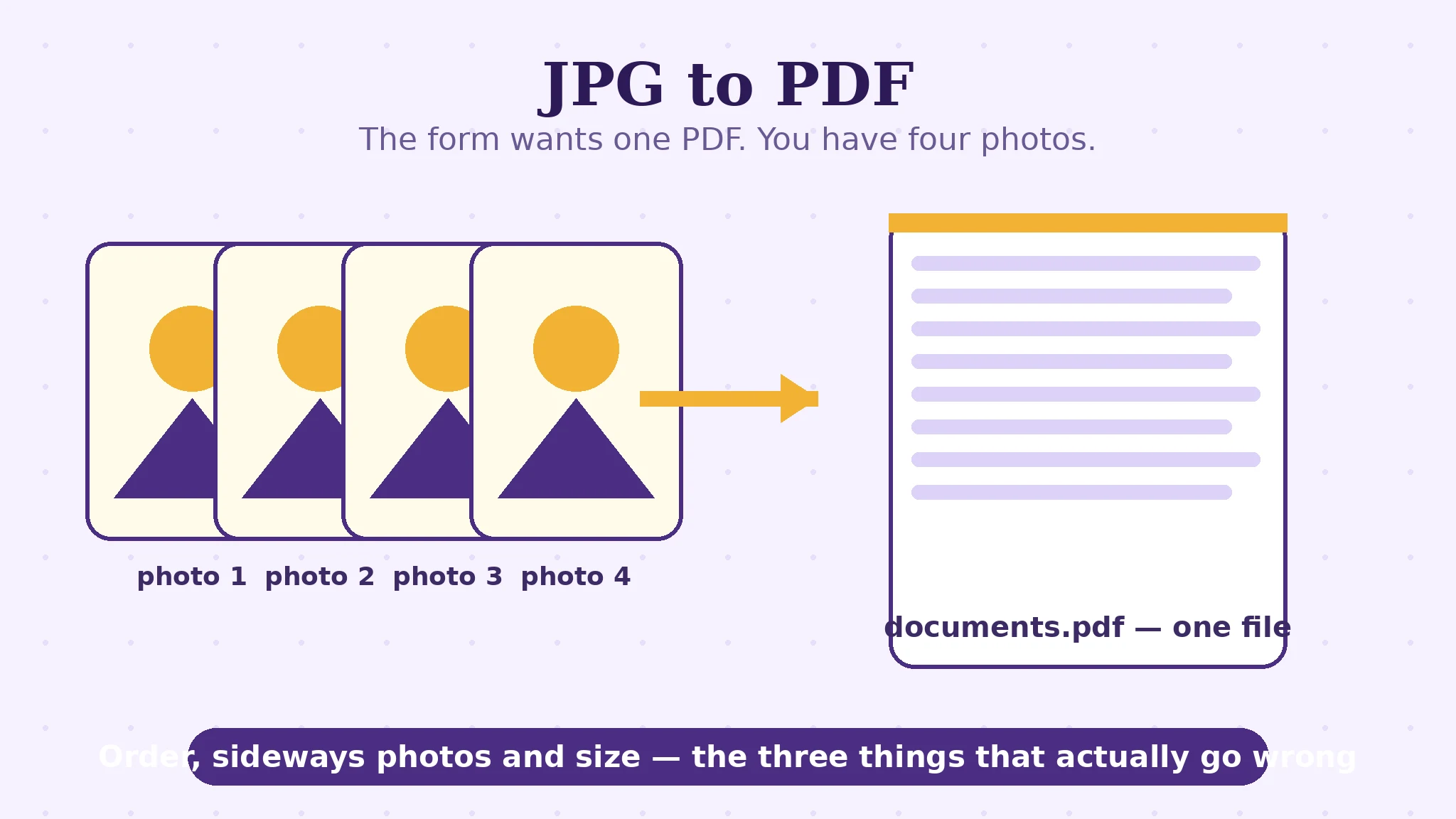
Combine JPG Photos Into One PDF: Order, Orientation, Size
The form says 'upload one PDF'; you have four phone photos. Conversion never fails — order, sideways photos and size do. All three, handled.
Read the guide →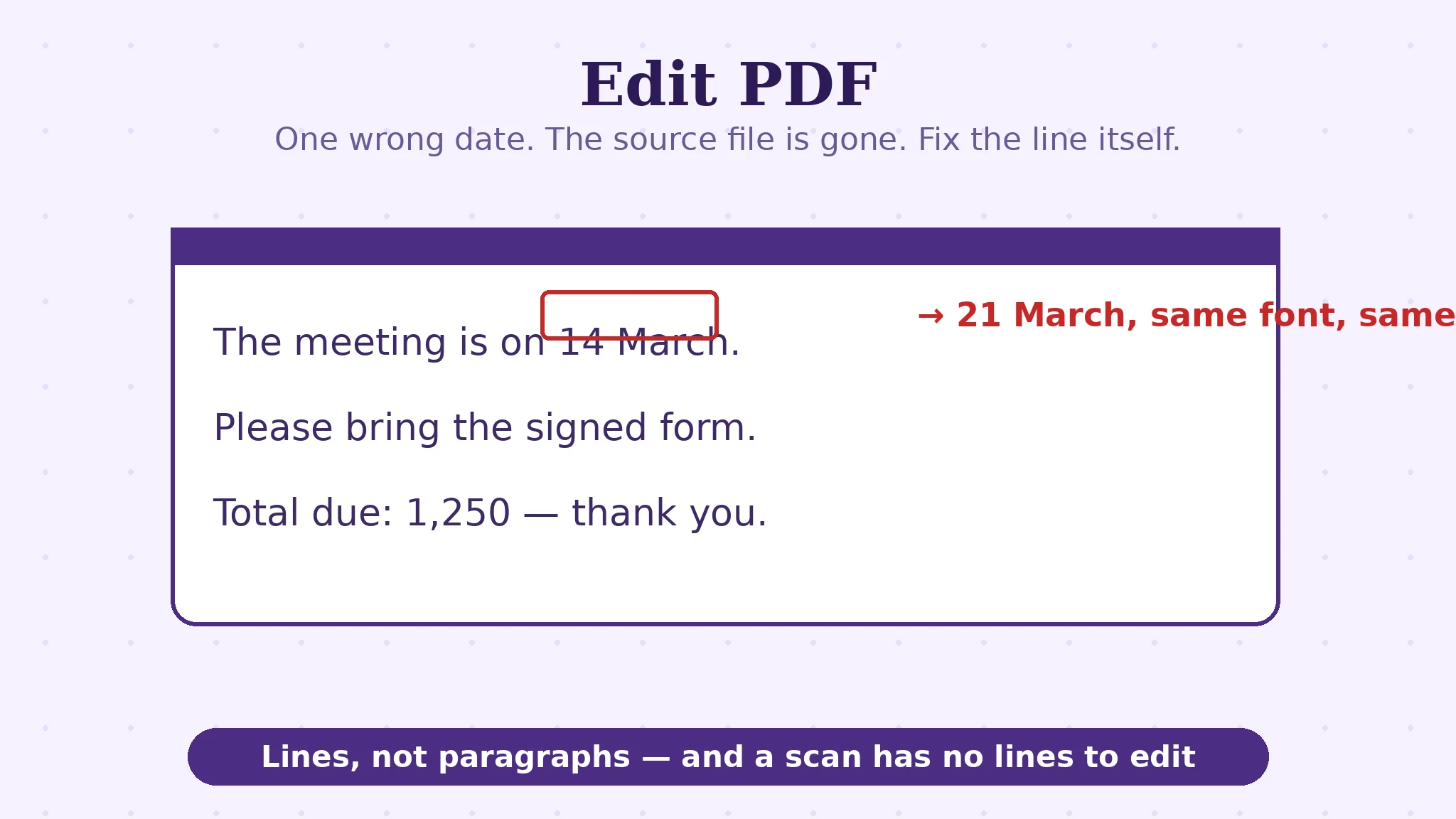
How to Edit Text in a PDF: Lines, Fonts, and the Scan Exception
PDF text does not reflow like Word — it sits in lines, drawn from fonts that may hold only some characters. How in-place editing really works.
Read the guide →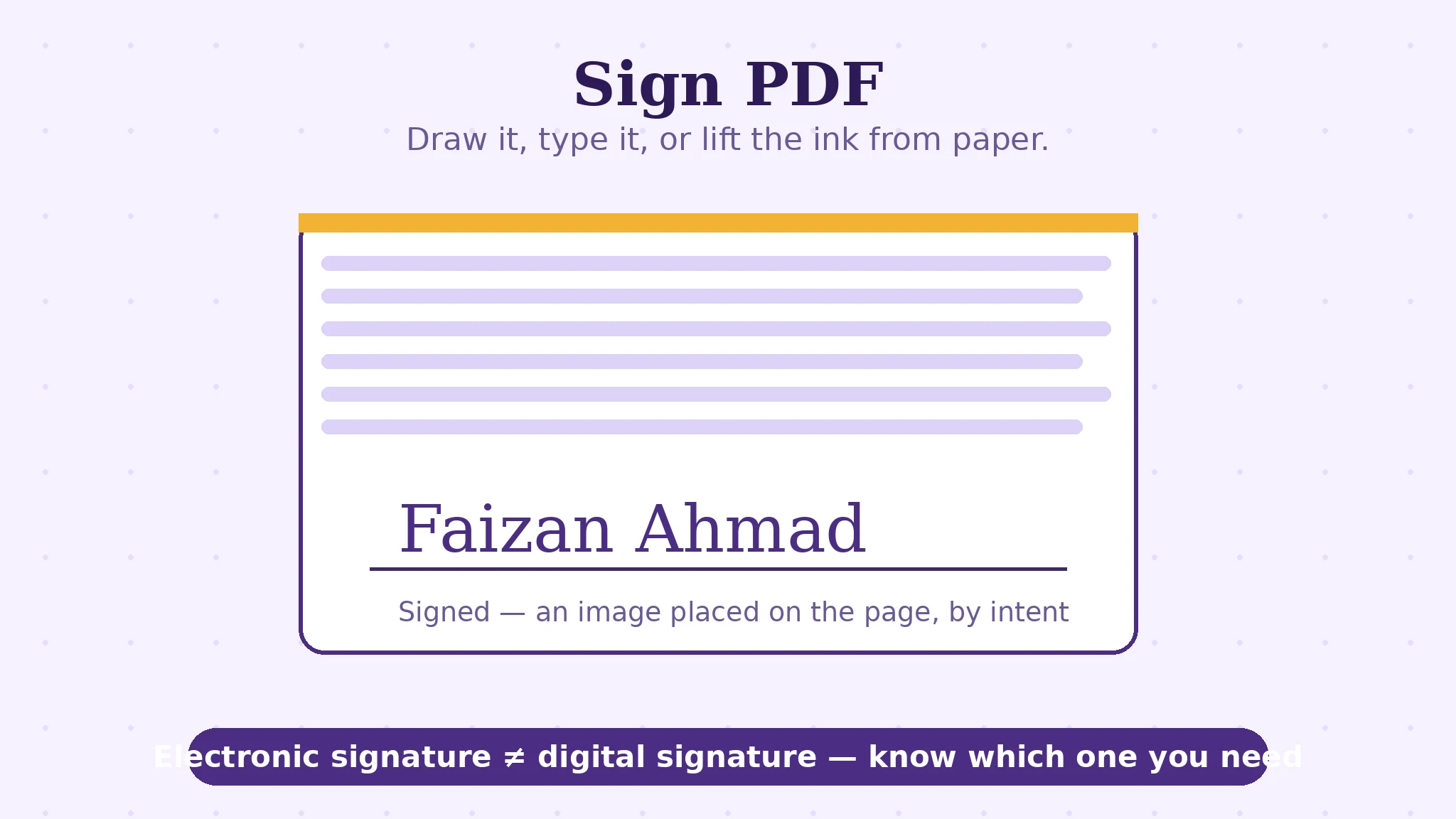
Electronic Signature vs Digital Signature: What's the Difference?
One is your name on the page; the other is cryptography sealing the file. Every digital signature is electronic — not every electronic one is digital.
Read the guide →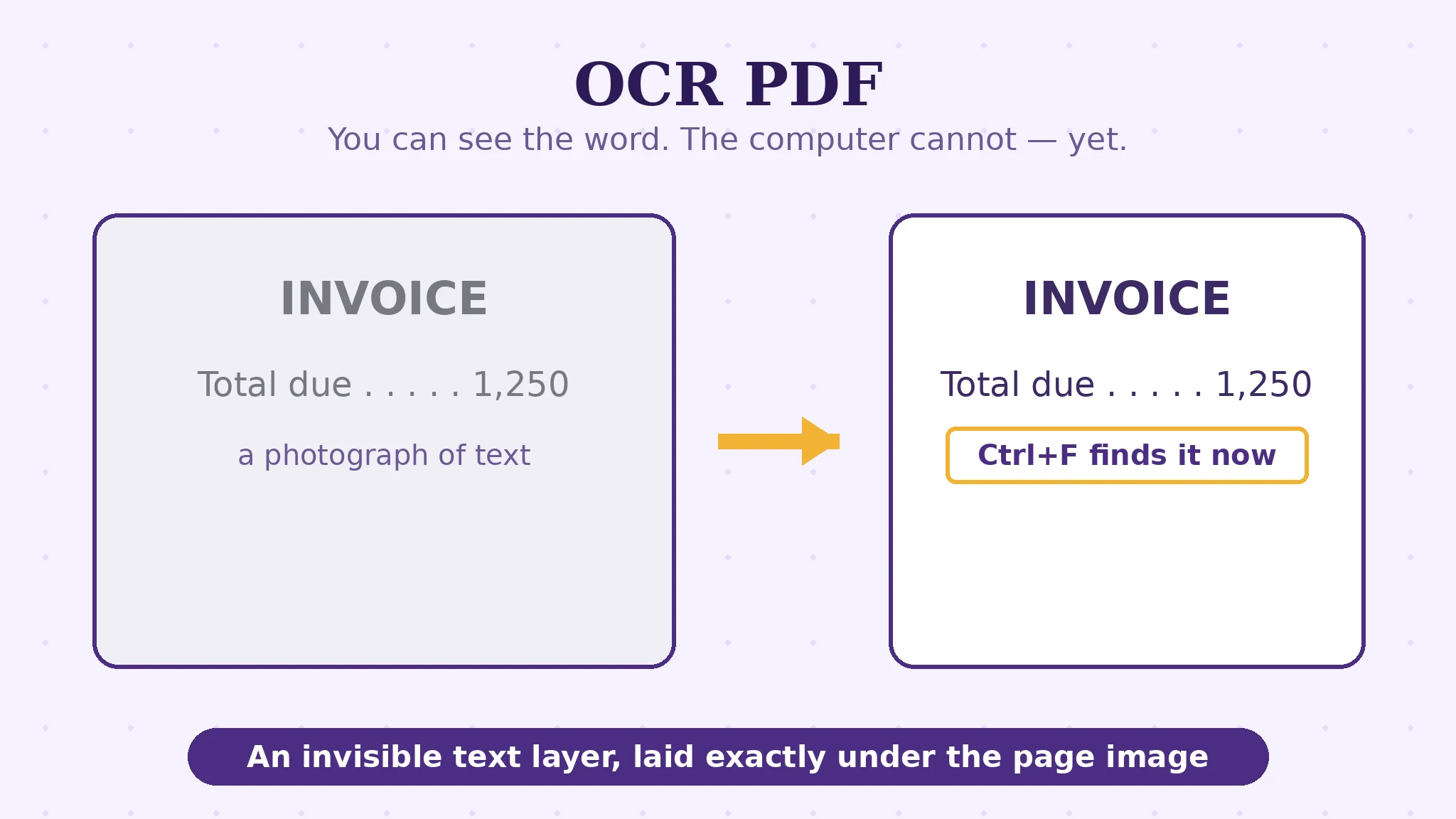
Make a Scanned PDF Searchable: How OCR Lays Down the Words
Ctrl+F finds nothing in a scan because a scan is a photograph. OCR recognises the letters and hides a real text layer behind the page image.
Read the guide →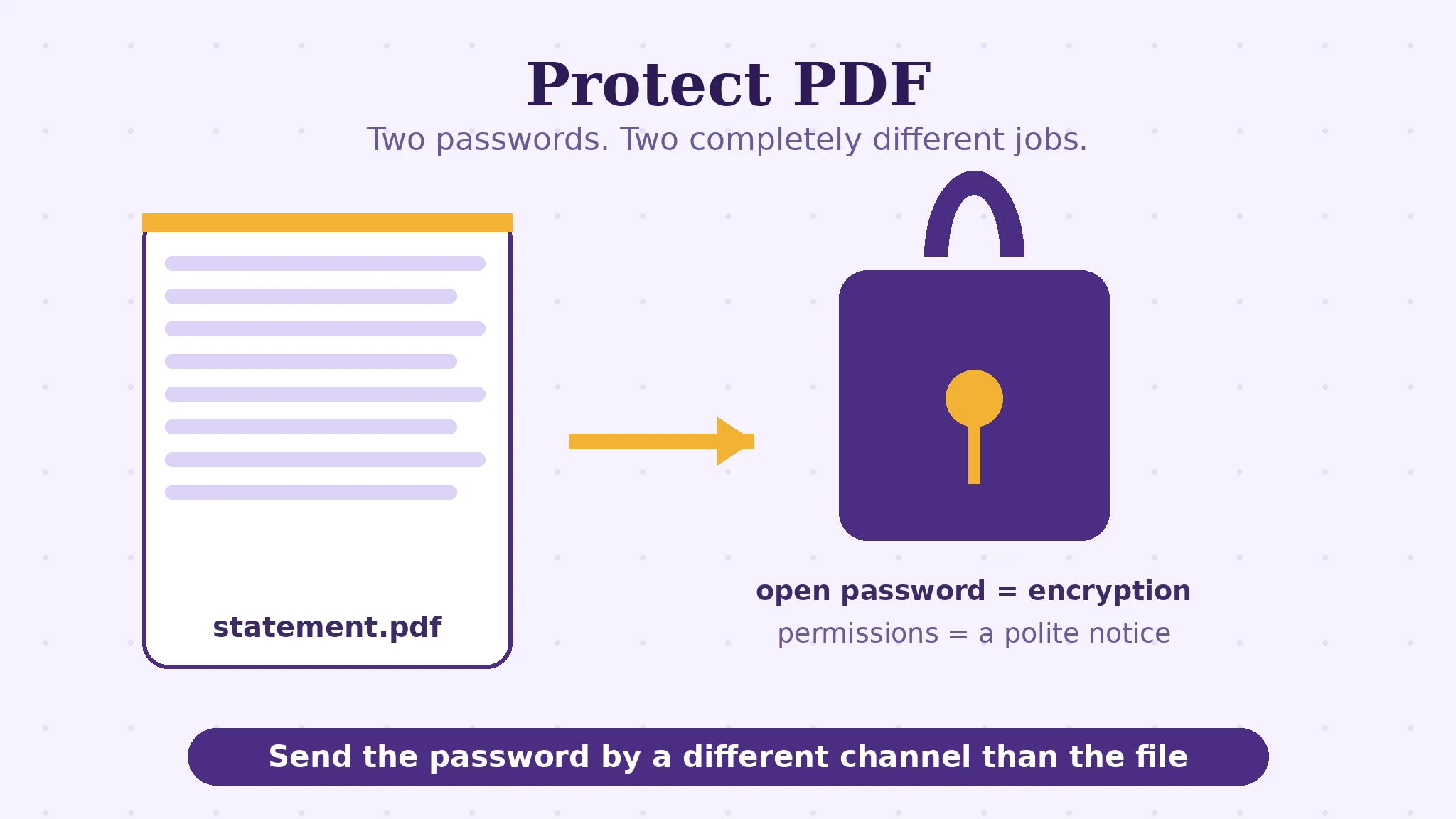
Password-Protect a PDF: Open vs Permissions Passwords
One password locks the door; the other sets the house rules inside. AES-256, the two jobs confused daily, and the rule: there is no recovery.
Read the guide →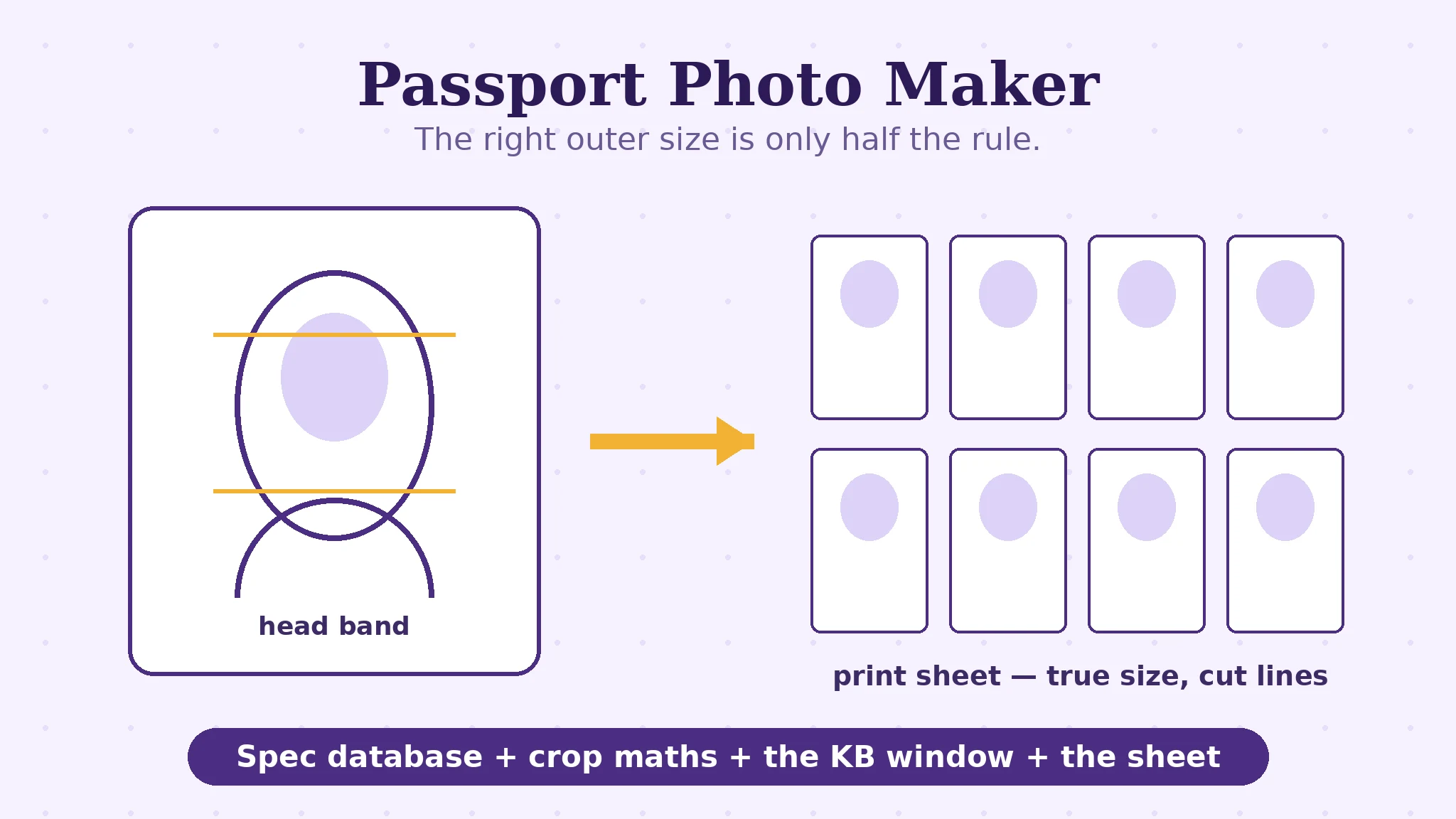
Passport Photo Maker: The Spec Is a Contract
Dimensions, head height as a percentage, background, a kilobyte window with a floor. How the maker builds to the official spec of 70 documents — sources shown.
Read the guide →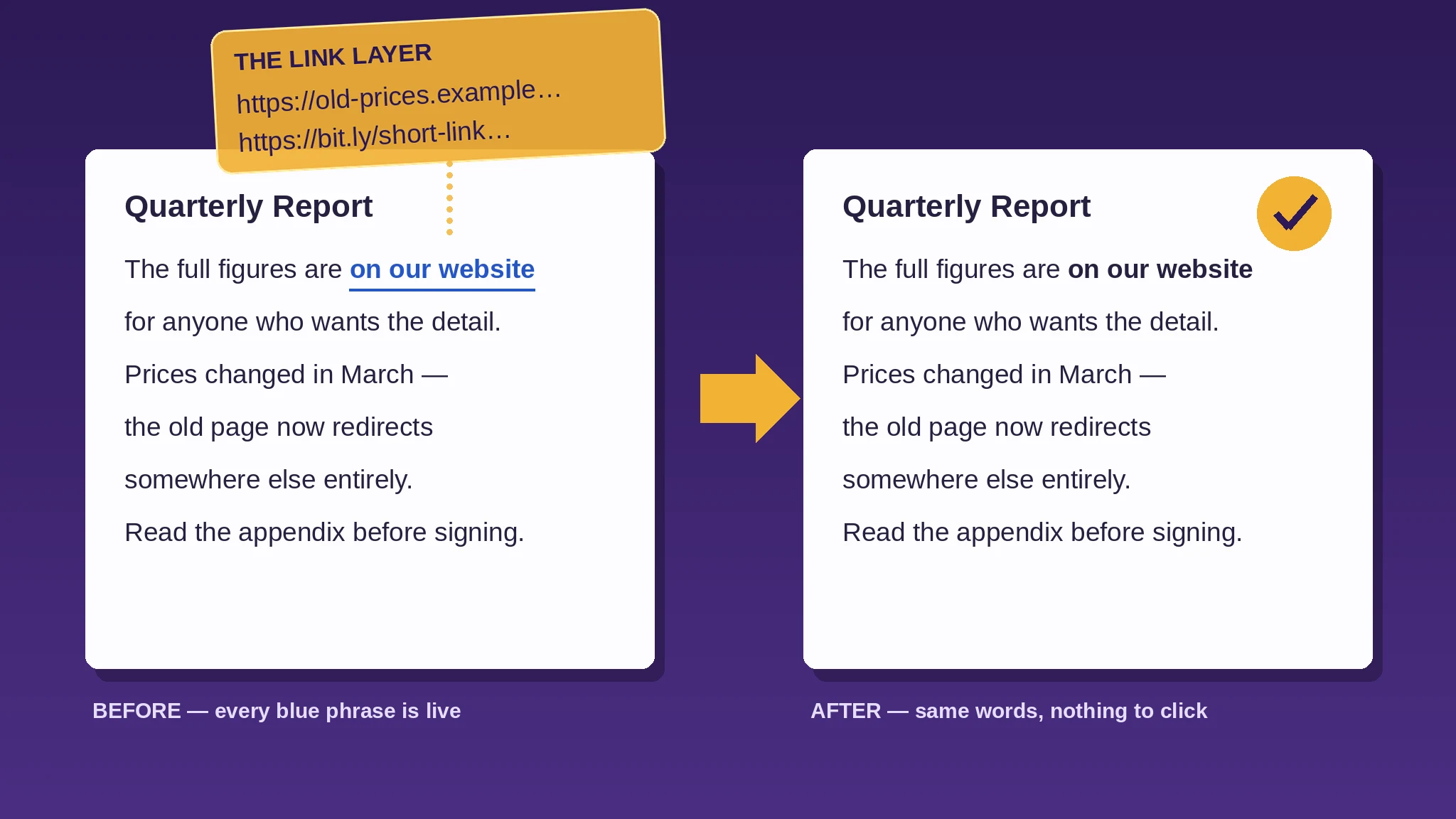
How to Remove Hyperlinks From a PDF — Every Link Gone, Every Word Kept
The blue words in a PDF are not the link — the link is an invisible layer floating over them. Strip that layer and the document reads identically, prints cleanly, and takes nobody anywhere.
Read the fix →
UK Visa Photo Requirements: At Least 600×750 Pixels — and Never Your Passport Photo
GOV.UK’s visa photo: at least 600 × 750 px, 50 KB–6 MB, JPEG only — and never your passport photo, a scan, or an edited selfie.
Read the fix →
Germany Visa Documents: What the Consular Services Portal Checks Before Your Appointment
The portal checks your file before you queue: the 35 × 45 photo, A4 copy rules, the preliminary check — and the cap nobody publishes.
Read the fix →
France Visa Photo and Documents: The France-Visas Rules, Measured Properly
Face 32–36 mm measured chin to forehead, hair excluded. Plus two ICAO photos, the €90 fee and the 59-month biometrics rule.
Read the fix →
UAE Visa & Emirates ID Photo Requirements: The ICP Specification (and the Limit Nobody Can Verify)
35 × 45 mm, face 70–80%, renewals must differ — and the 240 KB figure we could not verify in any official ICP document.
Read the fix →
Turkey e-Visa Photo Requirements: The 4 MB Profile Photo (and When You Need 50×60 Instead)
The portal takes a small upload — JPG/PNG, ≤ 4 MB, ≥ 200 × 200 px. The 50 × 60 print belongs to a different route entirely.
Read the fix →
Canadian passport photo rejected: the 50 × 70 mm rules that catch people out
Canadian passport photos: 50 × 70 mm, face 31–36 mm, mouth closed, no glare, under 6 months old — plus the separate digital rules for online renewal.
Read the fix →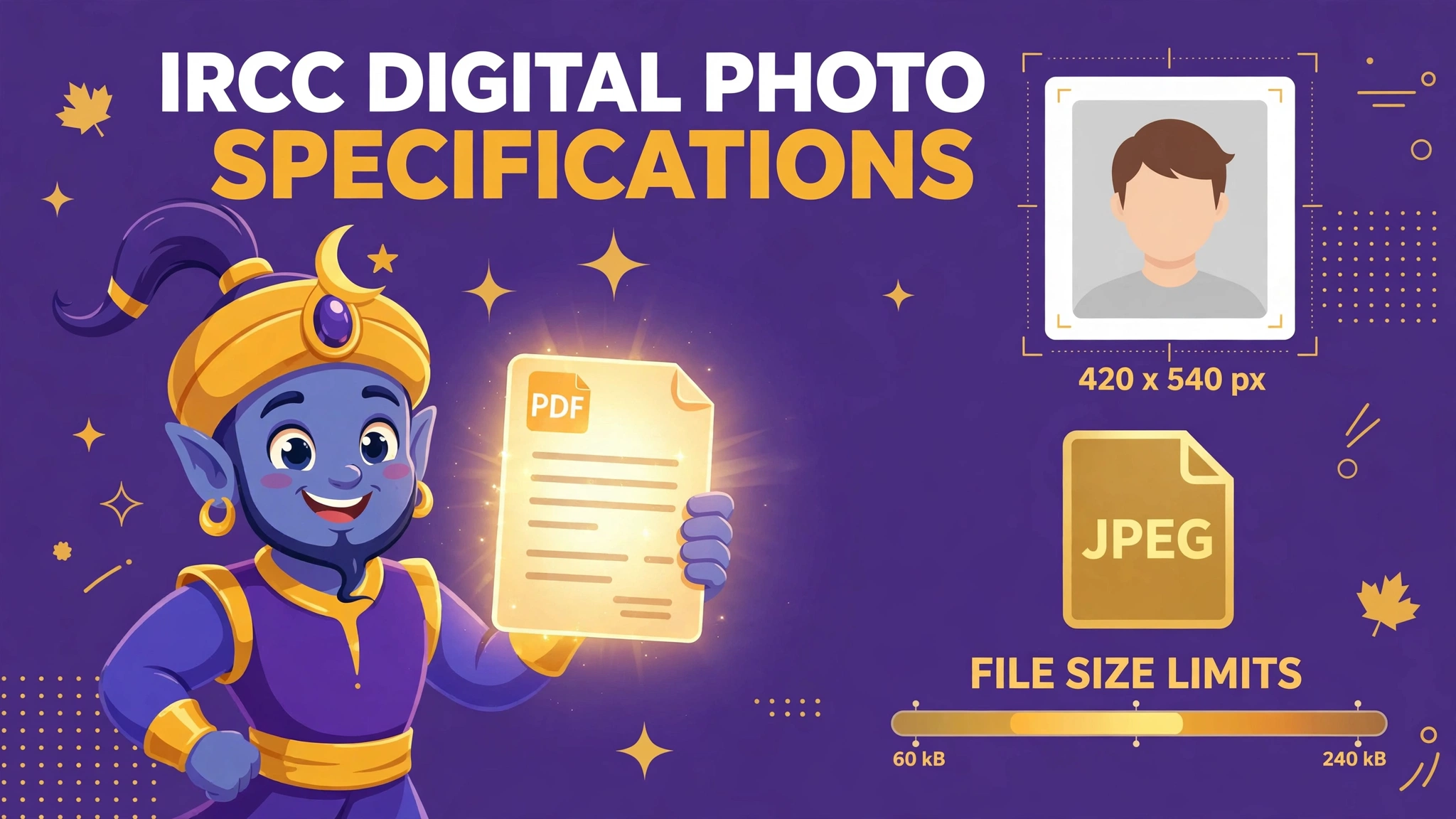
IRCC digital photo specifications: the file-size band that fails photos at both ends
IRCC digital photos: frame at least 35 × 45 mm, at least 420 × 540 pixels, JPEG — ideally 240 kB and never under 60 kB. Why phone photos fail at both ends.
Read the fix →
CRA Submit documents: one file per document, under the right reference number
CRA Submit documents in My Account: accepted formats, the 150 MB vs 500 MB conflict in CRA’s own pages, the reference-number flow, and why pages must be combined first.
Read the fix →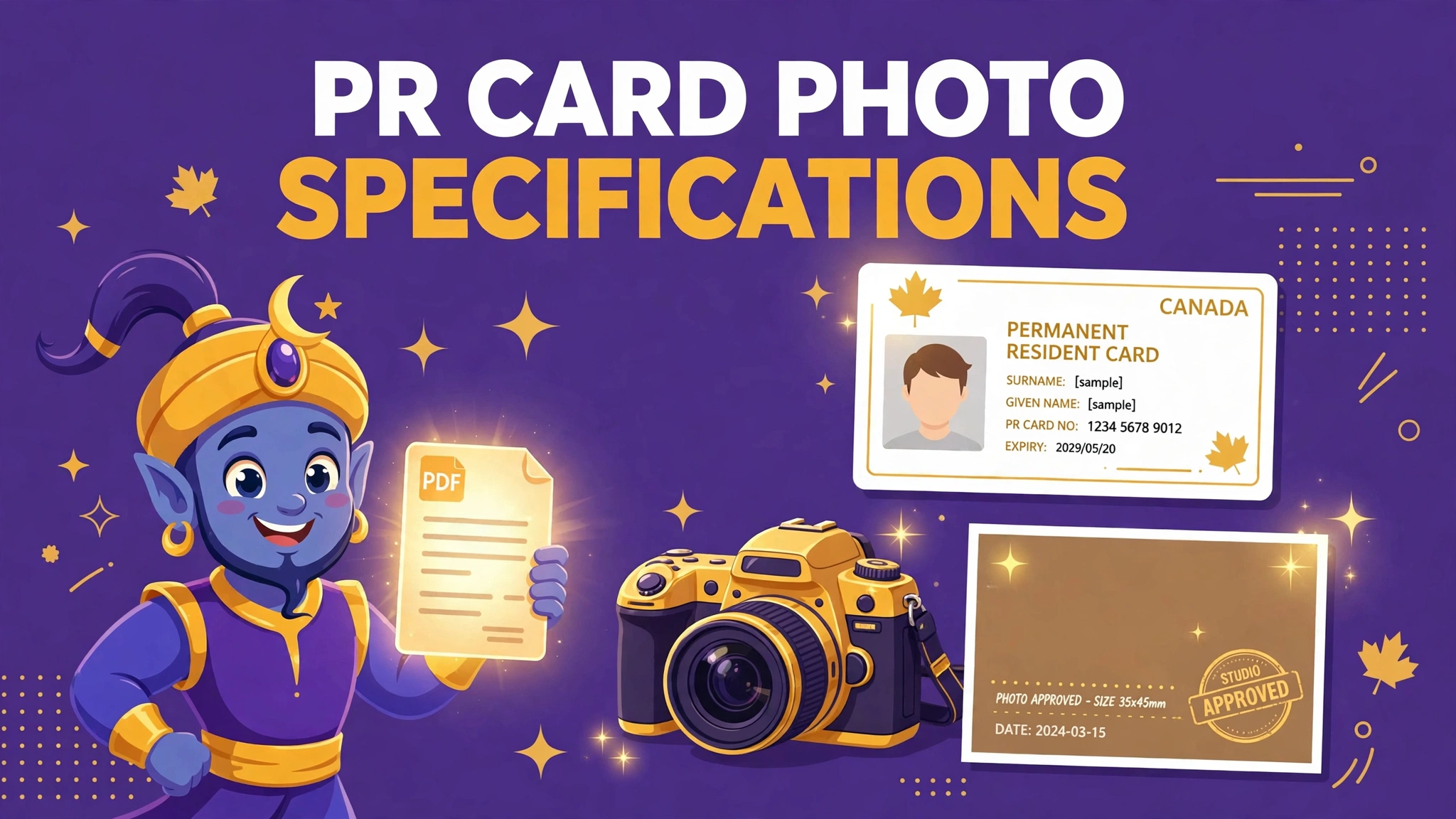
PR card photo specifications: the studio rules that get applications returned
IRCC permanent resident card photos: 50 × 70 mm, commercial photographer only, studio name, address and date on the back — plus the digital pixel band for online applications.
Read the fix →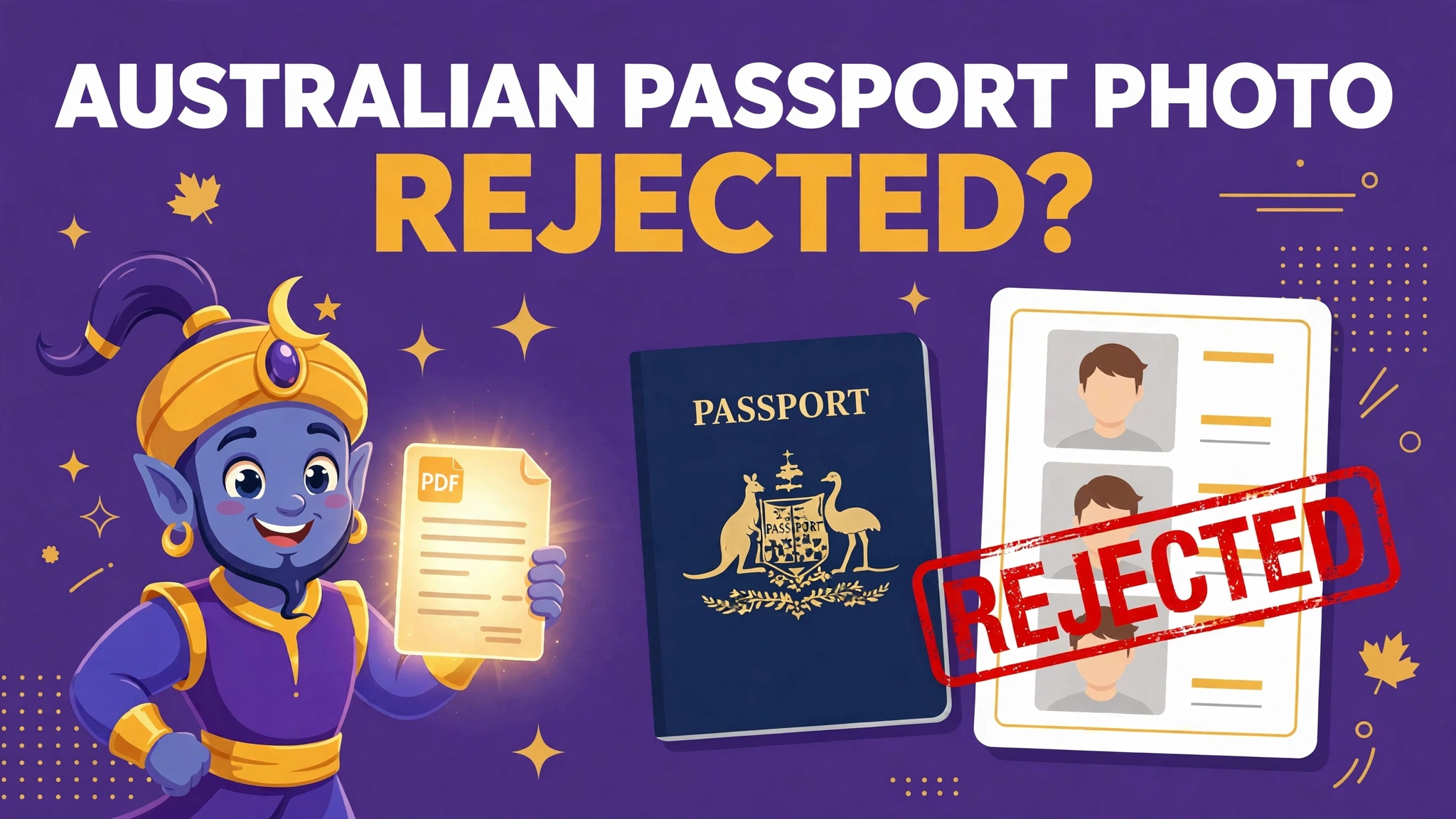
Australian passport photo rejected? the size band is only the first trap
Australian passport photos must be 35–40 mm wide × 45–50 mm high, face 32–36 mm chin to crown, under 6 months old, no glasses, no retouching. Why photos fail — and the fix.
Read the fix →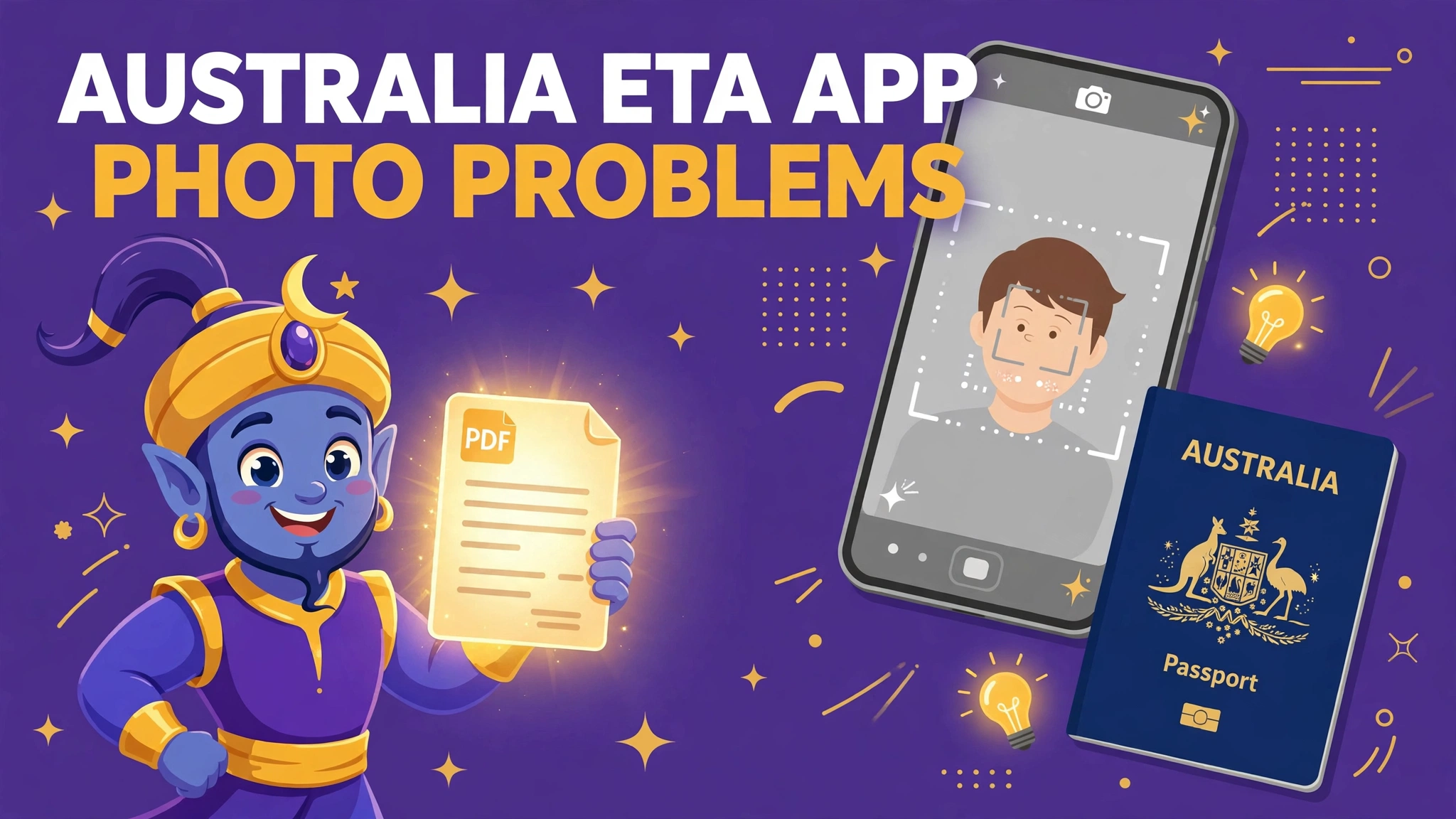
Australia ETA app photo problems: the camera is the upload
The Australian ETA app scans your passport, reads its chip and takes your live photo in the app. Why scans fail — glare, light, page condition — and how to prepare.
Read the fix →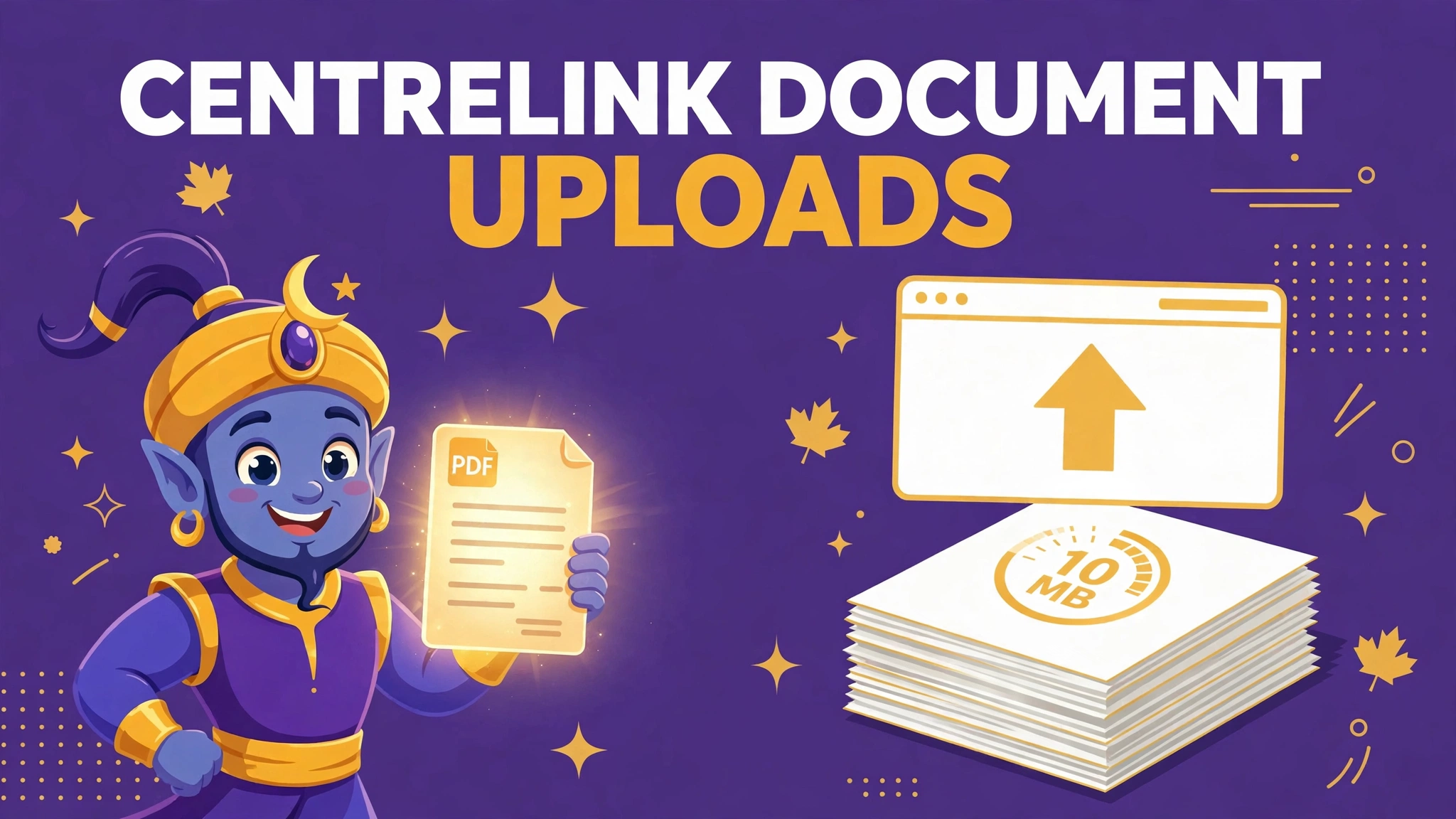
Centrelink document uploads: one combined 10 MB limit, three formats
Centrelink uploads accept jpg, png or pdf only, under 10 MB in total per upload, up to 10 files. Why phone photos fail — HEIC, size, split pages — and how to prepare.
Read the fix →
ImmiAccount document format rules: the list, the names, the colour
ImmiAccount visa uploads: files up to 5 MB in bmp, dcm, doc, docx, dot, gif, jpg, pdf, png, ppt, pptx, rtf, txt, xls or xlsx. No compressed or encrypted files. File-name and colour rules explained.
Read the fix →
UK passport photo rejected: the digital rules your photo actually failed
HM Passport Office digital photo rules for online UK passport applications: at least 600 × 750 pixels, JPEG, 50 KB to 10 MB, plain light background, taken within the last month — and why photos fail.
Read the fix →
UK eVisa and UKVI account problems: the card expired, the status didn't
BRPs stopped proving your status after 31 December 2024. How to create a UKVI account, survive the 'UK Immigration: ID Check' app — chip unreadable, photo mismatch, expired BRP — and what to prepare on paper first.
Read the fix →
UK visa document upload rules: two providers, two rulebooks, one caseworker
Upload UK visa supporting documents before your biometrics appointment: TLScontact/UKVCAS rules (PDF preferred, 6 MB per file, no password-protected files) and VFS Global's self-upload and Document Upload Assistance — and where the two providers differ.
Read the fix →
DVLA driving licence photo rules: reuse the passport photo, or replace it properly
Renewing a photocard licence online? DVLA can use your passport photo or take a new upload. The photo rules, the 10-year cycle, the fees — £14 online, £17 by post — and what happens when the online photo step fails.
Read the fix →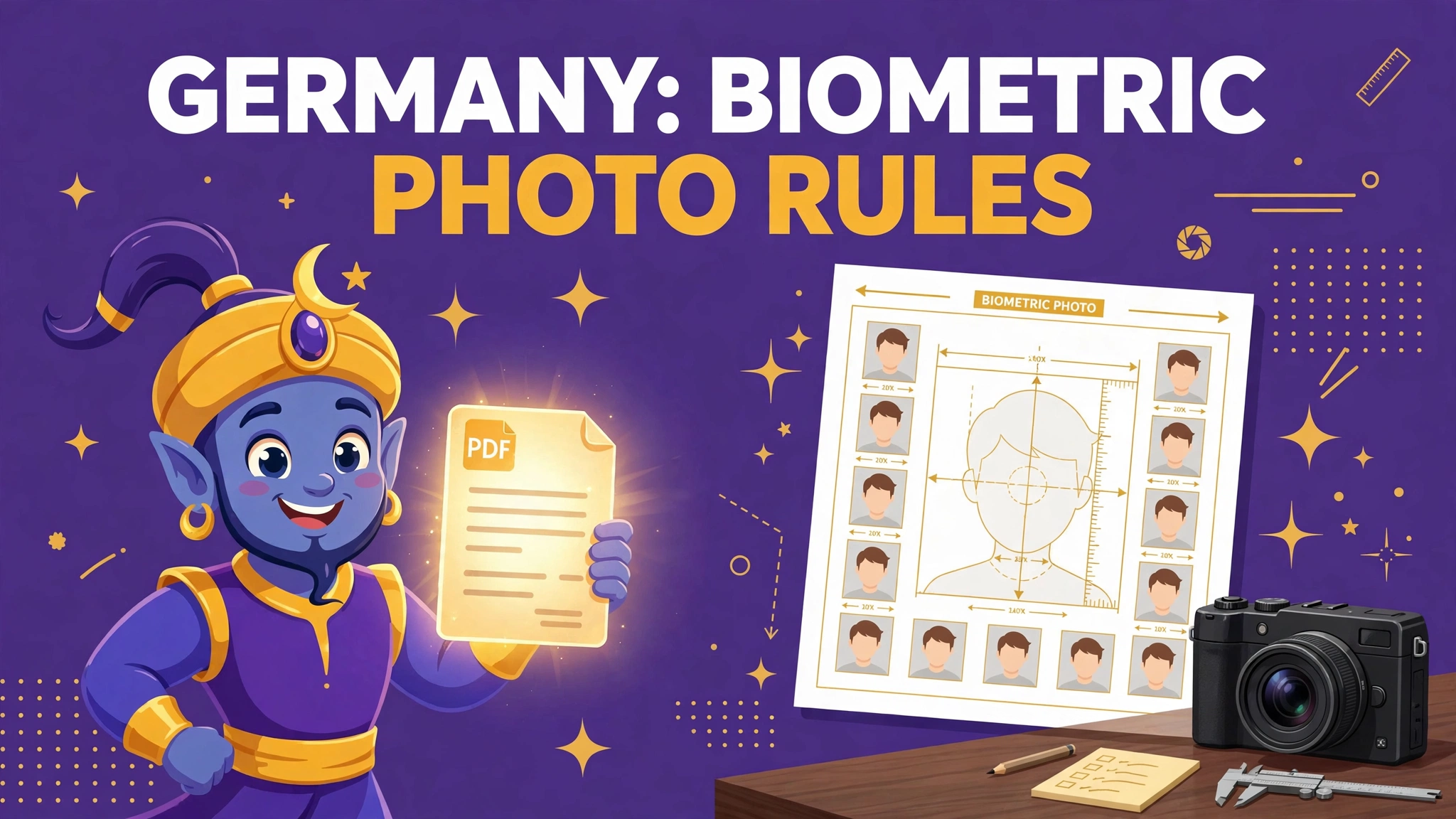
Germany biometric photo rules: 35 × 45 mm, a strict face band — and no more paper photos
Germany’s biometric photo: 35 × 45 mm, face 32–36 mm, light background, neutral expression. Since 1 May 2025 paper photos are no longer accepted in Germany — what changed, and what you can still check yourself.
Read the fix →
Germany national visa document copies: two sorted sets, A4 copies, originals kept apart
Germany’s long-stay (D) visa runs on paper discipline: two identical copy sets in checklist order, A4 copies, originals shown separately, translations and legalisation where required. How sets get refused — and how to build yours.
Read the fix →
Berlin residence permit online: PDF preferred, 7 MB per file, 100 MB in total
Berlin’s Immigration Office (LEA) takes residence permit applications online: PDF preferred, JPG/JPEG/PNG accepted, max 7 MB per file and 100 MB in total. Which documents to prepare — passport, permit, photo, income and housing proofs — and how to size them.
Read the fix →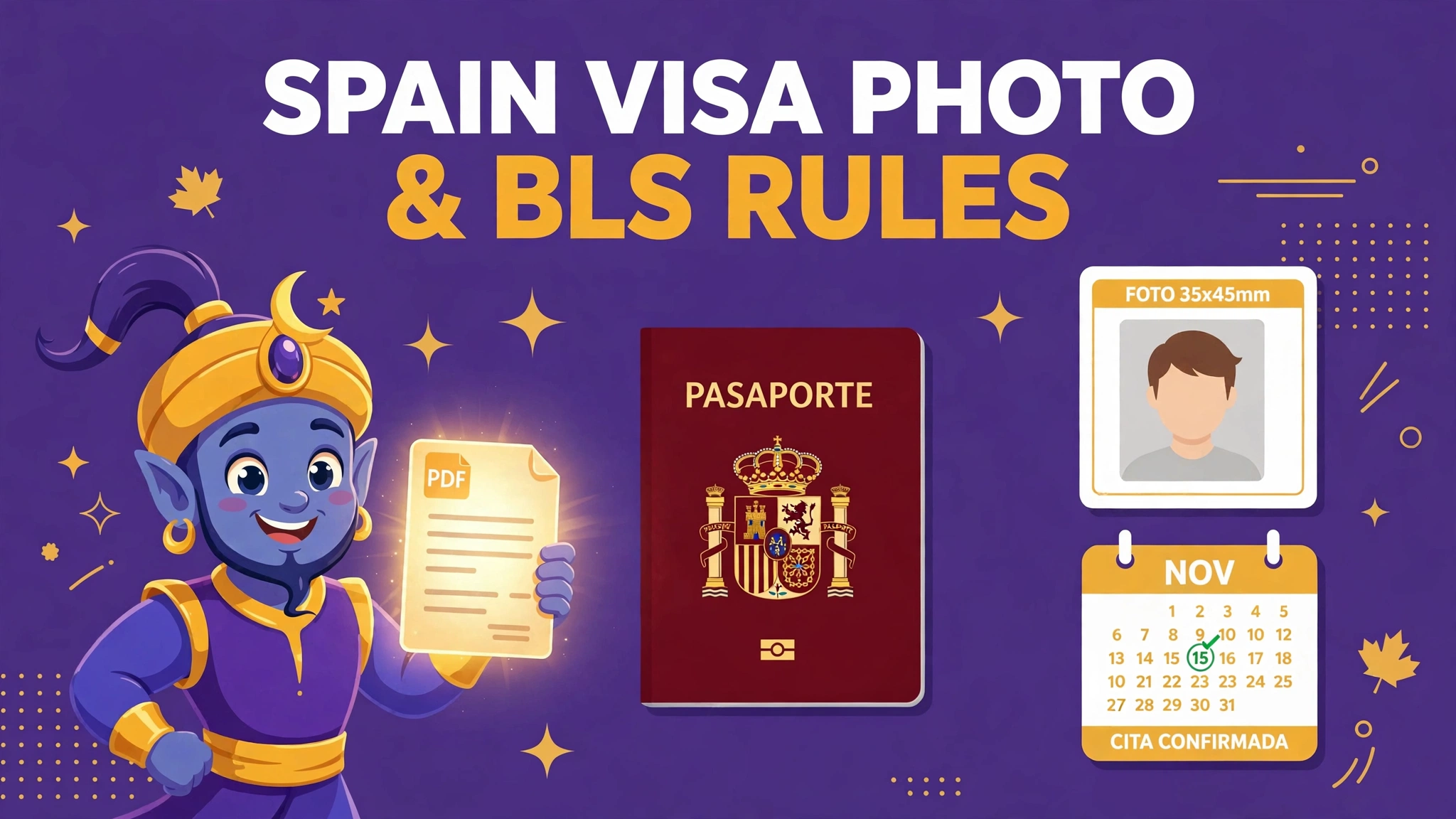
Spain visa photo and BLS rules: 35 × 45 mm — unless your centre asks for 51 × 51 mm
Spain Schengen visa via BLS International: the consulates specify a 35 × 45 mm photo on white, under 6 months old — but BLS centres in the USA ask for 2 × 2 inches (51 × 51 mm). Plus the A4 photocopy rule and the appointment traps.
Read the fix →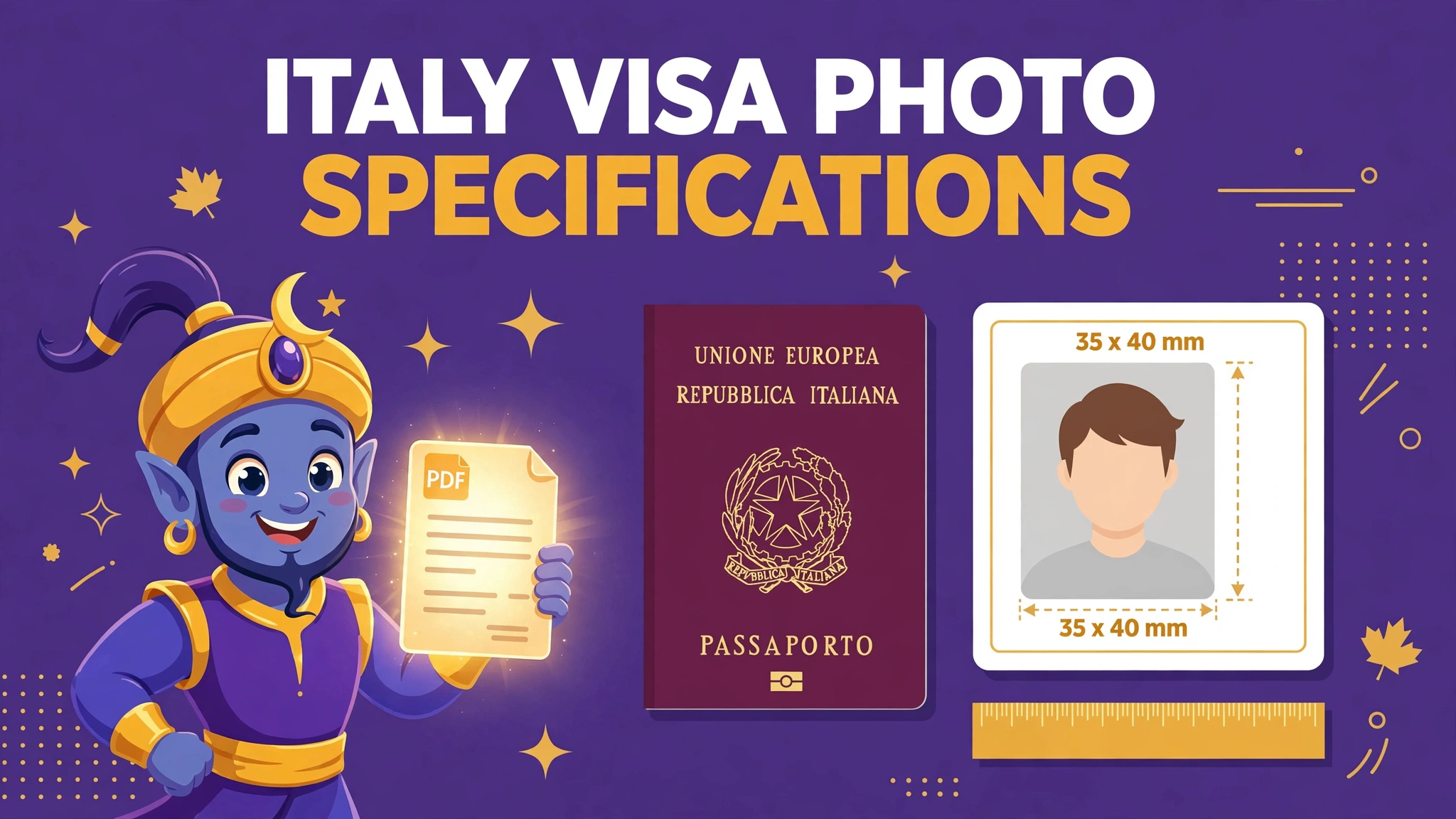
Italy visa photo specifications: the 35 × 40 mm size that catches everyone out
Italy visa photo: 35 × 40 mm at many Italian consulates, white or light background, under 6 months old, full face. Why the common 35 × 45 mm photo fails — and how to check your own consulate.
Read the fix →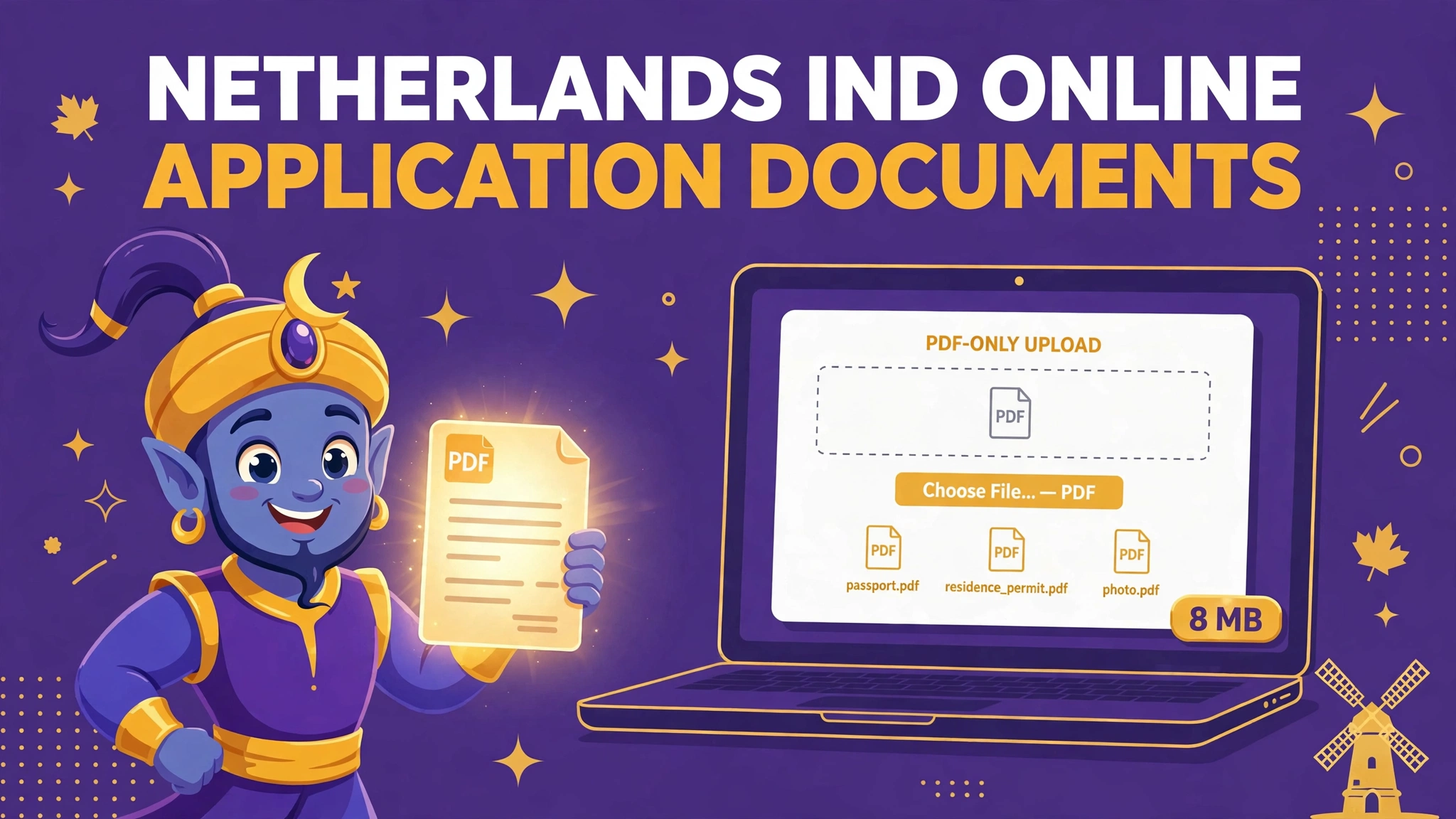
Netherlands IND online application documents: PDF only, 8 MB per file, no passwords
IND online applications: PDF only, maximum 8 MB per file, 40 MB in total, never password-protected. Documents in Dutch, English, French or German — or translated by an authorised translator.
Read the fix →
Sweden Migrationsverket e-service attachments: complete copies, certified translations, small files
Migrationsverket e-service attachments: correctly made passport copies with every required detail visible, documents in Swedish or English with certified translations — and the honest truth about the unpublished file-size limit.
Read the fix →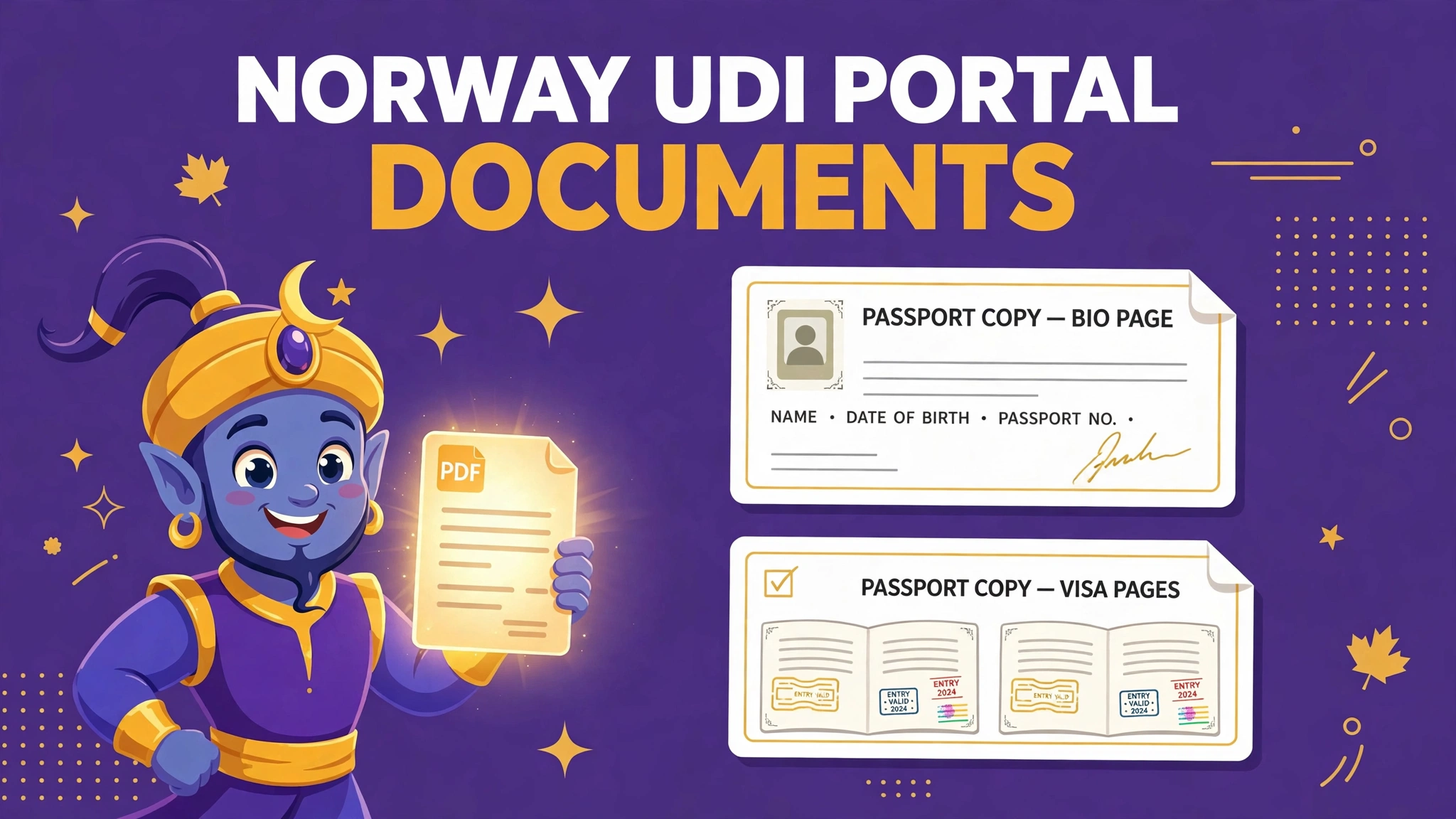
Norway UDI Application Portal documents: one document, one file — never one big bundle
UDI Application Portal: submit documents type by type as separate files, sign the cover letter from the portal, copy all used passport pages in colour, and translate into Norwegian or English. Do not merge everything into one bundle.
Read the fix →
Pakistan passport photo rejected online? The 350×467 fix — and the rule nobody mentions
The DGIP online passport portal refused your photo? The real spec is 350×467 px — and the department's own pages disagree on the file size. Here is the fix.
Read the fix →
NSP documents over 200 KB? Merge, shrink — and stay readable
The National Scholarship Portal takes each document at 200 KB or less — and sends applications back when the verifier cannot read them. Both rules, one fix.
Read the fix →
NZ visa photo upload error? It may be too small — not too big
Immigration New Zealand rejects photos under about 500 KB — the opposite of every other portal. The two official pages disagree; here is the overlap that passes.
Read the fix →
myAadhaar document upload: colour, one single PDF, under 2 MB
UIDAI's own charter sets the rules nobody quotes: a coloured scan, every page of the document in a single PDF, under 2 MB. The traps and the fix order.
Read the fix →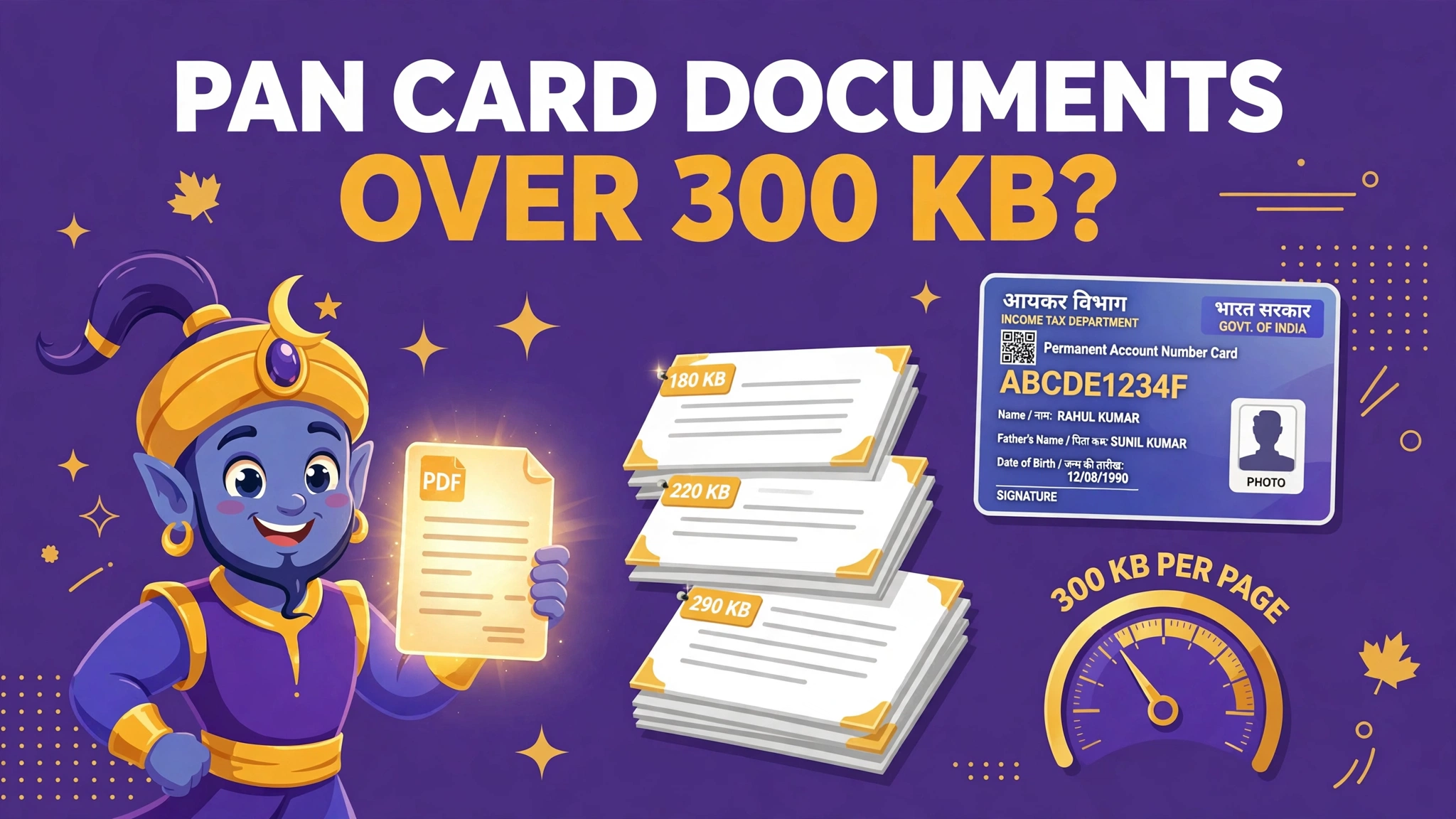
PAN card documents over 300 KB? The limit is per page — read the whole table
Protean's own scanning guidelines: supporting documents max 300 KB per page, at 200 DPI, in black and white. Why multi-page proofs fail, and the fix.
Read the fix →
Vietnam e-Visa Photo and Passport Upload: The 2 MB Rules (Ignore the 10 MB Hint)
Portrait 4 × 6 and passport page, JPEG only, both under 2 MB. The form hints 10 MB; the checker enforces 2. Prepare to 2.
Read the fix →
How to Combine Documents for an IRCC Upload, Step by Step
IRCC allows one file per upload slot. Combine your scans into one PDF, stay under the size cap, and avoid the replace trap — step by step.
Read the fix →IRCC Rejected Your Photo or Scan? Work Through the Real Causes
IRCC photo or scan rejected? Work through the real causes — HEIC, size, format, naming, legibility and photo rules — and fix the right one.
Read the fix →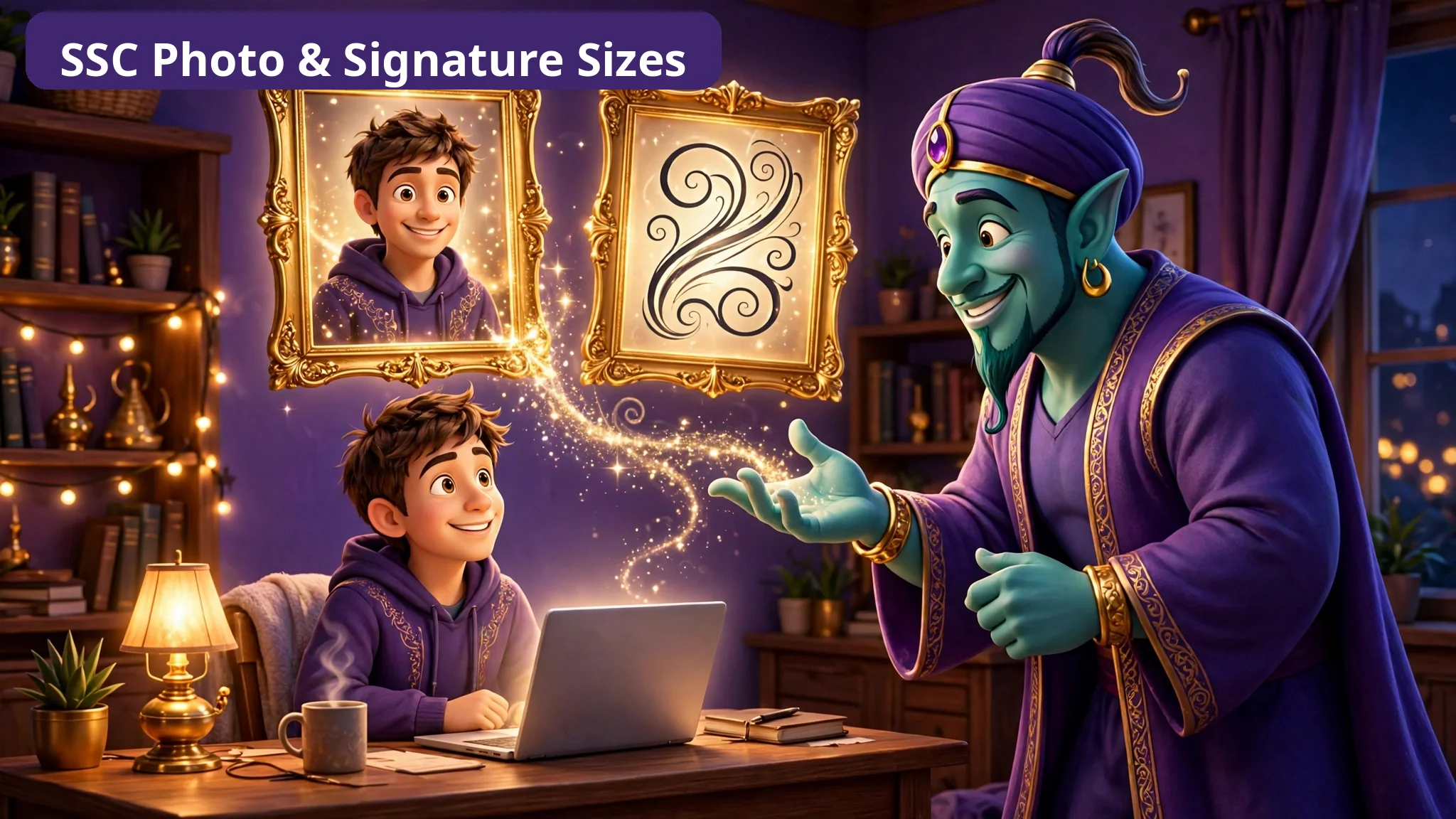
SSC Photo (20–50 KB) and Signature (10–20 KB): The Complete Size Guide
SSC photo must be 20–50 KB and the signature 10–20 KB — with floors that fail files too. The complete guide to both windows, from the notice.
Read the fix →
IBPS Upload Guide: Photo, Signature, Thumb Impression and Declaration Sizes
IBPS needs four uploads, each with exact pixels and KB: photo, signature, thumb impression and declaration. Every official size, in one guide.
Read the fix →
UPSC Upload Guide: Photo, Signature and Document Rules That Refuse Files
UPSC refuses files for size, format — and for the wrong file name. Photo, photo ID, three-in-one signature and PDF document rules, explained.
Read the fix →
FPSC Online Application: The Photo Rule and Preparing Your Documents First
FPSC photo rule explained: passport-size JPG under 30 KB in Step-2 after the fee. Plus how to prepare CNIC, degrees and receipt scans before you start.
Read the fix →
PPSC Photo and CNIC Uploads: Two Tiny Images, Prepared Properly
PPSC needs a photo and a CNIC front image, each under 25 KB in JPG. How to keep CNIC digits readable at tiny size — and why to confirm the live page first.
Read the fix →DS-160 Photo Requirements: The Complete Digital Checklist (and How to Check Yours)
DS-160 photo rules in full: JPEG, square 600×600–1200×1200 px, max 240 kB, head 50–69%, no glasses, no editing — plus the confirmation-page check.
Read the fix →
DV Lottery Photo Requirements: One Exact Size and the Mistakes That Disqualify Entries
DV photo rule: exactly 600×600 px JPEG, max 240 kB, head 50–69%, under 6 months old — for every person on the entry. Plus the mistakes that disqualify.
Read the fix →
USCIS Online Filing: Preparing Supporting Documents That Upload First Time
USCIS filing rules: each evidence file max 12 MB, PDF/JPG/JPEG, never password-protected. A workflow for unlocking, naming, splitting and compressing…
Read the fix →
ImmiAccount: Combine Your Evidence Into Fewer, Cleaner Files
ImmiAccount allows up to 60 documents per person. Group evidence into a few clean PDFs, unlock secured files and stay under 5 MB each.
Read the fix →
Saudi eVisa Photo Requirements: 200×200 Pixels and the 5 KB Floor
Saudi eVisa photos must be exactly 200×200 px and between 5 KB and 100 KB. Aim mid-window at 40–60 KB so your photo passes first time.
Read the fix →Schengen Visa Documents via VFS: A Scanning and Preparation Checklist
Schengen photo rules are EU-wide, but document rules are set per consulate. Scan, merge and size every file to your own centre's checklist.
Read the fix →
BPSC and Teletalk Photo & Signature Rules: Exact Pixels, Exact Caps
BPSC Teletalk: photo exactly 300×300 px under 100 KB in colour, signature exactly 300×80 px at most 60 KB. One workflow covers Teletalk portals.
Read the fix →
HEC Degree Attestation: Preparing Your Document Scans for the E-Portal
The HEC e-portal caps uploads at 500 KB per file. Prepare degree, transcript and CNIC scans that fit — with seals and signatures still legible.
Read the fix →
Chat With a PDF: What It Can and Can't Actually Do
Ask a PDF questions and get answers quoted from its own pages, with page numbers. What extractive Q&A can do, what it can't …
Read the fix →
Convert CBZ to PDF and Read Your Comics Anywhere
A CBZ is a ZIP of comic pages. Convert it to a standard PDF in reading order — losslessly, in your browser — and read it on…
Read the fix →
How to Make a Receipt for a Payment You Received
Cash, transfer or card — when money arrives, issue a proper receipt. What a receipt must show, how to create one as a PDF, and…
Read the fix →
PDF to Markdown: Clean, Structured Notes From Any PDF
Convert a PDF to clean Markdown — headings, lists and paragraphs as a .md file for notes, docs sites and AI tools. What…
Read the fix →
PDF to RTF: The File Every Editor Opens
Turn a PDF into an RTF file that Word, WordPad, LibreOffice and Pages all open. A clean text rebuild — what carries over, what…
Read the fix →
Convert a PDF to SVG That Stays Sharp at Any Size
Convert PDF pages to SVG with real, selectable text and lines that never pixelate — for logos, diagrams and design work. What…
Read the fix →
A PDF Won't Open? Read It Right in Your Browser
No reader installed, or the file 'won't open'? Open and read any PDF in your browser — zoom, page jumps, arrow keys — without…
Read the fix →
Are Free Online PDF Converters Safe? What Actually Happens to Your File
Upload-based tools must receive your file to work. Browser tools never see it. How to tell the difference, and the offline…
Read the fix →
Two Versions of a PDF? Find Out Exactly What Changed
final_v3_REAL.pdf came back 'with small changes'. Compare two versions page by page and see exactly what changed — and what a…
Read the fix →
Edit a PDF Without Acrobat: Fix the Typo, Add the Missing Line
One wrong word in a contract, no Acrobat subscription. Fix typos and add text to a PDF in your browser — and know when to…
Read the fix →
Filled-In Form Looks Blank When You Send It? Flatten It
You filled the form, they opened a blank one. Form answers float in a layer some viewers never show — flattening bakes them…
Read the fix →
JPG to PDF in a Batch: A Pile of Photos Into One Tidy PDF
Eight photos on your phone, one PDF to send. Batch-convert JPGs into a single tidy PDF — order first, pick the fit that keeps…
Read the fix →
How to Merge PDFs Without Losing Quality
Merging PDFs does not have to blur them. A proper merge never re-renders pages — here is the method, the order fix, and the…
Read the fix →
PDF to JPG Without Losing Quality (When the Form Only Takes Images)
The form wants a JPG, not a PDF. Convert pages to images at the right resolution — low for screens, high for print — and know…
Read the fix →
Print a PDF as a Booklet: Print, Fold, Staple
Booklet pages do not run 1, 2, 3, 4 — that is why home booklets scramble. Impose the order first, test-print four pages, then…
Read the fix →
Rotate a PDF Permanently (So It Stays Rotated for Everyone)
You rotated it, saved it, sent it — and it arrived sideways. Viewer rotation is an illusion; here is how to rotate a PDF into…
Read the fix →
Split a PDF: Send Only the Pages They Asked For
They asked for pages 1–3, not your whole file. Split a PDF and send only what was requested — every page as its own file, or a…
Read the fix →
PDF Too Large to Email? How to Shrink It Under the Limit (Free)
"Attachment too large" always strikes five minutes before a deadline. Compress your PDF under the Gmail and Outlook limits — and know what to do when compression alone is not enough.
Read the fix →
How to Edit a PDF Resume When You Don't Have the Word File
The job closes today, your resume exists only as a PDF, and the .docx is long gone. Convert it back to an editable Word document, fix it, and send a clean, ATS-friendly PDF.
Read the fix →
How to Fill In and Sign a PDF Form Without Printing It (Phone or Computer)
No printer, no problem. Fill the fields — or type over a flat form — add your signature, freeze it, and send it back. Includes CRA and IRCC notes for Canadian forms.
Read the fix →
IRCC “Please Wait…”: Why Canada Immigration Forms Won't Open (And the Fix)
Your IRCC form is not broken — your viewer can't draw it. Why the placeholder page appears, and the free Adobe Reader fix that reveals the real form.
Read the fix →
How to Fill In IMM 5710 (Work Permit Extension) — Step by Step
Every section of Canada's work-permit extension form explained in plain language from IRCC's own guide — plus the validation traps that get applications returned incomplete.
Read the fix →
One File, Under 4 MB: Combine Your IRCC Documents Into a Single PDF
One upload slot per document, one size cap — and a second upload silently replaces the first. The merge-and-compress workflow that gets your whole document in.
Read the fix →
IRCC Sponsor Form: One File, Both Sides, Under 2 MB
The interest to sponsor form is stricter than the main account: one file, 2 MB or less, with both sides of your card inside it. Here is how to build that file.
Read the fix →
IBPS Photo, Signature, Thumb & Declaration: Four Size Rules
The form will not move forward until all four uploads are right — and each one has a different window. Every rule, and the fix for each file, on one page.
Read the fix →
SSC Photo Rejected? The 20 to 50 KB Window, Explained
Too big fails, and too small fails too. Five reasons SSC throws your photo back — and the two-minute fix that lands it in the middle of the window.
Read the fix →
SSC Signature Rejected? It May Be Too Small, Not Too Big
The signature window is 10 to 20 KB, and 8 KB breaks it just like 26 KB does. How to stop shrinking and start landing in the window.
Read the fix →
FPSC Photo Over 30 KB? Shrink It Before Step 2
FPSC asks for the photo after you pay the fee — JPG only, under 30 KB. Make the file first, and Step 2 stops being a wall.
Read the fix →
PPSC Photo and CNIC: Why Both Images Get Rejected
PPSC takes two images, not one — a photograph and your CNIC front — and both must be tiny JPGs. Why they bounce, and how to prepare both first.
Read the fix →
DS-160 Photo Error: 'Processing Failed', Fixed
A plain error message, or an X where your photo should be on the confirmation page. What CEAC actually checks, and the file that passes first time.
Read the fix →
UPSC Uploads Rejected? Check the File Name First
UPSC can refuse a file for its name alone. The size windows, the formats, the three-signatures-in-one-image rule — every trap and its fix.
Read the fix →
BPSC Teletalk: Photo 300x300, Signature 300x80
Teletalk portals do not do 'close enough'. Exact pixels for the photo and the signature, the greyscale trap, and how to make both files exactly.
Read the fix →
USCIS Evidence Over 12 MB? Unlock It, Then Shrink It
Two traps catch filers: evidence over the 12 MB cap, and bank PDFs that arrive password-protected. The unlock, organise, compress order that works.
Read the fix →
ImmiAccount Won't Attach? Check the Padlock First
Home Affairs' own troubleshooting blames encrypted PDFs first. The three causes, the fix order, and the 5 MB and 70 KB lines.
Read the fix →
India e-Visa: Photo JPEG, Passport PDF
Two uploads, opposite rules. The photo must be a JPEG; the passport page must be a PDF. Get either wrong and the application stalls.
Read the fix →
Saudi eVisa Photo: 200x200, 5 to 100 KB
Exactly 200 by 200 pixels, and a size window with a floor — under 5 KB fails too. The Visit Saudi spec and the one-export fix.
Read the fix →
HEC 'File Size Error': The 500 KB Fix
The portal gives no explanation — HEC's own FAQ does. Scan and shrink degree documents to just under 500 KB, seals still readable.
Read the fix →
USAJOBS Resume: Two Pages, Under 5 MB
The long federal resume is over. Since September 2025: two pages maximum, 5 MB maximum, no PDF portfolios. Shrink both, in that order.
Read the fix →
Compress a PDF to an Exact Size
Portals don't want 'smaller' — they want a number, sometimes with a floor as well as a cap. Set the window, land inside it, verify the size.
Read the fix →
Scan Documents With Your Phone — No App
Your phone camera plus your browser is a scanner. Camera first, then choose PDF, JPG or PNG at the end. Nothing to install.
Read the fix →
Scanned PDF Won't Copy Text? OCR It
A scan is a picture of words. OCR reads it and adds real text — searchable, selectable, copyable. Plus the honest limits.
Read the fix →
Bank Statement PDF Asks for a Password?
The bank set it, following a pattern it told you about. Find it, open your own statement, and save a copy that opens freely.
Read the fix →iPhone Photo Won't Upload? It's HEIC
Your iPhone saved HEIC; the form wants JPG or PDF. Renaming won't convert it — here's the real fix, and the setting that ends it.
Read the fix →
PDF Table in One Excel Cell?
A PDF stores positions, not rows. Convert the table properly — one worksheet per page — and spot-check the totals before you trust them.
Read the fix →ID Card Scan: Both Sides, One Page
Two phone photos, cleaned up and laid out at true card size on a single A4 page — the format every office asks for.
Read the fix →
PDF Too Big for WhatsApp?
Send it as a document, shrink it first, split it if you must. The phone-first fix for files that sit at “sending…” and give up.
Read the fix →
PDF to Word Broke the Layout?
Columns merged, fonts changed, tables flattened. What actually went wrong — and which tool fixes which job.
Read the fix →
How to Make an Invoice as a PDF
Who, what and how much — items, tax and totals worked out for you. A clean, print-ready invoice in about a minute.
Read the fix →
Why Is My PDF So Big?
A typed page is stored as letters. A scanned page is a photograph. DPI, colour and the picture inside the scan — where the megabytes live, and what is safe to remove.
Read the fix →Why Was My Photo Rejected?
The photo looks perfect; the portal checked the file instead. Floors as well as ceilings, exact pixels, HEIC bans, and the content rules no tool can fix.
Read the fix →VFS Documents by Email: The 2 MB Rule
After the appointment, the follow-up email has rules of its own — and breaking them fails silently. The scoped checklist: check your consulate's number first.
Read the fix →DV Lottery Photo: Exactly 600 × 600
Visa photos allow a range; the lottery entry takes one exact size. Why a 1200x1200 photo is the wrong file, and the one-export fix.
Read the fix →
Before You Share a PDF: Redact It Properly
A black box is a sticker, not a shredder. Redact so nothing copies out, strip the hidden data the file carries, then add the password — in that order.
Read the fix →Document portal guides
Applying through a government portal? Each of these guides takes one portal's official upload rules — the exact KB windows and pixel specs, verified from the portal's own guidance — and walks the free tools that get your files accepted. Start at the Document Portals hub or pick your portal:

Document Portals: Every Portal's Rules, One Workbench
IRCC, SSC, FPSC & PPSC and US visa photos — the verified upload rules for each, and the three free tools that beat almost all of them.
See all portals →
SSC Photo 20–50 KB & Signature 10–20 KB: Get Both Accepted
SSC's photo window has a floor as well as a ceiling, and the signature has its own range. Make both files with the right presets before the form opens.
Read the fix →
FPSC Photo Under 30 KB & PPSC Photo + CNIC Under 25 KB
FPSC demands its photo after the fee is paid; PPSC wants two images at an even tighter cap. Prepare all three files in advance.
Read the fix →
US Visa Photo: DS-160 & DV Lottery Rules (600×600, ≤240 kB)
One generic CEAC error hides four possible failures. The exact digital rules, the right preset for each program, and the confirmation-page X test.
Read the fix →How these guides work
Every PDFJadoo tool runs entirely in your web browser. When a guide sends you to a tool, your document is read by code on the page — it is never uploaded to a server, never stored, and never seen by us. That matters most for exactly the documents these guides are about: resumes, signed forms, statements and applications. Close the tab and nothing remains.
New guides are added as real problems demand them. Working on a document problem right now? Start with the full deck of free PDF tools.