Book scan: photograph the spread, read single pages
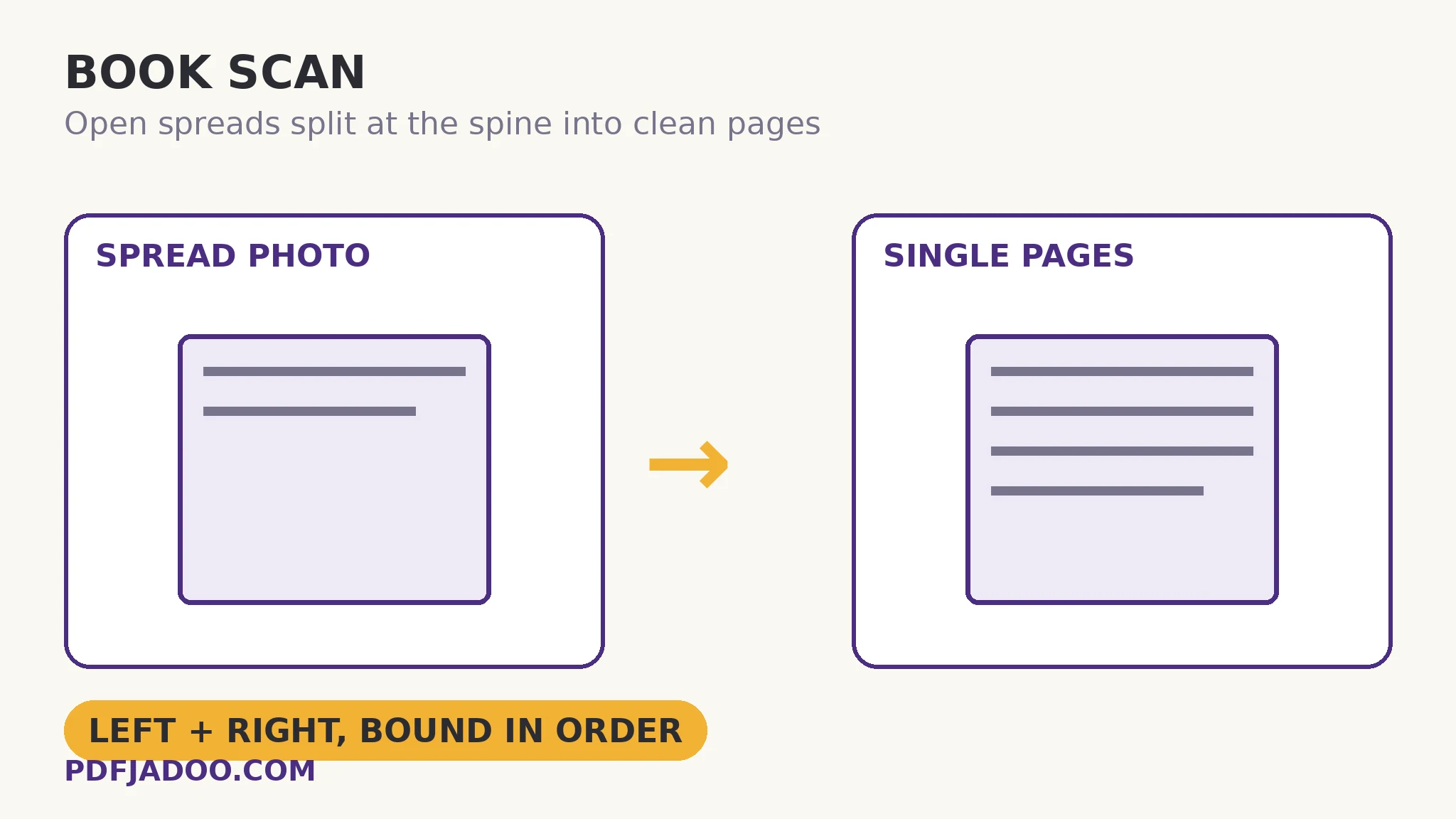
Digitising a book with a phone meets a geometry loose pages never pose: the open book is a spread — two pages in one photograph, curving down into the spine, the inner margins shadowed by the gutter. A reading copy needs those to become single pages again. Book Scan does the split: photograph each spread, and it is divided at the spine into left and right pages, each straightened and cleaned with the same shadow-levelling manners as the page scanner — or, if your captures are already single pages, they pass through the same finishing unsplit. Output is one PDF or per-page images. This article covers spread craft: photographing for the split, and the honesty about what curvature can and cannot be undone.
 By the PDFJadoo Team5 min read
The spread problem, precisely
A spread photograph offends a reading copy in three ways. The join: two pages fused into one wide image read wrongly in every viewer (a “page” that is really pages 44–45 breaks pagination, bookmarking and printing). The gutter curve: text near the spine bends away, its lines arcing, the inner words shadowed and foreshortened. The asymmetry: the two pages sit at different angles to the camera, so no single straightening serves both. The split answers all three structurally: cut at the spine, and each half is its own page — straightened on its own geometry, cleaned on its own lighting, sequenced as the book sequences. What the split cannot do is unbend the gutter's deepest curve — words printed into the fold of a tightly bound book are partially lost to any camera; the craft mitigations (below) minimise the loss, and honest expectation accepts the residue.
The already-single route matters more than it looks: many book captures are made page-by-page (a cradle scanner, a patient hand). Those photographs need the finishing — straighten, clean — without the split, and the tool's mode choice keeps one workflow for both capture styles.
Photographing for the split
The split finds the spine; help it. Photograph the spread square-on, the spine vertical in the frame's middle, both pages' outer corners visible. Light from both sides if the gutter shadows (two lamps at 45° are the classic rig). Press the book as flat as its binding safely allows — a glass sheet for valuable bindings, a patient hand at the fore-edge for ordinary ones. Fill the frame with the spread: pixels spent on the table are stolen from the text. Work in order, spread by spread; the tool's sequence becomes the book's.
Scan a book, step by step
Step 1 — rig the capture. Book flat as it safely goes, light from both sides, phone parallel above the spread's centre.
Step 2 — open Book Scan and photograph the spreads in order. Spine centred, corners visible. (Single-page captures? Choose the already-single mode.) Processing happens on your device.
Step 3 — let the split and finishing run. Each spread becomes left and right pages, straightened and cleaned.
Step 4 — choose the output. One PDF — the reading copy — or per-page images for other pipelines.
Step 5 — read the gutter pages critically. The pages nearest the tightest spreads deserve a legibility check at full size; a re-shoot of one spread is cheap while the book is open.
The reading copy's ethics and uses
Personal copies of owned books, out-of-print works a library permits digitising, excerpts for study — the legitimate shelf is wide. The output is a reading copy: continuous, paginated, printable — and once it is a clean PDF, the rest of the kit applies: OCR for search, deskew for the residual leans, bookmarks for the chapters.
The book opens as spreads. It should read as pages.
Spreads split at the spine, each page straightened and cleaned — out as one reading-copy PDF.
Open Book ScanA worked example: the out-of-print family history
A 1968 family-history volume — one copy in the family, out of print for decades — is to be shared with cousins on three continents. Photographed spread by spread on a kitchen table with two lamps, split and cleaned into a 212-page PDF: single pages, in order, inner margins legible except for a handful of words lost to the tightest gutter (accepted, and noted in the copy's preface with the honesty this kit practises). OCR makes the names searchable — the feature the cousins actually use, hunting grandparents — and the PDF, not the fragile original, becomes the copy that travels. The book goes back to its shelf; its contents go everywhere.
Edge cases
Very tight bindings. The gutter loss grows; photograph with the book at a gentler opening angle and accept a slight keystone the straightening can mostly retire — or consult a library's cradle scanner for the precious ones.
Fold-outs and plates. A fold-out spread is one wide page, not two — capture it as a single page in the page scanner, and insert it into the book's PDF at its place.
Two-page images and maps. Artwork printed across the spread should stay joined: keep that spread whole via the single-page route and insert it unsplit.
Before you finish: the 60-second check
- Rig: book flat as safely possible, light from both sides, phone square above the spread
- Spine centred in frame, all four outer corners visible, frame filled
- Spreads captured in order — the sequence is the book's
- Gutter-critical pages legibility-checked at full size before the book closed
- Fold-outs and cross-spread artwork kept whole, inserted at their places
Fair questions
How do I scan a book with my phone?
Photograph each open spread with Book Scan: the spread is split at the spine into left and right single pages, each straightened and cleaned, and delivered as one PDF or per-page images. Already-single captures pass through the same finishing without splitting.
Why not just use the normal page scanner?
A spread is two pages in one photograph, curving into the gutter at different angles. The book tool splits at the spine so each page is straightened and sequenced on its own geometry — the page scanner treats the spread as one wide page.
Can it fix text lost in the gutter?
No tool can recover words the camera never saw. Good rigging — flat-as-safe opening, light from both sides — minimises the loss; the deepest folds of tight bindings keep a small residue, which honest copies acknowledge.
What if a spread should stay joined — a map across two pages?
Capture it through the single-page route and insert the whole image into the book's PDF at its place. Splitting is for text pages; cross-spread artwork keeps its join.
Can the result be made searchable?
Yes — the output is an ordinary PDF; run OCR (Make a Scanned PDF Searchable) to add a text layer, and add bookmarks for the chapters.
Are my pages uploaded?
No — capture, splitting and cleaning happen on your device.
Tool behaviour — spread splitting at the spine, straightening and cleaning, the already-single mode, and PDF or per-page image output — is from PDFJadoo's own Book Scan page. Checked 18 November 2026.
Keep reading
Scan documents with your phone
Loose pages: the parent craft — perspective, shadows, four looks.
Make a scanned PDF searchable
The reading copy, made searchable — names findable across the book.
Add bookmarks to a PDF
Chapters for the book: an outline typed in one sitting.
Deskew a scanned PDF
Residual leans in the finished book, measured out.