Deskew a PDF: the slope, measured from the text lines themselves
Scanners tilt. A page fed a degree off-square digitises with every line sloping — readable, but tiring; and for OCR, worse than tiring: tilted text is the accuracy-killer no language model can fully forgive. Deskew PDF straightens by measurement: it reads the tilt from the page's text lines and rotates the page level, acting on pages tilted more than 0.3° in automatic mode (or on every page, if you ask), handling tilts up to about ±15°. Corrected pages are rebuilt as images at 200 DPI; level pages are copied untouched — a detail that tells you the tool knows the difference between treatment and churn. This article explains the measurement, the threshold, and deskew's place in the scan-repair sequence.
 By the PDFJadoo Team5 min read
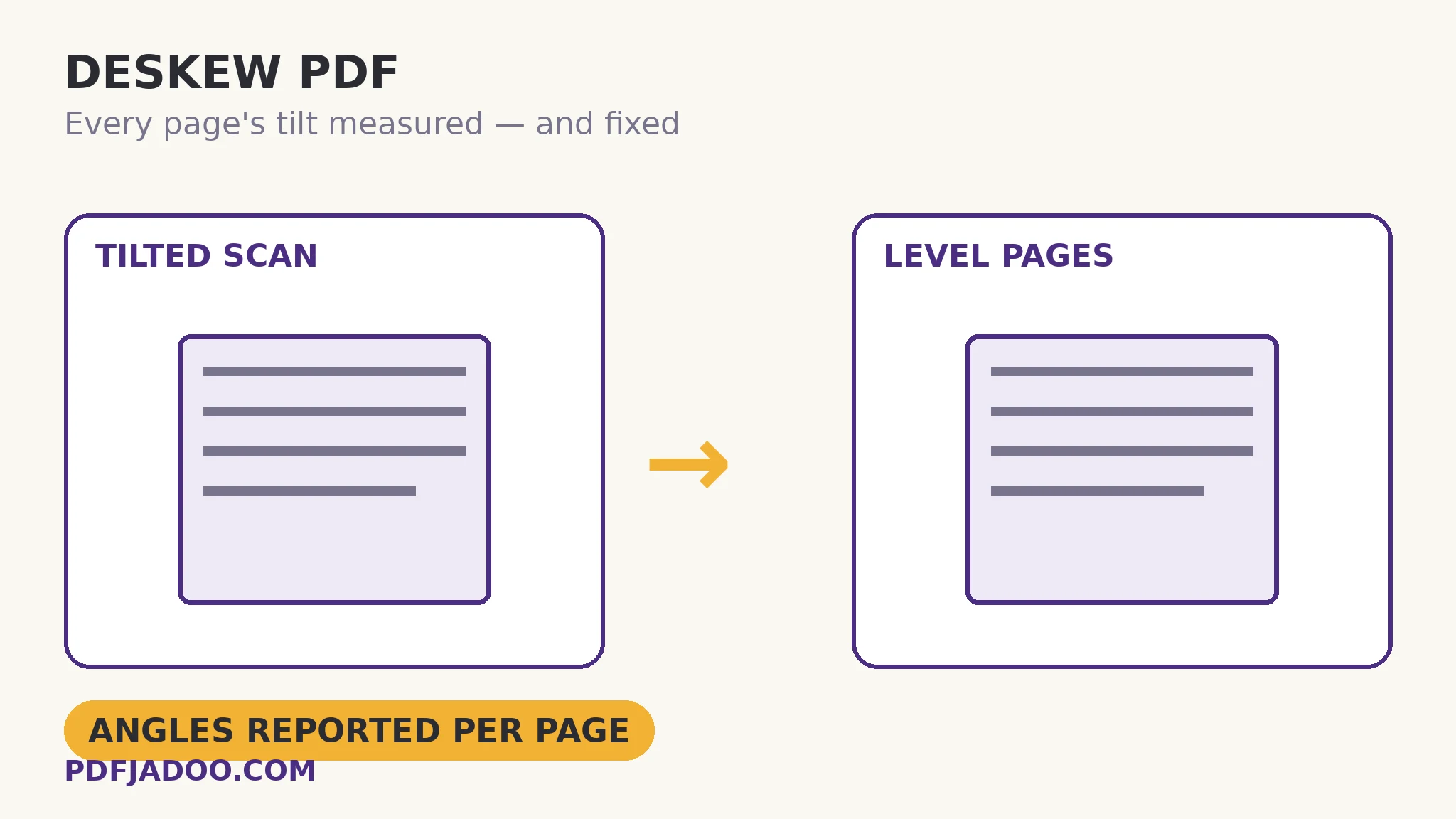
How a page confesses its angle
Text lines are rulers printed on the page: a line of text has a dominant direction, and image analysis can find it — project the page's dark pixels at candidate angles and the true angle announces itself as the one where the projection is sharpest (letters align into columns of ink). The tool measures each page this way and compares against the threshold: 0.3° in automatic mode — below that, the human eye barely registers slope and OCR copes; above it, correction earns its keep. Pages beyond the threshold are rotated by exactly their measured angle (not a rounded degree — the measurement is the correction), and rebuilt as 200 DPI images: straightening is a re-rendering operation, pixels re-laid on a level grid, with 200 DPI chosen as the fidelity that keeps text crisp without ballooning the file. Pages at or under the threshold are copied as they are — their original data, unrendered, lossless — because a tool that re-renders everything taxes every page for a few pages' faults.
The ±15° range marks the honest edge: beyond fifteen degrees the “page” was fed sideways-ish, the line-direction signal muddies (columns compete with rows), and the right fix is a coarse rotation first, then deskew for the residual tilt. Within the range — the everyday feeder skew of half a degree to five — the measurement is reliable and the correction complete.
Deskew in the repair sequence
Scan repair has an order: deskew before OCR (straight text recognises dramatically better — deskew is the cheapest accuracy upgrade OCR has), deskew before blank-page measurement is optional (ink share is tilt-tolerant), and deskew before any reprint that matters. A deskewed scan also simply looks professional — the difference between an archive and a pile of captures is usually these two passes: straighten, then sweep.
Deskew a PDF, step by step
Step 1 — drop the scanned PDF onto Deskew PDF. The measurement and rotation run in your browser.
Step 2 — choose the mode. Automatic (pages over 0.3°) for mixed documents; every page when the whole scan came from a tilting feeder.
Step 3 — press Deskew it and compare. Open a corrected page beside the original: lines level, margins square. Level pages are identical by construction — copied, not rebuilt.
Step 4 — continue the sequence. OCR the straightened result for searchability; sweep blanks; archive.
What deskew cannot fix
Perspective (a photographed page's keystone trapezoid) is not tilt — the phone-scan tools straighten perspective at capture; a captured trapezoid needs re-capture or a dedicated corrector. Warped book pages (curved near the spine) are not uniformly tilted either. Deskew's promise is precise: uniform rotational tilt, measured and removed — the scanner's signature fault, cured.
Straight pages read better, OCR better, file better.
Tilt measured from the text lines, corrected beyond 0.3°, level pages left untouched.
Open Deskew PDFA worked example: the feeder that leaned
A 90-page report comes off an office feeder with a consistent two-degree lean — every page readable, every page faintly seasick, and the OCR pass planned for it would have stumbled on every line. Deskew in automatic mode corrects 88 pages (two were level — copied untouched, as promised) in one pass. The OCR that follows runs on level text and its accuracy shows it: the searchable archive that results is the difference between a scan that is stored and a scan that is usable. One measurement pass, two dividends — the eye's and the machine's.
Edge cases
Pages with little text. A page of mostly image has a weak line signal; the measurement may leave it — check image-heavy pages by eye, and force every-page mode for uniformly fed scans.
Tables and rules. Strong horizontal rules reinforce the signal — good. Pages dominated by vertical elements (spines, columns of figures) can bias it; spot-check the corrected result.
Mixed orientations. A landscape table page inside a portrait document measures against its own lines — deskew is per-page, so mixed documents are handled page by page.
Before you finish: the 60-second check
- Mode chosen: automatic for mixed documents, every-page for uniformly tilted scans
- Corrected pages were compared against originals — lines level, nothing cropped
- The sequence was honoured: deskew before OCR
- Beyond-15° pages were coarsely rotated first, then deskewed
- Image-heavy pages were eyeballed — their line signal is weak
Fair questions
How do I straighten a tilted scanned PDF?
Drop the scan onto Deskew PDF and press Deskew it. The tilt is measured from each page's text lines; pages tilted more than 0.3° are rotated level (or every page, in that mode), up to about ±15°.
Does deskewing change level pages?
No — pages at or under the threshold are copied untouched, with their original data. Only tilted pages are rebuilt, as 200 DPI images.
Should I deskew before OCR?
Yes — it is the cheapest OCR accuracy upgrade available. Recognition engines assume level lines; a two-degree tilt degrades every line. Deskew first, then OCR the straightened result.
My page is tilted 30 degrees. Will it work?
Beyond about ±15° the line-direction signal muddies. Rotate the page coarsely to near-level first (Rotate PDF), then deskew the residual tilt.
Can deskew fix a photographed page's perspective?
No — keystone perspective is not uniform tilt. Phone-scan tools correct perspective at capture; a captured trapezoid needs re-capture or a dedicated perspective corrector.
Is my document uploaded?
No — measurement and rotation run in your browser; the file never leaves your device.
Tool behaviour — tilt measured from text lines, the 0.3° automatic threshold, the every-page option, the ±15° range, 200 DPI rebuilds for corrected pages and untouched copying for level pages — is from PDFJadoo's own Deskew PDF page. Checked 18 November 2026.
Keep reading
Remove blank pages from a PDF
The sweep that follows the straighten: the scan cleanup pair.
Make a scanned PDF searchable
OCR on level text: the accuracy dividend, collected.
Rotate PDF pages
The coarse quarter-turns — first aid for the sideways-fed page.
Scan documents with your phone
Capture it straight next time: perspective handled at the source.