EPUB to PDF: a book with no pages, typeset into paginated permanence
The direct answer: the converter reads the EPUB's spine — the publisher's official chapter order — and typesets every chapter fresh onto A4 pages in a clean serif layout with comfortable margins, images placed inline and chapter headings preserved as headings. An EPUB is a small website in a ZIP: flowing text that re-wraps to any screen, with no fixed pages anywhere inside it. A PDF is the opposite commitment — this text, on this page, forever. EPUB to PDF performs the commitment honestly, and states its two consequences on its own page: the book's own fonts and styling are largely replaced by the converter's clean house style (the words and pictures are the author's; the typography is the tool's), and the finished PDF's text is rendered rather than selectable or searchable — it reads beautifully and prints predictably, and if you need searchable text, the route is a chapter through OCR afterwards. DRM-protected e-books cannot and should not be converted, and the tool says so plainly when it meets one. This article explains the typesetting, the spine, and choosing this route with open eyes.
 By the PDFJadoo Team6 min read
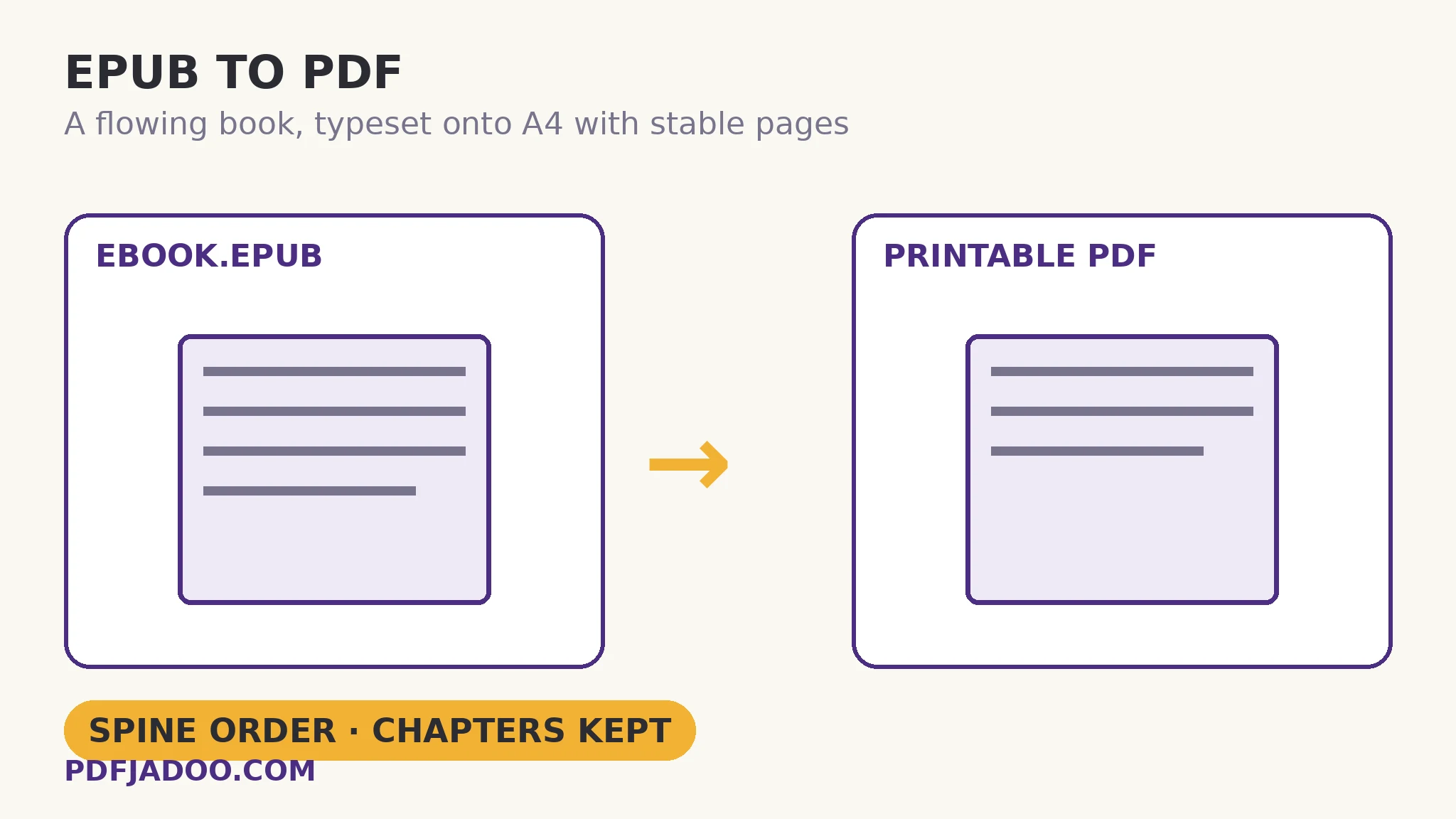
The spine: how the converter knows the book's order
The direct answer: an EPUB's container holds a contents file that lists the spine — the official reading order of the book's chapters — and the converter follows it exactly, the way an e-reader does. This matters more than it sounds: an EPUB's internal files are not stored in reading order (the ZIP's contents are a jumble of chapters, images and metadata), so a converter that merely read files in storage order would scramble the book. Following the spine is what separates a typesetter from an unzipper. Each chapter is then set in the house style — a readable serif, comfortable margins, a rule marking each chapter break — and paginated across A4. One quotable consequence of in-browser typesetting: long books are paginated in your browser and can take a little while — the typesetting of a 600-page novel is real work, done on your device so the book never uploads.
The house-style trade deserves a fair hearing. A trade publisher's EPUB carries deliberate typography — a chosen face, styled chapter openings, tuned spacing — and the conversion replaces most of it. What survives intact is the content architecture: headings as headings, paragraphs, images inline at their places. For the conversion's real purposes — printing a chapter, archiving a stable copy, submitting where PDF is required, annotating against fixed pages — content architecture is what is needed, and display typography is what the e-reader still holds in the original file.
Rendered text: the second honest consequence
The direct answer: because the pages are rendered the way a camera photographs a page, the PDF's text cannot be selected, searched or copied — it is a picture of typeset text, stable and printable, and deliberately so. This is the price of predictable pagination in a browser, and the tool states it rather than letting a user discover it at the moment they reach for Ctrl+F. The remedy, when search is genuinely needed, is compositional: convert, then run the PDF (or the chapters that matter) through OCR to build a text layer over the rendered pages. Know which book you need — the printable or the searchable — before choosing the path.
Convert an EPUB to PDF, step by step
The direct answer: drop the .epub, press Convert to PDF, wait while the book is typeset page by page, and download a PDF with stable page numbers.
Step 1 — confirm the book is yours to convert. A DRM-locked store book will be refused plainly; that refusal is the tool keeping the law, not failing you.
Step 2 — drop the .epub onto EPUB to PDF. Your library never uploads — the typesetting happens in the tab.
Step 3 — press Convert to PDF and wait. The converter opens the container, follows the spine, and typesets chapter by chapter onto A4. Long books take a little while; that is pagination, not a hang.
Step 4 — download and verify the seams. Check a chapter break (the rule, the heading), an image's placement, and the final page. Stable page numbers now exist — cite them freely.
When a book should stay an EPUB
The direct answer: for reading, almost always — reflow is the ebook's genius, and the PDF is a derived edition for printing, submitting and archiving, not a replacement. The mirror conversion, PDF to EPUB, exists because fixed pages are miserable on phones; this direction exists because flowing text is unusable at a printer. Each format is the other's answer to a specific room in the house.
Print it, cite it, file it — with page numbers that stay put.
Spine-ordered chapters, typeset on A4 with headings and images — the book, committed to pages.
Open EPUB to PDFA worked example: the chapter for the reading group
The direct answer: one member's ebook chapter becomes a printed handout for twelve — same words, house typography, page numbers the discussion can cite (“page 6, second paragraph”) in a way “about 40% through” never allowed. The walkthrough: the full book converts in one pass (its owner keeps the EPUB as the reading copy), the needed chapter is extracted from the PDF as its own file, and the handout prints identically for everyone. The two honest consequences were priced in advance: nobody needed the publisher's fonts for a discussion, and nobody needed to search a 20-page handout. Where either need exists, the route changes — that pricing-in is the craft.
Edge cases
Image-heavy books. Cookbooks and art books convert with images inline, but their layouts were the content; expect a respectable reading edition, not the designed spread. Judge by a picture chapter before committing the whole book.
Footnotes and endnotes. They typeset as the EPUB structures them; academic books with dense apparatus deserve a spot-check at a note-dense chapter.
The searchable archive. A library being converted for research needs the OCR pass afterwards — budget it into the project rather than discovering its absence mid-citation.
Before you finish: the 60-second check
- The book is DRM-free and yours to convert — a refusal would be the tool keeping the law
- The two consequences were priced in: house typography replaces the book's fonts; text is rendered, not selectable
- Chapter seams and an image placement were verified in the output
- The EPUB remains the reading master; the PDF is the print/submission edition
- Searchable copies were routed through OCR afterwards, deliberately
Fair questions
How do I convert an EPUB to PDF for printing?
Drop the .epub onto EPUB to PDF and press Convert to PDF. The converter follows the book's spine — its official chapter order — and typesets every chapter onto A4 pages with headings preserved and images inline. Download and print with stable page numbers.
Will the PDF keep the book's fonts and design?
Largely not — the book's own fonts and styling are replaced by the converter's clean serif house style. The words, pictures, headings and chapter structure are the author's; the typography is the tool's, stated plainly on its page.
Can I search or copy text in the converted PDF?
No — the pages are rendered, so the text is not selectable or searchable. It reads and prints predictably; if you need search, run the converted PDF through OCR to add a text layer.
Why was my ebook refused?
DRM-protected e-books cannot and should not be converted, and the tool says so plainly when it meets one. Convert books you own in DRM-free form.
What page size does it produce?
A4, with comfortable margins and a rule marking each chapter break — a print-first layout chosen for the conversion's main purposes: printing, submitting and archiving.
Is my ebook uploaded?
No — the container is opened and the book typeset in your browser; your library never leaves your device.
Tool behaviour — spine-ordered reading, fresh A4 typesetting in a house serif style, headings and inline images preserved, rendered (non-selectable) text with the OCR remedy, the DRM refusal, and in-browser pagination time for long books — is from PDFJadoo's own EPUB to PDF page. Checked 18 November 2026.
Keep reading
PDF to EPUB: the text, reflowed
The mirror journey: fixed pages dissolved back into flowing text.
Make a scanned PDF searchable
The rendered PDF's remedy: a text layer, built by OCR.
Extract pages from a PDF
One chapter of the converted book, lifted out as the handout.
Read a PDF in the browser
Check the typeset result in the tab — no install, no upload.