PDF to EPUB: the text set flowing — the pictures stay behind, honestly
The direct answer: the converter rebuilds the document from its text layer — headings become chapters, paragraphs are joined and set flowing — and packages the result as a standards-compliant EPUB 3 file your e-reader can re-wrap to any screen. Reading a fixed-layout PDF on a phone means pinch-zooming on every page, because the page was designed for paper and the phone is not paper. PDF to EPUB trades the page away for the text's freedom, and its page states the price without decoration: complex layouts — columns, tables, footnotes — are simplified into clean reading order, and pictures embedded in the PDF are not carried into the EPUB; the e-book contains the full text only. A scanned PDF has no text layer at all and must be OCRed first. This article explains the rebuild, what “reading order” simplification really does to a document, and which books should make this journey — the mirror of EPUB to PDF's typesetting.
 By the PDFJadoo Team6 min read
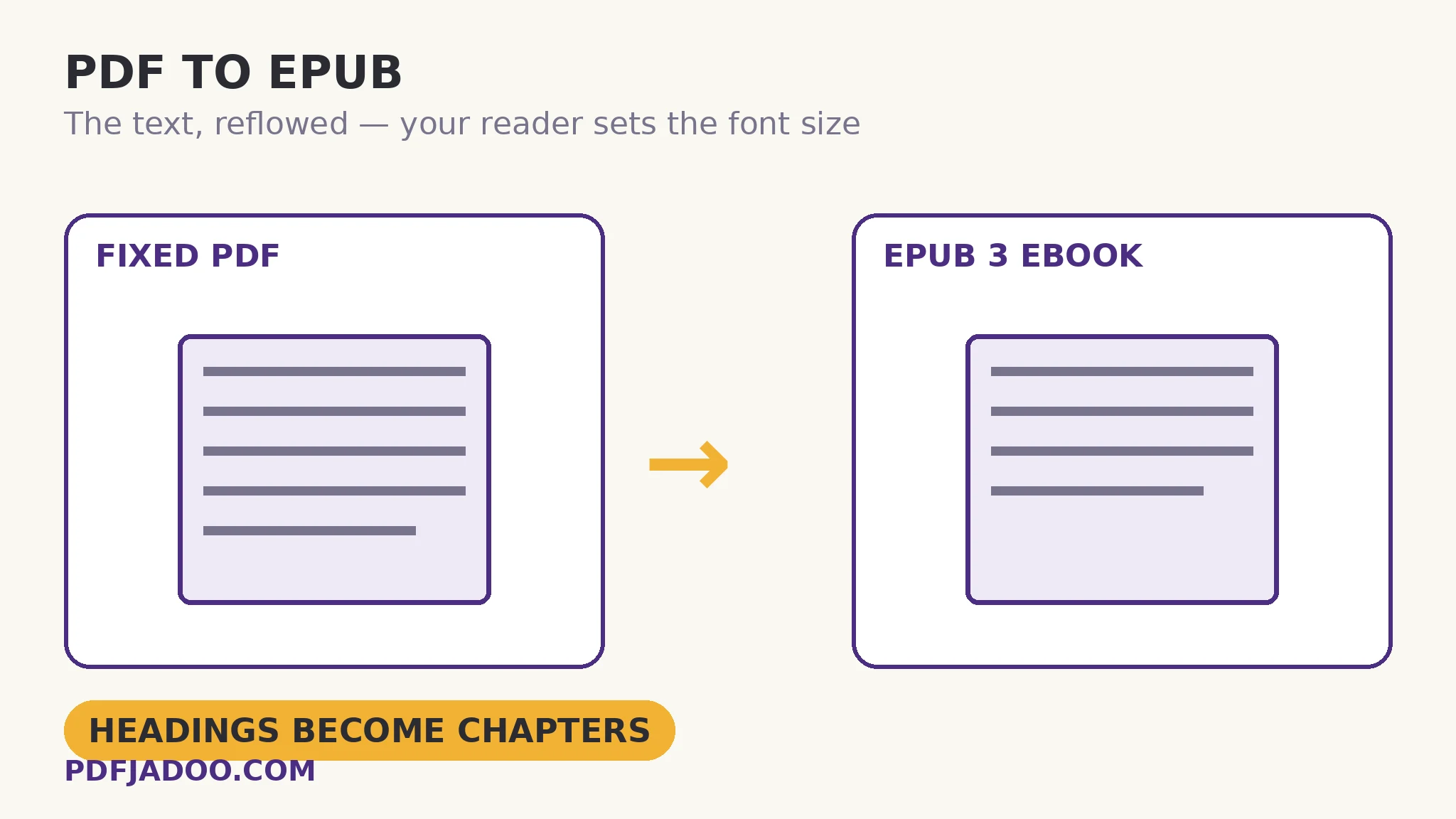
What the rebuild actually does
The direct answer: the tool extracts the document's structure from its text layer — the heading hierarchy becomes the book's chapters and table of contents, wrapped lines are joined into true paragraphs — then binds that structure into the EPUB package. The joining is the invisible craft: a PDF stores lines, not paragraphs, so the rebuild must decide where a paragraph ends and the next begins, using spacing and punctuation evidence. Done well, the e-book reads as the author wrote it, in sentences and paragraphs rather than in page-shaped fragments. One quotable structural fact: an EPUB 3 file is a packaged set of web documents — XHTML chapters in a ZIP — which is why every reader app from Apple Books and Kobo to Google Play Books and the Kindle app (via Send to Kindle) can open the same file.
The simplification clause deserves precision. Reading order means the text emerges in the sequence a human would read it — a two-column paper becomes one flowing column, its argument intact, its geometry gone. Tables become their text in sequence; footnotes join the flow where they were anchored or gather as notes, shorn of their page-bottom placement. For prose — novels, memoirs, essays, reports, manuals — this is liberation. For a document whose meaning is its layout — a form, a score, a data-dense paper — it is a loss the tool will not disguise, and the fixed PDF remains the right edition.
Why the pictures stay behind
The direct answer: this converter's contract is the full text, faithfully ordered — images are not extracted or embedded, so an illustrated book's EPUB is its words alone. The honesty matters because the alternative — silently dropping pictures while implying a complete conversion — is how users discover at chapter nine that the diagrams they needed never made the journey. Knowing the contract in advance routes each book correctly: the novel goes whole; the illustrated manual stays PDF (or its pictures travel by another tool, deliberately). A text-only EPUB is also, not incidentally, tiny — a shelf of prose in megabytes.
Convert a PDF to EPUB, step by step
The direct answer: confirm the PDF has a text layer, drop it onto the converter, and download an EPUB 3 whose chapters come from the document's headings.
Step 1 — check for a text layer. Select a sentence in the PDF: selectable means convertible. A scan is a picture — run it through OCR first to build the layer this converter reads.
Step 2 — drop the PDF onto PDF to EPUB. The reading of the text layer and the binding happen in your browser.
Step 3 — press Build the EPUB and download the .epub.
Step 4 — open it in your reader and test the flow. Raise the font size: the text should re-wrap without breaking mid-sentence, and the table of contents should mirror the document's headings. That re-wrap is the entire point — verify it does it.
Which books make the journey well
The direct answer: text-led books — novels, nonfiction, essays, long reports — convert beautifully; layout-led documents — forms, tables-as-content, two-column papers, picture books — should stay in their fixed edition. The dividing question is always the same: if the page's geometry vanished, would the meaning survive? Where the answer is yes, EPUB is the kinder reading experience by far; where it is no, the honest tool is the one that tells you so before you convert, as this one does.
Read it at your size, on your screen, in your light.
Headings become chapters, lines become paragraphs, the file becomes an EPUB 3 — the full text, flowing.
Open PDF to EPUBA worked example: the thesis that became bedtime reading
The direct answer: a 220-page single-column thesis converts into an EPUB whose chapters follow its heading hierarchy, readable on a phone at a comfortable font size — while its three data tables, simplified into sequenced text, are the known and accepted cost, checked against the PDF where they matter. The walkthrough's craft is in the verification: the candidate opened the EPUB, jumped by the generated contents to chapter five, enlarged the text, and read a page against the PDF original — same words, same order, kinder form. The figures' absence was not a discovery but a term of the contract, read on the tool's page before converting. Both editions now live side by side: the PDF for citation, the EPUB for reading — the two-format library every long document deserves.
Edge cases
Heading-poor documents. A PDF with no real heading structure yields an EPUB with few or no chapter breaks — one long flow. It still reads, but the contents page is thin; documents with styled headings convert with their skeleton intact.
Hyphenated justified text. Line-joining must undo end-of-line hyphens; a heavily hyphenated original can leave occasional joined-word artefacts — the proofread of the first chapter catches the pattern.
Multi-column academic papers. Reading-order simplification handles many, but dense two-column papers with floating figures are the hardest case in the catalogue. Sample one page's worth before converting a library of them.
Before you finish: the 60-second check
- Text layer confirmed — scans were OCRed before converting
- The contract was read: full text yes; pictures no; layouts simplified to reading order
- The re-wrap was tested in a real reader at a larger font size
- The generated contents were checked against the document's headings
- The PDF remains the citation master; the EPUB is the reading edition
Fair questions
How do I convert a PDF to EPUB for my e-reader?
Drop a text-layer PDF onto PDF to EPUB and press Build the EPUB. Headings become chapters, paragraphs flow, and you download a standards-compliant EPUB 3 for Apple Books, Kobo, Google Play Books or the Kindle app via Send to Kindle.
Do images carry over into the EPUB?
No — pictures embedded in the PDF are not carried into the EPUB; the e-book contains the full text only. The tool states this plainly, so illustrated books can be routed correctly before converting.
What happens to tables and two-column layouts?
They are simplified into clean reading order — the text emerges in the sequence a human would read it, without the geometry. For prose that is liberation; for documents whose meaning is their layout, keep the fixed PDF edition.
Why doesn't my scanned PDF convert?
A scan has no text layer to rebuild from — it is a picture of pages. Run OCR PDF first to give it a text layer, then convert the searchable result.
Will the EPUB have a table of contents?
The document's headings become the book's chapters, which is what the reader's contents and navigation are built from. Heading-poor documents produce fewer chapter breaks.
Is my PDF uploaded?
No — the text layer is read and the EPUB bound in your browser; the file never leaves your device.
Tool behaviour — text-layer rebuilding with headings as chapters, EPUB 3 packaging, the stated simplification of columns/tables/footnotes into reading order, pictures not carried over, and the OCR-first rule for scans — is from PDFJadoo's own PDF to EPUB page. Checked 18 November 2026.
Keep reading
EPUB to PDF for printing
The return journey: flowing text committed back to A4 pages.
Make a scanned PDF searchable
The scan's missing layer — built first, then the EPUB can begin.
PDF to Markdown, cleanly
The same liberation into plain text: structure out, for notes and docs.
PDF to CBZ for comic readers
Artwork-led books take the page-picture road instead of the text road.