PDF to CBZ: the story, numbered and zipped for its native readers
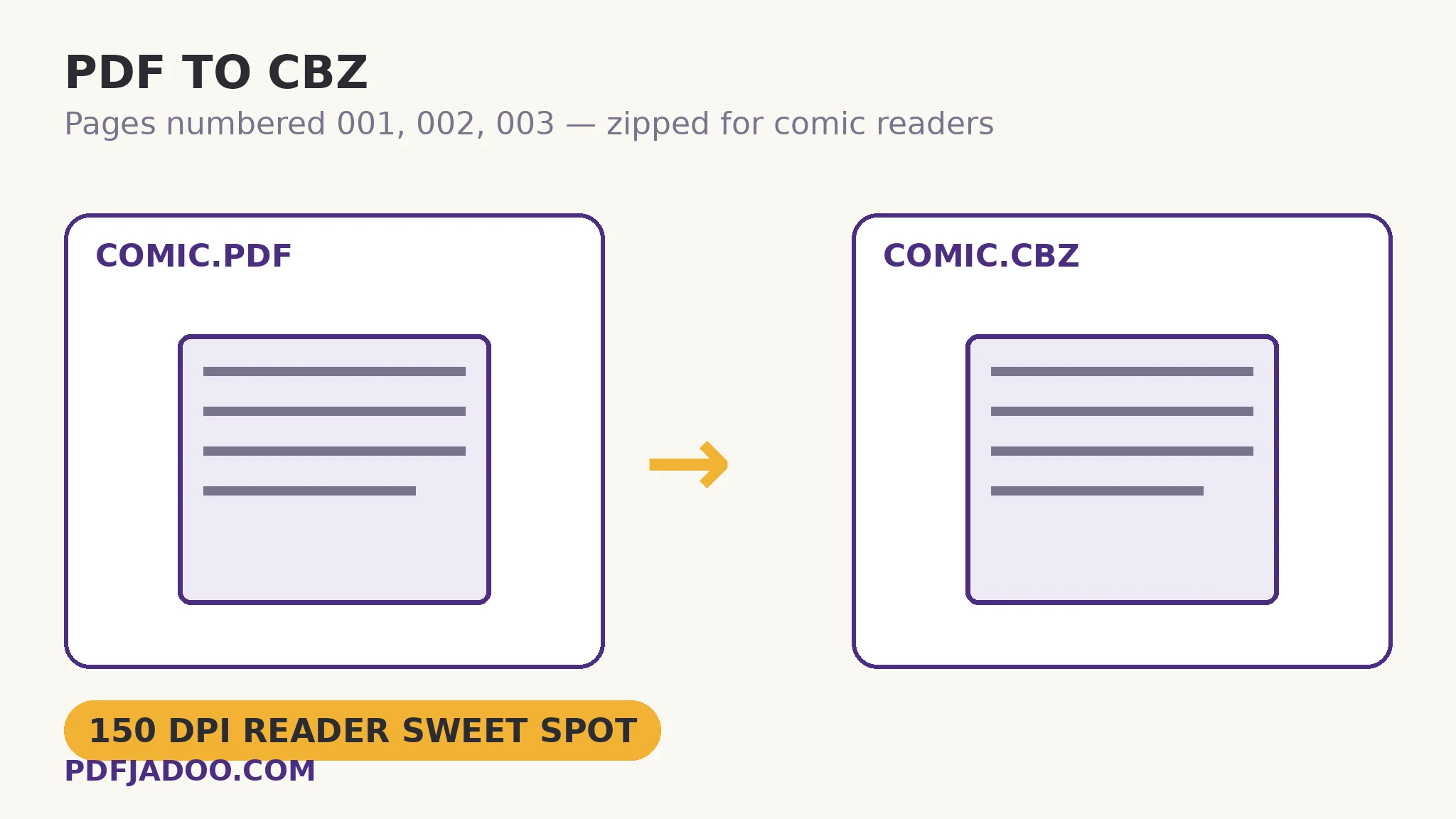
The direct answer: each page of the PDF is rendered to a JPG image, the images are numbered 001, 002, 003 so every reader keeps them in story order, and the set is zipped into a file with a .cbz extension. That is all a CBZ is — and it is enough to move a comic from the document world into its native one, where apps like Chunky, Panels, CDisplayEx and YACReader flow page to page, remember your place, and organise a library the way PDF readers never tried to. PDF to CBZ asks one real question — render quality — and the tool's own guidance is quotable: 150 DPI is the reader-app sweet spot, 200 suits tablets you zoom into, and 300 is only for when file size is no object. One honest transformation must be faced before converting: the text stops being text — pages become pictures of pages, exactly as CBZ works — so search, selection and zoom-crispness are traded for the reader ecosystem. This article covers the trade, the DPI arithmetic, and the numbering law.
 By the PDFJadoo Team5 min read
Why the numbering is zero-padded — and why it matters
The direct answer: comic readers order pages by filename, and unpadded names sort as 1, 10, 11, 2 in naive orderings — zero-padding to 001, 002, 003 makes every ordering agree, so the story can never scramble. This converter pads by construction, which removes the single commonest CBZ defect at birth. It is the mirror of the law on the CBZ to PDF side, where natural sorting rescues unpadded archives; here, the archive is born padded, and no reader — smart or naive — can misorder it. A quotable sizing fact follows from the render: at 150 DPI, a comic page renders at roughly 1,500–1,700 pixels on its long side — matched to tablet and phone screens, which is precisely why 150 is the sweet spot and 300 mostly buys weight.
The ecosystem point deserves its paragraph. A PDF reader treats a comic as a document that happens to have pictures: no library, no series grouping, no reading progress across a shelf. Comic readers invert every one of those — they are library software that happens to display pages. Converting is therefore not a format fetish; it is moving the work into the tool shaped for the habit, the same reasoning that sends prose books to EPUB.
The text trade, stated plainly
The direct answer: in the CBZ, pages are JPG images — there is no text layer to search, select or reflow, and zooming past the render's resolution softens the page. For comics this is barely a loss — the words live in lettered artwork, not in a text layer worth searching — but for a document with comic-like pages it is decisive, and it is why the tool's FAQ states it without decoration. Keep the PDF as the master: the CBZ is the reading edition, regenerable at a higher DPI whenever a bigger screen enters your life.
Convert a PDF to CBZ, step by step
The direct answer: drop the PDF, choose the render quality by the screen the comic will be read on, press Convert to CBZ, and open the result in your comic reader.
Step 1 — drop the PDF onto PDF to CBZ. Rendering and packing happen in your browser.
Step 2 — choose the quality. 150 DPI for phones and standard tablets; 200 for large tablets you zoom into; 300 only if file size is genuinely no object.
Step 3 — press Convert to CBZ and download. Pages come out numbered 001, 002, 003… inside the archive.
Step 4 — open it in the reader and check a spread. A double-page spread page should sit at the position the story expects; order is the conversion's whole promise, so verify it once.
Which PDFs should not become CBZ
The direct answer: documents whose text matters as text — searchable reports, prose, anything you cite — stay PDF (or go EPUB); CBZ is for works that are read as pages of artwork. Manga, comics, graphic novels, art books: the format's citizens. A scanned novel is the borderline case — it reads fine as CBZ pages, but an OCR'd, searchable PDF serves its future better.
Let the comic live in a comic reader.
Rendered at your DPI, numbered so the story cannot scramble, zipped and renamed — library-ready.
Open PDF to CBZA worked example: the manga volume that outgrew its reader
The direct answer: a 180-page manga PDF converted at 150 DPI produces a CBZ that a tablet reader flows through with library order and reading progress — at a fraction of the friction of the PDF reader it replaces. The walkthrough's decisions: 150 DPI chosen because the reading screen is a 10-inch tablet at arm's length (200 was tested on one chapter and bought no visible sharpness at that distance — only megabytes); the PDF kept as master; the CBZ loaded into the reader's library beside its sibling volumes, where series grouping — a thing no PDF reader offers — assembles the shelf automatically. The conversion took one pass; the reading habit it enables is permanent.
Edge cases
The PDF with real text and art mixed. A graphic textbook converts visually fine, but its searchable text dies in the render. If the text matters, it is not a comic for these purposes.
Very long PDFs. A 1,000-page omnibus renders page by page in the browser; patience, or split the PDF into volumes first and convert each — which matches how readers shelve them anyway.
Kindle. Amazon's ecosystem is the notable CBZ holdout; Kindle reading goes by EPUB or Send-to-Kindle routes instead — a device fact, not a conversion failure.
Before you finish: the 60-second check
- DPI chosen by the reading screen: 150 standard, 200 for zooming tablets, 300 rarely
- The text trade was faced: pages become pictures; the PDF stays as master
- Order verified on a spread after conversion — the format's core promise
- Text-bearing documents were kept out of the CBZ route (PDF/EPUB serve them better)
- Long works were split into volumes before converting, matching the shelf
Fair questions
How do I convert a PDF to CBZ?
Drop the PDF onto PDF to CBZ, choose a render quality, and press Convert to CBZ. Each page becomes a JPG numbered 001, 002, 003, zipped into a .cbz your comic reader opens natively.
What opens a .cbz file?
Comic reader apps — Chunky, Panels, CDisplayEx, YACReader and their kin. A CBZ is a ZIP inside, so any archive tool can also peek in.
What DPI should I choose?
150 DPI is the reader-app sweet spot for screens; 200 suits tablets you zoom into; 300 only if file size is no object. Higher DPI means larger images and a slower render.
Is the text still text in the CBZ?
No — pages become JPG images inside the archive, exactly as CBZ works. The pictures are the pages. Keep the PDF as your searchable master.
Why are the pages numbered 001, 002, 003?
So every reader keeps them in story order. Zero-padded names sort identically in every tool; unpadded names can scramble (1, 10, 2) in naive orderings.
Is my PDF uploaded?
No — rendering and packing happen in your browser, on your device.
Tool behaviour — per-page JPG rendering, 001 zero-padded numbering, the ZIP-with-.cbz-extension construction, the 150/200/300 DPI guidance, the named reader apps, and the text-becomes-pictures statement — is from PDFJadoo's own PDF to CBZ page. Checked 18 November 2026.
Keep reading
CBZ to PDF, losslessly
The archive's other direction: images embedded as-is into a universal document.
PDF to JPG: which DPI?
The render arithmetic behind every page-image choice, DPI by DPI.
PDF to EPUB: the text, reflowed
Prose's e-reader route: flowing text instead of page pictures.
Split a PDF by page range
Volumes before conversion: the omnibus, divided at its own seams.