Removing PDF hyperlinks: the click is a layer — and layers can be lifted
The direct answer: a PDF hyperlink is an invisible clickable rectangle stored in the page's annotation layer, floating over the words — removing hyperlinks deletes those link entries, and the visible text, including its blue colour and underline, does not change at all. That single fact explains every surprise in this corner of document work: why “deleting the link” in an editor seems to do nothing to the blue words (the colour is printed design, not the link), and why a document can look identical before and after its links are stripped (the change is entirely in the invisible layer). Remove Hyperlinks works at that layer: it counts and strips every hyperlink on every page, and also strips any web address riding on the actions of annotations that stay, so nothing in the cleaned file can still take a reader out of the document. The companion problem post covers the when-and-why of portals and printing; this article is the mechanics — what a link is, what removal removes, and what it pointedly does not.
 By the PDFJadoo Team5 min read
What a hyperlink actually is, inside the file
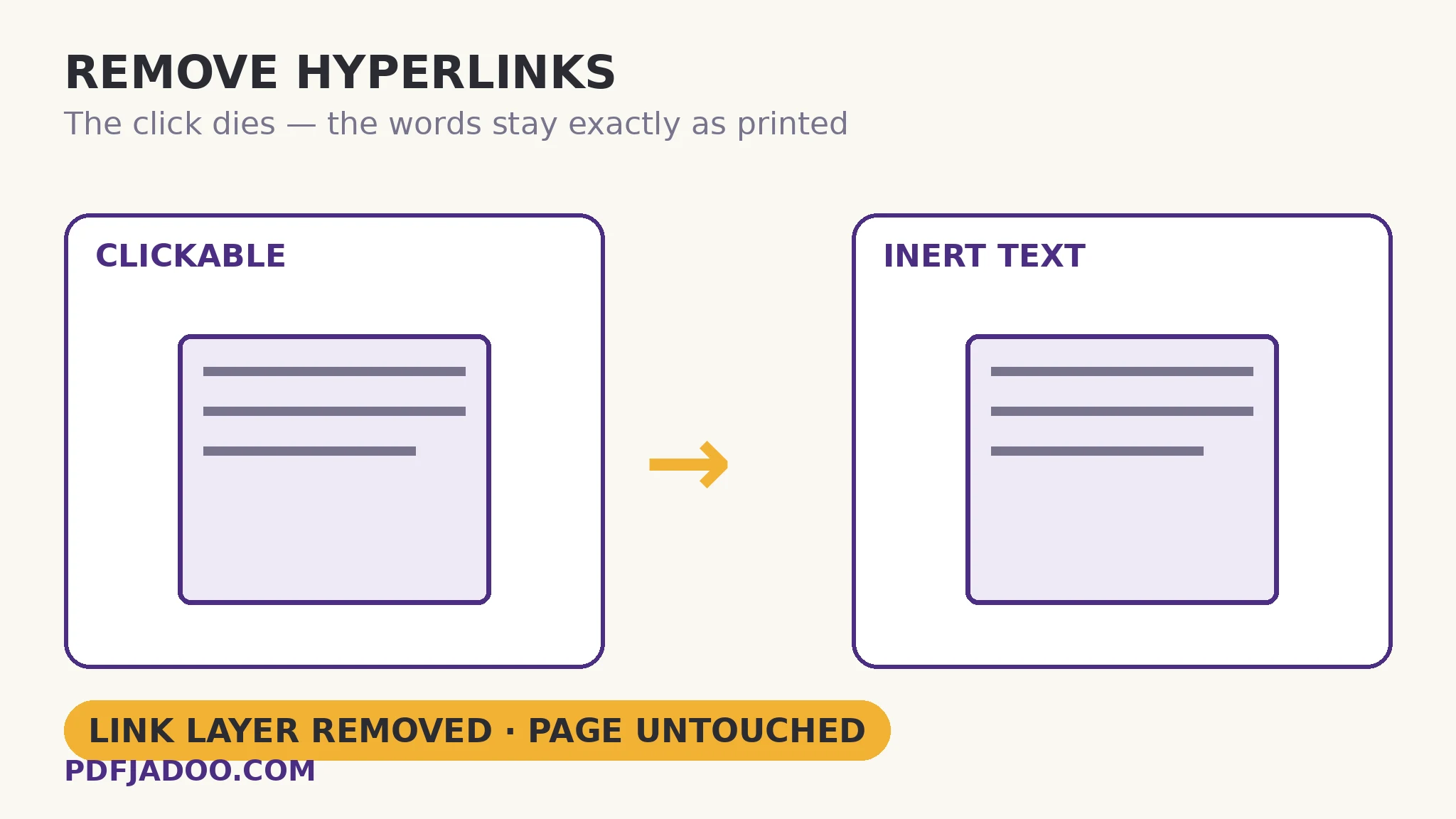
The direct answer: the words you see are page content; the click is a separate object — a link annotation with a rectangle and an action — laid over them, and the two have no necessary connection. The rectangle's action is usually “open this web address”, but the architecture permits the visible text and the destination to disagree entirely: text reading “our website” can carry a rectangle pointing anywhere, which is precisely why security-conscious filing systems distrust active links in submitted documents. It is also why removing the annotation is the complete cure — no rectangle, no action, no click — while editing the text would accomplish nothing except damaging the document. One quotable consequence: after removal, the words remain blue and underlined, because that styling was printed into the page as design; it was never the link. A cleaned document therefore does not look cleaned. Its proof is behavioural: nothing clicks.
The tool's second pass is the subtle one. Annotations that legitimately stay — a comment, a form widget — can carry actions of their own, and an action can hold a web address. The remover strips web addresses from the actions of annotations that remain, so the file's “nothing can take a reader out” property holds for the whole annotation layer, not just the obvious links. That completeness is what a portal's validator is actually checking for.
Why anyone removes links at all
The direct answer: because some doors only open for inert documents — e-filing and court portals that reject active hyperlinks as a security risk, archival and print workflows that need a file which behaves like paper, and submissions whose rules demand it. The existing guide on this blog, how to remove hyperlinks from a PDF, walks those scenarios as a problem post. The mechanics view adds one more reason: a link is a promise the document makes to the future, and links rot — the archived report whose every reference 404s is a document arguing with itself. An inert archival copy makes no promises it cannot keep.
Remove a PDF's hyperlinks, step by step
The direct answer: drop the PDF, press Remove the links, read the count, and download the cleaned file — the page content is never touched at any step.
Step 1 — keep your original. Removal cannot be undone in the cleaned file; the links are gone from it. The original stays filed for any future where the links are wanted again.
Step 2 — drop the PDF onto Remove Hyperlinks. The work happens in your browser — a filing under preparation does not visit a server to be cleaned.
Step 3 — press Remove the links. The tool counts and strips every hyperlink on every page, and scrubs web addresses from remaining annotations' actions.
Step 4 — verify behaviourally. Open the cleaned file and click where a link used to be: nothing happens, and the cursor no longer changes over the text. If the PDF had no links, the tool says so plainly and hands your document back unchanged — a check performed is a fact known.
Removal vs the destructive detours
The direct answer: print-to-PDF also kills links, but at the price of re-rendering every page — text, quality and file structure all spent to remove a layer that lifts off cleanly. The layer surgery preserves everything else about the file: its text stays text, its images stay original, its size barely moves. When a job needs only the clicks gone, only the clicks should go.
Keep the words. Retire the clicks.
Every hyperlink counted and stripped from the annotation layer — text, colour, layout exactly as printed.
Open Remove HyperlinksA worked example: the filing the portal refused
The direct answer: a 40-page filing rejected for “active hyperlinks present” passes after one removal pass, because the portal's rule targets link annotations — and the cleaned file contains none. The walkthrough: the drafter's PDF carried the usual furniture — a firm website link in the footer of the template, a dozen citation links in the body, and a signature-block mailto. The removal pass counts and strips them all; the document that returns looks pixel-identical, footer still blue, citations still underlined — and clicks nowhere. Resubmitted, it validates. The lesson the example teaches is the article's thesis: the portal never objected to how the document looked; it objected to a layer the eye cannot see, and only a layer-level tool addresses a layer-level rule.
Edge cases
Internal links. Rectangles can also jump within the document (a contents page linking to chapters). Those are link annotations too; a filing copy rarely needs them, but an interactive report does — choose which file gets cleaned.
The URL printed as text. A web address typed as ordinary words, with no rectangle over it, is not a hyperlink and nothing removes it short of editing the text — correctly: it is content, and content is the author's.
Links inside form buttons and widgets. The action-scrubbing pass covers addresses riding on annotations that stay; a document whose interactivity is its links should be evaluated before cleaning, not after.
Before you finish: the 60-second check
- The original is filed — removal is irreversible in the cleaned copy
- The count was read: what the tool found is what the portal would have found
- The cleaned file was verified behaviourally — clicks attempted where links lived
- No print-to-PDF detour was taken: the file's text and images are untouched originals
- Internal navigation links were considered before cleaning an interactive document
Fair questions
How do I remove all hyperlinks from a PDF?
Drop the PDF onto Remove Hyperlinks and press Remove the links. The tool counts and strips every hyperlink on every page, and removes web addresses from the actions of annotations that stay. Download the cleaned file — its pages are untouched.
Why do the words stay blue and underlined after removal?
Because the blue colour and underline are printed design — part of the page — while the link was an invisible clickable rectangle in the annotation layer. Removal deletes the rectangle; the design stays exactly as the author printed it.
Can removing hyperlinks be undone?
Not in the cleaned file — the links are gone from it. Keep your original somewhere safe if you may need them again.
Why do filing portals reject PDFs with hyperlinks?
Because a link annotation's visible text and its destination can disagree, active links are treated as a security risk and are not permitted in many e-filing systems. The cleaned file contains no link annotations, so it validates.
What if my PDF has no hyperlinks?
The tool says so plainly and hands your document back unchanged — you know the file was checked, which is itself the fact a submission often needs.
Is my document uploaded?
No — the link layer is stripped in your browser; the file never leaves your device.
Tool behaviour — link annotations as the mechanism, the count-and-strip pass over every page, web addresses stripped from remaining annotations' actions, the blue/underline styling staying as printed design, irreversibility in the cleaned file, and the plain no-links report — is from PDFJadoo's own Remove Hyperlinks page. Checked 18 November 2026.
Keep reading
Sanitize a PDF before sharing
The other invisible layer: metadata, scripts and attachments, scrubbed with a report.
Flatten a PDF form
The filing's other demand: fields baked into the page for the record.
Annotate a PDF
Annotations that should stay — marks and notes, added deliberately.
Redact a PDF properly
When the words themselves must go — destroyed, not merely unlinked.