Sanitize a PDF: scrub what the file carries but doesn't show
A PDF shows its pages. It carries much more: the author's name and the software that made it, an edit history, embedded file attachments riding invisibly inside, comments and annotations, and — in the worst files — JavaScript and automatic actions that run when the file opens. Sanitize PDF is the pre-share scrub: it rebuilds the document with the extras stripped — the categories you tick — and gives you a plain-language report of what was present. The pages come through identical; the luggage does not. This article walks the luggage, category by category, because knowing what a PDF can carry is most of the value.
 By the PDFJadoo Team6 min read
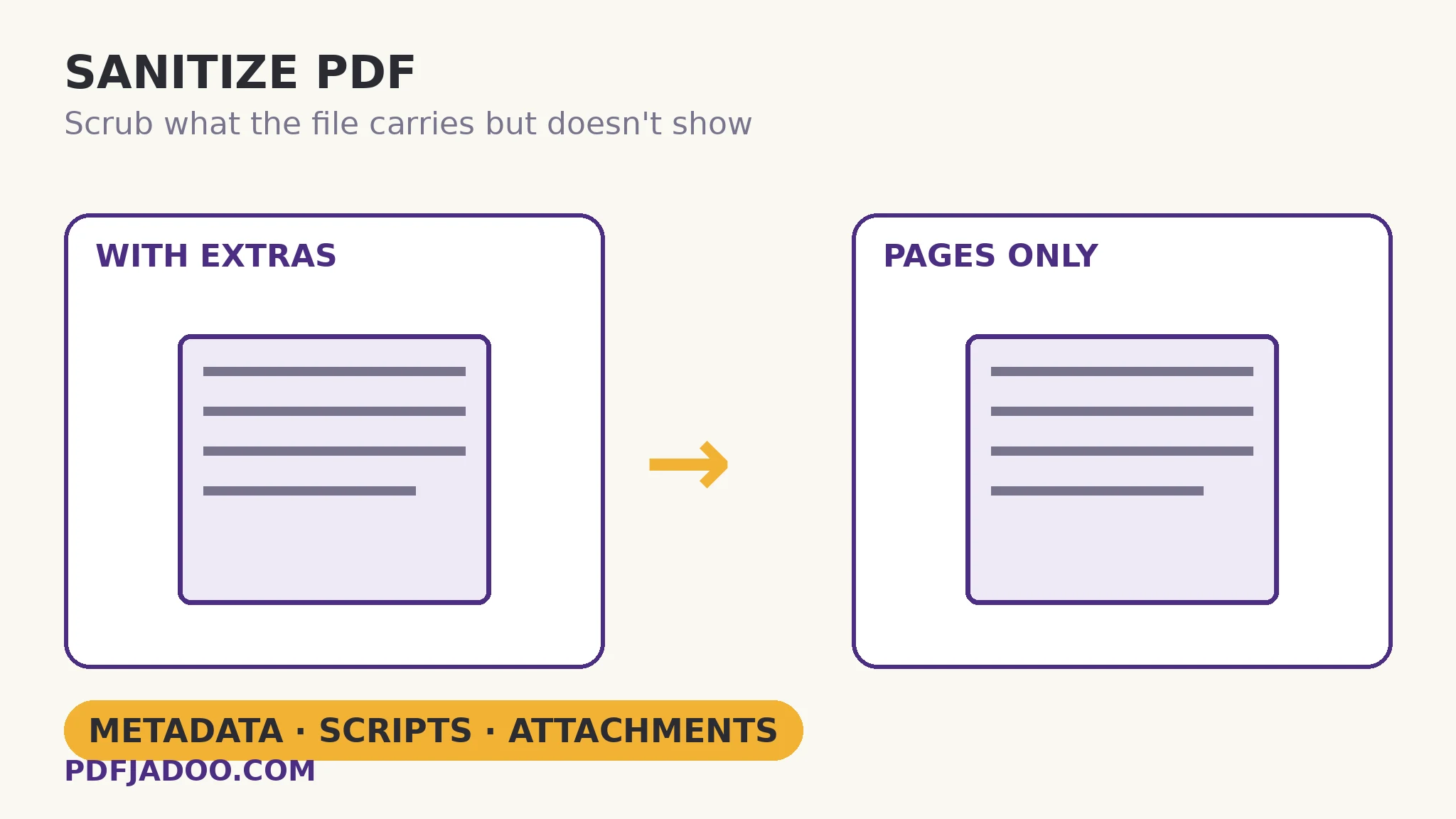
The four kinds of luggage
Document metadata — title, author, creator software, producer, dates. Mostly harmless, occasionally a confession: the “anonymous” report authored by a named employee; the press release whose producer string names the unreleased software. Embedded file attachments — whole files packed inside the PDF: a source spreadsheet, a data file, sometimes things the sender forgot were there. They do not show on any page and they travel with every forward. JavaScript and automatic actions — code set to run on open or on events: legitimate in some form workflows, a genuine hazard in files from strangers, and never something a shared copy needs to keep. Comments and annotations — the review layer: internal remarks, negotiation notes, the “don't send this version” sticky — content that was never meant for the recipient's eyes.
The sanitize pass rebuilds the document with the ticked categories removed and reports what it found in each. The report is half the product: it converts a vague hygiene habit into knowledge — this file carried an embedded spreadsheet — which is the kind of fact that changes how the next file is handled. Two scope notes the tool states: form fields are left fillable (sanitizing is not flattening; a form stays a form), and the pages themselves are untouched in content — the scrub is about everything except the pages.
Sanitize vs redact vs metadata-edit: three different hygiene acts
Redaction destroys specific visible data on pages. Sanitizing strips the invisible categories wholesale. Metadata editing corrects the identity fields rather than removing them — the right act for a document you publish proudly, whose title and author should be accurate, not absent. A sensitive release may need all three in sequence: redact the pages, sanitize the file, and (if it is published rather than leaked) set the metadata deliberately. They are complements, not alternatives.
Sanitize a PDF, step by step
Step 1 — drop the PDF onto Sanitize PDF. The scrub runs in your browser — a file being cleaned of private extras should not be uploaded to a stranger's server to do it.
Step 2 — tick the categories. Metadata, embedded attachments, JavaScript and actions, comments and annotations — each is a separate decision; a form that legitimately uses scripts for calculation is the rare file where one box stays unticked, knowingly.
Step 3 — press Sanitize it and read the report. What was present, in plain language. Surprises in the report are the scrub paying for itself.
Step 4 — verify the pages and share the clean file. The pages should be identical; the file's properties should show the scrub. The original stays in your files as the master.
When sanitizing is the whole job
Receiving files is the mirror case: a PDF from an unknown source, carrying scripts, is a file to sanitize (or at minimum inspect) before it joins your archive — the scrub doubles as a disinfectant for inbound documents whose pages you need but whose extras you never agreed to host.
Share the pages. Keep the luggage home.
Metadata, attachments, scripts and comments stripped in a rebuild — with a plain-language report of what was found.
Open Sanitize PDFA worked example: the whistle-clean report
An internal audit report goes to an external regulator. The pages were reviewed line by line; the file was not — until the scrub's report listed: author metadata naming the junior analyst who drafted it, an embedded spreadsheet containing the raw figures (including a column of staff identifiers never meant to leave), and eleven annotations from the internal review, two of them candid about a supplier. All three categories were stripped in the rebuild; the pages the regulator receives are the pages that were approved, and nothing else in the envelope. The example's lesson is the report's: the dangerous content in a shared PDF is rarely on its pages.
Edge cases
The form that needs its scripts. Some forms calculate via JavaScript; stripping scripts from the master breaks it. Sanitize the shared copy, keep the master's scripts — and know which file is which.
Digital signatures. Rebuilding a signed file disturbs its seal — a signed document's integrity story ends at any rebuild. Sanitize before signing, or accept that the signed original is the shared file.
“The report found nothing.” Good news, honestly reported — a clean file is a finding, not a failure of the scrub.
Before you finish: the 60-second check
- Categories were ticked deliberately — scripts kept only where a form genuinely needs them, in the master only
- The report was read — surprises change how the next file is handled
- Pages verified identical after the rebuild
- Signed files were sanitized before signing, never rebuilt after
- The scrubbed file is the one that left the building
Fair questions
How do I remove metadata and hidden data from a PDF?
Drop the PDF onto Sanitize PDF, tick what to strip — document metadata, embedded attachments, JavaScript and automatic actions, comments and annotations — and press Sanitize it. The document is rebuilt with the extras removed, plus a plain-language report of what was found.
What hidden data can a PDF carry?
Author names and software versions in metadata, edit history, whole embedded file attachments, review comments and annotations, and JavaScript set to run on opening. None of it shows on the pages; all of it travels with the file.
Does sanitizing change the pages?
No — the pages' content is untouched. Sanitizing removes everything except the pages: metadata, attachments, scripts, comments. Form fields are left fillable; sanitizing is not flattening.
What is the difference between sanitize and redact?
Redaction destroys specific visible data on the pages. Sanitizing strips invisible categories from the whole file. A sensitive release often needs both: redact the pages, then sanitize the file.
Will sanitizing break a signed PDF?
A rebuild disturbs a digital signature's seal. Sanitize before signing; a file whose signature must verify should be shared as signed, not rebuilt.
Is my file uploaded to be sanitized?
No — the rebuild runs in your browser. A file being cleaned of private extras is the last file that should visit a server.
Tool behaviour — the four strippable categories, the rebuilt output, the plain-language findings report, and form fields left fillable — is from PDFJadoo's own Sanitize PDF page. Checked 18 November 2026.
Keep reading
Redact a PDF properly
The visible half of a safe release: data destroyed on the page, not covered.
PDF metadata: title and author
When the identity should be corrected, not stripped — publishing hygiene.
PDF Inspector: a file checkup
Read the whole chart before treating: fonts, fields, encryption, metadata.
Password-protect a PDF
The scrubbed file, sealed for its journey.