Password-protect a PDF: two passwords, two different jobs
“Password protect it before you send it” sounds like one request. It is two, and they protect different things. An open password guards the door: without it, the file will not open at all — its contents are encrypted, unreadable, sealed. A permissions password (the owner password) guards behaviour inside: the file opens for anyone, but printing, copying or editing are forbidden by the password-holder's settings. Send a contract with only a permissions password and the recipient can read every word. Email a payslip with only an open password and anyone who learns it can print and copy freely. Know which door you are locking.
 By the PDFJadoo Team8 min read
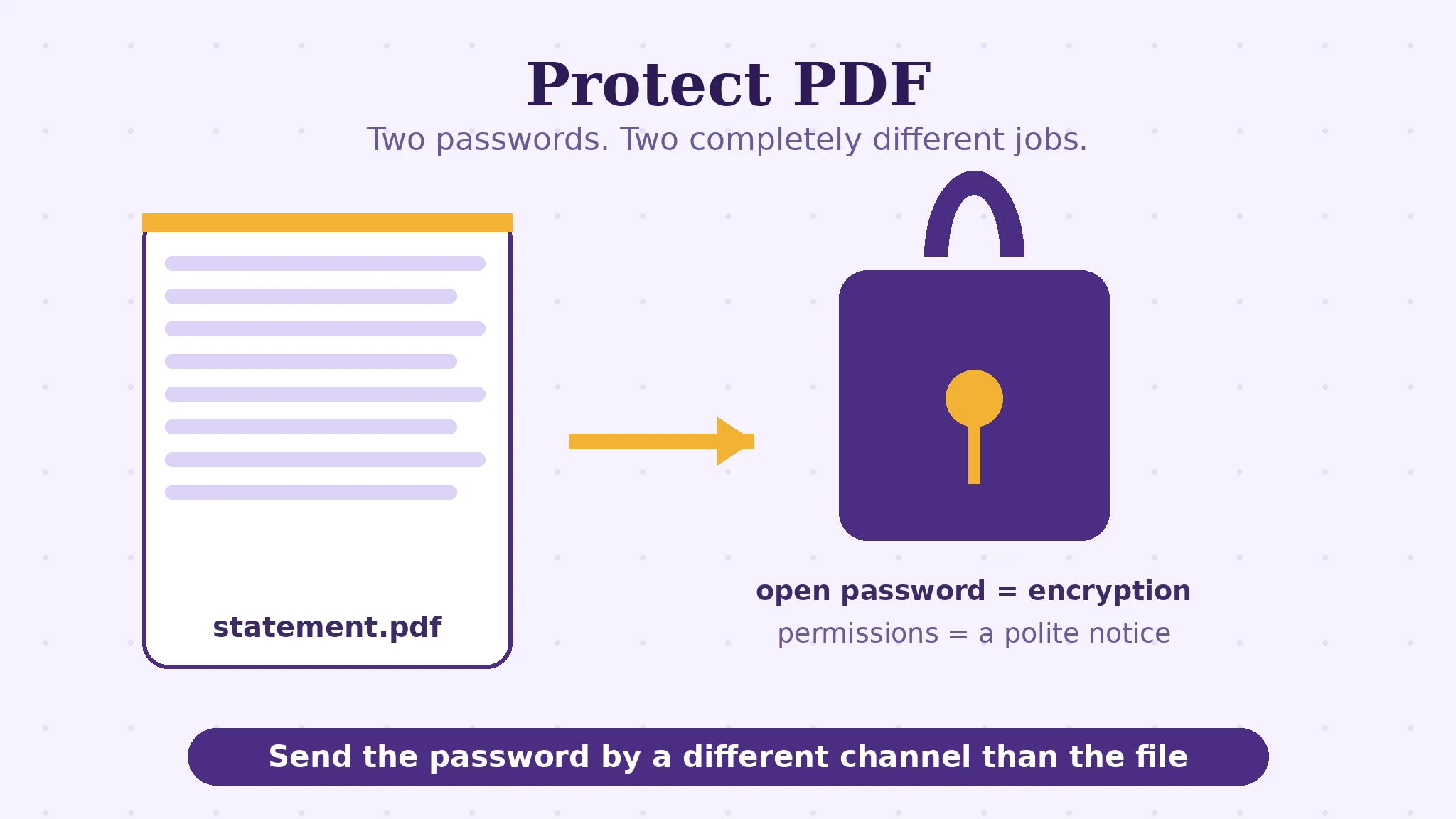
Encryption is the floor both passwords stand on
Under both passwords sits the same machinery: the file's contents are encrypted — scrambled with a cipher — and the password is the key the reader uses to unscramble them. Protect PDF runs the QPDF engine in your browser tab and encrypts with AES-256 (the PDF 2.0 standard) where the format path supports it, falling back to AES-128 otherwise — both are serious ciphers; the practical strength of your protection is almost never the cipher. It is the password itself. AES-256 guarding “123456” is a vault door with the key under the mat: an attacker does not break the cipher, they guess the password, and they guess the obvious ones first, at machine speed, forever. A long, unique passphrase — several words strung together beats a short tangle of symbols — is what makes the mathematics real.
Because the engine runs in your tab, the document and its password never travel to a server. Pause on that: a protection tool that required uploading the unprotected file to a stranger's machine would be a strange bargain. Here the file is sealed where it sits, and only the sealed result is yours to send.
The two passwords, precisely
| Open password (user password) | Permissions password (owner password) | |
|---|---|---|
| What it controls | Whether the file can be opened at all | What an opener may do: print, copy text, edit |
| Who needs it | Everyone who opens the file, every time | Only someone changing the permissions |
| Without it | The contents stay encrypted — nothing is readable | The file still opens; the restrictions are what is protected |
| Typical job | Payslips, statements, anything private in transit | Distributing a document that should not be printed or copied |
One honest nuance about permissions: they are enforced by well-behaved readers. Standard PDF software respects a no-print, no-copy setting, and for ordinary business purposes that respect is the norm — but permissions are a rule posted on the door, where the open password's encryption is a lock on it. For genuine confidentiality, the open password is the protection; permissions are etiquette with teeth, not a vault.
The rule with no exceptions: there is no recovery
Say it before the steps, so the steps are taken carefully: a forgotten password cannot be recovered — not by this tool, not by anyone. That is not a missing feature; it is what encryption means. The same mathematics that keeps an attacker out keeps a forgetful owner out, permanently. So the working habits around protecting a file matter as much as the setting itself: keep an unprotected master copy somewhere safe and private, store the password in a password manager rather than in memory, and send the password by a different channel than the file — the PDF in the email, the password in the message app — because a file and its key in the same thread protect nothing from anyone who reaches that thread.
Length deserves its own sentence, because it is the whole game: each added character multiplies the guessing work, so a five-word passphrase you can remember beats an eight-character puzzle you will write on a sticky note — and forget, or worse, reuse. Unique to this document set, memorable to you, stored in the manager: that is the password discipline that makes AES-256 more than a label.
Password-protect a PDF, step by step
Step 1 — decide which protection the document needs. Confidential in transit: open password. Open but restricted: permissions. Many documents honestly need the first and not the second.
Step 2 — drop the PDF onto Protect PDF. The QPDF engine loads in your tab; the file is never uploaded.
Step 3 — set the password (or passwords). Type a long, unique passphrase. If you set permissions, choose them deliberately — printing off, copying off, editing off are separate switches with separate consequences for the recipient.
Step 4 — protect and download. The sealed file is a new file; your original stays untouched on your device.
Step 5 — test like a stranger. Open the protected file fresh: it should demand the password before showing a single page. Then store the password in your manager and file the unprotected master safely — before you send anything.
Seal it where it sits.
AES-256 encryption by the QPDF engine, running in your browser tab — the file and its password never leave your device.
Open Protect PDFA worked example: the payslip run
A small business emails monthly payslips. Each is a PDF containing a name, a salary and bank details — exactly the class of document that should never travel naked. The routine the two-password distinction produces: each payslip gets an open password (a per-employee passphrase agreed once, stored in the manager), no permissions password at all — the employee may print and copy their own payslip freely. The file goes by email; the passphrase was agreed in person and lives in a different channel entirely. A misdirected email now leaks an encrypted blob and nothing else. Before this routine, the same office had “protected” the payslips once with a permissions password only, and discovered — luckily in a test — that every payslip opened happily for anyone. Same phrase, opposite protection: the example is why this article exists.
Edge cases: where protection surprises people
“I set a password but it opens without one.” You set the permissions password only. The file opens by design; the restrictions are what is locked. For confidentiality, set the open password.
The recipient cannot print their own document. A permissions setting travelled with the file. If the recipient legitimately needs to print, either lift that restriction or send an unrestricted copy — with the open password still guarding transit.
Very old readers and AES-256. Ancient PDF software may not speak the PDF 2.0 encryption; the AES-128 fallback path exists for compatibility. If a recipient's reader refuses the file, re-protect with compatibility in mind rather than weakening the password.
The password in the same email. File and key together are a locked box shipped with the key taped to it. Different channel, always — message app, phone call, in person.
Before you finish: the 60-second check
- You chose deliberately: open password, permissions password, or both
- The passphrase is long, unique to this use, and stored in a password manager
- An unprotected master copy is filed somewhere safe and private
- The protected file was test-opened and demanded its password
- The password travels by a different channel than the file
- You accept the standing rule: a forgotten password has no recovery
Fair questions
What is the difference between an open password and a permissions password?
The open password controls whether the file can be opened at all — without it, the encrypted contents are unreadable. The permissions (owner) password controls behaviour after opening: whether printing, copying and editing are allowed. Confidentiality needs the open password; permissions alone leave the document readable by anyone.
How strong is the encryption on a protected PDF?
Protect PDF encrypts with AES-256 (the PDF 2.0 standard) where supported, falling back to AES-128 — both serious ciphers, applied by the QPDF engine in your browser. In practice your protection is as strong as your password: a long, unique passphrase makes the cipher's mathematics real.
I forgot the password to my protected PDF. Can it be recovered?
No — and that is by design. Encryption that could be undone for the owner could be undone for anyone. Keep an unprotected master copy stored safely, and keep passwords in a password manager.
Is my file uploaded to be password-protected?
No. The QPDF engine runs in your browser tab, so the document and its password never leave your device. Only the sealed file is produced, ready to send.
How should I send the password to the recipient?
By a different channel than the file: the PDF by email, the password by message app or phone. File and key in the same thread protect nothing from anyone who reaches that thread.
Can a permissions password stop someone copying my document?
It stops copying in standard, well-behaved PDF readers, which covers ordinary business use. Treat permissions as strong etiquette rather than a vault: for true confidentiality, the open password's encryption is the real protection.
Tool behaviour — the QPDF engine running in the tab, AES-256 with AES-128 fallback, open and permissions passwords, and no-recovery — is from PDFJadoo's own Protect PDF page. The note that permissions are enforced by compliant readers is the standard, honest account of the PDF permission model. Checked 18 November 2026.
Keep reading
Compress a PDF without losing quality
Sealed and sent — now make the sealed file small enough to email, levels explained.
Electronic vs digital signatures
The other kind of sealing: whose mark it is, and proof nothing changed after.
Permissions password vs open password
The scenario version: the payslip that opened for everyone, and the fix.
Merge PDF files into one
Assemble the bundle first — then protect the single file, once.