Electronic signature vs digital signature: one is a mark, the other is a seal
The email says “please sign and return”, and two different technologies answer to that sentence. An electronic signature is your mark on the page — drawn, typed or photographed, placed where a pen would go. A digital signature is cryptography: a certificate-backed seal computed over the file's contents, which breaks if a single character changes afterwards. Every digital signature is electronic; not every electronic signature is digital. Confusing them wastes days in both directions — over-engineering a rental form, under-sealing a filing. This article draws the line, then shows the signing itself.
 By the PDFJadoo Team8 min read
The electronic signature: your mark, in pixels
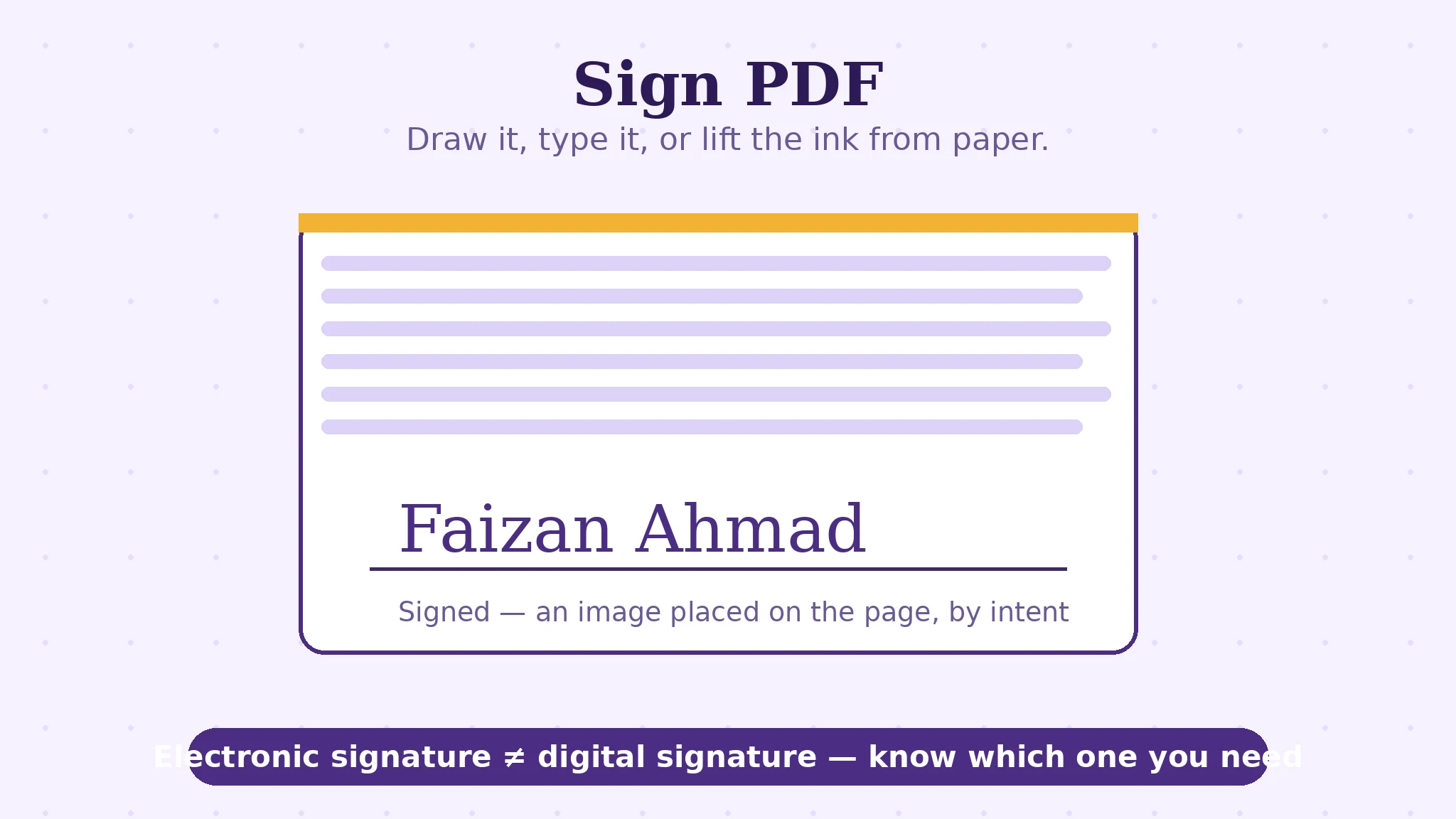
An electronic signature is the broad, legal-everyday category: any electronic mark made with the intent to sign. In Sign PDF you make one four ways — draw it with a finger, mouse or stylus; type your name in a signature style; upload a photo of your real ink signature, its ink lifted from the paper in your browser so only the signature travels onto the document; or pull it from a PDF that already carries it. You place it on the signature line, resize it, and choose its ink — black, blue or red. For the great run of everyday paperwork — agreements, approvals, school forms, freelance contracts — this mark, with the intent behind it and the paper trail around it, is what “signed” has always meant, now without the printer. The phone walkthrough of exactly this flow is this blog's sign a PDF on your phone post; this article is the distinction underneath it.
Two refinements in the tool matter at real desks. Tiles: initial every page? Place the signature once and tile it — the same mark lands on every page (or a chosen range) in the same position, which is how “initial here” stops being ten minutes of dragging. Multiple signers: a second person's signature can be added to the same document in its own spot, in its own colour, before the file goes out — one file, both marks, no forwarding chain of half-signed copies.
The digital signature: a seal computed over the file
A digital signature answers a different question. Not “whose mark is this?” but “is this file exactly the file that was signed, and can a certificate vouch for the signer?” It works by hashing the document — computing a fingerprint of its bytes — and encrypting that fingerprint with the signer's private key, under a certificate issued by a trusted authority. Anyone can verify: recompute the fingerprint, decrypt the seal, compare. Change one comma after signing and verification fails loudly. That is tamper-evidence plus identity, and it is what regulated filings, some government submissions and high-value transactions ask for when they say “digital signature” and mean it.
The honest boundary, stated plainly: PDFJadoo's Sign PDF makes electronic signatures — the mark — not certificate-backed digital signatures. If a portal demands a certificate-based signature, it will usually also provide or name its own signing route, and no image of a signature will satisfy it. If a human being asked you to “sign and return” a document, the mark is almost certainly what they want. Knowing which sentence you were sent is the whole skill — and now you have it.
Which documents want which — a practical map
| Document | Electronic mark | Certificate digital signature |
|---|---|---|
| Freelance and service agreements, NDAs, approvals | ✔ The everyday standard | Rarely asked for |
| School, HR and internal forms | ✔ | No |
| Rental and tenancy paperwork | ✔ Usually | Only if the agency's portal requires it |
| Regulated filings, some government submissions | Sometimes refused | ✔ When specified — use their route |
| Wills, notarised and sworn documents | Often not sufficient | These follow their own legal process entirely |
The table is a map, not legal advice — requirements vary by country and by the organisation asking. The pattern to carry away: the mark is the default of ordinary life; the seal appears when a rule names it. And a signature, either kind, seals the document as it stands — so make every edit before you sign, a point this series' editing article, how editing PDF text works, makes from the other side.
Sign a PDF, step by step
Step 1 — open the document in Sign PDF. It loads in your browser; nothing is uploaded, which matters for a document carrying your signature.
Step 2 — create your signature. Draw it for the closest thing to ink; type it for neatness; upload a photo of your paper signature and let the tool lift the ink; or import one from a PDF you signed before. Pick the ink colour — blue reads as “original” at a glance, black is the safe default.
Step 3 — place it, then tile if needed. Drag the signature onto the line, size it to the line's height. Initials on every page? Turn the placement into tiles across the pages instead of repeating the drag.
Step 4 — add the second signer, if there is one. Their mark, their spot, before the file leaves — one fully signed document instead of a chain.
Step 5 — save, and verify like a recipient. Download the signed PDF and open it fresh: signature present, right page, right size, document otherwise untouched. Then send that file — and keep a copy of exactly what you signed.
Sign it like you mean it.
Draw, type, upload or reuse your signature — placed precisely, tiled across pages, joined by a second signer — all in your browser.
Open Sign PDFA worked example: the two-signature agreement
A freelance agreement arrives needing two signatures: yours on page 4, the client's countersignature beside it, and initials on pages 1–3. Without tiles and multi-signer support, this is a relay race of emails and mismatched versions. With them, it is one sitting: draw your signature once, place it on page 4, tile your initials across pages 1–3 in the corner position, add the client's signature block space by placing their mark when the file returns — or, if they sign in the same sitting, add theirs on the spot in a different ink. One file leaves; one file comes back; the version history is a straight line.
Notice what made the example smooth: not the drawing — any tool draws — but the placement mechanics (tiles, multiple signers, ink colour) and the privacy mechanics (the document and your signature image are processed in your browser, never uploaded to a server that keeps copies of both). Judge signing tools on those, and the choice makes itself.
Edge cases: where signing goes wrong
The portal that wanted a certificate. Your signed file is rejected with “invalid signature”. The words meant a digital signature; the portal will name its own route. No mark, however neat, substitutes — that is the distinction doing its job.
Editing after signing. Any later edit — even honest — makes the document no longer the document that was signed, and breaks a digital seal outright. Correct first, sign last, and treat the signed file as read-only.
The photographed signature with a grey box. A phone photo uploaded raw pastes a rectangle of paper onto the page. The tool's ink-lifting exists for this: it extracts the signature strokes from the photo so only the ink lands on the document.
Signature size theatre. A signature three times the line's height reads as carelessness to the human on the other end. Match the line; the mark's authority is in its placement, not its size.
Before you finish: the 60-second check
- You know which was asked for: a mark (electronic) or a certificate seal (digital)
- Every edit to the document was finished before signing
- The signature sits on its line, at the line's scale, in a deliberate ink colour
- Initials were tiled rather than dragged page by page
- Other signers were added to the same file, not a forwarded chain
- The saved file was opened fresh and checked like a recipient would
Fair questions
What is the difference between an electronic signature and a digital signature?
An electronic signature is any electronic mark made with intent to sign — drawn, typed or photographed. A digital signature is a specific cryptographic technology: a certificate-backed seal over the file's contents that fails verification if anything changes after signing. Every digital signature is electronic; most electronic signatures are not digital.
How do I sign a PDF for free on my phone?
Open the PDF in Sign PDF in your browser, draw your signature with a finger (or type it, or upload a photo of it), place it on the signature line, and save. Nothing is uploaded — the document and your signature stay on your device.
Is an electronic signature legally binding?
For ordinary agreements and forms, electronic signatures are widely recognised in law in many countries — the mark plus the intent to sign is what counts. Some documents follow stricter rules: wills, notarised documents and certain regulated filings. This is general information, not legal advice; when a document matters, check what the receiving organisation requires.
Can two people sign the same PDF?
Yes — Sign PDF supports multiple signers in one document: each person's mark placed in its own spot, in its own ink colour, before the file goes out. One fully signed file, instead of a chain of half-signed copies.
How do I initial every page quickly?
Place your initials once and use tiles: the same mark is repeated across every page (or a chosen page range) in the same position, instead of dragging it onto each page by hand.
My uploaded signature photo shows a grey box around it. Why?
The photo includes the paper around the ink. The tool lifts the ink from the photo in your browser, so only the signature strokes are placed on the document — no rectangle of paper travels with it.
Tool behaviour — draw/type/upload/PDF-source signatures with ink lifting, placement, tiles, black/blue/red inks and multiple signers — is from PDFJadoo's own Sign PDF page, and the tool makes electronic signatures, not certificate-backed digital ones. The legal notes are general information, not legal advice. Checked 18 November 2026.
Keep reading
Sign a PDF on your phone
The walkthrough post: the same signing flow, pocket-sized, step by step.
How editing PDF text works
Correct the document first — lines, fonts and the scan exception — then sign.
Password-protect a PDF
Signed and sealed? Now control who can open it at all.
Initial every page of a PDF
The tiles feature, given its own full scenario post.