Redact a PDF: gone for good — because the page is re-rendered
Redaction has a hall of shame: official documents released with black rectangles drawn over live text — anyone could select the “hidden” words, copy them, and read what was meant to be secret. The rectangles were decoration; the data was intact underneath. Proper redaction is destruction: what is under the box must stop existing in the file. Redact PDF achieves it the robust way: you draw black boxes over names, numbers and faces on the page previews, and the saved pages are re-rendered as images — so text beneath a box cannot be selected, copied or recovered, because in the saved file it is not text at all; it is pixels, and the pixels under the box are black. This article explains why the re-render is the whole ballgame, and the checklist that surrounds it.
 By the PDFJadoo Team6 min read
Three things called “redaction” — only one is
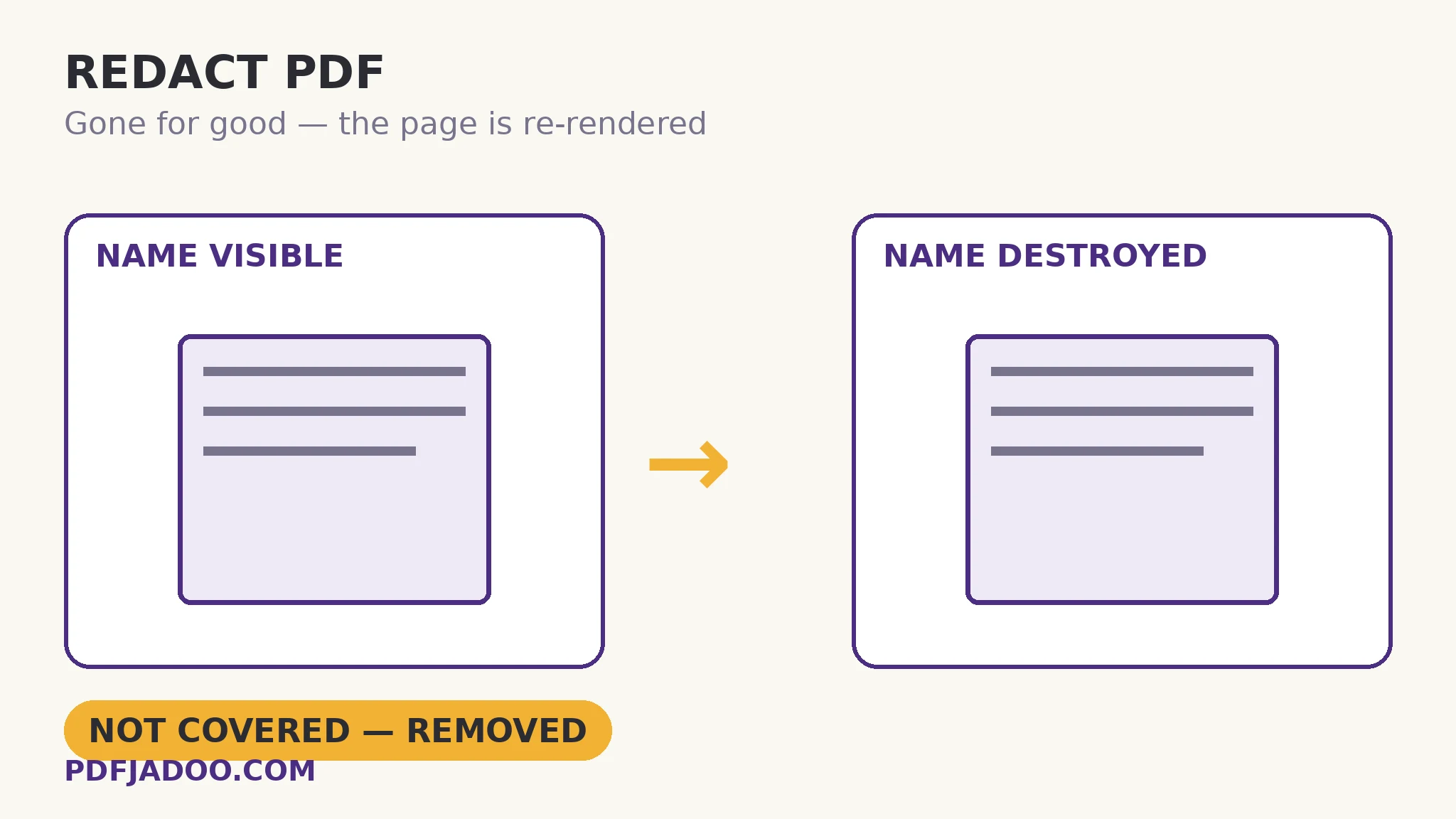
Covering draws a black rectangle as an annotation or shape over the text. The text remains in the content stream, selectable and copyable by anyone who thinks to try — the hall-of-shame method. Cropping hides content outside a window; the content remains in the file (the crop article's standing warning). True redaction removes the underlying data from the file entirely. This tool's route — re-render the page with the boxes composited, save the page as that image — is destructive by construction: the saved page contains no text layer for the redacted region (nor, honestly noted, for the rest of the page: a re-rendered page's text is image throughout, which is why redaction trades away selectability on the pages it touches). The resolution choice is the quality dial: 200 DPI for sharp pages, 150 DPI for a smaller file.
Two corollaries matter operationally. First, redact a copy: destruction is the point, so the unredacted original must live somewhere deliberate — under access control, not in the same folder as the release. Second, the whole document is evidence: metadata, attachments and earlier layers can carry the same secrets as the visible page. The release checklist below pairs redaction with sanitizing for exactly that reason — a redacted page in a file whose metadata names the redacted person is a half-done job.
Drawing boxes that actually cover
The box must cover the data, with margin: descenders and edges peek from under tight boxes, and a name's length itself can leak information (a box exactly the width of “Al-Farsi” says more than a generous one). Standard practice: one box per item, extended a few millimetres past the text on every side; boxes over every instance — the name in the header, the footer, the signature block, the attachment — because redaction is defeated by the instance you forgot, not the one you boxed. The tool supports as many boxes as the document needs, on any pages, with Undo last for the misplaced.
Redact a PDF, step by step
Step 1 — copy the file. Work on the release copy; file the original under control. Drop the copy onto Redact PDF — nothing uploads, which for redaction work is not a nicety but a requirement.
Step 2 — hunt every instance. Search the document for each name, number and identifier first (in a reader), and list the pages. Redaction is a completeness discipline.
Step 3 — draw the boxes. Drag across each item on the previews, generously. Names, numbers, faces, signatures, the same name in the running footer — all of them.
Step 4 — choose resolution and save. 200 DPI sharp for documents that will be read closely; 150 for smaller releases. Press Redact & save.
Step 5 — attack your own redaction. Open the saved file and try to select or copy the redacted regions. You should get nothing — the text is gone, the page is an image. Then sanitize the release file's metadata, and only then send it.
What redaction cannot do
It cannot un-know context: if the surrounding text lets a reader deduce the redacted fact, the box is theatre. It cannot redact the copies already released. And it cannot fix a document whose secret is its existence. Redaction is a precise tool for a precise job — specific data, in a specific file, destroyed properly — and this article's checklist is sized to that job.
Destroy it properly, or don't release it.
Boxes drawn on the preview; pages re-rendered so the data under them stops existing. Attack-tested by you, before anyone else.
Open Redact PDFA worked example: the tender evaluation release
A public body must release a tender evaluation: the findings are public; the evaluators' names, the bidders' pricing notes and one personal phone number are not. The release copy is redacted page by page — names in the header table and the signature blocks (the forgotten-instance trap, avoided by the search-first step), pricing figures, the phone number — saved at 200 DPI, self-attacked (selection over the boxes yields nothing), and sanitized so the file's author metadata does not name the lead evaluator. The original stays in the restricted drive. The release survives the test that matters: a journalist with the file and an afternoon finds the findings, and nothing else.
Edge cases
Handwritten annotations over text. A scanned page is already an image; boxes composite over it the same way. Resolution of the source scan governs what “gone” means — check faint show-through at high zoom.
The redacted file's own text. Re-rendered pages lose their text layer throughout — recipients cannot search or copy the unredacted text either. For releases that must stay searchable, redact surgically (only the affected pages pass through this tool, then re-merge with untouched pages).
Faces in photos. Box generously — hairlines and jawlines are identifying. A box that covers the face but leaves a distinctive context may still identify; judge as an adversary.
Before you finish: the 60-second check
- Redaction happened on a copy — the original is filed under access control
- Every instance was hunted by search first — headers, footers, signature blocks, attachments
- Boxes are generous — a few millimetres past the data on every side
- The saved file was self-attacked: selection and copy over the boxes yield nothing
- Metadata and attachments were sanitized in the release file
- Surgical redaction was considered: only affected pages re-rendered, then re-merged
Fair questions
How do I redact a PDF so the text is really gone?
Drop a copy onto Redact PDF, drag black boxes over the data, and save. The pages are re-rendered as images with the boxes composited, so the text beneath cannot be selected, copied or recovered — it no longer exists in the file.
Why is drawing a black box in other software not enough?
A drawn rectangle usually sits over the live text as a separate object — the words remain in the file, selectable and copyable. That covering method is behind the famous redaction failures. True redaction destroys the underlying data; re-rendering the page is one robust way to guarantee it.
Does redaction affect the whole page's text?
Yes — a re-rendered page is an image throughout, so its unredacted text is no longer selectable either. If the release must stay searchable, redact only the affected pages here, then re-merge them with the untouched pages.
What resolution should I choose?
200 DPI for sharp pages that will be read closely; 150 DPI when a smaller release file matters more. The boxes destroy data at either setting.
Is redacting the pages enough for a safe release?
Not alone: metadata, embedded attachments and document properties can carry the same secrets. Sanitize the release file after redacting, and keep the unredacted original under access control — never in the release folder.
Is my document uploaded for redaction?
No — drawing and re-rendering happen in your browser. For redaction work, that locality is a requirement, and here it is the architecture.
Tool behaviour — box drawing on previews, the re-rendered-page destruction model, and the 200/150 DPI choice — is from PDFJadoo's own Redact PDF page, which states the honesty of the method in the same terms. Checked 18 November 2026.
Keep reading
Sanitize a PDF before sharing
The release's second half: metadata, scripts and attachments, scrubbed and reported.
Crop a PDF's margins
The curtain that is NOT redaction — hidden, not deleted, explained.
Password-protect a PDF
The original's protection: the unredacted master, guarded by a real lock.
Merge PDF files into one
Surgical redaction's reassembly: redacted pages merged back with untouched ones.