Flatten a PDF: the answers become the page
A filled form is a document wearing an interactive layer: every answer lives in a field, and anyone who opens the file can click a field and change the answer — or a viewer that renders fields poorly can show the form blank where you filled it. Flattening ends that: it draws every field's value and every annotation into the page content itself, then removes the fields. The document looks identical and can no longer be altered field by field. Flatten PDF does this in your browser, with one honest warning it states itself and this article repeats: flattening is one-way — keep your editable original. Filing systems (courts among them) demand flattened forms by name; this article explains what they are asking for and why.
 By the PDFJadoo Team6 min read
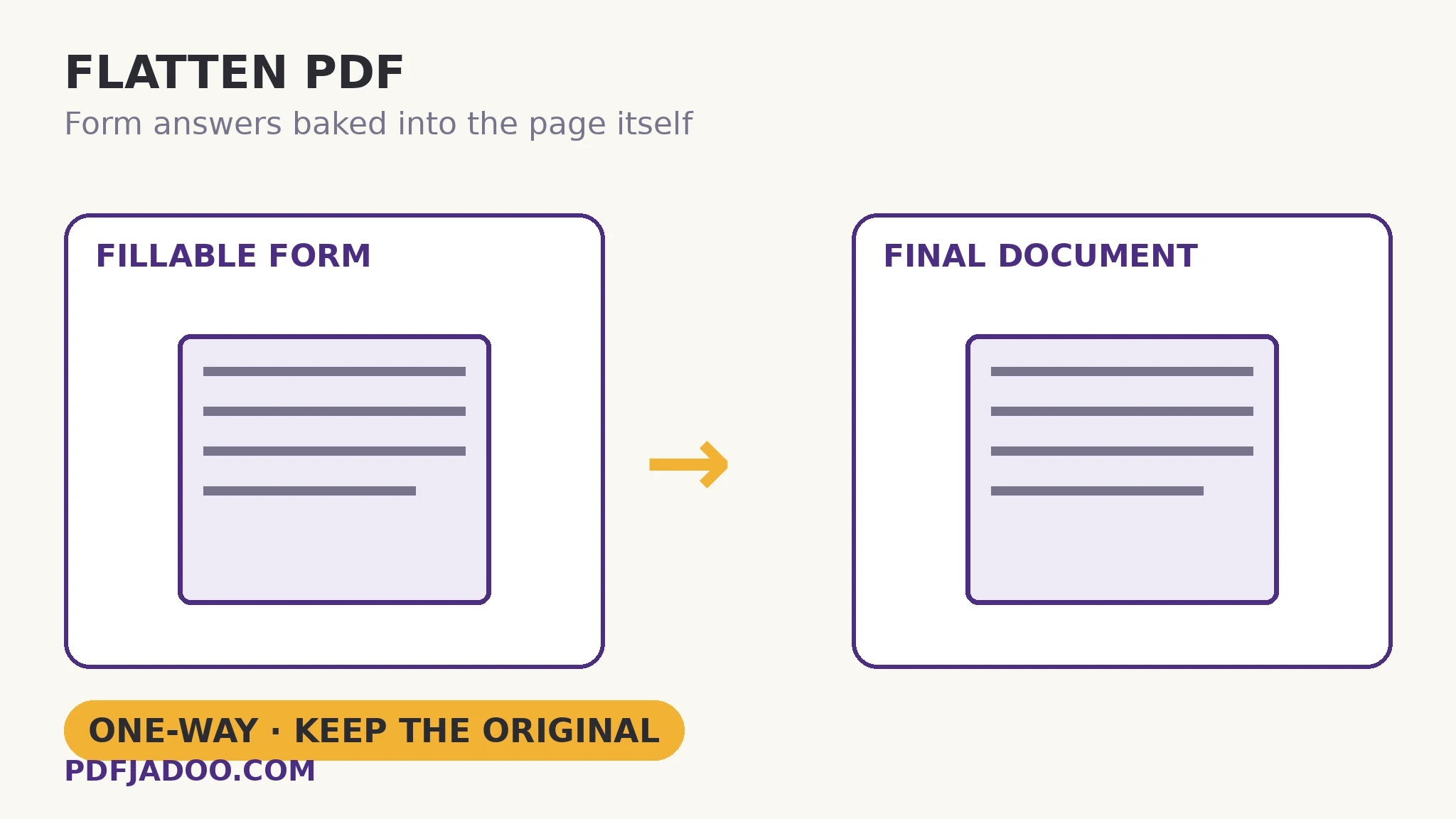
Fields vs content: the two layers of a form
A fillable PDF is two things laminated together: the page — the printed form, its labels and lines — and the field layer — named boxes floating over the page, each holding a value and an appearance (how the value is drawn). Viewers render the lamination; that is why a form can look perfect in one reader and show empty boxes in another that generates appearances differently. Flattening bakes each field's appearance into the page's own content stream and deletes the field. The lamination becomes a single layer: what every viewer, printer and screenshot shows is the answers, because the answers are now simply on the page, as ink is on paper.
The consequences run both ways, and both are the point. Finality: no field remains to click, edit, or accidentally tab into and alter; a flattened form filed with a court or sent to a counterparty is the answers, fixed. Universality: viewers that mishandle fields cannot mishandle content — the blank-form surprise disappears. And irreversibility: the data is no longer data. A flattened form cannot be re-imported into a spreadsheet of responses, its fields cannot be corrected in place, and a mistake means returning to the editable original — which is why the tool's warning is a workflow, not a footnote: fill → check → flatten a copy → send the copy.
The stubborn-annotation rebuild
Some annotations lack saved appearances and resist flattening — they were drawn by software that expected the viewer to render them live. The tool offers the guarantee for exactly this case: also bake pages whose annotations resist flattening, which rebuilds those pages as images (at 200 DPI) with the annotations visibly baked in. The trade is stated plainly by the option's existence: those pages become images — their text is no longer selectable — in exchange for certainty that the marks show. Use it when the annotations matter (review comments, stamps, drawn approvals) and the standard pass leaves them behind.
Flatten a PDF, step by step
Step 1 — fill and check the form first. Flattening is the last act. Verify every answer in the editable version.
Step 2 — drop the filled PDF onto Flatten PDF. Nothing uploads — a filled form is a private document by definition.
Step 3 — decide on the rebuild option. If the document carries annotations that must show and might resist, tick the image-rebuild bake; otherwise leave the pages as content.
Step 4 — press Flatten it and download the frozen document. A new file; your editable original stays untouched.
Step 5 — verify finality. Open the flattened copy and click where a field was: nothing should invite typing. That dead click is the certificate that the copy is final.
When not to flatten
When the recipient's system reads field data — some offices import responses straight from fields, and a flattened form defeats them while looking helpful. When the form is a template others must fill. And when signatures are still to be applied interactively. The question is always what the receiving end does with the file; flattening serves filing, archiving and sending-as-final, and disserves data collection. Knowing which side of that line your send is on is the whole skill.
Make it final.
Fields and annotations baked into the page — identical to look at, impossible to alter field by field.
Open Flatten PDFA worked example: the court filing
A court's electronic filing system rejects a submission with the era's most-searched error: fillable forms must be flattened before attaching. The reason is integrity: the filed record must be the answers as filed, not a form whose fields a later viewer — or a later accident — can change. The filer flattens a copy (original kept, per the rule), re-attaches, and the filing passes. The example is flattening's canonical use: a document crossing from working to of record. Every domain has its version — the signed contract archived, the application submitted, the form whose answers become evidence — and the verb for the crossing is this one.
Edge cases
Signature fields. Flattening a form with an unsigned signature field bakes an empty box. Sign first (in the signing workflow), then flatten the executed copy if finality is required.
The form that must stay a form. Templates and data-collection forms keep their fields — flatten only the instances, never the master.
File size. Baking appearances can grow or shrink a file modestly; the image-rebuild option grows the affected pages more. Neither is a compression story; if size matters, compress after flattening.
Before you finish: the 60-second check
- Every answer was checked in the editable version before flattening
- The recipient wants a final document — not field data to import
- The editable original is kept, named as the master
- Resistant annotations were considered: the image-rebuild bake, knowingly chosen or declined
- The flattened copy was click-tested: no field invites typing
Fair questions
How do I flatten a PDF form for free?
Fill and check the form, drop it onto Flatten PDF, and press Flatten it. Every field's answer is baked into the page content and the fields are removed — the document looks identical and can no longer be edited field by field.
Can flattening be undone?
No — it is one-way. The field layer is gone from the flattened copy. Always keep your editable original; flatten a copy for sending or filing.
Why do courts and filing systems require flattened PDFs?
Integrity: the filed record must be the answers as filed. A fillable form can be altered field by field after the fact, and some viewers render fields inconsistently. A flattened form is fixed content — the same for every reader.
What does the “bake pages as images” option do?
Some annotations lack saved appearances and resist flattening. The option rebuilds those pages as images at 200 DPI with the annotations visibly baked in — guaranteeing they show, at the cost of those pages' text no longer being selectable.
Should I flatten a form the recipient will import data from?
No. Flattened answers are page content, not field data — systems that read responses from fields will find nothing. Flatten for filing and final sends; keep fields for data collection.
Is my filled form uploaded?
No — flattening runs in your browser; the form and its answers never leave your device.
Tool behaviour — appearance baking, field removal, the one-way warning, and the 200 DPI image-rebuild option for resistant annotations — is from PDFJadoo's own Flatten PDF page. Checked 18 November 2026.
Keep reading
Electronic vs digital signatures
Sign first, then flatten the executed copy — the order matters.
Unlock a PDF with its password
The protected form that must be opened before it can be finalised.
Password-protect a PDF
Final and sealed: flattening fixes content, a password guards the door.
How editing PDF text works
Fix the answers before you freeze them — lines, fonts and the scan exception.