Unlock a PDF: your file, your password, your copy without the lock
The statement asks for its password for the fortieth time. You know the password — it is your file, your archive, your daily friction — and you want a copy that opens freely. That is exactly and only what Unlock PDF does: enter the password the PDF asks for, and save a version without the lock. The boundaries are stated on the tool itself and repeated here without decoration: it does not crack or guess passwords, and it will not open a file whose password you do not have. Unlocking is not breaking in; it is using your own key to make a copy without the lock — for your own files, a normal act of ownership, bounded by the mathematics this article explains.
 By the PDFJadoo Team6 min read
Decryption, not circumvention: what actually happens
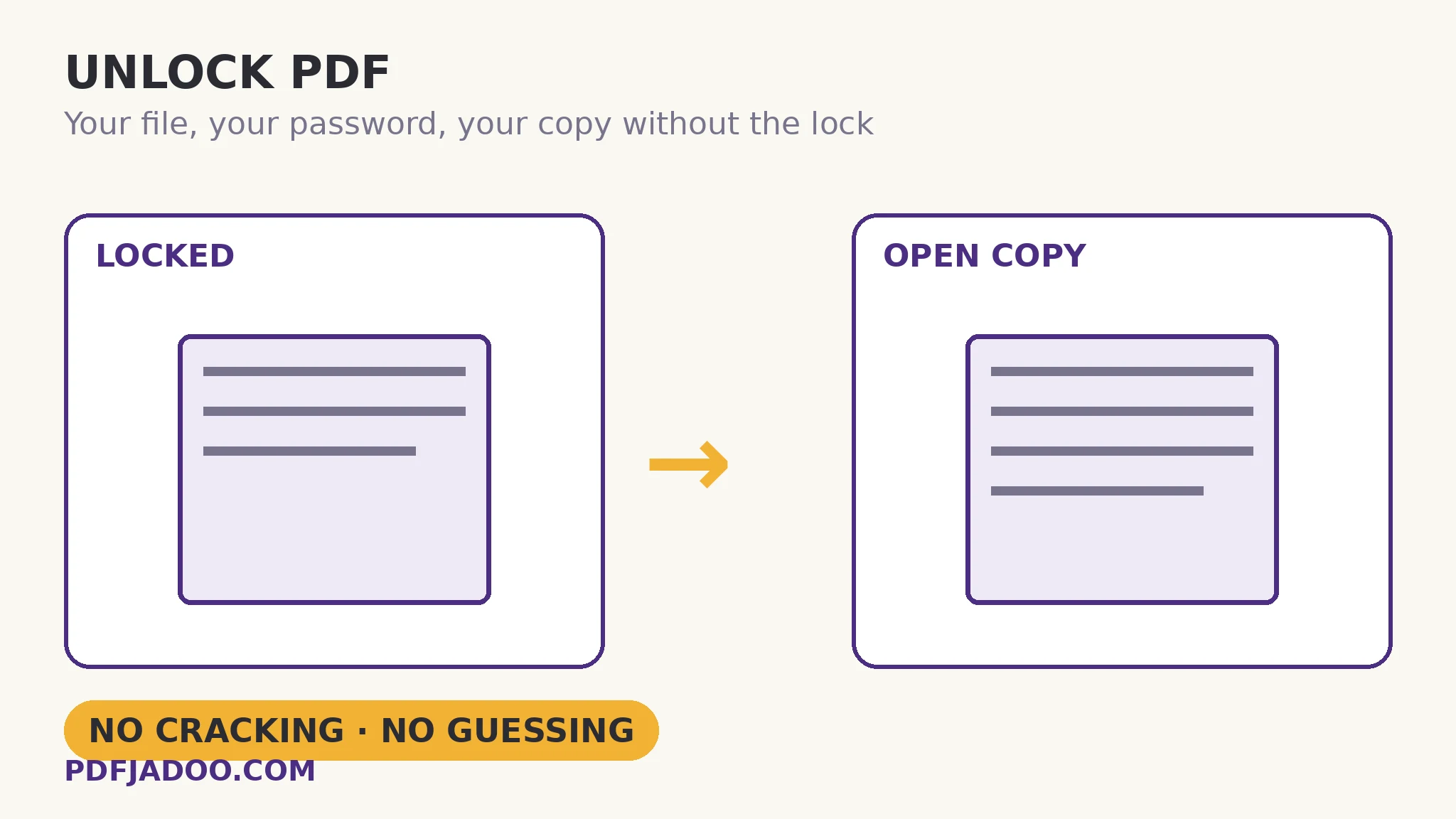
A password-protected PDF is an encrypted file: its contents are scrambled, and the correct password derives the key that unscrambles them (the full picture is in this series' password-protect explainer). Unlocking performs that unscramble once, legitimately — you supplied the key — and then saves the result without the encryption: a plain PDF, identical in content, that opens for anyone who holds it. Nothing is forced, guessed or bypassed; remove the password from the story and the file is simply unreadable, which is what encryption means. This is why tools that promise to open files without the password are either lying or attacking weak passwords by brute force — and why this one makes no such promise.
The second case is subtler and the tool handles it explicitly. Some PDFs carry only restrictions — no open password, but printing or copying forbidden by a permissions password. Such a file opens freely, and for it you leave the password field empty and run the tool: the copy comes out unrestricted. This is not a loophole in the encryption — permissions were always enforced by reader politeness rather than by the cipher (the honest nuance from the protect article) — and removing them from your own file is the same act of ownership.
Ownership is the licence
The tool frames itself “for your own files”, and the framing is the rule: unlock documents you own or are authorised to change — your statements, your employer's files issued to you, your own protected exports whose password has become friction. A file someone else protected and sent you as a protected file carries their intent with it; the right move there is to ask them for an unlocked copy. The mathematics does not know the difference; you do, and that is where the line lives.
Unlock a PDF, step by step
Step 1 — drop the locked PDF onto Unlock PDF. It runs in your browser — the file and its password never leave your device, which for a password tool is the only acceptable architecture.
Step 2 — type the password it asks for. Use “show password while I type” to dodge the typo loop. If the file only carries restrictions and opens without a password, leave the field empty.
Step 3 — press Unlock my PDF and download the copy. The unlocked version opens freely; your protected original is untouched.
Step 4 — file deliberately. You now hold a protected master and an unprotected copy. Name them so future-you knows which is which — and remember the copy opens for anyone who holds it, so store it where that is acceptable.
Forgotten passwords: the honest paragraph
If the password is forgotten, this tool cannot help — by design, not by omission. The legitimate roads are the unglamorous ones: the password manager, the note where you stored it, the person who set it, the unprotected source the PDF was made from. A strong password forgotten is a file sealed — the same property that protects your statements from strangers protects them, in that moment, from you. Keep masters and store passwords, as the protect article preaches; unlocking is the reward for that discipline, not a rescue from its absence.
Turn your own key.
The password you know, entered once — out comes the open copy. In your browser; no cracking, no guessing, no uploads.
Open Unlock PDFA worked example: the archive that asked forty times
An accountant keeps client statements as protected PDFs — correctly, while they were in transit and in shared storage. In the private archive, the protection is pure friction: every retrieval is a password hunt. The migration is an afternoon of unlocks: each file opened with its known password, an unlocked copy saved into the archive's access-controlled store, the protected originals retained as the masters of record. Nothing about the security posture worsened — the archive's own access control does the guarding now — and retrieval became a click. The example shows unlocking in its true role: not defeating protection, but retiring it where its job is done.
Edge cases
“The password is correct but it fails.” Check the typing first — the show-password toggle exists for this — then the file: a damaged download can fail decryption for reasons that are corruption, not credentials; repair is the detour.
The copy still asks for a password. You saved or sent the original instead of the unlocked output — the two files differ only in the lock, so name discipline (step 4) is the fix.
Restrictions-only file, password unknown. If the file opens, the empty-field run handles it — permissions were never the cipher's business. If it does not open, it has an open password, and the honest paragraph above applies.
Before you finish: the 60-second check
- The file is yours, or you are authorised to change it
- The password was entered — or the field left empty for a restrictions-only file
- The unlocked copy was named and filed distinctly from the protected master
- The copy's new openness was considered: anyone holding it can open it
- The protected original is retained as the master of record
Fair questions
How do I remove a password from a PDF I own?
Drop the file onto Unlock PDF, type the password it asks for, and download the unlocked copy. It opens freely from then on. The tool runs in your browser — file and password never leave your device.
Can this unlock a PDF if I forgot the password?
No — and no honest tool can. Unlocking decrypts the file with the password you supply; it does not crack or guess. A forgotten strong password means checking your password manager, your notes, or whoever set it.
My PDF opens but won't print or copy. What do I do?
It carries permissions restrictions without an open password. Leave the password field empty and run the tool — the copy comes out unrestricted.
Is unlocking a PDF legal?
For your own files, or files you are authorised to change, it is a normal act of ownership. For someone else's protected document, ask them for an unprotected copy — their protection is their intent.
Does unlocking change the document's content?
No. The unlocked copy is identical in content — pages, text, images — with the encryption and restrictions removed. Your protected original is not modified.
Is the password I type sent anywhere?
No. Everything runs in your browser; neither the file nor the password is uploaded.
Tool behaviour — password-entry unlocking, the empty-field route for restrictions-only files, and the explicit no-cracking boundary — is from PDFJadoo's own Unlock PDF page. Checked 18 November 2026.
Keep reading
Password-protect a PDF
The locking side: open vs permissions passwords, and the no-recovery rule.
Bank statement PDF password
The commonest locked file of all — and where its password usually hides.
Repair a damaged PDF
Correct password, still failing? The file may be damaged, not locked.
Merge PDF files into one
Unlocked at last — now the file can join a merged bundle.