Repair a damaged PDF: the index breaks more often than the book
The download was interrupted, the drive glitched, the email mangled the attachment — and now the reader says the file cannot be opened. Before mourning the document, understand its anatomy: a PDF is pages plus bookkeeping — a cross-reference table that indexes every object's position, a trailer that points at it, structures that readers navigate by. Damage has a distribution: the bookkeeping breaks far more often than the content. Repair PDF exploits exactly that: it rebuilds the document from its surviving pages, reconstructing fresh bookkeeping around them — and when the content streams themselves are destroyed, it reports honestly rather than inventing a file. This article explains the anatomy, so you know what a repair attempt can promise.
 By the PDFJadoo Team6 min read
How PDFs break: the three classic wounds
Truncation. The download stopped at 87%: the file ends mid-object, and its cross-reference table — which lives at the end of the file — is missing entirely. Readers that demand the table refuse to open it, though most of the pages are present and intact. Corrupt cross-reference. The table exists but its offsets are wrong (a transfer that altered line endings can shift every byte), so the reader looks for objects where they are not. Damaged streams. The content itself — a page's drawing instructions, an image's data — is garbled or gone. The first two wounds are bookkeeping; the third is content. Repair's promise follows the anatomy: bookkeeping wounds are highly repairable; content wounds are not — no tool can invent data that is not in the file, and a tool that pretends otherwise is writing fiction into your document.
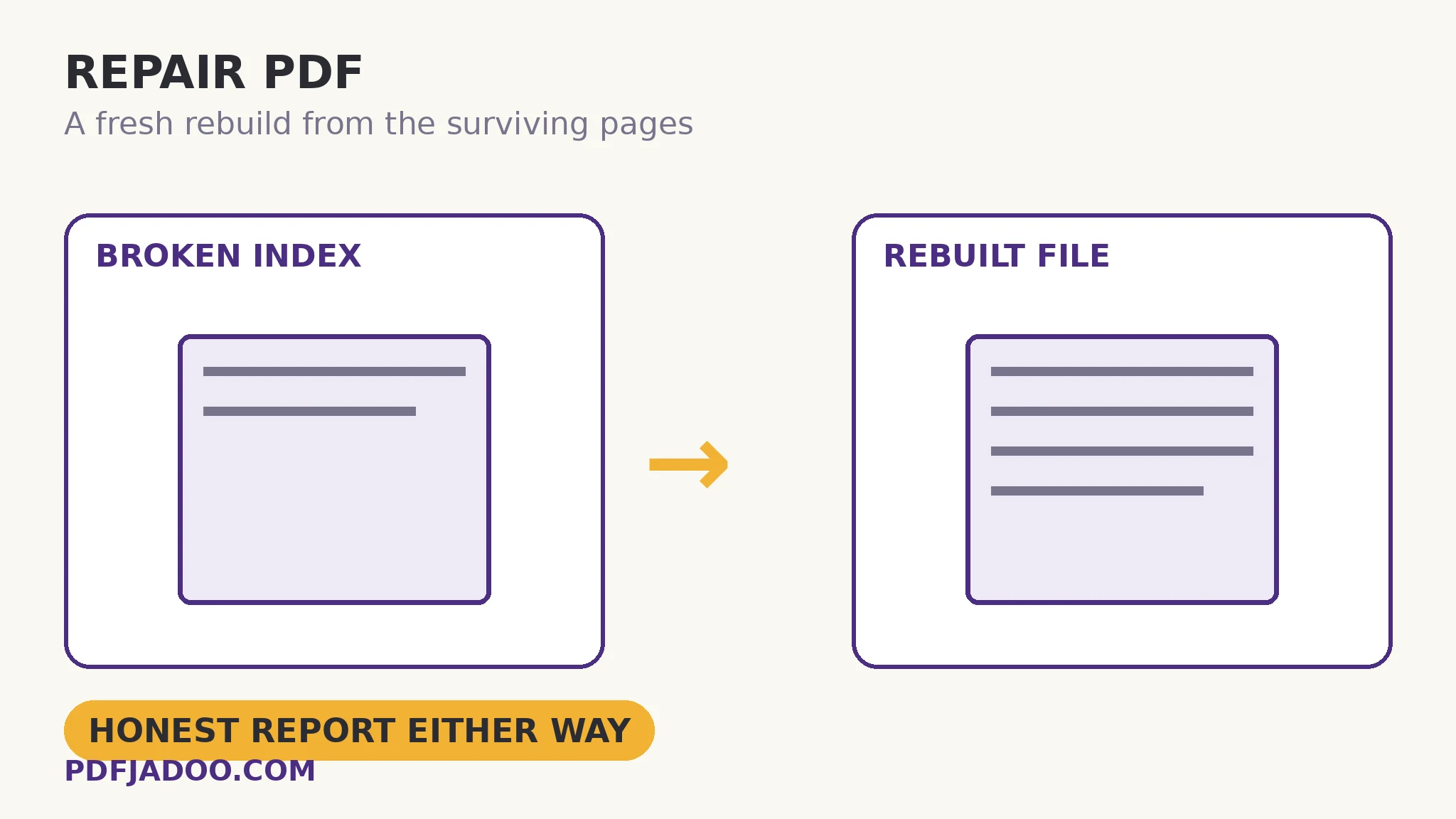
The rebuild works the way a re-cataloguing librarian does: ignore the broken index, scan the file for its objects directly — pages, fonts, images announce themselves by their own structure — collect what survives, and write a new, valid PDF around them with fresh, correct bookkeeping. What you get back is your document as far as it survived: perhaps complete (the common truncated-download outcome — the missing tail cost a final page or nothing), perhaps missing the objects that were truly destroyed. The tool's report tells you what was wrong and what was recovered, so the result is a diagnosis, not a lottery ticket.
Before repair: the two cheaper resurrections
Repair is for a file that is all you have. If it is not, two roads are cheaper and perfect: re-download or re-request the file (a truncated download repairs itself by completing), and check the file is really a PDF — a renamed image or an HTML error page wearing a .pdf name is “damaged” in a way no repair addresses, and the tool will say the file is not really a PDF when that is the finding. Try repair when the source is gone, the sender is unreachable, or the file is the only copy of something that matters — an old scan, a deceased colleague's export, your own archive.
Attempt a repair, step by step
Step 1 — keep the damaged original untouched. Work on the file as it is; repair produces a new file, and the original remains your evidence and your fallback.
Step 2 — drop the damaged PDF onto Repair PDF. In your browser — a damaged private file is still a private file.
Step 3 — press Attempt the repair. The rebuild scans for surviving objects and writes a fresh document around them.
Step 4 — read the diagnosis. What was wrong, what was recovered, what was not. The report is part of the result — it tells you whether to trust the rebuild wholesale or page by page.
Step 5 — verify the rebuilt file like a sceptic. Page count against expectation, the last pages especially (truncation eats tails), text selectable, images present. Then file the rebuild as the working copy, with the original beside it.
After a successful repair: the lesson
A repaired file is a rescued file, and rescues teach storage: the document that mattered existed in one copy, on one medium, one glitch from loss. The rebuild's quiet dividend is the habit it should leave — a second copy somewhere else, for the small set of files whose loss would actually hurt. Repair fixes the file; redundancy fixes the future.
Rebuild the book from its surviving pages.
Fresh bookkeeping around whatever survived — with an honest report of what was wrong and what came back.
Open Repair PDFA worked example: the 87% download
A 40-page report downloads over a failing connection and stops at 87% — the reader refuses it outright. The anatomy predicts the outcome before the attempt: the pages are stored front-to-back, so roughly the first 34 pages' objects are present; the cross-reference table, at the file's end, is absent — a pure bookkeeping wound on top of a truncated tail. The rebuild recovers 34 complete pages into a valid PDF and reports exactly that: document recovered, final section missing with the undownloaded tail. The user re-requests just the missing pages from the sender — a small ask, precisely scoped by the diagnosis — instead of “the file is broken, send everything again”. Diagnosis turned a total failure into a 6-page gap.
Edge cases
Password-protected and damaged. An encrypted file whose bookkeeping is broken may be unrecoverable even with the password — decryption needs structures the damage took. The report will say what state the file is in.
The zero-byte file. Nothing survived because nothing is there. No repair invents content; the road back is the source.
Intermittent opening. A file that opens in one reader and not another has marginal bookkeeping — the strict reader is right and the lenient one is guessing. A rebuild gives it valid structure for every reader.
Before you finish: the 60-second check
- Re-download or re-request was considered first — repair is for when the source is gone
- The damaged original is preserved untouched beside the rebuild
- The diagnosis was read: what broke, what recovered, what did not
- The rebuilt file was verified sceptically — page count, last pages, text, images
- The rescued document got a second copy somewhere else
Fair questions
How do I repair a damaged PDF for free?
Drop the file onto Repair PDF and press Attempt the repair. The tool rebuilds the document from its surviving pages with fresh bookkeeping, and reports what was wrong and what was recovered — in your browser, nothing uploaded.
What kinds of PDF damage can be repaired?
Bookkeeping damage: truncated downloads that lost the cross-reference table, corrupt offset tables, broken trailers — the pages survive in these cases, and a rebuild re-indexes them. Destroyed content streams cannot be repaired, because the data itself is gone.
Why won't my PDF open in one reader but opens in another?
Marginal bookkeeping: one reader guesses around the damage, the other refuses. A rebuild writes valid structure, so the repaired file opens everywhere.
My file turned out not to be a PDF at all. What then?
That happens — an HTML error page or an image renamed to .pdf. The repair report will say the file is not really a PDF. The fix is at the source: download the real file, watching for the step that substituted the wrong one.
Will repair recover a password-protected damaged file?
Often not — decryption depends on structures the damage may have destroyed, even with the correct password. The diagnosis will state the file's condition honestly.
Is my damaged file uploaded for repair?
No — the rebuild runs in your browser; the file never leaves your device.
Tool behaviour — rebuild-from-surviving-pages, the diagnosis report, and the stated limits for destroyed content and non-PDF files — is from PDFJadoo's own Repair PDF page. Checked 18 November 2026.
Keep reading
Unlock a PDF with its password
The other 'won't open' — where the file is healthy and the lock is the whole story.
Flatten a PDF
The rebuilt file, made final: fields baked into the pages.
Extract pages from a PDF
Salvage the good chapters from a damaged whole — quoted out, lossless.
Merge PDF files into one
Recovered in parts? Assemble the rescued pages into one document.