Split a PDF by file size: parts that fit the limit — order intact
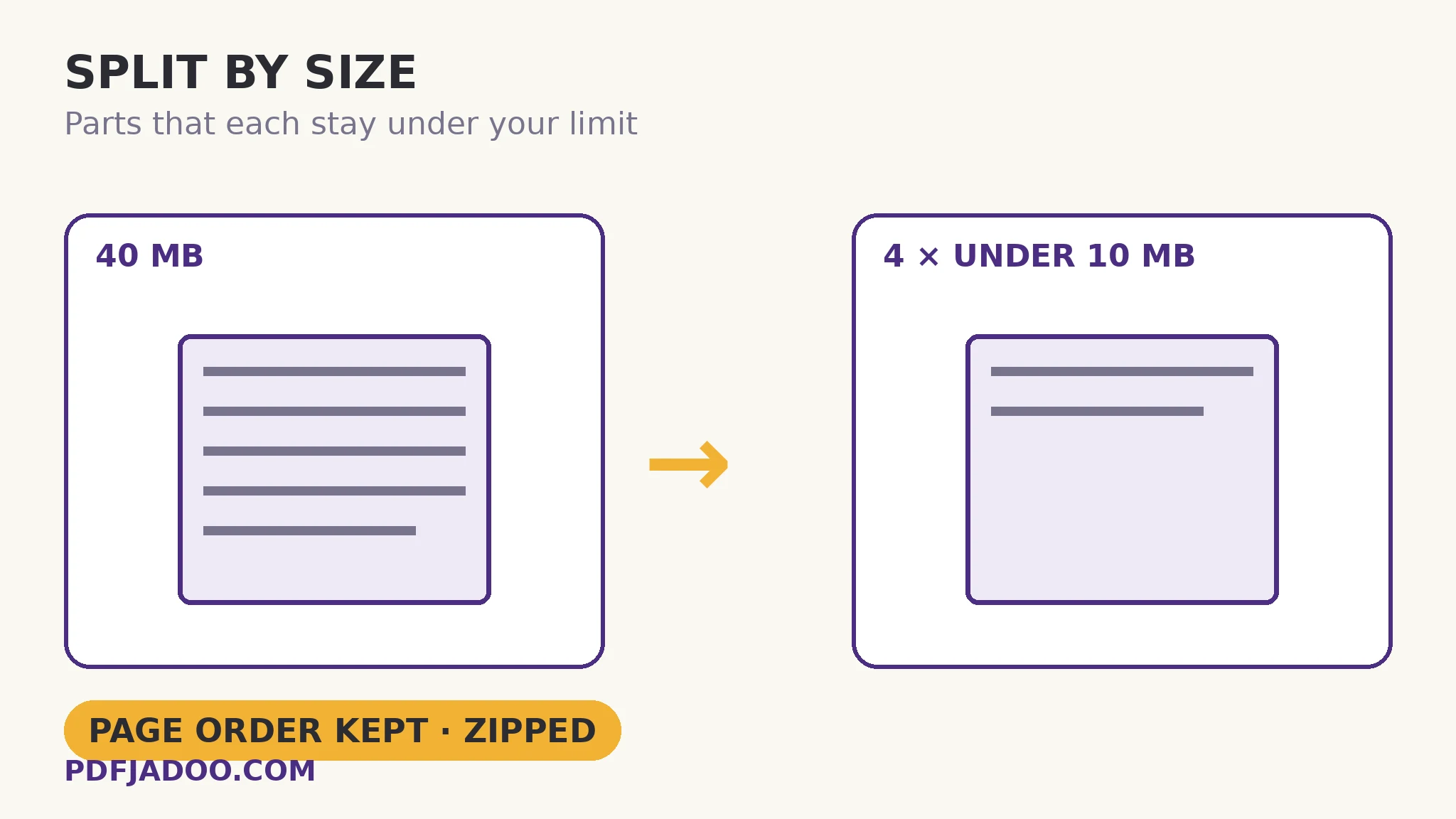
The email says 10 MB. Your PDF says 40. The limit is a wall and the document must go through it in pieces — but pieces chosen by size, not by chapter or page count, because the wall measures megabytes, not pages. Split by Size packs the document for exactly that wall: it walks the pages in order, greedily filling each part until the next page would break your limit, then starts a new part — and delivers the parts zipped for sending, page order preserved across the set. One honesty is built in and this article will not bury it: if a single page alone exceeds your limit, it forms its own part and the report says so — physics cannot be negotiated, only reported.
 By the PDFJadoo Team5 min read
Greedy packing: simple, optimal enough, and honest
The packing algorithm is the one a sensible human uses with boxes: take pages in order; keep adding to the current part while it stays under the limit; when the next page would overflow, close the part and start a new one. “Greedy” is not an insult in algorithm-land — for the goal fewest parts with order preserved, this walk is exactly right, because order-preservation forbids the clever rearrangements (bin-packing pages out of sequence) that could theoretically save a part. The result is parts that read as consecutive runs — Part 1 is pages 1–38, Part 2 is 39–71 — which is also how the recipient wants them: numbered, sequential, reassemblable by merge without a puzzle.
The limit you set should be the receiving limit with headroom: email systems quote limits in mixed units and attachments grow in transit encoding (an emailed file's wire size exceeds its disk size by roughly a third under base64). Setting the cap at 7–8 MB against a “10 MB” email limit is not timidity; it is arithmetic. Portals that measure the file itself can take the cap at face value. Either way, the parts are ordinary PDFs — openable, checkable, individually sendable.
The single-page wall — and the road around it
The built-in report names the one defeat: a page that alone exceeds the cap — usually a single enormous scanned image page. It forms its own oversize part, flagged. The road around is to shrink the page before splitting: compression first (the tool itself suggests exactly this for hard guarantees), which reduces page weights across the document and may dissolve the wall entirely. Order of operations, therefore: compress, then split — the split then packs a lighter document into fewer, comfortably-fitting parts.
Split by size, step by step
Step 1 — learn the real limit. The portal's number, or the email limit discounted for transit growth (set ~7–8 MB against a 10 MB mail cap).
Step 2 — compress first if the document is heavy for its content. Scans especially: compression can halve the packing problem before it starts.
Step 3 — drop the PDF onto Split by Size and set the maximum per part. In MB, your number.
Step 4 — press Split it and download the ZIP. Parts inside, in order. Read the report: any single-page oversize part is named.
Step 5 — send the parts as a numbered set. “Part 1 of 4” in the message subject costs nothing and saves the recipient's assembly entirely.
Size-splitting vs the other splits
Split by range when the parts are meaningful (chapters); split by bookmarks when the document's own outline draws the lines; split by size when the parts are meaningless by design — pure logistics against a wall. The three produce the same species of file; only the cutting rule differs, and the wall chooses this one.
Pack it under the cap.
Pages packed greedily in order, every part under your limit, zipped and ready to send.
Open Split by SizeA worked example: the 40 MB evidence bundle
A scanned evidence bundle — 40 MB, 210 pages — must go through a portal capped at 10 MB per file. Compression first (the scans were obese) brings it to 26 MB. Split by size at 9 MB packs it into three parts: pages 1–74, 75–148, 149–210, each comfortably under the cap, uploaded in sequence as Part 1/2/3. No single page breached — the report is silent, which is its own good news. The recipient's clerk merges the three in order and holds the bundle whole. Wall, met with arithmetic instead of anguish.
Edge cases
The oversize single page. Named in the report. Compress harder for that page's sake, send it by a channel with a bigger gate, or accept the flagged part knowingly.
Limits quoted in MiB vs MB. Systems vary by ~5% in what “10” means. Headroom absorbs the ambiguity — another vote for setting the cap below the quoted wall.
Encrypted files. A protected PDF must be unlocked (with its password) before any splitter can repack its pages.
Before you finish: the 60-second check
- The cap was set from the receiving limit — with transit headroom for email
- Compression ran first on heavy documents — fewer, lighter parts
- The report was read: any single-page oversize part is known and handled
- Parts were sent as a numbered set, in order
- The recipient knows the parts reassemble by merge, in sequence
Fair questions
How do I split a PDF into parts under a size limit?
Drop the PDF onto Split by Size, set the maximum size per part in MB, and press Split it. Pages are packed greedily in order into parts that each stay under your limit, delivered as a ZIP.
What if one page is bigger than my limit by itself?
It forms its own part anyway, and the report tells you plainly. The road around is to compress the PDF first — lighter pages pack under the cap — which the tool itself recommends when you need hard guarantees on every part.
Do the parts stay in page order?
Yes — packing walks the document in sequence, so parts are consecutive runs (Part 1: pages 1–38, and so on), reassemblable by merging in order.
What limit should I set for a 10 MB email cap?
Lower than 10 — attachments grow in transit encoding, roughly a third under base64. Setting 7–8 MB per part against a 10 MB mail limit is arithmetic, not timidity. Portals that measure the file itself can take the cap at face value.
Should I compress before splitting?
Usually, yes, for heavy documents — especially scans. Compression lightens every page, so the split produces fewer parts, each comfortably under the cap, and may dissolve single-page breaches entirely.
Is my PDF uploaded?
No — packing happens in your browser; the file never leaves your device.
Tool behaviour — greedy in-order packing under a set MB cap, ZIP delivery, and the named single-page exception with the compress-first advice — is from PDFJadoo's own Split by Size page. The base64 transit-growth figure is the standard encoding overhead. Checked 18 November 2026.
Keep reading
Split a PDF by page range
When the parts should mean something: chapters, not megabytes.
Compress a PDF without losing quality
Step zero for heavy files — lighten the pages before packing them.
Merge PDF files into one
The recipient's reassembly: parts back into the whole, in order.
Split a PDF by bookmarks
The document's own outline as the cutting lines.