SVG to PNG: rendering, not converting — pick the pixels deliberately
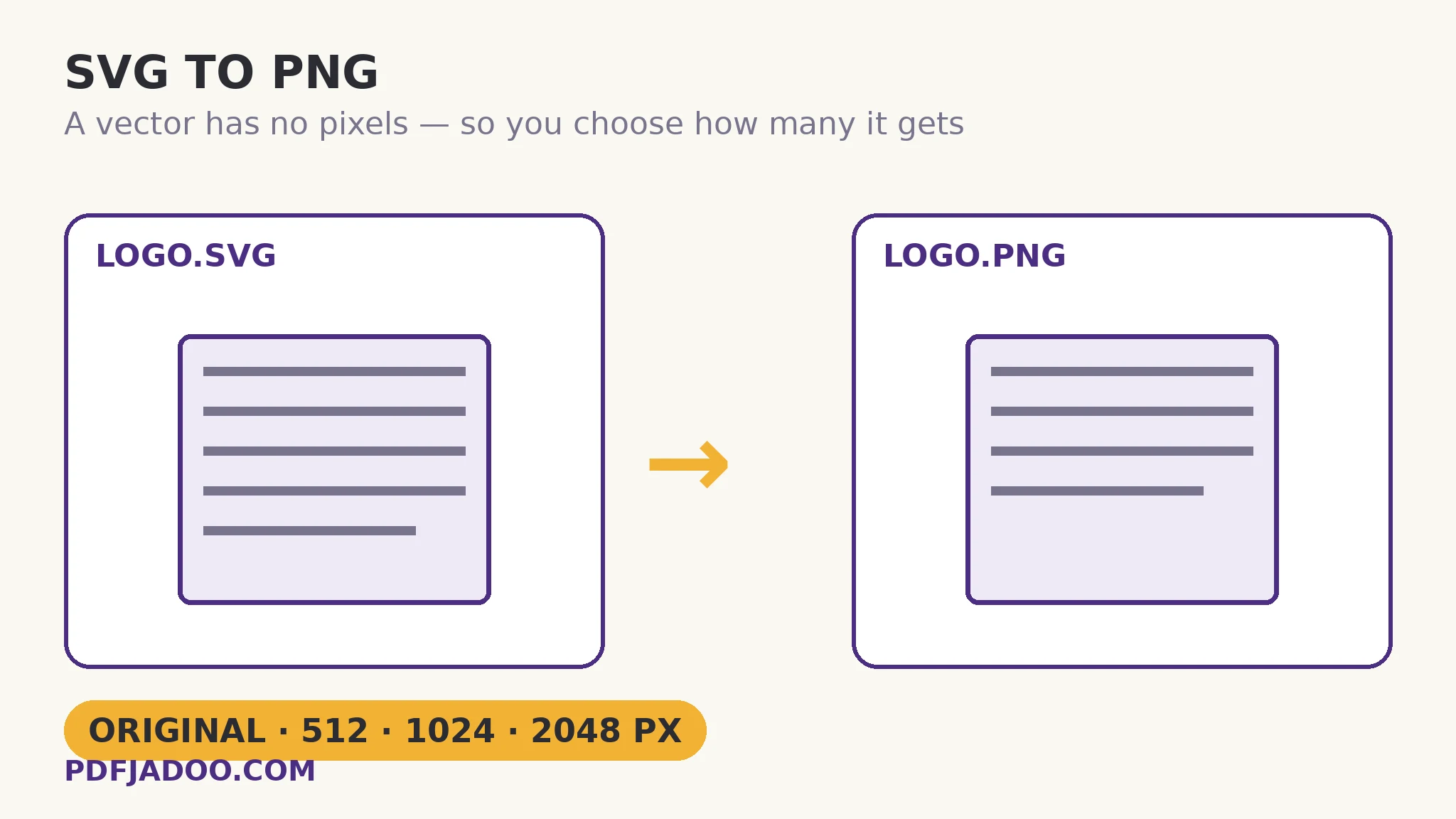
The direct answer: the SVG is drawn fresh at the render width you choose — its own size, or 512, 1024 or 2048 pixels wide, the height scaling in proportion — and stored as a PNG that keeps every rendered pixel exactly, transparency included. SVG to PNG is the one family in this batch where “conversion” is the wrong word: an SVG contains drawing instructions, not pixels, so the tool must decide a size and render — which is why a PNG exported at a large width is crisp at that width forever, while a small PNG enlarged later is blurry: the pixels were decided once, at export. The tool's own wording carries the promise: the PNG is a perfect copy of the rendered picture — every pixel exact, the file may be bigger, never worse — and transparent areas of your SVG stay transparent in the PNG. Its honest note adds the discipline: the PNG you get is a pixel picture at the render width you choose — pick the width for the job. This article is the sizing guide: the fallback chain when an SVG declares no size, the scale logic, and the table of real destinations (favicon 32, app icon 512, retina 2×, social 1200×630) that the searches behind this tool actually ask about.
 By the PDFJadoo Team6 min read
Where the size comes from
The direct answer: the renderer reads the SVG's own declared size first (its width/height or viewBox); your render-width choice overrides it, drawing the same instructions larger or smaller with the height in proportion — so the artwork cannot distort, only resolve at more or fewer pixels. An SVG with no declared size at all falls back to a default stage (the family's SVG-to-PDF article documents the 800×600 assumption in that pipeline) — which is why an un-sized SVG's first export deserves a look before batching. One quotable law governs every export: pixels are decided at render time — a 2048-wide PNG downscales beautifully forever, and a 512-wide PNG upscales never; surplus is the only safe direction.
Crispness follows the same law: at 1× (the declared size), text and curves render at exactly the display's resolution; at 2× and beyond, the same PNG displayed at half size shows retina-sharp edges. Professional icon pipelines export at multiples for exactly this reason.
The size table
The direct answer: favicons want small exact sizes (16/32/48 px — render or downscale from a clean 512); app icons centre on 512 and 1024; web graphics want 2× their display width for retina; social and Open Graph images centre on 1200×630; print wants the largest render, 2048, or a PDF route. The tool's three widths (512/1024/2048) plus Original cover the professional range: export at the nearest width at or above the destination, and let the destination downscale. A logo system exported once at 2048, with the SVG filed beside it, answers every future size request in seconds.
Convert an SVG to PNG, step by step
The direct answer: name the destination's pixel size, pick the render width at or above it, drop the SVG — or a batch — convert, and download singly or as a ZIP, transparency intact.
Step 1 — name the destination size. Favicon, app icon, web slot at 2×, social card, print — the number decides the width.
Step 2 — drop your SVG onto SVG to PNG. Rendering happens on your device.
Step 3 — pick the render width. Original size, 512, 1024 or 2048 px wide — the nearest at or above the destination. Height follows in proportion.
Step 4 — press Convert to PNG. The vector draws fresh at your width; the PNG stores the render losslessly, alpha included.
Step 5 — download each file or the batch ZIP. Verify at the destination's real size (and once at 100% zoom for edges), and file the SVG as the master.
Transparency, native here
The direct answer: unlike the JPG sibling, nothing flattens — the PNG's alpha channel is the SVG's transparency, carried exactly, so overlays, icons and logos float over any ground the destination provides. This is the default exit for artwork that must composite; JPG is for artwork that must sit on paper-like grounds.
Render it once, at the right size — crisp everywhere it's used.
Widths to 2048, alpha exact, batches as ZIP — and the vector kept as the infinite master.
Open SVG to PNGA worked example: the app-icon set
The direct answer: a developer's SVG app icon exports at 1024 wide as the master PNG (the store's requirement), from which the platform's smaller sizes downscale cleanly; the website's favicon set derives from the 512 render; and the marketing page's hero uses the 2048 — three destinations, three renders, one SVG. The walkthrough's avoided failure is the common one: the first submission used a 256-wide PNG found in an old folder, enlarged by the store's pipeline into visible softness and rejected on review. The render-width discipline — export at or above, never below — is the entire fix, and it costs one conversion.
Edge cases
currentColor and external fonts. SVGs that inherit colour from CSS context or load external fonts may render in default colours/faces locally; self-contained SVGs render perfectly. Outline fonts and inline colours before export for artwork that must travel.
Enormous declared sizes. An SVG declaring a huge canvas renders at Original into a huge PNG; the explicit widths exist to tame exactly that — choose one.
Animated SVG. The PNG is a still of the drawing as presented; motion belongs to the SVG itself.
Before you finish: the 60-second check
- Destination pixel size named before choosing the render width
- Width chosen at or above the destination — surplus is the safe direction
- Alpha verified intact in the PNG (no flattening happens here)
- Edges inspected at 100% on the first export of an un-sized or complex SVG
- The SVG filed as master — every size is a re-render, never an upscale
Fair questions
What size will the PNG be?
The SVG's own size, unless you pick a render width — 512, 1024 or 2048 px wide, with the height scaling in proportion. Pick the width for the job: the PNG is a pixel picture at the render width you choose, and pixels are decided at export.
Does SVG to PNG lose quality?
No. The vector is drawn fresh at your chosen width and the PNG stores that render exactly — every pixel, transparency included. A larger render is crisper at large sizes; a small one cannot be enlarged later without softness.
Does transparency survive?
Yes — transparent areas of your SVG stay transparent in the PNG, in a full alpha channel. Nothing is flattened in this conversion; flattening is the JPG sibling's necessity, not this one's.
What size should I export for an app icon or favicon?
App icons centre on 512 and 1024 px; favicons on small exact sizes (16/32/48) best derived by downscaling a clean 512 render; web graphics want twice their display width for retina screens; social images centre on 1200×630. Export at or above the destination, never below.
Can I convert a whole batch?
Yes — drop as many SVG files as you like. Each renders with the same width setting; download them one by one or all together as a ZIP.
Is my image uploaded?
No — the SVG is rendered and encoded entirely on your device; your files never leave it.
Tool behaviour — render widths of Original/512/1024/2048 px with proportional height, pixel-exact PNG storage of the render, transparency kept, the “pixel picture at the render width you choose” honest note, batch conversion with ZIP download — is from PDFJadoo's own SVG to PNG page. Checked 18 November 2026.
Keep reading
SVG to JPG: logo for Word
The Office exit: same renders, on a chosen ground.
SVG to WebP: when SVG is blocked
The light raster for platforms that refuse vectors.
SVG to PDF: the honest render
The document route for the same artwork.
WebP to PNG: the lossless master
Raster masters from web sources, exactly kept.