myAadhaar document upload: colour, one single PDF, under 2 MB
Crores of residents are refreshing their Aadhaar documents while UIDAI's free update window runs — and the rejections are rarely about the document itself. They are about the file: a black-and-white scan where the charter asks for colour, four pages uploaded separately where it asks for one PDF, a bank statement still wearing its password. UIDAI wrote the rules down. Almost nobody quotes them.
 By the PDFJadoo Team7 min read
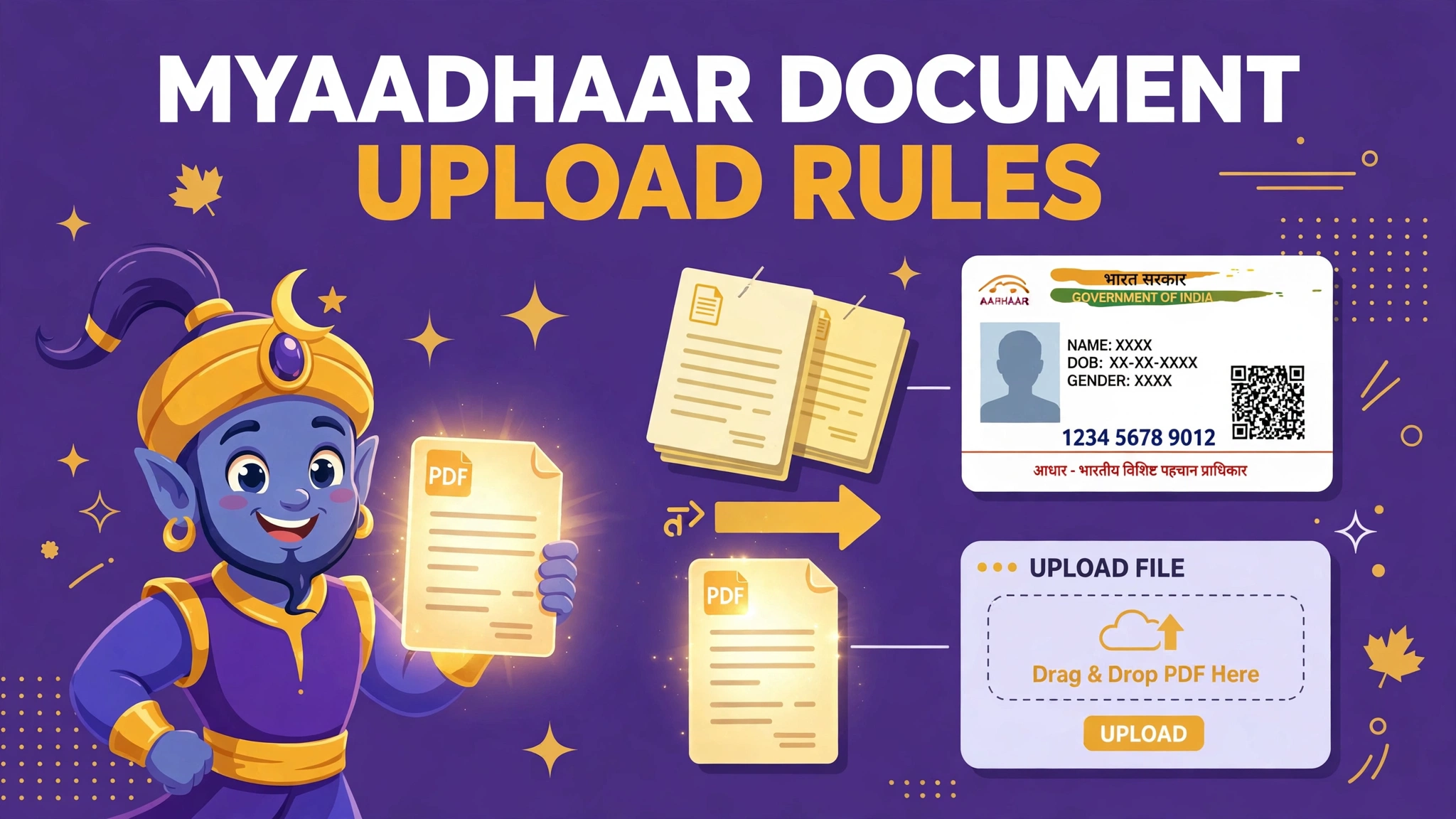
The rules, from UIDAI's Citizen's Charter
| Rule | What UIDAI says |
|---|---|
| Colour | Take a coloured scan, photograph or image of the supporting document |
| Format | PDF, PNG or JPEG |
| Multi-page documents | Scan all the pages and save them as a single PDF, then upload |
| File size | Under 2 MB for the upload |
| The document itself | It must be a currently valid proof of identity or address from UIDAI's accepted list, in your name |
Notice what is not the problem in most failed updates. Guides across the internet argue endlessly about which document proves what — those rules matter, but the upload itself fails on mechanics far more often: the file is the wrong shape for the system reading it. UIDAI's charter sentence about multi-page documents is the most ignored line in the whole process, because a passport or a bank statement does not feel like "one document" when it is sitting on your phone as four separate photographs.
Why Aadhaar document uploads fail
- The scan is black-and-white. The charter says coloured. A greyscale photocopy scan of a colour document reads as a copy of a copy, and it is a standing reason for a document to be returned as unclear
- The pages are separate files. Page one uploads; pages two to four have nowhere to go. The instruction is one document, one single PDF
- The bank statement is locked. Banks email statements as password-protected PDFs. The portal cannot open them and neither can the verifier. This is your own statement — unlock your own copy before uploading
- The file is over 2 MB. Uncompressed phone photos of several pages sail past the limit. Colour does not have to mean enormous — it has to mean colour
- The photo is a photo of a photocopy. Each generation loses the seals, signatures and small print the verifier is checking for. Always capture the original document
The fix, in order
Step 1 — capture the original, in colour. Lay the document flat, photograph every page — front and back where both carry information — in daylight or bright even light. Check each shot before you move on: seals, signatures and the smallest line of print should all be readable on the phone screen.
Step 2 — if your proof is a bank statement, unlock it first. Bank PDFs arrive locked with a password the bank prints in the same email (often your date of birth in a stated pattern). Run your copy through Unlock PDF so the file the verifier receives actually opens. The whole password pattern is explained in Bank statement PDF password.
Step 3 — build the single PDF. Send the page photos through JPG to PDF, or combine existing files with Merge PDF, in the document's own order. One document in, one PDF out — exactly what the charter describes.
Step 4 — bring it under 2 MB without draining the colour. If the merged file is over the limit, use Compress PDF with a target just under 2 MB. Compress the file, never convert it to black-and-white to save space — that trades a size pass for a colour failure.
Step 5 — read it once as the verifier will. Open the final PDF and read one page at full size. Name spelled as on the Aadhaar, address complete, document in date. Then upload this prepared file on myAadhaar — and do the update on the official portal itself, never through a paid middleman site.
Turning loose phone photos into one clean document is a trick with uses well beyond Aadhaar — JPG to PDF: batch photos into one PDF covers the same workflow for certificates and receipts.
Build the single PDF
Pages in order, in colour, unlocked, under 2 MB — prepared in your browser, never uploaded to us.
Open JPG to PDFWorked example: the four-page passport proof that went nowhere
A resident updating her address chooses her passport as proof — a strong document, and a four-surface one: front page, address page, and the observations her update depends on. She photographs all of it carefully. Then the upload stops her, because the slot takes one file and she is holding four. Her first workaround is to upload the address page alone. It is accepted by the form and rejected in verification: the document is incomplete, because the identity page that ties the address to her was never in the file.
The fix is the charter's own sentence. All four photographs go through JPG to PDF in order, producing one colour PDF; at 2.6 MB it is slightly over, so Compress PDF brings it to just under 2 MB with the print still crisp; a final read-through confirms both pages that matter are present and legible. Uploaded once, verified once. The document never changed. The file finally matched the instruction that was printed in UIDAI's charter all along.
Why the free window makes this worth doing properly
UIDAI has been urging residents whose Aadhaar is over ten years old to refresh their proof of identity and address, and has kept the online document update free — announced until 14 June 2027 — to make that happen. That combination, a deadline and no fee, is moving millions of people through the same upload at the same time, many of them doing it on a phone, at home, without help. In that crowd, the difference between an update that lands first time and one that bounces is almost never the document. It is whether the file was coloured, complete in one PDF, unlocked and under the limit — four checks that take two minutes before you press upload.
Before you upload: the 60-second check
- The scan is in colour, of the original document — not a photocopy of a photocopy
- Every page of the document is inside one single PDF, in order
- A bank statement copy has been unlocked — it opens with no password
- The file is PDF, PNG or JPEG and under 2 MB
- At full size, the name, address, seals and smallest print are readable
- You are uploading on the official myAadhaar portal, not a paid lookalike
Fair questions
What file does myAadhaar want for a document update?
UIDAI's Citizen's Charter says to take a coloured scan, photograph or image of the supporting document — PDF, PNG or JPEG — and, if the document has multiple pages, to scan all of them and save them as a single PDF before uploading. UIDAI's upload guidance puts the file under 2 MB.
Is a black-and-white photocopy scan acceptable?
The charter specifies a coloured scan. A greyscale photocopy-style scan is a common reason documents come back as unclear or not matching the original. Photograph or scan the original document in colour, in good light.
My bank statement PDF has a password. Can I upload it as proof of address?
A password-protected PDF cannot be read by the verifier, and banks issue statements locked by default. Unlock your own copy first — the password is usually your date of birth or a similar pattern the bank states in the email — then upload the unlocked copy.
My document has four pages. Should I upload four files?
No. UIDAI's instruction is explicit: scan all the pages and save them as one single PDF. Merge the pages in order, check the combined file is under 2 MB, and upload that one file.
How much does an Aadhaar document update cost?
UIDAI sets the fees and has announced free online document updates until 14 June 2027 as part of its push for residents to refresh their proof of identity and address. Check the current fee on myAadhaar when you apply — do not pay any third-party site for the update itself.
Are my identity documents uploaded to PDFJadoo?
No. JPG to PDF, Merge PDF, Compress PDF and Unlock PDF all run entirely in your browser. Your Aadhaar proofs never leave your device.
Source: Unique Identification Authority of India, Citizen's Charter on uidai.gov.in — the coloured-scan instruction and the single-PDF rule for multi-page documents — read together with UIDAI's myAadhaar document-update guidance (accepted formats and the 2 MB upload limit) and its free-update announcement. Checked 12 November 2026. PDFJadoo is not affiliated with UIDAI or the Government of India.
Keep reading
Bank statement password?
The pattern banks use, and how to open — and unlock — your own statement.
Photos into one PDF
Batch a document's pages into a single clean PDF, in order.
JPG to PDF
Turn page photos into one PDF, in your browser.
Document Portals hub
Every portal's rules in one place — IRCC, USCIS, ImmiAccount and more.