GIF to WebP: first frame only — and when that is enough
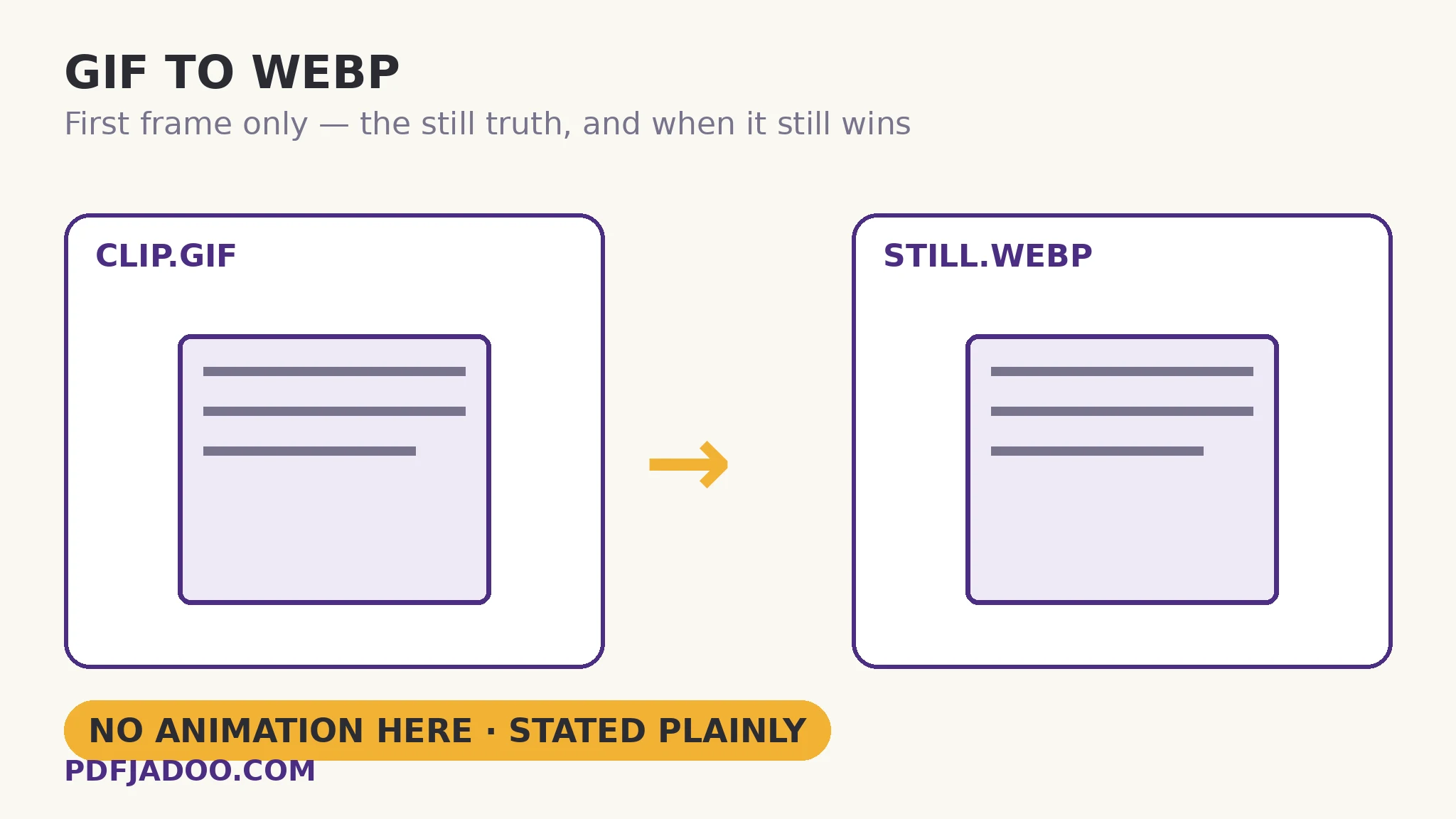
The direct answer: an animated GIF converts from its first frame — the WebP you get is a still, at your chosen quality (High 92%, Balanced or Smaller), with transparency kept — so if keeping the animation is your purpose, this is not the tool, and this article will not pretend otherwise. GIF to WebP prints the rule as its honest note — an animated GIF converts from its first frame — because the search that leads here usually hopes for the opposite: GIF's weight is legendary, WebP's animation support is real, and “convert and keep the loop, lighter” is a reasonable wish that this particular converter does not grant. What it does grant is genuine: a still WebP from a GIF source — lighter than the GIF's own still, alpha-preserving, browser-native — for the many places a GIF sits in a page as a static image wearing an animated format's weight. This article separates the two jobs (still extraction, which is here; animation conversion, which is not), prices the still honestly, and points the animation job at its honest alternatives.
 By the PDFJadoo Team6 min read
Why the still WebP still earns its place
The direct answer: a large share of GIFs embedded in pages are functionally stills — a diagram, a logo, a single-frame capture saved as GIF by habit or by an old tool — and those pay GIF's weight for zero motion; as WebP stills they weigh a fraction, keep transparency, and render natively in every current browser. The audit is easy: if the GIF does not move when you look at it, its format is pure overhead. One quotable comparison: a single-frame GIF and its WebP still carry the same picture, but the WebP's predictive compression typically stores it in a third of the bytes or fewer — the same saving the JPG-to-WebP article counts for photographs, applied to graphics.
For genuinely animated GIFs, the first-frame still has its own legitimate jobs: the poster frame for a video-like embed, the static fallback for email (where animation is stripped anyway), the thumbnail in a gallery. In each, frame one is a considered choice — check it is the representative frame, because the fade-in caveat from the sibling articles applies with full force.
The animation job, honestly redirected
The direct answer: preserving a loop while cutting its weight means re-encoding the animation itself — a video conversion (MP4/WebM) or a dedicated animated-WebP encoder — jobs for tools built around time, not stills. The modern web increasingly serves short loops as muted video for exactly this reason: a video file of a loop is routinely a tenth of its GIF. Naming the right tool is part of this article's service; a stills converter that quietly dropped 47 of your 48 frames while implying otherwise would be the failure this page exists to prevent.
Convert a GIF to a still WebP, step by step
The direct answer: confirm a still is what you need, check the first frame, drop the GIF — or a batch — pick the quality, convert, and download singly or as a ZIP.
Step 1 — classify the GIF. Functionally still (no motion, or motion you do not need) → proceed. The loop is the content → stop; use a video/animated tool instead.
Step 2 — watch the first frame. It is the still you will get. Fade-ins start blank; choose accordingly.
Step 3 — drop your GIF onto GIF to WebP. Everything runs on your device.
Step 4 — pick the quality. High (92%) for graphics with edges; Balanced for photographic stills; Smaller for thumbnails and posters.
Step 5 — press Convert to WebP and download. Each file, or the batch as a ZIP. Transparency is kept — verify the still floats as expected on the page.
Email and fallback stills
The direct answer: where an animated GIF will be flattened by the destination anyway (email clients that show only frame one), supplying the still yourself — as a light WebP or JPG — is better craft than letting the client choose the frame by default. Authored stills beat accidental ones.
A still, honestly labelled — at web weight, with its alpha intact.
First frame at your quality setting, batches as ZIP — and the animation job pointed at its real tools.
Open GIF to WebPA worked example: the heavy help-centre page
The direct answer: a help centre's tutorial page embeds six GIFs, of which five are single-frame screen captures saved as GIF by an old recorder — converted to still WebPs at High, the page sheds over 4 MB and every capture stays legible; the sixth, a genuine animation of a gesture, is re-recorded as a short muted video at a tenth of its GIF weight. The walkthrough is the article in miniature: five stills took the still tool, one loop took the video route, and no file was asked to be what it is not. The page's total media weight fell by more than 90% with every picture's job intact.
Edge cases
The poster-frame choice. A loop whose first frame is a title card makes a poor thumbnail; where the representative moment matters, a frame tool extracts it — then that still can convert here.
Transparent animated GIFs. The still keeps the first frame's transparency; later frames' alpha is part of the animation that stays behind.
“But WebP supports animation.” It does — the format is innocent; this converter is a stills tool. The distinction between a format's capability and a tool's scope is the article's whole point.
Before you finish: the 60-second check
- The GIF was classified first: functionally still (proceed) vs loop-as-content (different tool)
- First frame watched and accepted as the still
- Quality chosen by content: High for edges, Balanced for photos, Smaller for thumbs
- Transparency verified kept in the still
- Animated originals kept as masters; video route used for true loops
Fair questions
Does GIF to WebP keep the animation?
No. An animated GIF converts from its first frame — the WebP is a still. The tool states it in its own honest note. To keep a loop and cut its weight, use a video conversion (MP4/WebM) or a dedicated animated-WebP encoder.
Why convert a GIF to WebP at all, then?
For the many GIFs that are functionally stills — single-frame captures, diagrams, logos saved as GIF. As WebP stills they typically weigh a third of the bytes or fewer, keep transparency, and render natively in browsers.
Does transparency survive?
Yes — transparent areas of the GIF's first frame stay transparent in the WebP. WebP holds a real alpha channel, unlike JPG.
Which quality setting should I use?
High (92%) for graphics and screenshots with edges, Balanced for photographic stills, Smaller for thumbnails and poster frames. Judge at display size.
Can I convert a whole batch?
Yes — drop as many GIF files as you like. Each converts with the same settings, from its own first frame; download them one by one or all together as a ZIP.
Is my image uploaded?
No — the picture is decoded and re-encoded entirely on your device; your files never leave it.
Tool behaviour — the first-frame rule printed as the tool's own honest note, the High (92%) / Balanced / Smaller quality settings, transparency kept, batch conversion with ZIP download — is from PDFJadoo's own GIF to WebP page. Checked 18 November 2026.