Thesis page numbers wrong? Roman first, then page 1 at Chapter 1
The rule is the same in thesis manuals around the world: the preliminary pages count in lowercase Roman numerals — the title page is page i, though it prints no number — and Arabic numbering restarts at 1 on the first page of Chapter 1. If your exported PDF numbers straight through from the cover, the repair is mechanical and needs no source file: split the PDF at Chapter 1, stamp the body starting at 1, and merge the two parts back together. The Roman half has one honest catch, and it is dealt with squarely below.
 By the PDFJadoo Team8 min read
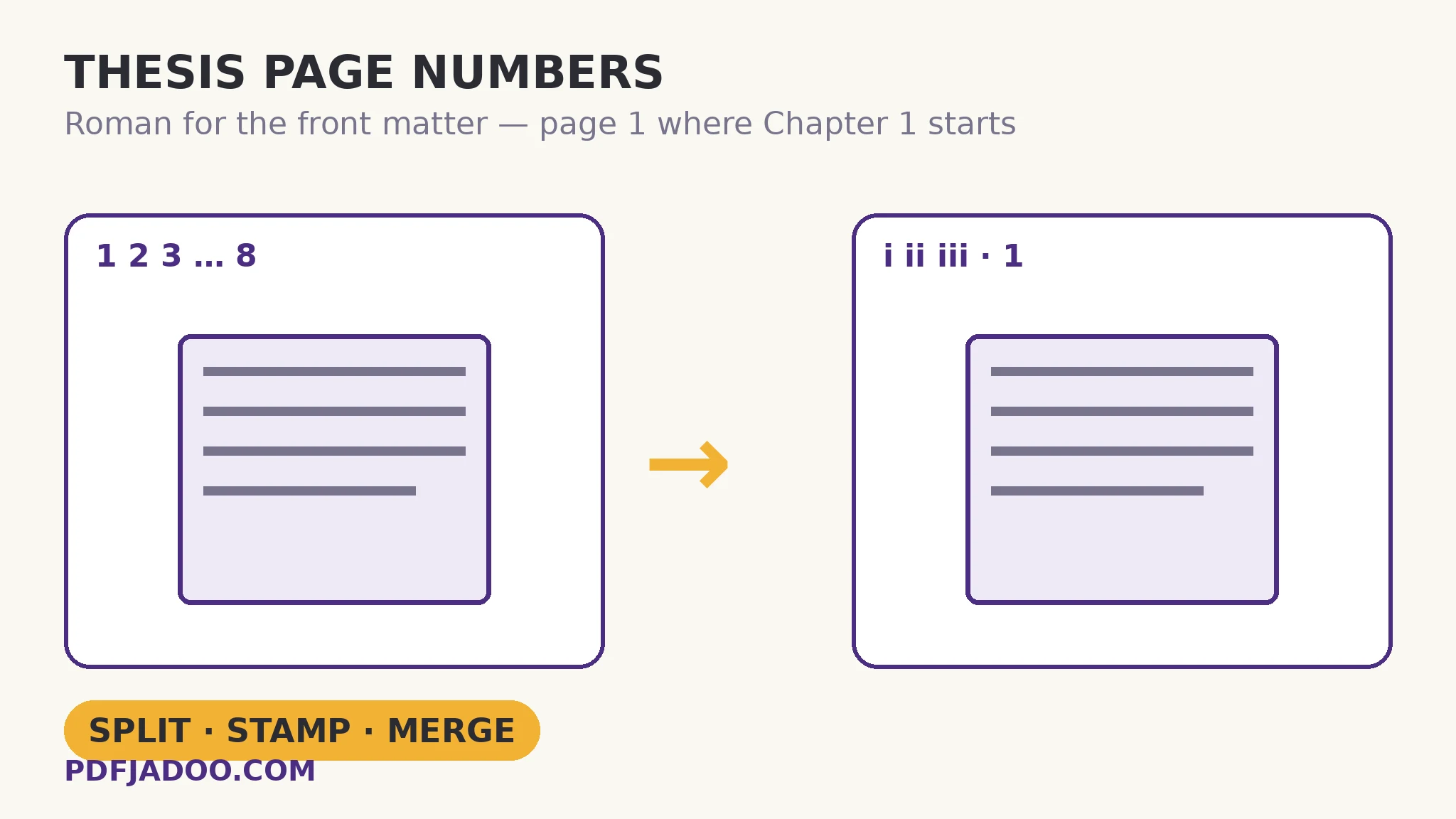
The rule, stated exactly — check your manual against it
University thesis guidelines — the University of Malaya's preparation guidelines and the thesis manuals that follow the same convention — state the pagination rule identically: preliminary pages are numbered in lowercase Roman numerals, the main text in Arabic numerals beginning at 1. The subtle part is the difference between counting and printing: the title page counts as page i but carries no printed number, exactly as a book's title page does.
| Part of the thesis | Counts as | Printed number |
|---|---|---|
| Title page | i | None — counted, never printed |
| Abstract, acknowledgements, declaration | ii, iii, iv… | Lowercase Roman, printed |
| Contents, lists of tables and figures | Roman continues | Lowercase Roman, printed |
| Chapter 1 / Introduction, first page | Restarts | 1 |
| Remaining chapters, references, appendices | Arabic continues | 2, 3, 4… to the last page |
Thesis-editing services that fix this professionally list the same three errors on repeat: Arabic numerals in the front matter where Roman belongs, Chapter One starting on page 8 or 10 because the count never restarted, and a number printed on the title page. If your PDF commits one of those, you are holding the standard emergency — not a personal failure.
One honest variation before you start: manuals differ in the small print. Some start the Roman count at the abstract rather than the title page; some want the declaration counted but unprinted, like the title page; a few newer universities have dropped Roman numerals entirely and ask for unnumbered front matter with Arabic from Chapter 1. The table above is the mainstream convention — your own manual's pagination page outranks it, this article, and everything else on the internet. Read that page first; it takes two minutes and decides every setting below.
Why the exported PDF gets it wrong
In Word or Google Docs the rule lives in section breaks: one section formatted for Roman, the next restarted at 1, with the “link to previous” footer setting deciding whether the two talk to each other. Exporting usually preserves it — but merging separately exported chapters, converting through a second tool, or one wrong footer link collapses the whole arrangement into a single straight count. By the time most students notice, the source file is three versions ago and the deadline is this week. That is the case this article fixes: you hold only the PDF, and the PDF is what will be submitted.
The repair: split, stamp, merge
Step 1 — count your front matter. Open the PDF and find the page where Chapter 1 begins; note its position in the file (say, PDF page 8). Everything before it is front matter: 7 pages. That single number drives the whole repair, and it is worth writing down.
Step 2 — split the file at Chapter 1. With Split PDF, take pages 1–7 as one file (the front matter) and pages 8–end as another (the body). Splitting copies pages losslessly — nothing is re-rendered, so text, figures and scans come through untouched. The page-range guide covers the range syntax if you have not used it.
Step 3 — stamp the body, starting at 1. Drop the body file onto Page Numbers. Choose the position your manual demands — bottom centre and bottom right are the common thesis conventions — and the plain number format (3, or – 3 – where a manual asks for dashes). Set “first page shows” to 1 and a standard 12 pt size, then stamp. The first page of the body — Chapter 1 — now reads 1, and every page after it counts up cleanly to the end, references and appendices included.
Step 4 — merge the parts back, front first. Merge PDF rejoins them in order: front matter, then the renumbered body. Merging is another lossless page copy, so the round trip costs the document nothing. The merge guide covers the order audit if your file arrives in pieces.
Step 5 — audit with arithmetic, not eyes. Pick any body page and check: printed number = its position in the merged file − front-matter count. If Chapter 3 opens on PDF page 41 and your front matter was 7 pages, it must read 34. Check Chapter 1 (must read 1), one middle chapter, and the last page. Three checks prove the whole run, because a stamp cannot drift — if the arithmetic holds in three places, it holds everywhere.
Chapter 1 is page 1.
Choose the position and format once, set the first page to show 1, and Page Numbers stamps the whole body in a click — in your browser, with the thesis never uploaded.
Open Page NumbersThe Roman half, honestly: what a PDF stamper can and cannot do
Here is the catch, stated before you waste an evening on it: PDFJadoo's Page Numbers stamps Arabic formats only — a plain number, “Page X of Y”, or a number between dashes. It cannot print i, ii, iii. Any tool page that implies otherwise about a stamper should be read with suspicion. So the front matter has two honest routes:
Route one — front matter with no printed numbers. A large share of manuals accept the submitted PDF with the preliminary pages unnumbered, and the strict rule itself already leaves the title page blank. Read your own manual's exact words: if it prescribes Roman numerals, this route is not open to you; if it prescribes the sequence (front matter separate, body from 1) without mandating printed Roman, it usually is. When in doubt, one email to the graduate office settles it — cheaper than a returned thesis.
Route two — set the Roman numerals in the source, then re-export. If Roman is compulsory, it belongs in the document, not stamped over it. In Word: place a section break (Next Page) at the end of the front matter; open the front matter's footer, and set its page-number format to i, ii, iii; open the body's footer, unlink it from the previous section, set the format to 1, 2, 3 and “start at 1”. Re-export, and verify the PDF page by page before submitting — the export is exactly where this broke last time.
Two traps inside the repair itself
“Page X of Y” counts the file you stamp. Stamp the body on its own and Y is the body's length, not the thesis's. If your manual wants the whole-document total, either use the plain number format — most manuals do — or do the arithmetic and choose accordingly. Do not let a format default make an academic decision for you.
“Skip the first page” is not this fix. Page Numbers can skip the first page while still counting it, which perfectly handles a lone cover page. It does nothing for a seven-page front matter, because the count still runs straight through it and Chapter 1 still opens on 8. The split exists precisely because the restart has to happen mid-document. Keep the original thesis file untouched throughout: numbers are stamped into page content, so the unnumbered original is your only clean copy.
Sources
- University of Malaya — Guidelines for the Preparation of Research Project, Dissertation and Thesis (preliminary pages in lowercase Roman numerals; Arabic from the main text).
- Thesis-edit — Page Numbering Rules for Theses & Dissertations (the classic errors: Arabic instead of Roman, Chapter One starting on page 8 or 10).
- Cleveland State University library — How do I number pages differently in the various sections of my thesis? (a standing help-desk question).
Before you finish: the 60-second check
- Your own manual's rule confirmed — position, format, and whether printed Roman numerals are compulsory
- Front-matter page count written down before splitting
- Body stamped from 1 at Chapter 1, in the position and format the manual names
- Audited by arithmetic: printed number = file position − front-matter count, checked in three places
- The Roman question decided honestly — unnumbered front matter only if your manual allows it
- The original unnumbered thesis kept safe; the stamped file is the copy that travels
Fair questions
Can PDFJadoo stamp Roman numerals (i, ii, iii) on my front matter?
No — and this article will not pretend otherwise. Page Numbers offers Arabic formats: a plain number, “Page X of Y”, or a number between dashes. Roman numerals must either be unnecessary under your manual (unnumbered front matter, route one above) or set in the source document before export (route two).
How do I make Chapter 1 start at page 1 in an existing PDF?
Split the PDF at Chapter 1 with Split PDF, stamp the body file with Page Numbers set to “first page shows 1”, then merge the front matter and body back together. Splitting and merging copy pages losslessly, so nothing about the document changes except its numbers.
My front matter is 7 pages, so Chapter 1 shows page 8. Is that the same problem?
It is exactly this problem — the count ran straight through the front matter instead of restarting. Thesis editors list “Chapter One starting on page 8 or 10” among the classic errors. The split–stamp–merge repair fixes it without touching the source file.
Doesn't the “skip first page” option already handle the front matter?
Only when the front matter is a single cover page. Skipping hides the number on page one while the count continues — so with seven front-matter pages, Chapter 1 would still open on 8, just with a blank title page. A mid-document restart needs the split.
If I use “Page X of Y”, what does Y count?
The file you stamp. Stamp the body separately and Y is the body's page count, not the whole thesis's. Most thesis manuals ask for plain numbers, which avoids the question entirely — choose the format your manual names, not the one that looks impressive.
Will splitting and merging my thesis damage its quality?
No. Both operations copy the original pages into a new sequence without re-rendering them, so text stays text and images keep their resolution. What changes is only the file's organisation — and the stamped numbers, which are drawn onto the body's pages.
Tool behaviour — the Arabic-only formats (plain, “Page X of Y”, dashed), the six positions, sizes, the skip-first-page and first-page-shows controls, and the lossless page copying of Split and Merge — is from PDFJadoo's own tool pages, checked 18 November 2026. The pagination rule and its classic errors are sourced under Sources above; your university's manual is the final authority for your thesis.
Keep reading
Add page numbers to a PDF
The tool article: position, format and the cover rule, set once and stamped on every page.
Split a PDF by page range
The cutting half of the repair — range syntax, the off-by-one that eats a page, and the ZIP that keeps order honest.
Merge PDF files into one
The rejoining half: lossless page copies, bookmarks, and the thirty-second order audit.
Add a header & footer to a PDF
Running titles and confidentiality lines stamped on every page in one pass, with a live preview.