Add page numbers to a PDF: set it once — every page stamped in a click
“Refer to page 7” only works if the pages wear numbers — and finished PDFs, assembled from scans, exports and merges, so often do not. Adding numbers after the fact is a stamping job: Page Numbers draws the right number onto each page, at the position and in the format you set, once, for the whole document. The choices are few but each matters: position (bottom-right is the document convention; six placements offered), format (a bare 3, the explicit Page 3 of 12, the bookish – 3 –), size (8 to 18 pt, scaling sensibly to each page), and the decision everyone trips on — the cover.
 By the PDFJadoo Team6 min read
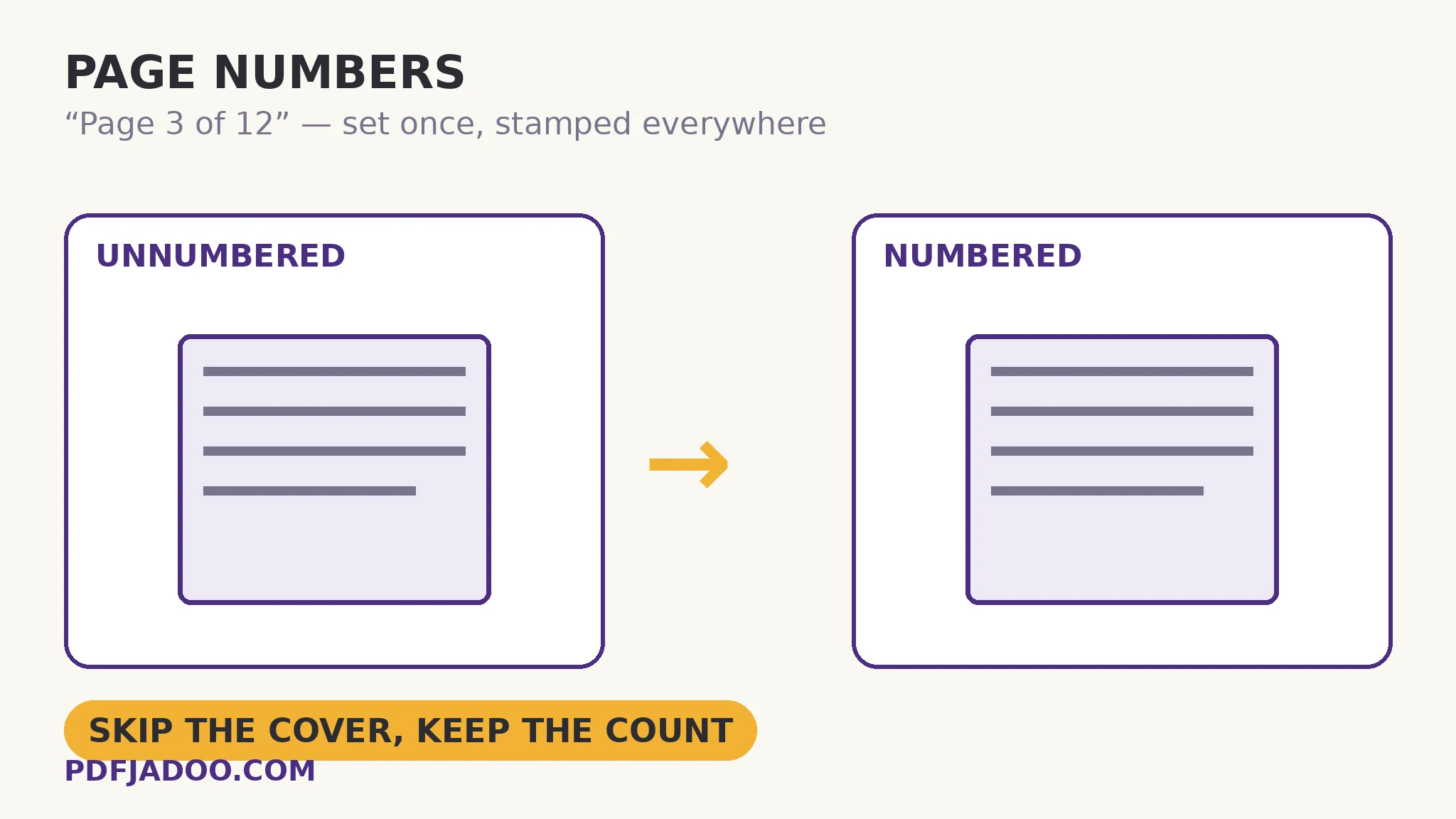
The cover rule, in its two forms
A book's cover wears no number, but it is still page 1 in the count — the first chapter page is 2. The tool gives you exactly that distinction, in two controls. Skip the first page: no number is drawn on it, but the count includes it, so page two is numbered 2. Or set “first page shows” to 0: the count itself starts at the second page, which is numbered 1 — the thesis convention, where front matter does not consume numbers. Picking between them is picking which convention your reader expects, and it is the only choice in this tool that cannot be settled by taste: a document that will be cited (“see page 2”) must count the way its citations count.
The mechanics underneath are stamping, and worth a sentence: the numbers are drawn onto the pages as content — real text in the page, printing with the document, surviving every later copy. They are not metadata or a viewer overlay. That permanence is the point (a number that vanishes in another reader is worse than none) and the caution: numbers stamped today do not renumber themselves if you later delete or insert pages. Number a document when its pagination is finished — after merges, deletions and reordering — or expect to stamp again. The size and margins scale themselves to each page, so a number sits as neatly on a huge sheet as on a label page — mixed-size documents number uniformly without per-page fiddling.
Position and format, briefly and honestly
Bottom-right is where report readers look; bottom-centre is the book and thesis convention; top positions serve documents whose bottoms are busy (forms with footers, stamped pages). “Page X of Y” earns its keep in short, handled documents — applications, filings — where a recipient must know at a glance whether they hold the whole set; the bare number is cleaner in long documents where the total is noise. Size follows the document's own scale: 10–12 pt is the standard band the tool names; 8 pt for discretion, 14–18 for documents read at arm's length.
Add page numbers, step by step
Step 1 — finish the pagination first. Merge, delete, reorder — then number. Drop the final PDF onto Page Numbers.
Step 2 — choose position and format. Bottom-right and “Page X of Y” for a filing; bottom-centre and a bare number for a book-length document.
Step 3 — settle the cover. Skip the first page (counted) for the book convention, or set first-page-shows to 0 to start the count at page two.
Step 4 — pick the size. 12 pt standard; scale up for large-format pages, down for discretion.
Step 5 — add the numbers and verify two pages. Check the first numbered page and one deep page: right number, right place, no collision with the document's own footer furniture.
Numbers the document already has
Some PDFs arrive numbered — in the content, from their source — and need more numbering only in the reader's sense (the viewer's “page 7 of 40” is the file's order, always). If the printed numbers and the file order disagree — a book whose page 1 is the file's page 9, after front matter — that is a citation mismatch no stamping can fix honestly; the durable answer is to make the document's order and its numbers agree (front matter counted, per the cover rule) at assembly time.
Number it like you mean it to be cited.
Position, format and size set once; every page stamped — cover handled the way your readers count.
Open Page NumbersSources
- Adobe — Add headers, footers and page numbers to a PDF: Adobe's own account of how page numbers, headers and footers are stamped onto every page — the behaviour this guide's cover-page rule and position choices are checked against.
- Tool behaviour — the steps and limits in this guide are from PDFJadoo's own Add Page Numbers tool page, checked 18 November 2026; the file never leaves your device, so the result you preview is the file you save.
A worked example: the tender submission
A 12-page tender response, assembled from a Word export, two scanned certificates and a spreadsheet printout, goes to an evaluator who will write “the pricing on page 9 does not match page 4”. Without numbers, that sentence starts an email thread; with “Page X of 12” bottom-right on every page — cover skipped visually but counted, so the evaluator's page 9 is everyone's page 9 — it starts a correction. The stamping took one minute, after assembly, in the order this article insists on: pagination finished first, numbers last. The example generalises to every assembled document: numbering is the final act of assembly, the signature that the order is settled.
Edge cases
Inserting pages later. Stamped numbers are content; a page inserted afterwards wears no number and shifts none. Re-stamp the final file.
Collision with existing footers. A document with a busy bottom margin wants top positions, or a smaller size — the preview judgement is yours to make per document.
Roman-numeral front matter. This tool numbers in the formats offered; elaborate dual schemes (i, ii, 1, 2) belong to the document's source — or to two stamping passes over two separately assembled files, merged after.
Before you finish: the 60-second check
- Pagination was finished — merged, pruned, ordered — before numbering
- Position and format match the document's genre and its readers' habits
- The cover decision was made deliberately: skipped-but-counted, or count starts at page two
- Size suits the page scale; no collision with existing footer furniture
- First numbered page and one deep page were verified in the saved file
Fair questions
How do I add page numbers to a PDF for free?
Drop the PDF onto Page Numbers, choose a position (bottom-right is the convention), a format — bare number, “Page X of Y” or – X – — and a size, then stamp. Every page is numbered in one pass, in your browser.
How do I skip the cover page but keep the count?
Use “skip the first page”: no number is drawn on the cover, but it still counts, so the next page is numbered 2. If you want the second page to be numbered 1 instead, set “first page shows” to 0 — the count itself starts there.
Which page number format is best?
“Page X of Y” for short, handled documents — filings and applications — where the recipient must see at a glance that they hold the whole set. A bare number for long documents, where the total is noise. – X – is the bookish style.
Will the numbers update if I add or remove pages later?
No — stamped numbers are page content, permanently drawn. Number the document after its pagination is finished; if pages change, stamp the new final file again.
What sizes are available?
8 pt (small) through 18 pt (large), with 12 pt the standard. Size and margins scale themselves to each page, so numbers sit neatly on huge sheets and tiny label pages alike.
Is my PDF uploaded?
No — stamping happens in your browser; the file never leaves your device.
Tool behaviour — six positions, the three formats, 8–18 pt sizes with per-page scaling, skip-first-page and first-page-shows controls — is from PDFJadoo's own Page Numbers page. Checked 18 November 2026.
Keep reading
Add a header and footer to every page
Numbers plus titles plus the confidentiality line — one stamping pass for all of it.
Merge PDF files into one
Assemble first — numbering is assembly's final act.
Reorder PDF pages
Get the story straight before you number it.
Thesis page numbers: Roman, then page 1
Front matter in Roman numerals, Chapter 1 at page 1 — the split, stamp and merge repair for an exported PDF.