PDF to RTF: the rebuild that opens anywhere — because it asks so little
The direct answer: the conversion rebuilds your document from its text layer into RTF — wording, headings, paragraphs and lists carry over; exact page layout and images do not. RTF (Rich Text Format) survives for one reason: it is a plain-text-based markup that every word processor since the 1990s can read — Word, WordPad, LibreOffice, Pages, and the stripped-down editors inside legacy systems that have never heard of DOCX. PDF to RTF carries the same honest label as its sibling Word converter: this is a rebuild, not a photocopy — the result is clean, light and editable, and a pixel-perfect conversion would need a hosted engine. The companion post PDF to RTF: the file that opens anywhere makes the compatibility case; this article is the mechanics — how PDF content maps into RTF, what the format's ceiling is, and choosing between RTF and DOCX with the facts in hand.
 By the PDFJadoo Team5 min read
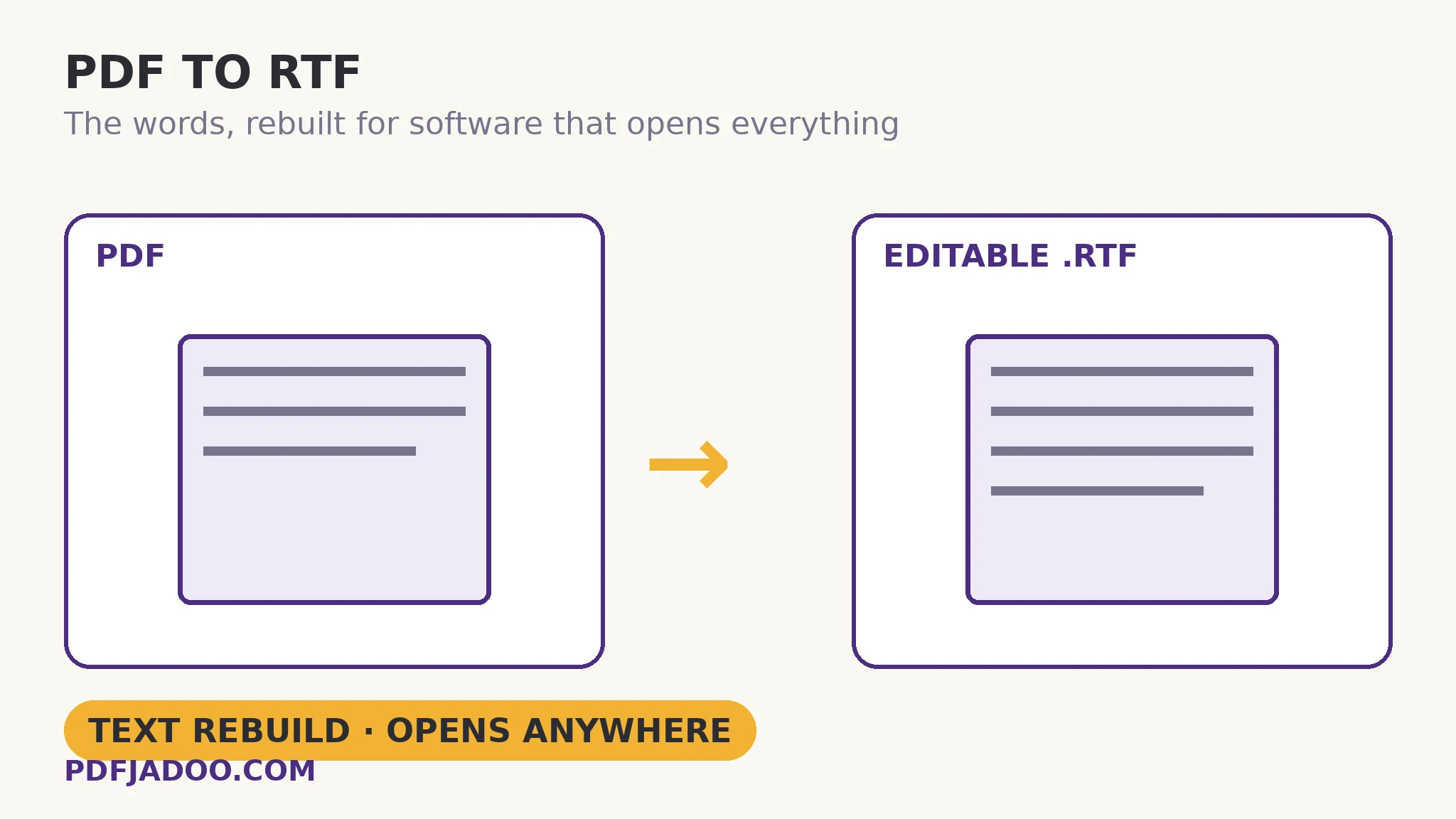
How a rebuild differs from a conversion of record
The direct answer: a rebuild reads the PDF's text layer and re-expresses its structure — this run is a heading, this is a paragraph, this is a list — in the target format's own markup, discarding the original's exact coordinates. RTF expresses that structure in control words — human-readable markup embedded in plain text — which is the deep reason for its universality: a file format that is itself just text can be parsed by anything, debugged by eye, and carried by systems with no binary-format libraries at all. The rebuild keeps the document's argument architecture: headings at their levels, paragraphs whole (wrapped lines joined), lists as lists. It discards the stage set: multi-column geometry, positioned images, exact fonts and spacing. One quotable limit, from the tool's own page: images do not come across — if you need the pictures out of a PDF, Extract Images is the tool, and the RTF receives the words.
The scan rule governs here as everywhere in the text family: a scanned PDF has no text layer, so there is nothing to rebuild — OCR first, then convert. The converter and the OCR tool are consecutive stations on one line, and the article for the second station is linked below.
RTF vs DOCX: choosing with the facts
The direct answer: choose DOCX when the recipient has a modern office suite and the document's structure is rich; choose RTF when the recipient's software is old, minimal or unknown — RTF opens in even more places, including ancient WordPad, and is the simpler file. The two converters here share their rebuilding logic and carry similar content; the difference is purely the envelope's reach. RTF's other quiet virtue is safety: it carries no macros, so a document exchanged as RTF cannot smuggle executable content — one reason legal and institutional exchanges have long preferred it for drafts that pass through many hands.
Convert a PDF to RTF, step by step
The direct answer: drop the PDF, press Convert to RTF, download the .rtf, and open it in whatever word processor the recipient actually has.
Step 1 — confirm the text layer. Selectable text means a rebuild is possible; a scan goes to OCR first.
Step 2 — drop the PDF onto PDF to RTF. The rebuild runs in your browser.
Step 3 — press Convert to RTF and download the .rtf file. Clean and light — a rebuild sheds the PDF's machinery along with its layout.
Step 4 — open and spot-check the structure. Headings at their levels, lists intact, paragraphs whole. Then edit freely — the text is all yours, in the most portable rich-text envelope there is.
The legacy-exchange case
The direct answer: RTF earns its keep where the other side's system is a fixed fact — a court's legacy filing stack, an agency's old case software, a minimal Linux editor — and “it opens” outranks “it looks identical”. In those exchanges the sender's job is not beauty but arrival. The rebuild's contract — words and structure, guaranteed openable — is exactly arrival's definition.
When it absolutely must open: RTF.
Wording, headings, paragraphs and lists, rebuilt into the format three decades of software can read.
Open PDF to RTFA worked example: the statement for the old system
The direct answer: a 30-page PDF statement needed inside a case-management system old enough to reject DOCX imports takes the RTF rebuild cleanly — headings and lists structured, every word editable — because the system's importer was built for exactly this format. The walkthrough's decisions were all routing decisions: the images (two scanned exhibits) were extracted separately and attached as files, since the rebuild's no-images contract was read in advance; the PDF remains the visual master; the RTF is the working text inside the legacy system. Nothing about the exchange was elegant, and everything about it arrived — which, in legacy land, is the whole definition of success.
Edge cases
Tables. Basic table structure is within RTF's powers, but a rebuild's table inference from a PDF is the usual suspect — check grids against the original before relying on them, as with every text rebuild.
Footnotes and endnotes. RTF supports notes, but a rebuild may land them as ordinary text in sequence. Academic documents deserve a spot-check at the first note.
“It looks different in WordPad.” WordPad renders RTF with its own defaults; the content is identical, the stage set is the viewer's. Judge the rebuild in the recipient's actual software where possible.
Before you finish: the 60-second check
- The rebuild contract was accepted in advance: words and structure yes; layout and images no
- Scans were OCRed before converting — no text layer, no rebuild
- Pictures were extracted separately where the exchange needed them
- RTF was chosen for its reach (old/minimal/unknown software) — DOCX for rich modern editing
- Tables and notes were spot-checked against the PDF master
Fair questions
How do I convert a PDF to RTF?
Drop a text-layer PDF onto PDF to RTF and press Convert to RTF. Download the .rtf and open it in Word, WordPad, LibreOffice or Pages — wording, headings, paragraphs and lists carry over, rebuilt from the text layer.
How is RTF different from the Word conversion?
RTF opens in even more places — including ancient WordPad — and is the simpler file; the Word (.doc) version carries similar content. Pick whichever the recipient's software prefers. Neither reproduces exact layout or images; both are honest text rebuilds.
Are images included in the RTF?
No — this is a text rebuild. Use Extract Images to lift a PDF's pictures out at original quality, and exchange them alongside the RTF.
Why would anyone choose RTF in this decade?
Because the recipient's system may be older than the decade: legacy filing stacks, minimal editors, unknown software. RTF is plain-text markup every word processor since the 1990s reads, and it carries no macros — arrival and safety over identical looks.
What if my PDF is a scan?
Scans have no text to extract. Run OCR PDF first to build a text layer, then convert the searchable result to RTF.
Is my PDF uploaded?
No — the rebuild runs in your browser; the file never leaves your device.
Tool behaviour — the text-layer rebuild carrying wording, headings, paragraphs and lists, the exclusion of exact layout and images, the shared logic with the Word converter, and the OCR-first rule — is from PDFJadoo's own PDF to RTF page, including its honest labelling. Checked 18 November 2026.
Keep reading
PDF to Word without losing formatting
The modern-suite sibling: the same rebuild, a richer envelope.
Extract images from a PDF
The pictures the rebuild leaves behind — lifted out at original quality.
PDF to EPUB: the text, reflowed
The same words, bound for an e-reader instead of a word processor.
Make a scanned PDF searchable
No text layer? OCR builds it — then every rebuild can begin.