Extract images from a PDF: the stored originals, not screenshots
The photos inside a PDF are often the only surviving copies — the originals lost, the document all that remains. The amateur recovery is the screenshot: degraded, cropped, recompressed. The professional recovery is extraction: Extract Images lifts the embedded images out at their original quality — the actual stored image data, no re-rendering, no re-compression — and delivers them in one ZIP. A smallest-image filter (keep images at least 64, 128 or 256 pixels) skips the decorative confetti — bullets, rules, spacer art — that PDFs accumulate. And one honest boundary is stated on the page: vector drawings are not pixel images and do not extract as pictures; those go to PDF to SVG. This article covers the recovery craft and the boundary.
 By the PDFJadoo Team5 min read
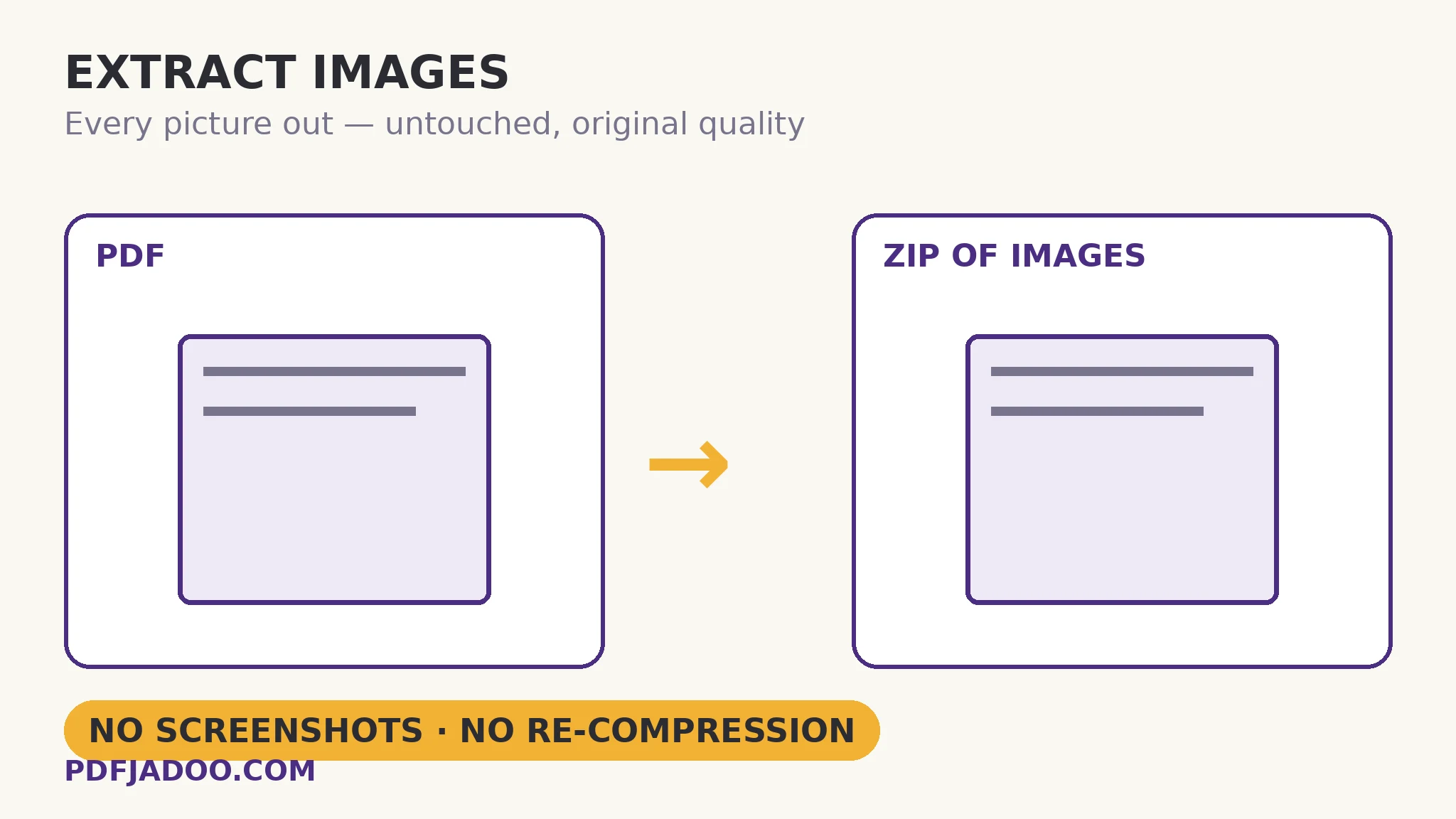
Original quality: what it means inside a PDF
A PDF stores each image as data — typically a JPEG or a lossless stream — at a definite resolution, then displays it scaled to its place on the page. Extraction returns the stored data: the full-resolution original the author embedded. A product photo placed small on the page may extract at print resolution; a logo placed large may extract smaller than it looked (it was always low-resolution — the page merely stretched it). This asymmetry is why extraction beats screenshots in both directions: you get everything the file truly has, and you learn what it truly has — the inspector's image lines tell the same story numerically. What extraction cannot do is invent resolution: the stored data is the ceiling, and upscaling is a different (lossy, fictional) operation this tool does not pretend to perform.
The size filter is the noise gate. Real documents embed dozens of tiny images — bullet glyphs, icon fragments, tracking spacers, the pieces of a letterhead. Setting the floor at 128 or 256 px keeps the photographs and figures and leaves the confetti behind, so the ZIP contains the images you meant. When in doubt, extract at 64 first and see the whole population; filter on the second pass with knowledge.
The vector boundary
Diagrams, logos and charts in a PDF are often vector drawings — lines and curves described mathematically, rendered fresh at any size — not stored pixel images at all. There is nothing for an image extractor to lift: the drawing has no pixels until rendered. The honest routes are rendering the page to an image (PDF to JPG at high DPI) or converting the page to SVG, which keeps the drawing vector. The tool states this on its page rather than silently omitting your logo from the ZIP — the omission, unexplained, is how lesser tools make users think the file ate their artwork.
Extract a PDF's images, step by step
Step 1 — drop the PDF onto Extract Images. The lifting happens in your browser.
Step 2 — set the smallest-image filter. 64 px for a full census; 128 or 256 to keep only substantive images.
Step 3 — press Extract the images and open the ZIP. Every kept image, at original quality, as its own file.
Step 4 — check the missing. A logo or diagram absent from the ZIP is almost certainly vector — route that page to SVG instead of re-extracting in hope.
Recovery ethics, briefly
Extraction recovers your documents' images — the lost originals, the client's supplied brochure, the archived report. Images in others' PDFs carry their owners' rights; the tool is neutral, the use is yours to keep honest. (The same one-line ethic as every recovery tool in the kit.)
Get the originals back — all of them, at full quality.
Embedded images lifted out untouched into one ZIP, with the decorative confetti filtered away.
Open Extract ImagesA worked example: the lost product photos
A retailer's catalogue PDF survives; the product photography folder does not — a dead drive took the originals two years ago. Extraction at the 256 px floor returns 84 images: the full product set at their stored resolutions, most at print quality (the catalogue was made properly), a handful small (web-grade embeds from a later edition — identified, and scheduled for reshoots). The letterhead logo is absent from the ZIP — vector, as the article predicts — and recovered via SVG from the cover page. By evening the photography library exists again, rebuilt from the document that outlived it. PDFs are accidental archives; extraction is how the archive gives back.
Edge cases
Images stored as tiles or masks. Some PDFs store one visual image as several pieces (a base plus transparency masks). Extraction returns the stored pieces — an image editor can composite them, or the page-render route gives the assembled view.
Scanned pages. A scan's page is itself one big image; extraction returns it whole — which is sometimes exactly the recovery wanted.
Colour spaces. Print PDFs may store CMYK images; screens expect RGB. The extracted file is the stored original — convert a copy for web use, keep the original as the master.
Before you finish: the 60-second check
- The size filter was chosen deliberately: census first (64), or substantive-only (128/256)
- Extracted resolutions were checked against the use — the stored data is the ceiling
- Missing logos/diagrams were recognised as vector and routed to SVG
- Scanned pages extract whole — sometimes the recovery itself
- Rights kept in view: recovery is for your documents' images
Fair questions
How do I extract images from a PDF without losing quality?
Drop the PDF onto Extract Images and press Extract the images. The embedded images are lifted out as stored — original quality, no re-rendering or re-compression — and delivered in one ZIP.
What does the smallest-image filter do?
It skips decorative confetti — bullets, spacers, icon fragments. Keep images of at least 64 px for a full census, or 128/256 px to keep only photographs and figures.
Why is my logo missing from the extracted images?
It is almost certainly a vector drawing, not a stored pixel image — there are no pixels to lift. Convert that page with PDF to SVG to keep it as a scalable graphic, or render the page to JPG at high DPI.
Can extraction increase an image's resolution?
No — the stored data is the ceiling. Extraction returns everything the file truly has, which beats a screenshot in both directions, but it cannot invent pixels the author never embedded.
What do I get from a scanned PDF?
Each scanned page is stored as one large image, so extraction returns the pages whole — sometimes exactly the recovery needed.
Is my PDF uploaded?
No — extraction runs in your browser; the file never leaves your device.
Tool behaviour — original-quality lifting of embedded images into one ZIP, the 64/128/256 px minimum-size filter, and the stated vector boundary — is from PDFJadoo's own Extract Images page. Checked 18 November 2026.
Keep reading
PDF to SVG
The vector half of the artwork: drawings out as scalable graphics.
PDF to JPG: which DPI?
The assembled view: pages rendered as images, resolution your choice.
PDF Inspector: a file checkup
What resolutions does the file really hold? The chart knows before you extract.
Combine JPG photos into one PDF
The images, recovered — and a new document built from them.