Assignment PDF too large to upload? Shrink it to the portal's limit
Yes, it can be fixed in minutes — but not by squeezing it as hard as possible. Find the exact limit your portal enforces, then aim a target-size compression just under that number. Most rejected assignments are photographs of pages, and a ten-page one commonly weighs 15–25 MB against limits that can be as low as 2 MB. Aimed properly, the same file lands at a fraction of its weight with every word still readable.
 By the PDFJadoo Team8 min read
Why your assignment PDF is so big (it is the photos)
A typed assignment exported from Word or Google Docs is real text, and text weighs almost nothing — a ten-page essay is usually well under 1 MB. A photographed or scanned assignment is a different animal. One phone photo of a handwritten page typically runs 3–6 MB, and a ten-page assignment scanned in colour at 300 DPI lands around 15–25 MB. Nothing went wrong; cameras and scanners are built to capture detail, and detail is heavy. The file is not bloated — it is simply a stack of photographs wearing a PDF's clothes.
That is also the good news. Photographs compress. Guides that work this exact problem report reductions of 70–85% on photographed assignments, because most of those pixels describe blank margin, paper texture and lighting your marker will never miss. What decides whether the result stays readable is not how hard you squeeze, but whether you squeeze to a number.
The limits are real numbers — find yours before you compress
Every portal enforces a cap, and the cap is a specific number, not a mood. The University of Reading's student guidance states the two biggest platforms plainly: Turnitin accepts files up to 100 MB, and Blackboard's standard limit is 250 MB. Moodle is different — its cap is set by each university or even each course, and in practice those caps commonly sit between 2 MB and 50 MB. Canvas and Google Classroom limits are likewise set by your institution or teacher. So the same 22 MB file that Turnitin waves through can be four times too heavy for your Moodle course.
| Portal | File size limit | Who sets it |
|---|---|---|
| Turnitin | 100 MB maximum | Turnitin (platform-wide) |
| Blackboard | 250 MB standard limit | Blackboard / your institution |
| Moodle | Set per university or course — commonly 2–50 MB | Your university / course teacher |
| Canvas | Set by your institution or course | Your school / teacher |
| Google Classroom | Set by your teacher / school account | Your teacher / school |
Your real limit is the one in the rejection message or on the course upload page — that number beats any table, including this one. Write it down. It is the target everything below aims at.
The fix, step by step: aim, do not guess
Step 1 — take the limit from the rejection, not from a search. The error message, the assignment page, or your course settings name the cap. Aim about a tenth under it: a 10 MB limit means you build a file of 9 MB or less, so rounding and counting differences at the portal's end cannot bounce you at the deadline.
Step 2 — if your assignment is still photos, make the PDF first. Compression works on a PDF; a camera roll is not one yet. If the pages are still photographs on your phone, bind them first with the notebook-photos workflow — one combined PDF, in the order you wrote it — then come back here.
Step 3 — use Target size mode, and type the number in. Drop the PDF onto Compress PDF, choose Target size, and enter your aim (9 MB for a 10 MB limit, 4.5 MB for a 5 MB limit). The tool then walks down from the best quality that fits: it steps finer quality settings first, resolution second, and greyscale only last and only for pages that are plainly black-and-white. You are not picking a punishment level; you are naming a destination and letting it find the gentlest route there.
Step 4 — respect the floor. The tool will not go below a 120 DPI readability floor silently. If your target truly cannot be reached above that floor, you get the smallest readable file and a plain note saying so, with a force-smaller button that works only if you insist. For a marked assignment, readable-and-slightly-over is a conversation with your teacher; blurry-and-under is a lost mark. Take the note seriously.
Step 5 — do the zoom check, then submit the right file. Open the compressed PDF, zoom to 100–150%, and read the smallest handwriting on the page — a subscript, a roll number, a faint pencil note. If that reads, everything reads. Then check the file's size once more, and when you attach it, confirm the portal shows the compressed file's name and size, not the original's. Submitting the uncompressed copy by mistake is the most common ending to this story.
Aim at the limit. Keep the words.
Type the portal's number into Target size mode and Compress PDF steps down from the best quality that fits — quality first, resolution second, greyscale last — in your browser, with the file never uploaded.
Open Compress PDFA worked example: 22 MB of handwriting, a 10 MB door
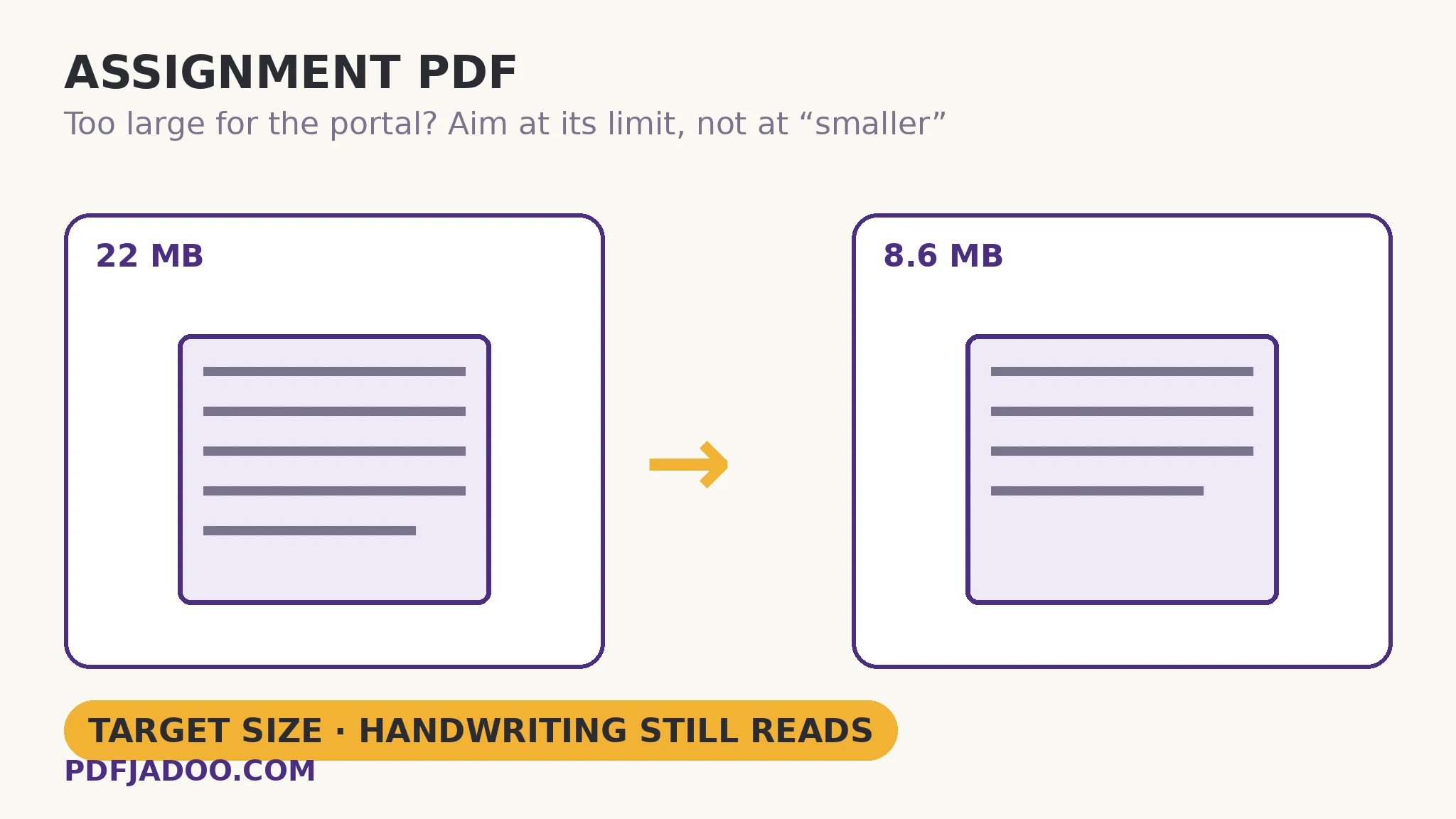
A ten-page handwritten assignment, photographed page by page on a phone, comes together at about 22 MB. The Moodle course caps uploads at 10 MB. Target size is set to 9 MB. The tool re-renders the photographed pages at a resolution a screen — and a marker reading on one — cannot tell from the original, and the file lands around 8–9 MB: through the door, with the working in the margins still legible. Nothing about the content changed; the pages simply stopped carrying print-shop resolution into a screen-sized job. Files like this routinely shed 70–85% of their weight, because the weight was never the words.
Edge cases worth knowing before the deadline
Your typed assignment is somehow over the limit. Then the weight is not text — it is embedded images: screenshots, scanned inserts, a photographed figure. Compression still helps, but expect a smaller win, and consider shrinking the one huge image rather than the whole document.
The portal still rejects the smaller file. Read the new error closely. If it now talks about format or file type, size was never the whole problem — some portals want a PDF where a ZIP or a phone-format file is being offered. And check the obvious: portals show you the attached file's size before you confirm. If it still says 22 MB, the original is attached, not the compressed copy.
Your course runs text-matching (similarity) checks. A photographed page has no text layer — to software, it is a picture of writing, before and after compression alike. If your teacher needs the words machine-readable, run OCR PDF on the compressed file to lay a real text layer over the pages. Compression neither creates nor destroys that layer; it simply is not its department.
The twice-shrunk group file. On group assignments the PDF that reaches you may already be a compressed copy of a compressed copy — losses stack, and each pass re-renders the pages again. If the file in the group drive already looks soft, ask for the original photos or scans and compress once, from those. Ten minutes of asking beats a semester of “the blurry one was yours”.
Never compress your only copy. Re-rendering a photographed page is one-way. Keep the original 22 MB file somewhere safe, submit the compressed one, and if a different limit appears next semester, compress the original again rather than squeezing a copy of a copy.
Sources
- University of Reading, Technology Enhanced Learning — Reducing file size for online submission (Turnitin 100 MB and Blackboard 250 MB limits).
- QuickyDesk — Compress a PDF Assignment for School Portals (photographed-page weights and typical 70–85% reductions).
- Tool behaviour — Target size mode's step-down order and the 120 DPI readability floor are from PDFJadoo's own Compress PDF page.
Before you finish: the 60-second check
- Your portal's real limit found — from the rejection message or course page, not a guess
- Target set about a tenth under the limit
- Compressed from the original file, not from an already-compressed copy
- Zoom check passed: the smallest handwriting on the page still reads cleanly
- The portal's confirmation shows the compressed file's name and smaller size
- The original is kept safe in case a different limit appears
Fair questions
What is the file size limit for Turnitin, Blackboard and Moodle?
Turnitin's maximum is 100 MB and Blackboard's standard limit is 250 MB, per the University of Reading's student guidance. Moodle has no single limit — each university or course sets its own, commonly between 2 MB and 50 MB. Your course's stated number is the one that governs your file.
Why is my ten-page assignment PDF over 20 MB?
Because it is photographs, not text. One phone photo of a handwritten page typically runs 3–6 MB, and a ten-page colour scan at 300 DPI lands around 15–25 MB. A typed, exported assignment of the same length is usually under 1 MB — the difference is the camera, not your content.
Will compressing my assignment make the handwriting blurry?
Not if you aim instead of guessing. In Target size mode the tool starts from the best quality that fits your number and steps down gradually, and it will not cross a 120 DPI readability floor silently — if the target cannot be met readably, it tells you and hands back the smallest readable file. Do the zoom check on your smallest handwriting before you submit.
The portal still rejected my compressed file. What now?
Read the new error word for word. If it mentions format or file type, size was not the remaining problem. Then check what is actually attached: the portal shows the file's name and size before you confirm, and attaching the 22 MB original instead of the 8 MB copy is the most common cause of a 'still too large' surprise.
My assignment is photos of pages. Can Turnitin or my teacher's software read it?
The portal will accept and display it, but a photographed page has no text layer — text-matching software finds no words in a picture of words, before or after compression. If your course needs the text machine-readable, run OCR PDF on the file to lay a real text layer over the pages.
Should I compress a typed assignment exported from Word?
Usually there is little to gain: exported text is already compact, and the tool will say so honestly if a file cannot shrink. If a typed assignment is somehow over the limit, the weight is in embedded images — compressing still works, but shrinking the one large image is the cleaner fix.
Portal limits — Turnitin's 100 MB maximum, Blackboard's 250 MB standard limit and Moodle's per-course caps — are stated as published by the University of Reading's student guidance, checked 18 November 2026; your institution's own number always overrides them. Tool behaviour is from PDFJadoo's own Compress PDF page. Worked-example sizes are the typical arithmetic for photographed pages, not a promise about a specific file.
Keep reading
Compress to an exact size
When a portal wants a number — 200 KB, 100 KB, a window with a floor — aim at the number, not at “smaller”.
Handwritten? Photos into one PDF
The step before this one: notebook photos bound into a single clean PDF, in the order you wrote them.
Compress without losing quality
What the levels actually do — DPI, the readability floor, and the zoom check that settles every argument.
PDF too large to email?
The same disease, a different door: actual attachment limits and the fallbacks that work.