Germany visa documents: the Consular Services Portal checks your file before you ever queue
Since 1 January 2025, many German visa applications start on the Consular Services Portal: you complete the form online, upload your documents, and pass a preliminary check before a short appointment for originals and biometrics. Here is what the portal and the mission checklists actually demand — photo, copies and all.
 By the PDFJadoo Team9 min read
Two stages, one file: how the German route now works
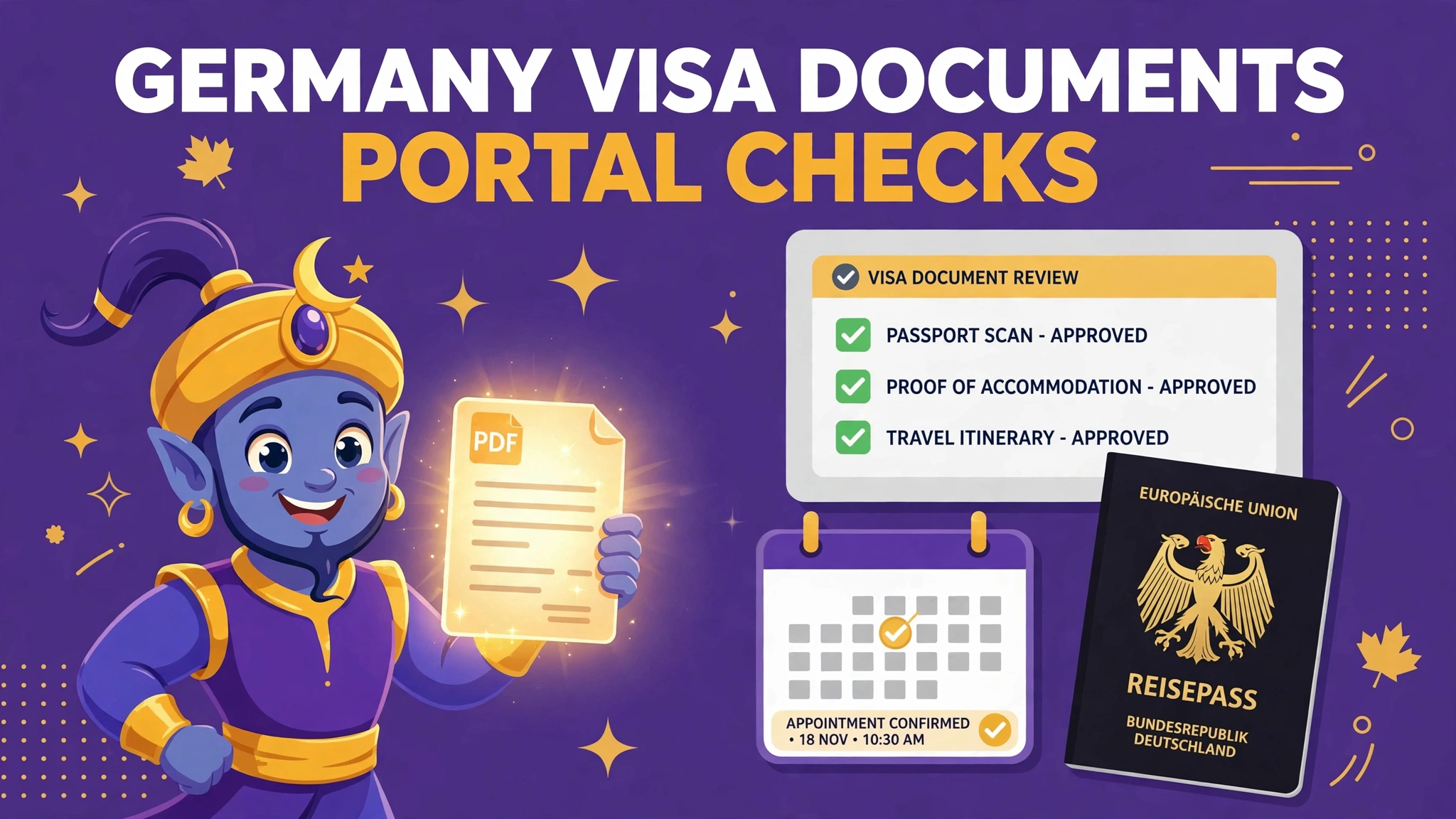
Germany’s Consular Services Portal — the Consular Services Portal at digital.diplo.de — went live on 1 January 2025 and has been absorbing visa categories ever since. Its logic is the opposite of the old paper queue. Instead of discovering your file’s defects at a counter, in front of an official, you discover them at home: the application is completed online, the supporting documents are uploaded, and the mission runs a preliminary check on the digital file. Only when that check passes do you attend in person — a short appointment whose remaining jobs are the ones that cannot be digitised: presenting originals, giving biometrics, and paying the fee.
That shift changes where applications fail. A missing document no longer costs you a day at the mission; it costs you a message in the portal and a delay while you fix it. A wrong photo, an unreadable scan or a badly copied passport is now the main event — and all three are document-preparation problems, which is why this guide focuses on the file rather than the form.
| Item | What the German rules specify |
|---|---|
| Photograph | Biometric, 35 × 45 mm, with the face 32–36 mm high (70–80% of the picture). |
| Photo age & background | Taken within the last 6 months, against a white or light background, not retouched. |
| Portal stage | Application completed online; documents uploaded; mission performs a preliminary check. |
| Appointment stage | Short in-person visit: originals shown, biometrics taken, fee paid. |
| Passport copies | Complete, legible copies on A4, unstapled (as the mission checklists specify). |
| Upload file-size cap | Not published on the official pages — the portal states its limits during upload (see below). |
The photograph is the standard Schengen biometric specification, shared with France and the other Schengen states: 35 × 45 mm with the face occupying 70–80% of the height. If you have prepared a compliant Schengen photo before, the same discipline applies — recent, plainly lit, unretouched, with the head measured rather than guessed.
The copies rule people trip over: A4, complete, legible, unstapled
German mission checklists are precise about paper in a way that surprises applicants used to looser systems. Passport copies — and the copies that accompany the file — are expected to be complete (every relevant page, nothing cropped away), legible at a glance, printed or scanned on A4, and unstapled. The family-reunion checklist published for Islamabad and Karachi states these points explicitly, and the same habits serve every category: a copy that hides the passport’s edge, shrinks two pages onto one sheet, or arrives stapled into a bundle is a copy that invites a query.
For the portal stage, translate those paper virtues into scan virtues. Scan each document flat and complete, in colour, at a resolution where small print stays readable when zoomed. Keep each document as its own clean file unless the portal asks you to combine; where several pages belong to one document — a passport, a contract, a set of statements — a single tidy PDF in page order is the digital equivalent of the unstapled A4 stack. PDFJadoo’s Scan Documents tool makes the scans, Merge PDF assembles them in order, and Compress PDF brings an overweight file down without turning text to mush — all in your browser, which matters when the documents are passports and bank statements.
About the file-size limit: an honest answer
Guides elsewhere will quote you a megabyte figure for Consular Services Portal uploads. We looked for one on the official pages — the portal itself and the mission guidance around it — and did not find a published per-file cap. So this page does not invent one. What we can tell you is the practice that follows from the absence: the portal enforces its limits at the moment of upload and tells you there if a file is refused, so prepare lean files from the start. A colour scan at sensible resolution, compressed once, will sit far below any plausible ceiling; a 40 MB phone photograph of a passport page is the file most likely to meet the limit the hard way. Prepare every document as if a strict cap exists, and the unpublished number never becomes your problem.
- Biometric photo 35 × 45 mm, face 32–36 mm, under 6 months old, unretouched
- Every document scanned complete and legible, one clean file per document
- Multi-page documents merged in page order into a single PDF
- Files compressed once, sensibly — never sent as raw phone-camera originals
- Originals ready for the appointment: the portal check does not replace them
The photo itself can be prepared with PDFJadoo’s Passport Photo tool using the Schengen visa preset — the same 35 × 45 mm frame and 70–80% face band the German checklists specify — with the tool’s standard caution: it sizes honest photos, and a retouched or filtered image is as unwelcome in a German file as anywhere else.
A pre-submission pass, in the portal’s own order
Before you submit, walk your file in the order the mission will. First the photo: right dimensions, right face band, recent, plain background, untouched. Second, identity documents: passport copies complete and legible, every page the checklist names, nothing cropped at the edges. Third, the category documents — employment, family, study or visit evidence — each as one clean, ordered file rather than a scatter of images. Fourth, weight: open each file and note its size; compress anything that feels heavy for its content, because a lean file uploads faster, previews cleaner, and survives any cap the portal chooses to enforce.
Then keep the discipline the two-stage system rewards. When the preliminary check answers, it answers about the file you sent — fix exactly what it names, resubmit exactly that, and resist improving unrelated documents in the same round. When the appointment comes, bring the originals of everything the portal accepted, plus the same compliant photo in print if your checklist asks for one. Germany’s system is, by the standards of visa systems, a fair one: it tells you the rules in advance and checks the copy before it judges the person. Meet it with a clean file and the appointment becomes the formality it was designed to be.
Prepare the German file — photo, scans and PDFs, free
Size your biometric photo with the Schengen preset, scan documents flat and complete, merge multi-page evidence in order and compress anything heavy — all in your browser, nothing uploaded.
Size my photo (Schengen) Merge my documentsFair questions
What photo does a German visa application need?
A biometric photo of 35 × 45 mm with the face 32–36 mm high (70–80% of the picture), taken within the last 6 months, on a white or light background, unretouched — the standard Schengen specification used on German mission checklists.
What is the Consular Services Portal?
Germany’s online application channel at digital.diplo.de, live since 1 January 2025 for a growing list of visa categories. You complete the application and upload documents online; the mission runs a preliminary check; then you attend a short appointment for originals, biometrics and the fee.
What is the file-size limit for portal uploads?
No per-file cap is published on the official pages we checked, and this guide does not invent one. The portal enforces its limits during upload, so prepare lean, sensibly compressed files from the start.
How should passport copies be prepared?
Complete, legible, on A4 and unstapled, per the mission checklists. For uploads, the equivalent is a flat, complete colour scan with nothing cropped, merged in page order where a document has several pages.
Do I still attend an appointment in person?
Yes. The online stage ends with a short in-person appointment where you show originals, give biometrics and pay the fee. The portal check speeds that appointment up; it does not replace it.
Are my documents uploaded to PDFJadoo?
No. PDFJadoo’s tools run entirely in your browser, so your files stay on your device. Nothing is sent to or stored on a server.
Sources: German Federal Foreign Office — the Consular Services Portal (online application, document upload and preliminary check; in-person appointment for originals, biometrics and fee) and German mission visa checklists on the diplo.de network (biometric photo 35 × 45 mm, face 32–36 mm, under 6 months, unretouched; passport copies complete, legible, A4, unstapled). No official per-file upload cap could be found on those pages, so none is stated here. This page is general information only and is not legal or immigration advice. PDFJadoo is not affiliated with the German Federal Foreign Office.