WebP to JPG: “file type not supported” — here is the actual fix
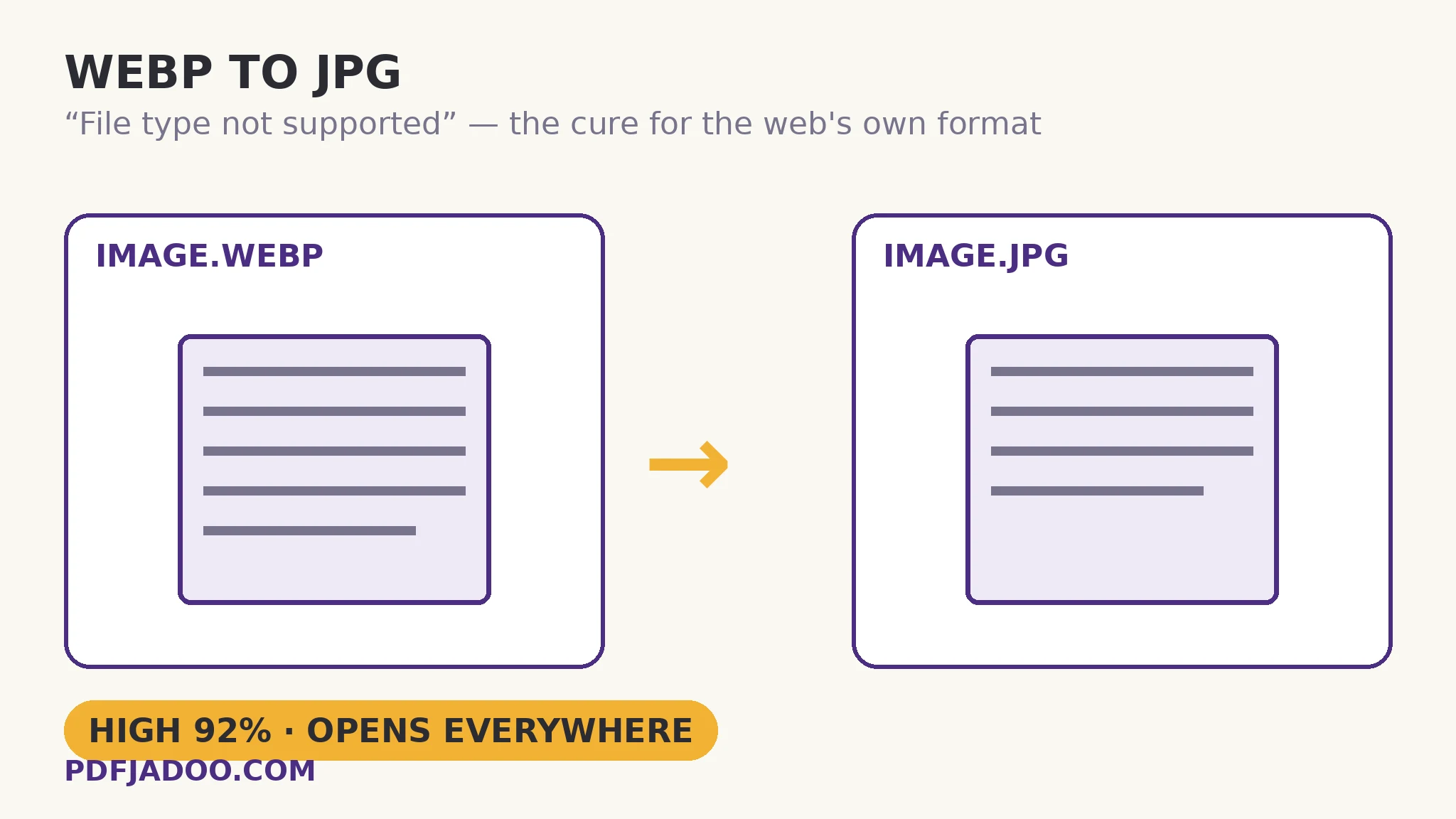
The direct answer: the picture is fine and the rejection is a format mismatch — decode the WebP and re-encode it as JPG at High quality (92%), and every form, inbox, document and print shop that refused it will take it. WebP to JPG does exactly that, on your device, with the family's calibration: at High, photos look identical to the eye; Balanced and Smaller trade fidelity for bytes when a size cap binds; and transparency — which JPG cannot hold — is placed on the background colour you choose, white by default, black if you prefer. Why you hold a WebP at all is the web's quiet bargain: sites serve WebP because your browser asked for it — content negotiation sends the lightest format each visitor can read — so the “save image” you downloaded was never the JPG the page's author uploaded. And the rename trick fails for a byte-level reason this article will show you: upload checkers read a file's magic bytes — a WebP begins with “RIFF…WEBP”, a JPG with FF D8 FF — and no filename changes what the bytes say. The companion post iPhone photo HEIC won't upload tells the same story for Apple's format; this is the web-download edition.
 By the PDFJadoo Team6 min read
Magic bytes: why renaming fails
The direct answer: file-type checkers do not trust extensions — they read the file's opening bytes, where every format signs its name: JPG starts FF D8 FF, PNG starts 89 50 4E 47, and WebP starts with the ASCII letters RIFF, then WEBP. Renaming picture.webp to picture.jpg changes the label on the envelope while the letter inside still introduces itself as WebP — and any checker doing its job rejects the mismatch, sometimes more suspiciously than an honest .webp. One quotable consequence: a genuine conversion is the only “rename” that works, because it rewrites the bytes themselves — decode to pixels, re-encode as JPG — after which the signature, the extension and the content finally agree.
The rejection tour is worth mapping once, because it predicts every future encounter: government and job forms (allow-lists written years ago), Outlook and older email clients (no WebP rendering), Word and Office (insert-picture failures), print shops and photo kiosks (JPG/PNG only), and marketplace uploaders. Browsers are WebP's home; the paperwork world is not — the same border the HEIC story patrols, crossed from the other direction.
What the conversion costs
The direct answer: one lossy encode, priced by the setting — invisible at High (92%) for photographs — plus the flattening of any transparency onto your chosen ground, and the loss of animation if the WebP moved (a JPG is a still; the first frame is the picture). WebP originals are often already lossy, so the JPG is a second-generation copy: keep the WebP filed as the master, convert per destination, and never convert a conversion. For graphics with transparency that must survive, the sibling destination (WebP to PNG) keeps alpha losslessly instead.
Convert a WebP to JPG, step by step
The direct answer: drop the WebP — or a whole batch — choose High and your background colour, press Convert to JPG, and download singly or as a ZIP.
Step 1 — drop your WebP image, or a batch, onto WebP to JPG. Decoding and encoding run entirely on your device.
Step 2 — pick the quality. High (92%) unless a form's size cap forces Balanced or Smaller — and if a cap is the real problem, the exact-KB image compressor finishes the job precisely afterwards.
Step 3 — set the background colour. White by default, black if you prefer — only relevant where the WebP carries transparency.
Step 4 — press Convert to JPG. The bytes are rewritten honestly: a real JPG, signature and all.
Step 5 — download each file or the batch ZIP. Upload it where the WebP was refused; keep the WebP as your master.
The prevention habit
The direct answer: when a site offers a download format choice, take JPG or PNG at the source; when it does not, this converter is the standing remedy — and converting on arrival, before the file enters your folders, keeps “webp” out of your future searches. A downloads folder triaged weekly never accumulates a rejection backlog.
Stop renaming. Start converting — the bytes will finally agree with the name.
High at 92%, transparency on your chosen ground, batches as ZIP — on your device, not a server.
Open WebP to JPGA worked example: the visa-form portrait
The direct answer: a portrait saved from a photo service arrives as WebP; the visa form rejects it with “file type not supported”; one conversion at High produces a JPG the form accepts — and the size check afterwards (the form also caps kilobytes) is finished with the exact-target compressor rather than a quality guessing game. The walkthrough's lesson is the sequence: format first (the rejection), size second (the cap) — two different gates with two different tools, in that order. The applicant's WebP stayed filed; if the form's rules change, the master re-converts in seconds.
Edge cases
Animated WebP. The JPG is a still — the animation's first frame. If the motion matters, the file's destination must accept an animated format; no still converter can smuggle movement into JPG.
Lossless WebP graphics. A logo or diagram saved losslessly as WebP converts to JPG with JPG's edge haze; where edges matter and the destination allows it, WebP to PNG is the lossless exit instead.
The site that “only has WebP”. Increasingly normal — the negotiation served your browser its lightest option. The original may exist in another format behind a download button; if not, the WebP is the master you have, and it converts honourably.
Before you finish: the 60-second check
- No renaming was attempted — the bytes, not the label, were rewritten by a real conversion
- High (92%) chosen; size caps handled afterwards by the exact-KB compressor, in that order
- Background colour chosen where the WebP carried transparency
- The WebP master kept; the JPG treated as a per-destination copy
- Graphics with edges that matter were routed to WebP to PNG instead
Fair questions
Why does every form reject my WebP file?
Their allow-lists were written before WebP — or for formats their pipeline can process — and their checkers read the file's magic bytes (a WebP begins “RIFF…WEBP”), not its extension. Converting to JPG rewrites the bytes honestly, and the same checkers accept it.
Can I just rename .webp to .jpg?
No. The extension is a label; the file's opening bytes still announce WebP, and upload checkers read bytes. A renamed file is rejected as a mismatch. Only a real decode-and-re-encode changes what the file is.
Will I lose quality converting WebP to JPG?
JPG is lossy, but at the High setting (92%) photographs look identical to the eye. Note that many WebPs are already lossy, so keep the WebP as your master and convert per destination rather than converting a conversion.
What happens to transparency and animation?
Transparency is placed on the background colour you choose — white by default, black if you prefer — because JPG cannot hold alpha. An animated WebP becomes a still: its first frame.
Can I convert a whole batch?
Yes — drop as many WebP files as you like. Each converts with the same settings; download them one by one or all together as a ZIP.
Is my image uploaded?
No — the picture is decoded and re-encoded entirely on your device; your files never leave it.
Tool behaviour — the High (92%) / Balanced / Smaller quality settings, transparency placed on a chosen white or black background, batch conversion with ZIP download, and on-device processing — is from PDFJadoo's own WebP to JPG page. Checked 18 November 2026.
Keep reading
WebP to PNG: the lossless master
Same source, opposite decision: alpha kept, pixels exact, editing-ready.
WebP to PDF: web images bound
Web-saved images bound straight into a document — no JPG detour.
HEIC to JPG at full resolution
The Apple twin of this story: another modern format, same wall.
WebP to Word: editable text
The WebP's words, read into a document instead of re-encoded.