Resize PDF pages: every page rebound to one standard sheet
Merged documents inherit every source's geometry: A4 from one system, Letter from another, a landscape spreadsheet page, a scanner's idea of a page. The result prints badly — each sheet surprises the printer anew — and annoys archives, which like their pages uniform. Resize Pages performs the rebind: every page is placed onto the standard size you pick — A4, US Letter, US Legal or A5 — with its content scaled to fit and centred, never cropped, never distorted. The subtlety that makes it good: fitting uses the original page as a vector form, so text stays sharp at any target size. This article separates resizing from its two lookalikes — cropping and scaling a printout — because they are constantly confused.
 By the PDFJadoo Team5 min read
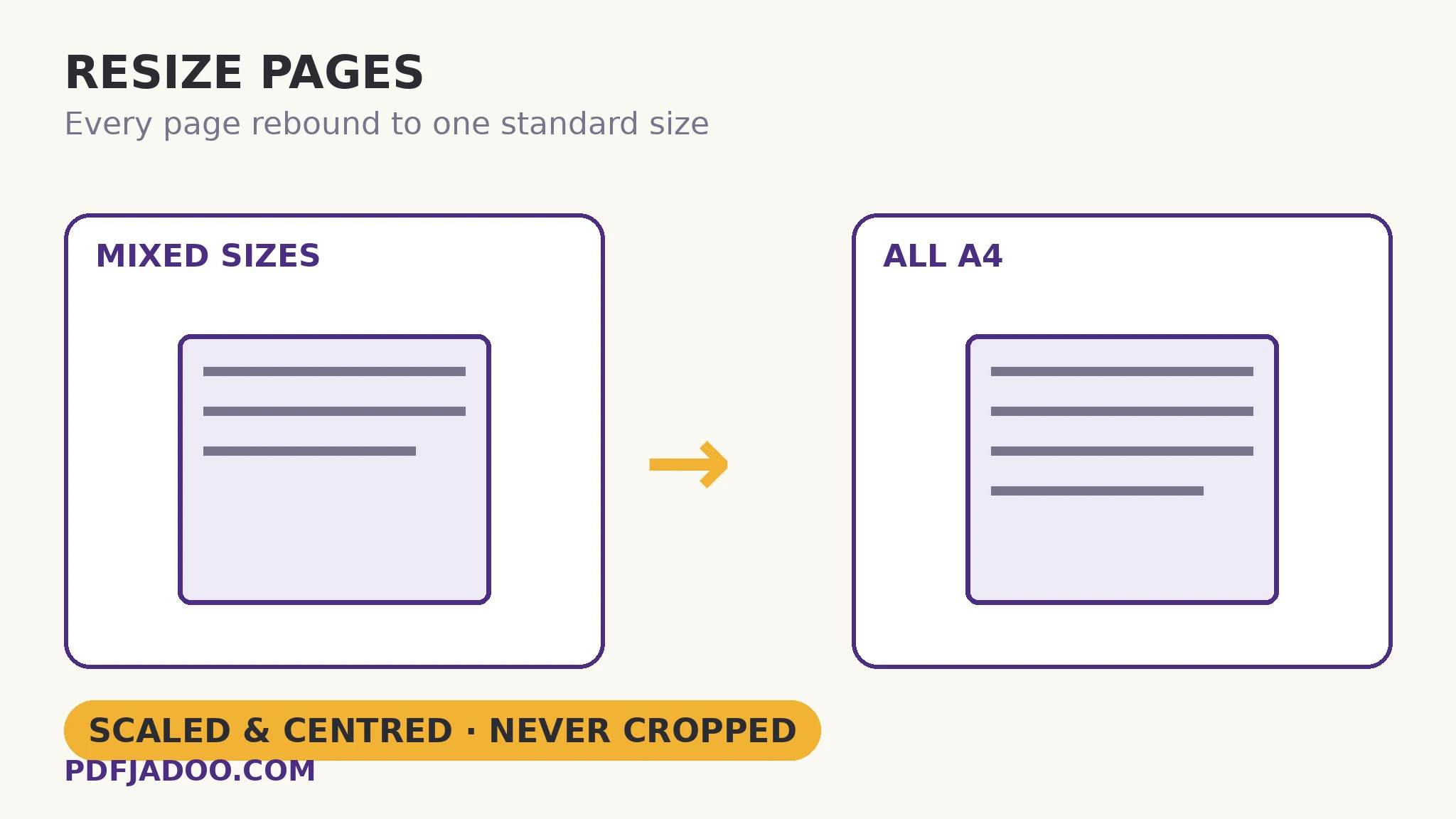
Fit, centred, undistorted: the three promises
Resizing a page means giving it a new sheet and placing the old page's content on it. The placement has exactly one honest geometry: scale until the content fits entirely within the new sheet (the limiting dimension decides — a tall page on a wide sheet is height-bound), centre the result, and preserve aspect ratio absolutely — never stretch a page to fill, because stretched text is a small crime against the reader. What does not fit as size becomes margin: a Letter page rebound to A4 gains slim side margins; an A5 page on A4 floats centred with generous ones. Nothing is ever cut — contrast the crop, whose entire job is the window.
The vector-form detail is the quality story. The naive resize renders the page to an image at the old size and scales the picture — soft at any size but its own. This tool treats the original page as a form — a reusable vector object — and places it under a scaling transform: the content is re-drawn by the viewer at the new size from its original instructions, so text stays text and edges stay sharp whether the page grew or shrank. Orientation is handled with the same sense: portrait sources go to portrait targets and landscape to landscape automatically, so a mixed deck keeps its orientations while gaining uniform sheets.
Resize vs crop vs print-scaling
| What changes | Content | Use it for | |
|---|---|---|---|
| Resize pages | The sheet size, in the file | Scaled to fit, centred, complete | Uniform files for print and archive |
| Crop | The visible window | Outside the window hidden | Margin removal, figure extraction |
| Print scaling | One printout only | Untouched in the file | A single copy on odd paper |
The table's lesson: resizing is a publishing act — it changes the document everyone receives. If only your own printout needs adapting, the printer dialog's fit-to-page is the lighter touch and leaves the file alone.
Resize pages, step by step
Step 1 — pick the target by destination. The archive's standard, the printer's paper, the recipient's country: A4 across most of the world, Letter in North America, Legal for the documents that are, A5 for booklet-ish output. Drop the PDF onto Resize Pages.
Step 2 — choose the target size. One size for the whole file — uniformity is the point.
Step 3 — press Resize the pages and download. Every page rebound, content fitted and centred, orientations matched automatically.
Step 4 — check the extreme pages. The largest source page (most shrinking) and the smallest (most margin) are the two to eyeball in the result.
What uniformity buys
A uniform file prints in one instruction (“A4, double-sided”) instead of per-page surprises; binds without stepped edges; archives under one geometry; and reads on screen without the page size lurching as you scroll. None of these is dramatic. Together they are the difference between a document that feels issued and one that feels accumulated — which, for merged files especially, is a reputation worth one conversion.
One document, one sheet size.
Every page rebound to A4, Letter, Legal or A5 — scaled, centred, undistorted, text still sharp.
Open Resize PagesA worked example: the application bundle
An application bundle is assembled from a life's paperwork: an A4 form, a Letter-sized letter from a US employer, a legal-size certificate scan, two phone-photo pages. The receiving office prints bundles whole; mixed sizes have already caused one misfeed-and-reprint cycle. One resize pass to A4 — the office's standard — and the bundle prints as a single calm job: the letter gains side margins, the certificate shrinks slightly to fit (still legible; it was mostly border), the photos centre. Nothing was cropped, so nothing the office needs can be missing. The bundle's second submission sails. Uniformity is a courtesy that reads as competence.
Edge cases
The page that must not shrink. A dense A3 chart rebound to A4 fits — at half size, illegibly. Some pages are their size for a reason; extract and keep them at native size, or target the larger sheet.
Margins that were the message. A form designed with exact margins for a printer's gripper edge is a print-production file, not a reading file — leave production files alone.
Already-uniform files. Resizing A4 to A4 does nothing but rebind; harmless, pointless. The tool is for the mixed, the foreign and the accumulated.
Before you finish: the 60-second check
- Target size chosen by destination: archive standard, printer paper, recipient's country
- The extreme pages (largest shrink, smallest source) were checked in the result
- No page in the file owed its meaning to its exact size
- Print-only adaptations were left to the print dialog instead
- Orientations verified: portrait stayed portrait, landscape stayed landscape
Fair questions
How do I resize all pages of a PDF to A4?
Drop the PDF onto Resize Pages, choose A4 (210 × 297 mm), and press Resize the pages. Every page is rebound to A4 with its content scaled to fit and centred — never cropped, never distorted. Letter, Legal and A5 targets are also offered.
Does resizing blur the text?
No. Fitting uses the original page as a vector form, so the content is re-drawn from its original instructions at the new size — text stays sharp whether the page grew or shrank.
What happens to landscape pages?
They go to landscape targets automatically — portrait sources to portrait targets, landscape to landscape — so orientations survive while sheet sizes become uniform.
What is the difference between resize and crop?
Resize changes the sheet and scales the whole content to fit it — nothing is lost. Crop changes the visible window and hides whatever falls outside. Resize for uniformity; crop for margins.
Will content ever be cut off when resizing?
No — scaling is fit-based: the entire page always fits within the target sheet, with any slack becoming centred margin. A very large page on a small target will be small, but complete.
Is my PDF uploaded?
No — the rebind happens in your browser; the file never leaves your device.
Tool behaviour — A4/Letter/Legal/A5 targets, fit-and-centre scaling without cropping or distortion, vector-form fitting, and automatic orientation matching — is from PDFJadoo's own Resize Pages page. Checked 18 November 2026.
Keep reading
Crop a PDF's margins
The window tool — for when hiding the edges is exactly the job.
Merge PDF files into one
Assembly creates the mixed sizes; resizing civilises them afterwards.
Make a booklet PDF
Uniform pages are the booklet's raw material — imposition comes next.
N-up: many pages per sheet
The other sheet-geometry tool: several pages sharing one sheet by design.