NSP documents over 200 KB? Merge, shrink — and stay readable
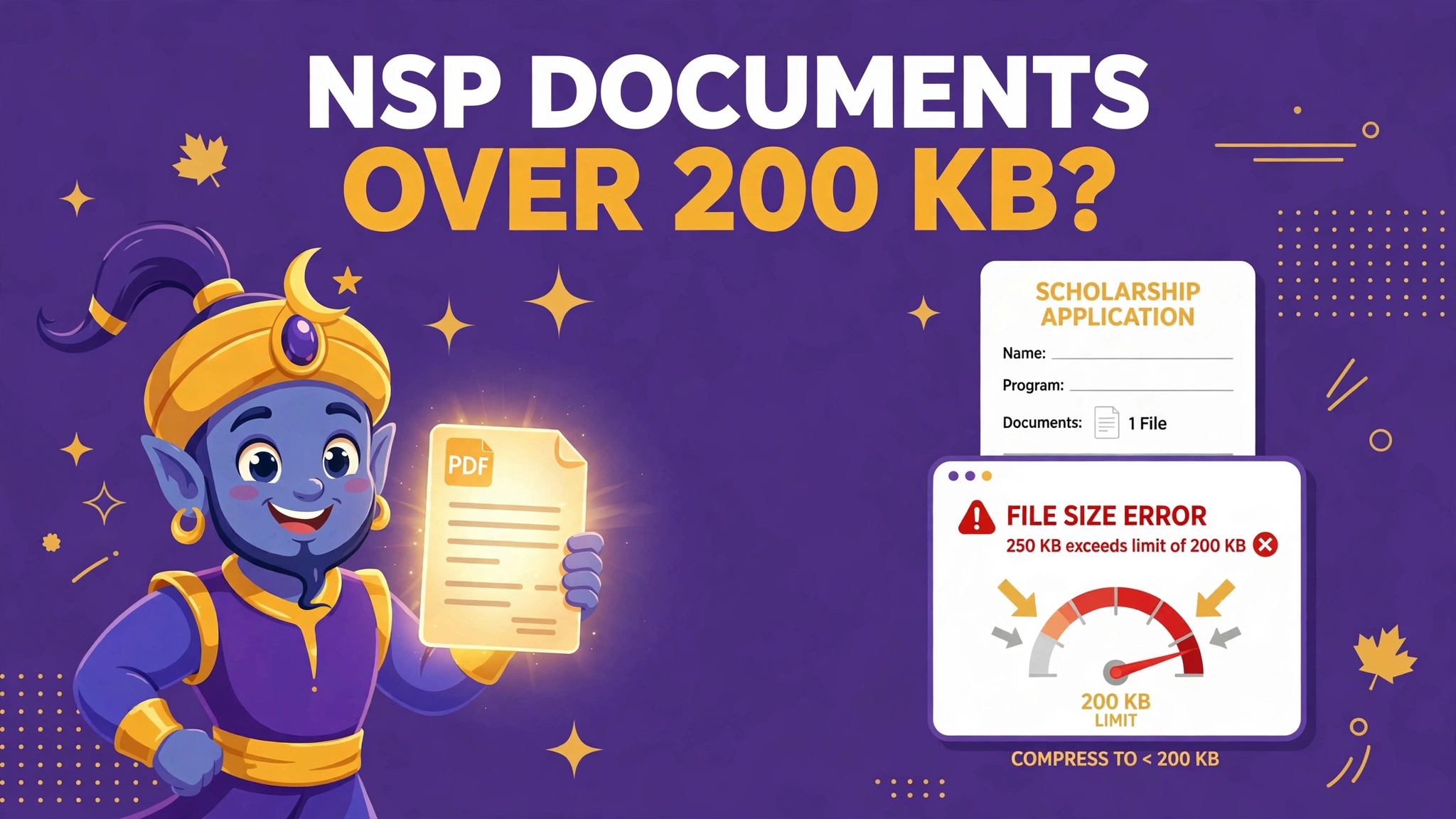
The National Scholarship Portal is strict in two directions at once. The upload refuses any document over 200 KB — and weeks later, a human verifier can send the whole application back as defected because the document you squeezed under the limit cannot be read. Passing the machine and pleasing the human is one job, done in the right order.
 By the PDFJadoo Team7 min read
The rules, from the portal's own FAQ
| Rule | What the National Scholarship Portal says |
|---|---|
| Format | Each document in .pdf or .jpeg |
| Size | Each document not exceeding 200 KB |
| Scheme notices vary | Some schemes describe a 150–200 KB band — a floor as well as a ceiling. Read your own scheme's notice before compressing |
| One file per document | Each slot takes a single file, so a multi-page certificate must arrive as one combined file |
| Verification is human | Institute, district and state verifiers read the documents; an unreadable one gets the application defected and sent back to the student |
Most upload guides stop at the first two rows. The last row is the one that costs students a season: a document can be a perfectly valid 180 KB PDF and still fail, because the person checking it cannot make out the income figure or the certificate number. The portal's limit is a ceiling, not a target to dive far below.
Why NSP uploads fail
- The scan is simply too big. A colour phone photo of one certificate page routinely runs 2–4 MB — ten times the limit before you have merged anything
- The certificate is three pages and the slot takes one file. Students upload page one and lose the rest, or try three uploads where only one is possible
- The fix overshoots. The most aggressive compression preset produces a 40 KB file the portal accepts and no human can read — defected at verification
- Pages are out of order or sideways. Verifiers work fast; a rotated, jumbled document invites a defect remark even when it is technically complete
- The defect loop repeats the mistake. Sent back to correct the document, the student re-uploads the same unreadable file because nobody named the real problem
The fix, in order
Step 1 — capture each page cleanly. Photograph or scan every page of the certificate flat, in good light, filling the frame. A clean capture at moderate resolution compresses far better than a murky one at high resolution — quality here is about light and steadiness, not megapixels.
Step 2 — turn the pages into one PDF, in order. Run the page images through JPG to PDF, or take existing PDFs straight to Merge PDF, and arrange the pages exactly as the certificate reads: front, continuation, back. One document, one file — the way the slot expects it.
Step 3 — compress to a typed target, not a preset. In Compress PDF, aim for just under 200 KB — type the target rather than picking the harshest setting. If your scheme's notice states the 150–200 KB band, landing around 180–195 KB keeps you inside both the ceiling and the floor. The general method is the same one in Compress a PDF to an exact size.
Step 4 — the readability test, before the portal sees it. Open the compressed file and zoom to 150%. Read the smallest printed number on the page — a certificate serial, an income figure, a roll number. If you have to guess at a digit, the verifier will not guess: they will defect it. Re-compress gentler or re-capture that page.
Step 5 — upload, and keep the prepared set. Upload the checked copies and keep the whole prepared folder. If anything is defected later, you will know exactly which document to remake — and this time, readability is the brief.
Exam-season uploads follow the same physics on other portals too: the photo-and-signature discipline in the SSC photo and signature size guide is the same lesson in miniature — a stated window, met exactly, beats a file crushed to nothing.
One file, under 200 KB, still readable
Merge the pages, compress to a typed 200 KB target, and zoom-test before you upload.
Open Merge PDFWorked example: the income certificate that passed and failed
A student's income certificate runs to two pages — the certificate itself and the issuing office's continuation sheet. His first upload is a single photo of page one at 3.1 MB: refused by the portal outright, and page two never stood a chance because the slot takes one file. His second attempt overcorrects. A "smallest possible" compression squeezes both pages into 38 KB. The portal accepts it instantly. Three weeks later the application comes back defected by the institute verifier with the remark every student dreads: document not clear. The income amount — the entire point of the certificate — is a grey smudge.
The third attempt follows the order above. Both pages photographed flat in daylight, merged in order with Merge PDF, compressed with a typed target just under 200 KB in Compress PDF, then zoom-tested: the income figure, the certificate number and the issuing seal all read cleanly at 150%. That file passes the portal in seconds and the verifier without a remark — because it was built for both of them from the start.
Why "smaller" is the wrong instinct
Every other upload problem trains you to make files smaller. NSP quietly punishes that instinct at the verification stage, where nobody measures kilobytes and everybody measures legibility. The 200 KB limit is generous for text documents — a clean two-page certificate fits inside it with room to spare — so the winning move is to spend most of that budget on clarity and come in just under the line, not to win a race to the bottom that ends in a defected application and a lost month. And where a scheme notice prints a 150–200 KB band, an ultra-small file can fail on the floor as well as a big one on the ceiling. Aim at the window, not at zero.
Before you upload: the 60-second check
- Every document is a single .pdf or .jpeg file, 200 KB or less
- Multi-page certificates are merged in the right order — no page missing
- If your scheme states a 150–200 KB band, your files sit inside it
- At 150% zoom you can read the smallest number on every page
- Pages are upright, flat and evenly lit — nothing rotated or shadowed
- You kept the prepared folder, in case a verifier defects anything
Fair questions
What is the document size limit on the National Scholarship Portal?
According to the portal's own FAQ, each uploaded document must be in PDF or JPEG format and must not exceed 200 KB. Some individual scheme notices describe a 150–200 KB band, so check your scheme's notice — and never crush a file far below 200 KB if you do not have to.
My certificate has three pages. Can I upload them as three files?
Each document slot takes one file. A multi-page certificate belongs in a single PDF: convert the page photos with JPG to PDF and merge them in order, then check the combined file against the 200 KB limit before uploading.
My application was marked defected because the document was not clear. What happened?
Verification is done by people — at your institute, then district and state level. If the officer cannot read the numbers and names on your document, the application is defected and sent back for correction. Over-compressing a scan is a common cause: the file passed the portal's size check and failed the human one.
How do I keep a scan readable under 200 KB?
Scan or photograph in good light at a moderate resolution, straighten the page, and compress with a typed target of 200 KB rather than the most aggressive preset. Then open the result and zoom in: if you can read the certificate number comfortably, so can the verifier.
After a defect, do the same rules apply to the re-upload?
Yes. A defected application is corrected and resubmitted by the student, and the replacement document must meet the same format and 200 KB rules. Fix the readability problem that caused the defect instead of re-uploading the same file.
Are my documents uploaded to PDFJadoo's server?
No. Merge PDF, JPG to PDF and Compress PDF all run entirely in your browser. Your certificates and income documents never leave your device.
Source: National Scholarship Portal, scholarships.gov.in FAQ — documents in .pdf/.jpeg format not exceeding 200 KB — read together with individual scheme notices that state a 150–200 KB band and the portal's institute/district/state verification process. Checked 12 November 2026. PDFJadoo is not affiliated with the National Scholarship Portal or the Government of India.
Keep reading
Compress to an exact size
Type the KB you need and land there — the method behind every portal limit.
SSC photo & signature sizes
The exam portal's windows, met exactly — photo 20–50 KB, signature 10–20 KB.
Merge PDF
Every page of the certificate, in order, in one file.
Document Portals hub
Every portal's rules in one place — IRCC, USCIS, ImmiAccount and more.