Resume won't upload? The real limits — and the parse trap
Two separate failures hide behind that one upload button, and they need different fixes. The first is size: portals enforce real caps — 5 MB at USAJOBS and Workable, just 1 MB at Reed, under 2 MB recommended on LinkedIn. The second is quieter and worse: a resume that is really a scan has no text layer, so the employer's parsing software reads nothing from it at any size — and nobody tells you. Fix the size with aimed compression; fix the silence with OCR, or by rebuilding the CV as real text.
 By the PDFJadoo Team9 min read
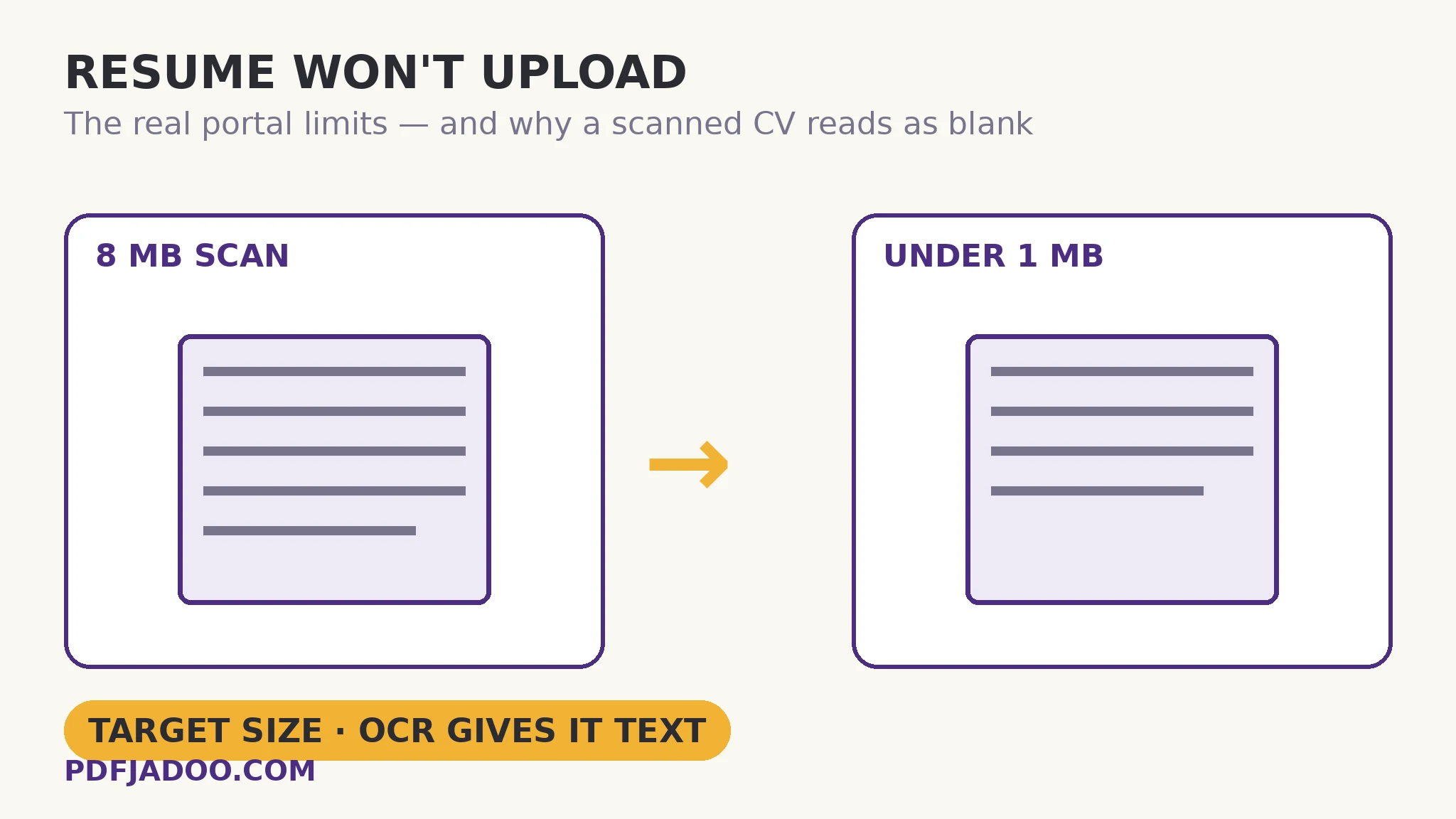
The limits are real numbers — and they disagree with each other
There is no universal “resume size”. Each portal sets its own cap, and the spread is wide: USAJOBS caps a resume upload at 5 MB, Workable's resume field caps at 5 MB, Reed — the UK jobs board — caps at just 1 MB, and LinkedIn recommends keeping a resume under 2 MB. Then there is the strangest entry in the table, and the most instructive one.
| Portal | Resume limit | The catch |
|---|---|---|
| USAJOBS | 5 MB maximum | Hard cap — over it, the upload fails |
| Workable | 5 MB maximum | Hard cap on the resume field |
| Reed (UK) | 1 MB maximum | The tightest common cap — a single photo page can break it |
| Under 2 MB recommended | A recommendation, not a wall — but treat it as your aim | |
| Greenhouse | 100 MB upload — 2.5 MB parse limit | Accepts the file, then cannot read the part above 2.5 MB |
Greenhouse deserves a slow read. Its own documentation describes a system that accepts uploads up to 100 MB but cannot parse resumes larger than 2.5 MB. Parsing is the step where the software pulls your name, jobs and dates out of the file and fills the application form with them. A 6 MB resume on Greenhouse does not bounce — it lands, and then the machine reads only part of it, or none of it. The practical rule: build one master resume under 1 MB and it passes every cap above, including the parse ceiling.
Why resumes get heavy in the first place
Typed text weighs almost nothing — a two-page resume from Word is usually a few hundred kilobytes. The weight in a heavy resume is always a picture. Guides that work this exact problem name the usual suspect: designed-template resumes routinely land at 8 MB or more because of one embedded image — a background texture, a headshot, a decorative banner stored at print resolution. The second suspect is the scan: a printed or photographed resume saved as a PDF is two or three full-page photographs, at 2–4 MB a page. Both files look identical on screen; only the typed one is light, and readable by software.
Fix one — the size: aim at the cap, do not squeeze blindly
Step 1 — take the cap from the portal, not from a search. The rejection message or upload page names the number. Aim about a tenth under it — 4.5 MB for a 5 MB cap, 900 KB for Reed's 1 MB — because portals count bytes their own way and a file sitting exactly on the line can bounce.
Step 2 — use Target size mode in Compress PDF. Drop the resume onto Compress PDF, choose Target size, and type your aim in KB (or tap a preset — 500 KB and 1 MB are both on the button row). The tool walks down from the best quality that fits: finer quality settings first, resolution second, greyscale only last. On pages with real text, the words stay exactly as they were and only the pictures inside them are squeezed — precisely a designed resume's problem, so precisely its fix.
Step 3 — respect the floor, and believe it. The tool will not cross a 120 DPI readability floor silently. If a target cannot be reached above that floor, you get the smallest readable file and a plain note saying so, with a force-smaller button that works only if you insist. On a resume, do not insist: a recruiter zooming into a blurry experience section reads the blur as carelessness. If a two-page resume cannot reach 1 MB readably, the weight is one huge image — shrink that image at the source instead of crushing the document.
Step 4 — verify like a recruiter. Open the compressed file, zoom to 100%, and read the smallest text — dates, a phone number, the fine line under your name. Then confirm the portal shows the compressed file's name and size, not the original's. Attaching the 8 MB version by mistake is the most common ending to this story.
Fix two — the silence: give the parser something to read
Now the failure with no error message. Applicant-tracking systems extract a resume's text layer — the machine-readable words stored inside the PDF — and sort them into name, experience, education and skills. A scanned or photographed resume has no text layer at all. To the parser it is a blank page with a picture on it: your name does not autofill, your experience does not appear, and the application can score as containing nothing. The upload “worked”. That is what makes it dangerous.
The test takes ten seconds: try to select one word in the PDF, or Ctrl+F your own name. If nothing selects and nothing is found, there is no text layer. The repair is OCR, in the right order. Run the scanned resume through OCR PDF at the Best (300 DPI) setting. It reads each page in your browser and rebuilds the PDF with the recognised text layered invisibly over your original page image — the file looks identical, but search, selection and parsers now work. Run the test again to prove it. Order matters: OCR first, compress second — and re-run the test on the compressed copy, because compression re-renders scanned pages as images; if the text layer did not survive, OCR the compressed file once more.
Two honest limits. OCR reads printed text; handwriting is not reliably recognised by any engine, PDFJadoo's included — a handwritten CV needs retyping, not recognition. And OCR reproduces what is on the page, including the typo in your old phone number: proofread the contact line before it travels.
Aim at the portal's number.
Type the cap into Target size mode and Compress PDF steps down from the best quality that fits — quality first, resolution second, greyscale last — in your browser, with your CV never uploaded. A resume is the last file that should sit on a stranger's server.
Open Compress PDFThe clean restart: when rebuilding beats repairing
Sometimes repair costs more than replacement — the scan is skewed, the design is a photograph of a design, or the content is years out of date. That is what Resume Builder exists for. Fill in a form, pick a layout, watch the live preview, and download a PDF generated as real text in a single column, the kind its own page describes as parsing cleanly in applicant-tracking systems. It can also start from your old CV: upload the PDF and the form fills itself from it, in your browser. A rebuilt resume is small by construction, so both problems disappear in one step — though your achievements remain yours to write.
A worked example: 8.4 MB of design, a 1 MB door
A two-page resume on a designed template weighs 8.4 MB — one background photograph doing nearly all of it. Reed's cap is 1 MB, so Target size is set to 900 KB. Because the pages carry real text, compression squeezes only the embedded picture and leaves every word untouched; the file lands under the aim, the selection test still passes, and the same file now clears Workable, USAJOBS and the Greenhouse parse ceiling too. Contrast its scanned twin, saved at 6 MB: it compresses just as obediently, and a parser still reads nothing from it. Only OCR makes that file a resume instead of a portrait of one. Bundling several documents into one upload instead? The application-pack guide covers the order for that file.
Edge cases worth knowing before you apply
The portal accepted your file but the form stayed empty. That is the parse trap, not a portal bug. Run the selection test on the file you submitted; if it fails, OCR or rebuild, then look for the portal's “replace resume” option — most keep one on the profile page.
Your resume is one page and still over 5 MB. Then it is a photograph, full stop — a scan, or a design exported as a single image. OCR gives it text; the builder gives it a new life; compression alone gives it only a smaller silence.
A portal states a minimum size too. A few official portals accept a file only inside a window; Compress PDF has a smallest-size field for exactly this, and says plainly if no setting can land inside it.
Never compress your only copy. Keep the original untouched, submit the aimed copy, and when a different cap appears, compress the original again rather than squeezing a copy of a copy.
Sources
- XConvert — Resume Upload Limits: File Types and Sizes Portals Accept (USAJOBS 5 MB, Workable 5 MB, Reed 1 MB, LinkedIn under 2 MB, and the Greenhouse 100 MB upload / 2.5 MB parse split).
- Xplosole — Job Application File Size Limits (per-portal caps compared).
- PDFTasker — How to Compress a Resume PDF for Job Site Upload (designed-template resumes landing at 8 MB+ from one embedded image).
- Tool behaviour is from PDFJadoo's own Compress PDF, OCR PDF and Resume Builder pages.
Before you finish: the 60-second check
- Your portal's real cap found — from its upload page or rejection message, not a guess
- Target set about a tenth under the cap (900 KB for a 1 MB limit)
- The selection test passed: your own name can be found with Ctrl+F in the file you submit
- If the resume was a scan: OCR run first, compression second, selection test re-run after both
- Zoom check passed: dates and contact details read cleanly at 100%
- The original resume kept safe; the portal's confirmation shows the aimed copy's size
Fair questions
What are the resume size limits on USAJOBS, Workable, Reed and LinkedIn?
USAJOBS: 5 MB. Workable: 5 MB. Reed: 1 MB. LinkedIn: under 2 MB recommended. Greenhouse is the outlier — it accepts uploads up to 100 MB but its documentation says it cannot parse resumes larger than 2.5 MB. A master resume kept under 1 MB passes every one of these, including the parse ceiling.
My resume uploaded fine but the application form stayed empty. Why?
Almost certainly the parse trap: your resume is a scan or photograph, and a scanned page has no text layer for the employer's software to extract — the file displays perfectly to a human and reads as blank to a parser. Test it by trying to select a word or Ctrl+F your name. The fix is OCR PDF, which lays a real text layer over the pages, or rebuilding the CV as typed text.
How do I compress a resume to exactly 1 MB or 500 KB?
Use Target size mode in Compress PDF: type the KB you need — aim a tenth under the cap, so 900 KB for a 1 MB limit — and the tool steps down from the best quality that fits. It will not cross its 120 DPI readability floor silently; if the target cannot be met readably, it hands back the smallest readable file and tells you.
Will compressing my resume stop an ATS from reading it?
On a typed resume, no: compression squeezes only the pictures inside text pages and the words stay exactly as they were. On a scanned resume the question is reversed — there was never any text to lose. Compress the scan if size demands it, but run OCR as well, and re-check with the selection test afterwards.
Can OCR really make my scanned CV searchable?
Yes, for printed text. OCR PDF reads each page in your browser and rebuilds the PDF with the recognised text layered invisibly over your original scan, so search, selection and ATS parsers work while the page looks unchanged. The honest limit: handwriting is not reliably recognised, and clean, straight scans read best.
Should I just rebuild my resume instead of fixing the file?
If the old file is a skewed scan, a photograph of a design, or years out of date — yes. Resume Builder turns a filled form into a single-column, real-text PDF, small by construction, and can pre-fill the form from your old CV PDF. Repair wins when the resume is current and typed; rebuilding wins when it is neither.
Portal limits — USAJOBS 5 MB, Workable 5 MB, Reed 1 MB, LinkedIn under 2 MB recommended, and Greenhouse's 100 MB upload with a 2.5 MB parse ceiling — are as reported by the limit trackers cited under Sources, checked 18 November 2026; the portal you are applying to is the final authority for its own cap. Tool behaviour is from PDFJadoo's own Compress PDF, OCR PDF and Resume Builder pages. The worked example is the typical arithmetic for image-heavy resumes, not a promise about a specific file.
Keep reading
Compress to an exact size
When a portal wants a number — 200 KB, 100 KB, a window with a floor — aim at the number, not at “smaller”.
Scanned PDF you can't copy text from?
The diagnosis behind the parse trap — and the OCR repair that lays the text back over the pages.
An ATS-friendly CV from a builder
What applicant-tracking systems can and cannot parse, and the layout choices that survive them.
One upload button, ten documents
The sibling problem: a whole application pack — marksheets, certificates, proofs — behind a single upload slot.