Watermark a PDF: a declaration every page carries on its face
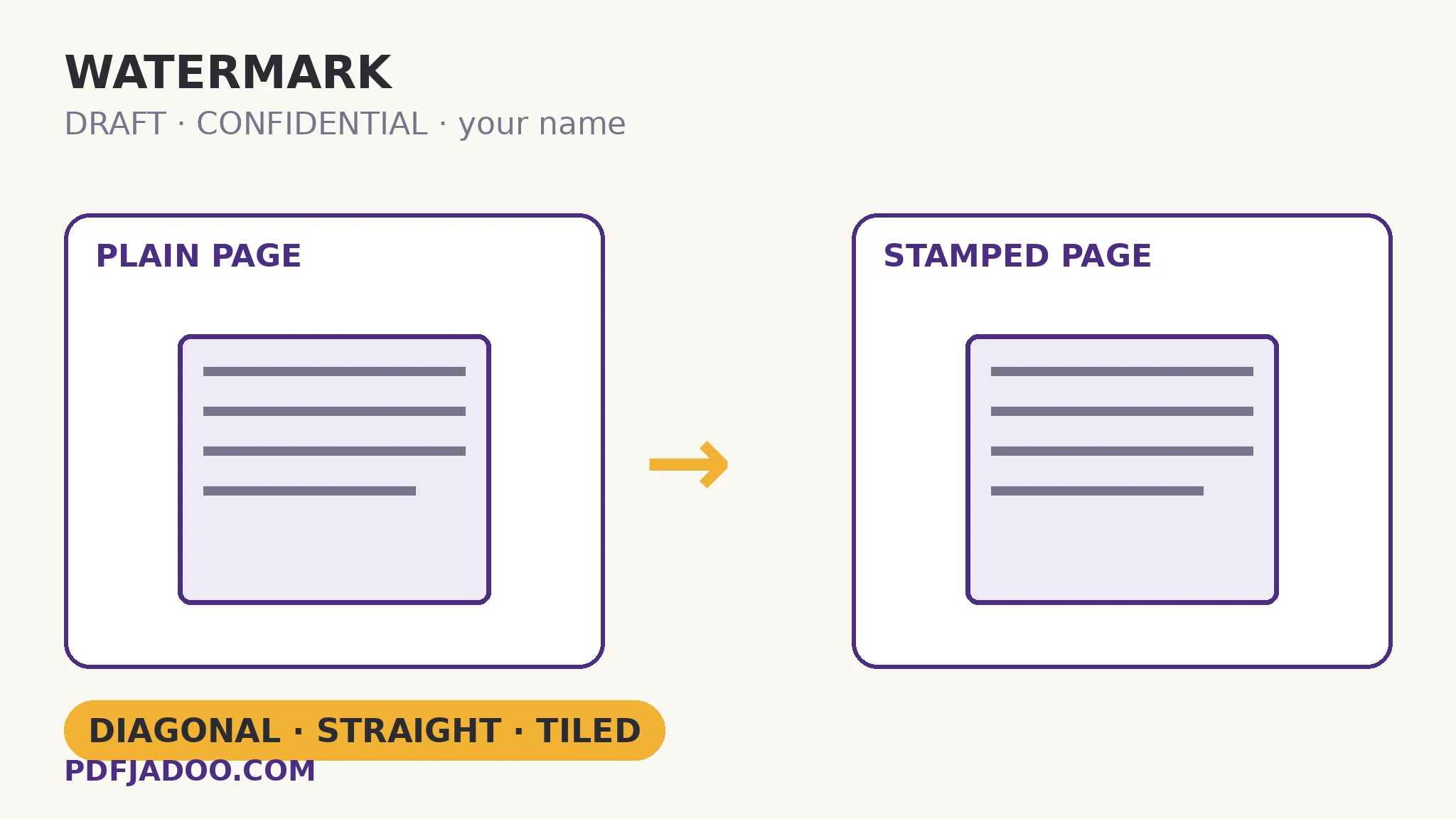
Some documents must announce themselves: DRAFT — not final, do not act on these numbers. CONFIDENTIAL — not yours to forward. A name — this copy was issued to you. A watermark is that announcement, repeated on every page so no single page can escape its context. Add Watermark draws your text onto every page as content — sized to the page, centred automatically — in three styles (diagonal, straight, tiled), four colours, and four opacities from very faint (12%) to strong (50%). Because it is part of the page, it prints with the document and cannot be peeled off the way a floating annotation can. The craft of watermarking is almost entirely one judgement: the opacity.
 By the PDFJadoo Team6 min read
Opacity is the whole craft
A watermark has two audiences in tension: the reader, who must read through it without effort, and the context, which must be unmissable the moment a page is glanced at, photographed or printed alone. The opacity band is where those audiences are balanced. Very faint (12%) and light (20%) serve documents that will be worked on — drafts under review, where the stamp is a reminder, not an obstacle. Medium (35%) is the declaration band: CONFIDENTIAL on distributed copies, a name on an issued document — present in every glance, quiet in every read. Strong (50%) is for pages whose misuse is the risk: proofs, pre-release material, anything where being hard to read is a fair price for being impossible to mistake. When in doubt, one step fainter than your instinct — a watermark that fights the text teaches readers to ignore it, and an ignored watermark is worse than none.
Style follows the same logic. Diagonal is the classic declaration — it crosses the whole page, survives cropping of any single corner, and reads as “status” instantly. Straight, centred is quieter, suited to names and issuing marks. Tiled covers the page in a repeating pattern — the strongest anti-crop statement, for documents that may be excerpted: any fragment carries the mark. Colour — violet, grey, red, gold — is mostly house style; red declares urgency, grey declares neutrality, and consistency across a document family matters more than the choice itself.
Content, not a layer: why it cannot be peeled
Annotations and stamps added as layers can be removed by anyone with an editor — the mark floats over the page and lifts off. This watermark is drawn into the page's content, the same status as the text itself. Removing it would mean editing every page's content stream — possible in principle for a determined expert on a text-born page, but no longer a casual act, and on printed or scanned copies it is simply ink. Set expectations accordingly: a watermark is a declaration and a deterrent, not encryption. For access control, the answer is the open password; for status that must travel with the page, the watermark is the tool — and the two are often used together.
Watermark a PDF, step by step
Step 1 — drop the PDF onto Add Watermark. The stamp applies to every page; there is no per-page selection, because a declaration with exceptions is not one.
Step 2 — write the stamp. DRAFT, CONFIDENTIAL, your name, the copy's recipient — short enough to read at stamp size.
Step 3 — choose style and colour. Diagonal for status, straight for issuing marks, tiled for excerpt-proofing.
Step 4 — set the opacity by audience. 12–20% for working drafts, 35% for declarations, 50% when misuse is the risk. Read a dense page in the result before distributing — the check is legibility of the text through the stamp.
Step 5 — apply and keep the clean original. The watermark is permanent content in the stamped copy; your unstamped file stays on your device, and it is the one you keep as the master.
Watermark vs the alternatives, once more
A header/footer line whispers status in the margin — ignorable, croppable. A password controls opening — invisible once inside. A watermark declares on the face of every page, in the content, in print. Documents that will be handled — printed, photographed, excerpted, forwarded — are watermark documents; documents that will be opened by the right people only are password documents. Many serious documents are both.
Let every page announce itself.
Your stamp drawn into every page — diagonal, straight or tiled, at the opacity the audience deserves.
Open Add WatermarkA worked example: the priced draft
A consultancy circulates a draft proposal with pricing to three reviewers. The risk is not theft; it is drift — a draft page photographed into a chat, read as final, quoted. The copy each reviewer receives is watermarked diagonally at 20%: DRAFT — with, in the straight style's stead, the reviewer's own name as the stamp text on their copy. Reading is effortless; any escaped page announces both its status and its source. When the final is issued, it goes out clean, and the contrast is itself a signal. The example's two lessons: name-as-watermark turns anonymity into accountability without any access control at all, and faint is a feature when the document must still be used.
Edge cases
Stamping a scan. Works the same — the stamp is drawn over the page image as content. On a scanned page the mark is, if anything, harder to separate from the page.
Removing someone else's watermark. Content-level marks are not casually removable, by design. If you hold a legitimately clean version, use it; the watermark was placed to make the stamped copy the stamped copy.
Long stamp text. A sentence becomes texture, not a stamp. Keep it to a word or a short phrase; explanations belong in the covering email.
Before you finish: the 60-second check
- Stamp text is a word or short phrase — DRAFT, CONFIDENTIAL, a name
- Style matches the risk: diagonal status, straight issuing, tiled excerpt-proof
- Opacity chosen by audience — and a dense page read through the stamp to prove it
- The clean master stays unstamped and on your device
- Access control, if needed, was done with a password — not expected of the watermark
Fair questions
How do I add a watermark to a PDF for free?
Drop the PDF onto Add Watermark, type your stamp text, choose diagonal, straight or tiled style, a colour and an opacity from 12% to 50%, and apply. The watermark is drawn onto every page as content — in your browser, nothing uploaded.
Can a watermark added this way be removed?
Not casually. It is drawn into the page content rather than floating as a removable layer, so it prints with the document and survives copying. Treat it as permanent for the stamped copy — and always keep your clean original as the master.
What opacity should I choose?
Very faint (12%) or light (20%) for working drafts people must read through comfortably; medium (35%) for declarations like CONFIDENTIAL on distributed copies; strong (50%) when misuse is the risk and legibility is secondary. When in doubt, go one step fainter than instinct.
What is the tiled style for?
Tiling repeats the stamp across the whole page, so any excerpt or cropped fragment still carries the mark. Diagonal suits whole-page status; straight and centred suits names and issuing marks.
Does a watermark protect my document from being opened?
No — a watermark declares status; it does not control access. For access control, set an open password with Protect PDF. Serious documents often use both.
Is my PDF uploaded?
No — the stamping runs in your browser; your file never leaves your device.
Tool behaviour — text stamps on every page, diagonal/straight/tiled styles, violet/grey/red/gold colours, 12–50% opacities, automatic sizing and centring, and content-level permanence — is from PDFJadoo's own Add Watermark page. Checked 18 November 2026.
Keep reading
Add a header and footer to every page
The whisper version: status in the margin, set once for the whole document.
Password-protect a PDF
The access half of serious document handling — the lock beside the declaration.
Overlay a letterhead PDF
When the stamp is a whole designed page — seals, letterheads, PAID marks.
Flatten a PDF
Making things permanent, continued: fields baked into the page itself.