Overlay PDF: the letterhead is a file — stamp it over the letter
Two PDFs, one destiny: your letterhead — designed once, perfectly, as its own file — and the plain letter, memo or certificate that should have been written on it. Overlay PDF marries them: the first page of the overlay PDF is stamped onto the base document's pages — on every page, or the first page only — at your chosen opacity, fitted to the page or at original size, centred. The same move serves seals on certificates, a PAID stamp across invoices, and form backgrounds laid under filled data. It is the general case of stamping — where a watermark stamps text, an overlay stamps a whole designed page — and this article gives it its craft.
 By the PDFJadoo Team5 min read
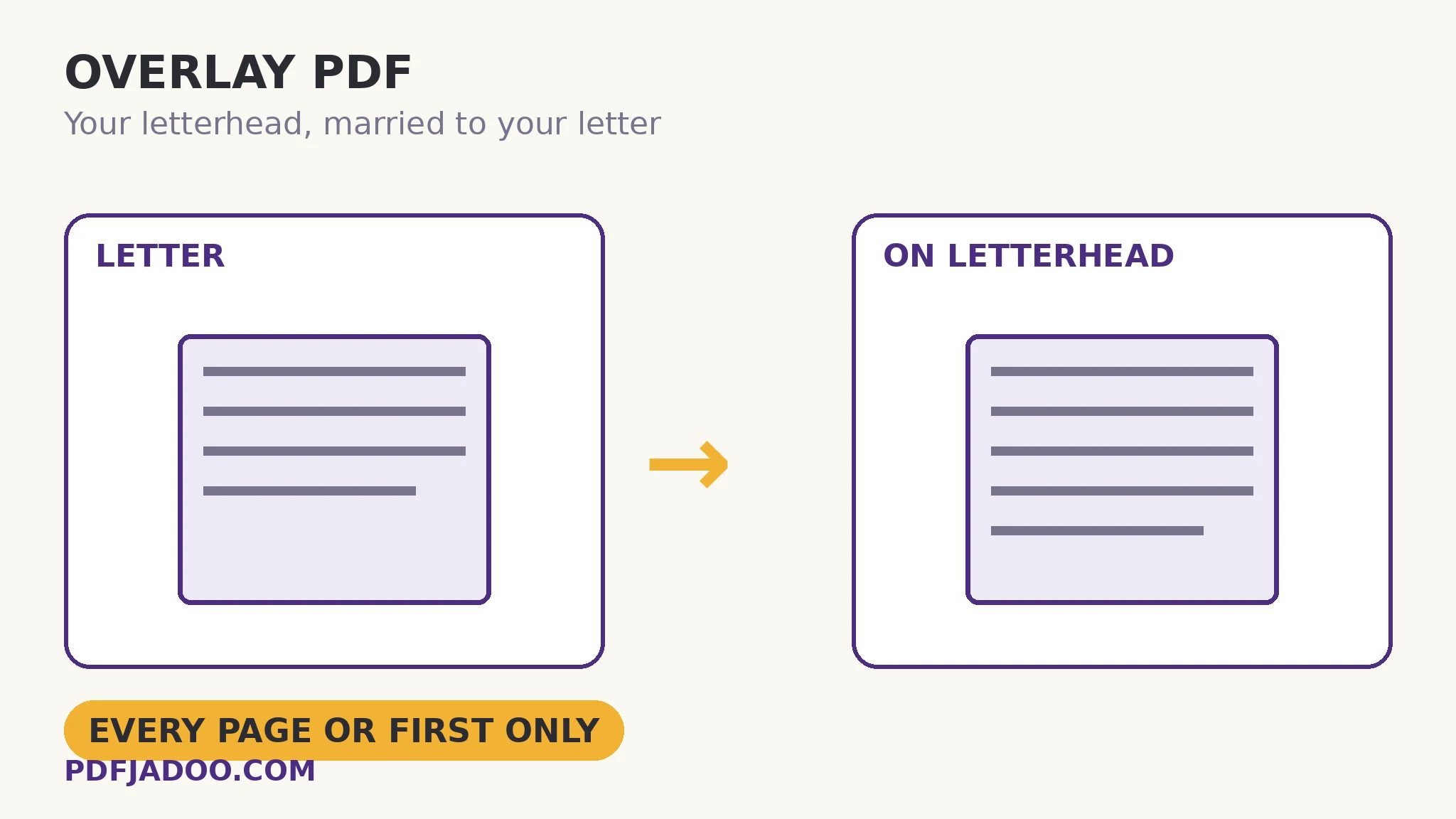
How the marriage works: first page over, base beneath
The mechanics are deliberately simple. The base PDF keeps all its pages and all its content. The overlay contributes its first page — a one-page letterhead or seal is the usual overlay — which is drawn over the base pages in scope. Scope is the first decision: every page for a letterhead (each sheet of the letter wears it), first page only for the classic headed-letter convention (continuation sheets plain) or for a cover treatment. Opacity is the second: 100% for letterheads and seals, which are meant to read as fully present; less for a background form or a ghosted emblem that must sit under the reader's attention while remaining part of the page. Size is the third: fit to page stretches the overlay across each base page (right when both are the same stock size, the letterhead case), while original size, centred places a smaller artefact — a seal, a stamp — at its true size in the middle of the page.
Because the overlay is drawn as content, the composite is a real document: it prints as it looks, forwards as it looks, and the letterhead cannot be “forgotten” by a recipient's viewer the way a linked asset can. The design-once payoff is organisational: the letterhead file is maintained in one place, versioned once, and married to a hundred letters — update the design, and future letters take the new head; issued letters keep theirs, as issued things should.
Overlay vs watermark vs header-footer
Three stamping tools, three artefact sizes. Header & Footer stamps lines of text — titles, handling lines, numbers. Watermark stamps a word as a declaration — DRAFT, CONFIDENTIAL, repeated and content-locked. Overlay stamps a designed page — artwork, logos, seals, form backgrounds. Choosing among them is choosing what the stamp is made of; the documents that need two (a letterhead and a DRAFT diagonal) simply take both passes, in either order.
Overlay one PDF on another, step by step
Step 1 — drop the base PDF. The document that goes underneath — the letter, the certificates, the data pages. Onto Overlay PDF first.
Step 2 — add the overlay PDF. The letterhead, seal or stamp file. Remember: its first page is the stamp.
Step 3 — set scope, opacity, size. Every page or first only; 100% for heads and seals, gentler for backgrounds; fit to page for same-size heads, original-centred for seals.
Step 4 — press Overlay them and inspect page one and a middle page. Alignment is the whole game: the head must sit where heads sit, clear of the base's own first lines.
The alignment conversation between two files
An overlay assumes the two files were designed for each other: the letterhead's empty middle is where letters put their text; its margins frame, not collide. When they were not — a letter typed to the very top meeting a deep letterhead — the composite shows it instantly, and the fixes live upstream: re-typeset the letter with headroom, or use a shallower head. The tool marries faithfully; matchmaking is the user's one-minute judgement, exercised on the preview of page one.
Marry the design to the document.
Letterheads, seals, PAID stamps and form backgrounds — stamped over the base, at your scope, opacity and size.
Open Overlay PDFA worked example: certificates by the hundred
A training provider issues certificates as data-merged plain pages — name, course, date — competent and bare. The designed certificate border, with the seal, exists as a one-page PDF. Overlay at original size centred would suit a seal alone; for the full border, fit-to-page at 100% on every page (each certificate is one page; scope is academic) turns the run into issued documents in one pass. The provider's craft note: the data template was adjusted once — names sit 12 mm lower — so the border's inner frame and the text never argue. One upstream adjustment, a hundred clean certificates: overlay rewards pairs of files designed, even slightly, for each other.
Edge cases
The overlay with many pages. Only its first page stamps. If the design lives on page 3 of its file, extract that page first and use the extract as the overlay.
Size mismatch. Fit-to-page across very different stocks distorts nothing (it fits), but a head designed for A4 stretched over Legal looks grown. Match stocks where the design is size-sensitive.
Underlay needs. Overlay draws over. A background that must sit beneath existing content is a different arrangement — build the base on the background first (print-to-PDF the composite in the source app) rather than expecting the stamp to sink.
Before you finish: the 60-second check
- The overlay file's FIRST page is the stamp — verified before the run
- Scope chosen: every page (letterhead) or first only (cover convention)
- Opacity matches the artefact: full for heads and seals, gentle for backgrounds
- Size mode matches: fit for same-stock heads, original-centred for seals
- Page one and a middle page inspected for alignment collisions
Fair questions
How do I put a letterhead on a PDF for free?
Drop the letter PDF onto Overlay PDF as the base, add the letterhead PDF as the overlay, choose every page (or first page only), and press Overlay them. The letterhead's first page is stamped over the base pages — in your browser, nothing uploaded.
Which page of the overlay PDF is used?
Its first page — a one-page letterhead or seal is the usual overlay. If your design sits deeper in its file, extract that page first and use the extract.
Can the overlay be semi-transparent?
Yes — opacity is yours to set. 100% suits letterheads and seals; lower values suit ghosted emblems and form backgrounds that must not fight the content.
Fit to page or original size — which should I choose?
Fit to page when overlay and base share a stock size (the letterhead case). Original size, centred when the overlay is a smaller artefact — a seal or stamp — that must appear at its true size.
What is the difference between overlay and a watermark?
A watermark stamps a word of text as a declaration (DRAFT, CONFIDENTIAL). An overlay stamps a whole designed page — artwork, logos, seals, backgrounds. Documents can take both passes.
Is my PDF uploaded?
No — the compositing happens in your browser; neither file leaves your device.
Tool behaviour — first-page stamping, every-page/first-only scope, opacity control, and fit vs original-centred sizing — is from PDFJadoo's own Overlay PDF page. Checked 18 November 2026.
Keep reading
Add a header and footer to every page
The text-scale stamp: titles and handling lines without a design file.
Watermark a PDF
The word-scale stamp: status declared diagonally, in the content.
Add page numbers to a PDF
The number-scale stamp — furniture for the assembled, overlaid final.
Extract pages from a PDF
Design on page 3 of its file? Extract it into a one-page overlay first.