UK visa document upload rules: two providers, two rulebooks, one caseworker
After you apply and pay on GOV.UK, your supporting documents travel through a commercial partner — TLScontact for most countries (and for UKVCAS appointments inside the UK), VFS Global in others. Self-upload before your biometrics appointment is free. The rules for those uploads are published unevenly, and the two providers do not match. This guide tables what each one actually says — and says plainly where a figure is not published at all.
 By the PDFJadoo Team9 min read
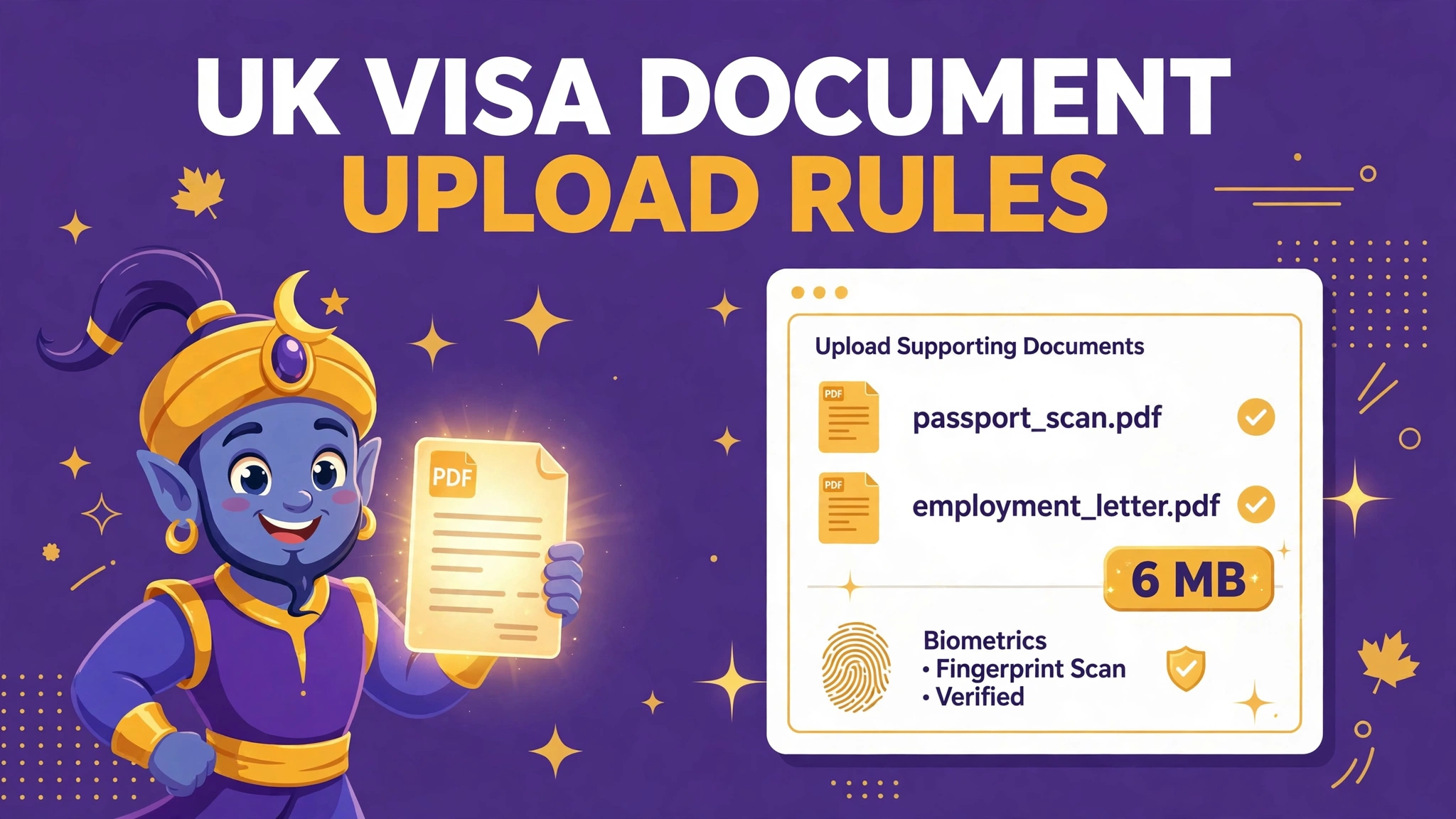
The official rules, provider by provider
First, the shared shape of the system, which GOV.UK itself sets out: you can provide supporting documents either by uploading them into the partner's online service or by having them scanned at your appointment. Everything else — formats, sizes, fees — is set by whichever partner runs your country or your service point, and this is where applicants come unstuck, because advice written for one provider is quietly wrong for the other.
TLScontact publishes a Documents Upload Guide for self-upload of supporting evidence. Its core instructions are organisational rather than technical: upload your documents by selecting the relevant type, under the correct category, before you attend your appointment, and all documents must be clear and legible. The categories mirror your checklist — proof of residency, employment evidence, financial evidence, sponsor evidence, evidence of studies, family evidence and accommodation among them — and TLScontact is explicit that filing under the right category is your responsibility. For appointments inside the UK, UKVCAS is now operated through TLScontact, and UKVCAS's own upload guidance adds the technical layer: formats, a per-file size limit, scanning settings and file naming rules.
VFS Global's supporting documents guidance for UK visas is equally clear about the process and silent about the numbers. Self-upload is free, done when you book your biometrics appointment online, and you can log back in and continue uploading until the day before your appointment. You are responsible for the correct category, and UKVI recommends providing a full copy of your passport — including pages showing travel to other countries and any official observations or amendments, even if your checklist does not specify it. What the page does not publish is a per-file size limit or an accepted-format list. Any website that quotes you a precise VFS figure as an official rule is going beyond its source; the limit that binds you is the one your own upload screen displays.
| Rule | TLScontact / UKVCAS | VFS Global |
|---|---|---|
| Self-upload | Free; upload before you attend your appointment, under the correct category. | Free; upload when booking, and you can continue until the day before your appointment. |
| Formats | PDF (preferred), JPG and PNG, per UKVCAS upload guidance. | Not published on VFS Global's supporting documents guidance page. Prepare PDFs and follow your upload screen. |
| Per-file size limit | 6 MB per document in UKVCAS's published guidance; split larger documents into parts. The live portal screen has also displayed 7.25 MB — prepare to 6 MB. | Not published on the guidance page we checked. Keep files as small as legibility allows and obey your upload screen. |
| Password-protected files | Not accepted — the portal states this on the upload screen. | Not stated on the guidance page; prepare unprotected files regardless, as a locked file cannot be read by the caseworker. |
| Scanning advice | Greyscale or black and white rather than colour, 150–300 dpi, to stay within the size limit. | Photocopies submitted for scanning must be clear, easy to read, preferably in colour and A4 size. |
| File names | Keep them simple; no special characters. | Not specified on the guidance page; simple names remain the safe habit. |
| If you skip self-upload | Document scanning at a UKVCAS core service point is a paid extra service; it is included at enhanced service points and premium lounges. | Document Upload Assistance at the Visa Application Centre — a fee usually applies. Free only for Windrush scheme and Family Reunion (Part 11) applicants. |
| Number of files | No limit on the number of documents you can upload, per UKVCAS guidance. | Not specified; upload one file per document, under its correct category. |
Two traps hide in that table. The first is the greyscale-versus-colour tension: UKVCAS advises greyscale scanning to control file size, while VFS Global asks for colour photocopies where documents are scanned at the centre. Both are about different moments — your home scan versus their counter scan — so follow the instruction that matches what you are actually doing, and never sacrifice legibility for either. The second trap is the settlement scanning route: VFS Global also runs a postal scanning hub for settlement applications, at £130 per application including courier return, with strict paper rules — A4 pages only, no staples (paper clips only), nothing laminated, and anything smaller or larger than A4 photocopied onto A4. That fee buys a service, not a shortcut, and it is a different decision from appointment-day scanning.
Why uploads get rejected before a human sees them
The portal checks files mechanically, long before a caseworker reads a word. Oversize is the first failure: a colour scan of a twelve-month bank statement, straight off a home scanner at its default settings, can weigh tens of megabytes. The second is the locked file — bank e-statements are routinely issued password-protected, and a file the system cannot open is a file that does not exist. The third is category chaos: the right document under the wrong heading is, to a caseworker working through a checklist, a missing document. And the fourth is legibility — the rule both providers state in plain words — because a caseworker who cannot read a figure cannot credit it.
- Each file within the size limit your provider sets — 6 MB on UKVCAS's published guidance; your VFS screen's figure on VFS
- PDF wherever you can; JPG or PNG only where the portal accepts them
- No password protection on anything — export an unlocked copy of every e-statement
- Scans clear and legible: 150–300 dpi, full A4 page, no cut-off figures or cropped balances
- Every document under its correct checklist category, with a simple file name
- Passport copied in full where UKVI recommends it, including travel and observation pages
- Upload finished before the appointment — VFS allows changes until the day before; do not plan to fix things at the centre
Notice what is not on that list: total size. The limits bite per file, not per application, which is why the correct tools for this job are a compressor, a merger and a splitter — shrink what is heavy, combine what belongs together, and divide what cannot be shrunk without becoming unreadable.
The fix, step by step
Step 1 — build one file per document. Scan each document as a single multi-page PDF: one bank statement, one file; one employment letter, one file. If your pages start life as separate images, combine them with PDFJadoo's Merge PDF tool, in page order, in your browser. A document scattered across nine uploads invites both category errors and a caseworker's fatigue.
Step 2 — remove anything locked. Open every PDF before it goes near the portal. If any file asks for a password, it fails the portal's rule: go back to your bank or issuer and export an unprotected copy, or print the statement and rescan it. Do not discover this at the upload screen.
Step 3 — bring heavy files down with Compress PDF. Compress each file towards the limit your provider sets — comfortably under 6 MB for the UKVCAS route — then zoom in on the smallest print and the closing balance and confirm they are still crisp. Compression that eats figures has not fixed your document; it has redacted it.
Step 4 — split what will not shrink with Split PDF. A long statement that cannot go below the limit legibly should be divided into clearly named parts — part 1 and part 2 of the same document, uploaded adjacently under the same category. UKVCAS guidance itself prescribes exactly this: if your document is likely to be over the limit, split it into parts and create separate files.
Step 5 — upload early, then verify like an auditor. Upload days before the appointment, not the night before. Afterwards, open the portal's document list and check every file is present, in the right category, with a plausible size. Then keep the paper originals together anyway: GOV.UK's appointment instructions still ask you to bring your passport and any supporting documents you have not uploaded — and originals are your insurance if an upload is later queried.
Shrink, combine and split your evidence — free
Compress PDF brings heavy statements under the limit, Merge PDF builds one file per document, and Split PDF divides what will not shrink. All three run in your browser — your financial documents never leave your device.
Compress my PDFs Merge pages Split a large fileA worked example: six months of bank statements
Take the commonest heavy document in any application: six months of statements, downloaded from online banking as a single 14 MB PDF — and, because the bank is cautious, password-protected. Against the rules above it fails twice before content is even considered: locked, and more than double the UKVCAS ceiling.
The repair runs in the order of the steps. First, the lock: the applicant goes back into online banking and exports the statements without document protection. Second, the weight: the unprotected file goes through Compress PDF and lands at 4.8 MB — under the 6 MB published limit with room to spare — and a zoomed check confirms every transaction line and the closing balance of each month are still legible. Third, the filing: one file, simply named, uploaded under Financial Evidence, days before the appointment, and confirmed on the portal's list. Had compression failed — had 4.8 MB been 7 MB — the fallback was already known: split the six months into two three-month parts under the same category. No fee, no queue at a scanning counter, and nothing left to appointment-day luck.
The 60-second check before your appointment
One minute, the night before. Is every document on your checklist visible in the portal, under the right category? Is each file under your provider's limit — and did you read that limit on your screen, not on a stranger's blog? Does every PDF open without a password? Can you read the smallest figure on the most-compressed statement when you zoom in? Is your passport copied in full, travel pages included?
And the paper check, because the appointment is physical: appointment confirmation, passport, and originals of anything not uploaded, in one folder. If the answers are yes, tomorrow is a fingerprints-and-photograph appointment of fifteen quiet minutes. If any answer is no, you have found it while it is still free to fix — that is the entire economics of self-upload: your evening at a laptop, or their fee at a counter.
Fair questions
What file size limit applies to UKVCAS uploads?
UKVCAS's published upload guidance sets a limit of 6 MB per uploaded document, in PDF (preferred), JPG or PNG format, with larger documents split into parts. The current portal screen has also displayed a 7.25 MB maximum; prepare to 6 MB, the stricter published figure, and treat the limit shown on your own upload screen as final.
Does VFS Global publish a per-file size limit for UK visa uploads?
Not on its supporting documents guidance page, which we checked: it confirms free self-upload until the day before your biometrics appointment but publishes no per-file size or format figure. Prepare tidy PDFs, keep each file as small as legibility allows, and follow the limit your own VFS upload screen displays.
Can I upload a password-protected PDF, such as a bank e-statement?
No. The upload portal states that password-protected files are not accepted — the caseworker's system cannot open them. Download or export an unprotected copy from your bank, or print and rescan the statement, before you upload.
What happens if I do not upload documents before my appointment?
You can have documents scanned at the appointment instead — but it is a paid add-on in most cases. VFS Global's Document Upload Assistance usually carries a fee, and at UKVCAS core service points document scanning is an extra service you buy, while self-upload in advance is free.
How should I scan my documents?
UKVCAS guidance advises scanning in greyscale or black and white rather than colour to keep files within the size limit, at a resolution between 150 and 300 dpi, with simple file names and no special characters. VFS Global asks that photocopies for scanning be clear, easy to read, preferably in colour and A4 size.
Are my documents uploaded to PDFJadoo when I prepare them?
No. PDFJadoo's tools run entirely in your browser, so your bank statements and certificates stay on your device. Nothing is sent to or stored on a server — which matters with documents this sensitive.
Sources: TLScontact — its Documents Upload Guide for self-upload of supporting evidence (upload before your appointment, under the correct category; all documents must be clear and legible), and the UKVCAS upload guidance published by the UKVCAS service, now operated through TLScontact (PDF preferred, JPG and PNG accepted; 6 MB per file; split larger documents; greyscale scanning at 150–300 dpi; simple file names). VFS Global — its supporting documents guidance for UK visas (free self-upload until the day before the appointment; full passport copy recommended; Document Upload Assistance at the centre, fee usually applies; photocopies clear, easy to read, preferably in colour and A4). GOV.UK — UK Visa and Citizenship Application Services (documents uploaded online or scanned at the appointment). Conflicts and gaps, stated plainly: UKVCAS's published guidance says 6 MB per file while the live portal screen has displayed a 7.25 MB maximum and a ban on password-protected files — this guide advises preparing to 6 MB; and VFS Global's guidance page publishes no per-file size or format limit at all, so no official VFS number is quoted here. This page is general information only and is not legal or immigration advice. PDFJadoo is not affiliated with TLScontact or VFS Global.