Summarize a PDF: its own key sentences — nothing invented, ever
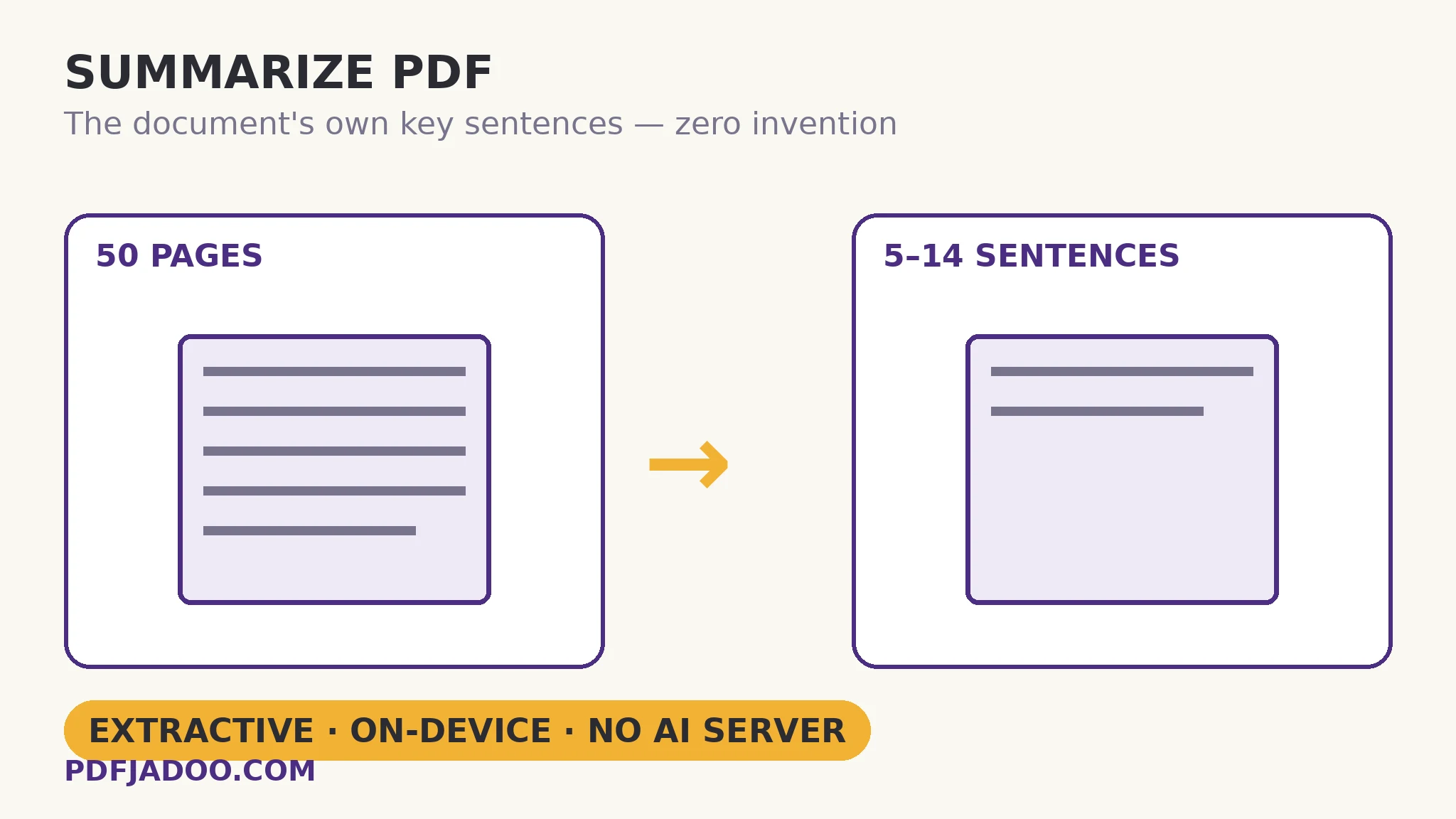
Every reader of long documents wants the same thing first: what does this say, in brief? There are two machines for answering. A generative summariser writes new sentences about the document — fluent, and capable of confident invention. An extractive summariser — Summarize PDF's method — selects the document's own key sentences, ranked by frequency and position scoring, and returns them with the document's most important terms and a content map, at lengths of roughly 5, 9 or 14 sentences. It cannot invent a fact, because it never writes a sentence — every line of the summary is a line of the document, findable in place. And it runs entirely on your device: the document is never sent to an AI server. This article explains the scoring, the outputs, and the honest trade extractive makes.
 By the PDFJadoo Team5 min read
How the ranking thinks
Extractive scoring asks: which sentences does the document itself treat as important? Two signals dominate. Frequency: sentences dense in the document's most-used meaningful terms are likely to carry its central claims — a sentence full of the report's key vocabulary is rarely a digression. Position: documents front-load significance — openings, section starts, conclusions — so sentences in those places earn a positional premium, mirroring how a skilled human skims. The selected sentences are then presented in the document's order (a summary reads as the document in miniature, not as a ranking chart), alongside the supporting outputs: the key terms list — the document's vocabulary of importance, useful as tags and search seeds — and a content map, the shape of the document's topics, which tells you what the summary's selection was drawn from. The whole result is downloadable as a text file for the record.
The lengths are honest approximations — about 5 sentences for the gist, 9 for the brief, 14 for the detailed digest — because sentence counts land where the scoring lands; a document of very long sentences yields a denser five than a document of short ones. Choose by the decision the summary feeds: triage (5), briefing (9), or the pre-read before the deep read (14).
The honest trade
Extractive summaries cannot synthesise: they will not reconcile two sections into one new insight, will not simplify jargon, and can read slightly disjointed where selected sentences relied on their neighbours. What they offer instead is verifiability — every sentence checkable in place, no invented figures, no fluent falsehoods — and privacy by architecture: the analysis is local computation, so the confidential report, the unpublished manuscript and the legal bundle are summarisable without the data ever leaving the room. For triage and orientation — is this document worth my hour, and where is its weight? — that trade is usually the right one.
Summarize a PDF, step by step
Step 1 — confirm a text layer. The scoring reads text; a scanned document needs OCR first (Make a Scanned PDF Searchable).
Step 2 — drop the PDF onto Summarize PDF. Analysis runs on your device — no AI server receives the document.
Step 3 — choose the length. About 5 sentences for triage, 9 for a brief, 14 for a digest.
Step 4 — read the summary with the map. Key sentences in order, key terms, content map — then download the text file if the summary joins a record.
Step 5 — verify before you rely. A summary orients; decisions deserve the source sentences in context — which, being the document's own, are one find away.
Summarize and chat: the orientation pair
The summary answers what does it say?; its sibling Chat with PDF answers where does it say X? — by finding and quoting passages, also locally. Orientation first, interrogation second: the two tools together are a reading strategy for documents too long to read cold.
The gist, in the document's own words.
Key sentences by frequency and position, key terms, a content map — computed on your device, downloadable.
Open Summarize PDFA worked example: triage of a 70-page report
A consultant receives a 70-page industry report an hour before a client call. The 9-sentence summary gives her the report's spine — its central claim, its three supporting findings, its caveat — every sentence the report's own, two of them important enough to verify in place (thirty seconds with Find). The key terms seed her notes' tags; the content map shows her which third of the document carries the pricing analysis, so her remaining twenty minutes go there, not to the introductory survey she already knows. She enters the call oriented — not as someone who read 70 pages in an hour (nobody did), but as someone who knows where the document's weight lies. Triage is not a substitute for reading; it is how reading gets aimed.
Edge cases
Very short documents. A two-page letter summarises to nearly itself — extractive selection needs a surplus to select from. Short documents are read, not summarised.
Tables and figures carrying the meaning. Sentence scoring sees text; a report whose truth lives in its charts needs the charts read too. The content map hints at structure, not at numbers.
Repetitive documents. Frequency rewards repetition; a document that repeats its boilerplate may see boilerplate selected. The position signal usually rescues the openings — verify the selection's sense at a glance.
Before you finish: the 60-second check
- Text layer confirmed — scans were OCRed first
- Length matched to purpose: 5 triage, 9 brief, 14 digest
- Key sentences verified in place before any were relied on
- Key terms and content map used — orientation is the whole output set
- The summary was downloaded for the record where the document matters
Fair questions
How do I summarize a PDF for free?
Drop a text-layer PDF onto Summarize PDF and choose a length — about 5, 9 or 14 sentences. You get the document's key sentences, its most important terms and a content map, downloadable as a text file.
What is an extractive summary?
A summary made by selecting the document's own sentences — ranked by how central their terms are and where they sit — rather than writing new ones. It cannot invent facts, and every sentence can be verified in place.
Is my document sent to an AI service?
No. The analysis runs entirely on your device — frequency and position scoring is local computation. Confidential documents are summarised without leaving the room.
Why does my scanned PDF not summarize?
Scans have no text layer to score. OCR the scan first (Make a Scanned PDF Searchable), then summarize the searchable result.
Extractive or generative summary — which is better?
Different trades. Generative reads smoother and can simplify, but can invent. Extractive is verbatim-true and private, but cannot synthesise or simplify. For triage, orientation and confidential documents, extractive's trade usually wins.
What are the key terms and content map for?
Key terms are the document's vocabulary of importance — useful as tags and search seeds. The content map shows the document's topic shape, so you can aim your deep reading where the weight is.
Tool behaviour — extractive selection by frequency and position scoring, the three approximate lengths, key terms, content map, downloadable result, and fully on-device processing — is from PDFJadoo's own Summarize PDF page. Checked 18 November 2026.
Keep reading
Chat with a PDF — locally
Orientation done? Interrogate: answers as quoted passages with page numbers.
Make a scanned PDF searchable
The scan's text layer — the precondition for summarising it.
Extract text from a PDF
The whole text out, when the summary whets the appetite.
PDF Inspector: a file checkup
Know the document's structure before asking its meaning.