Chat with a PDF: answers that are quotations, with page numbers
Asking a document a question is the most natural research act there is — and the fashionable machine for it, the generative chatbot, answers by writing: fluent, synthesised, and occasionally invented, with your document shipped to a server for the privilege. Chat with PDF takes the other road, and says so in its name for the tool: it is fully local — no AI server — and it answers by finding and quoting the most relevant passage, with its page number. You ask in plain words; it retrieves in the document's own words. This article explains the retrieval bargain: what it does superbly, what it honestly cannot do, and why for document questions the quotation is usually worth more than the paraphrase.
 By the PDFJadoo Team5 min read
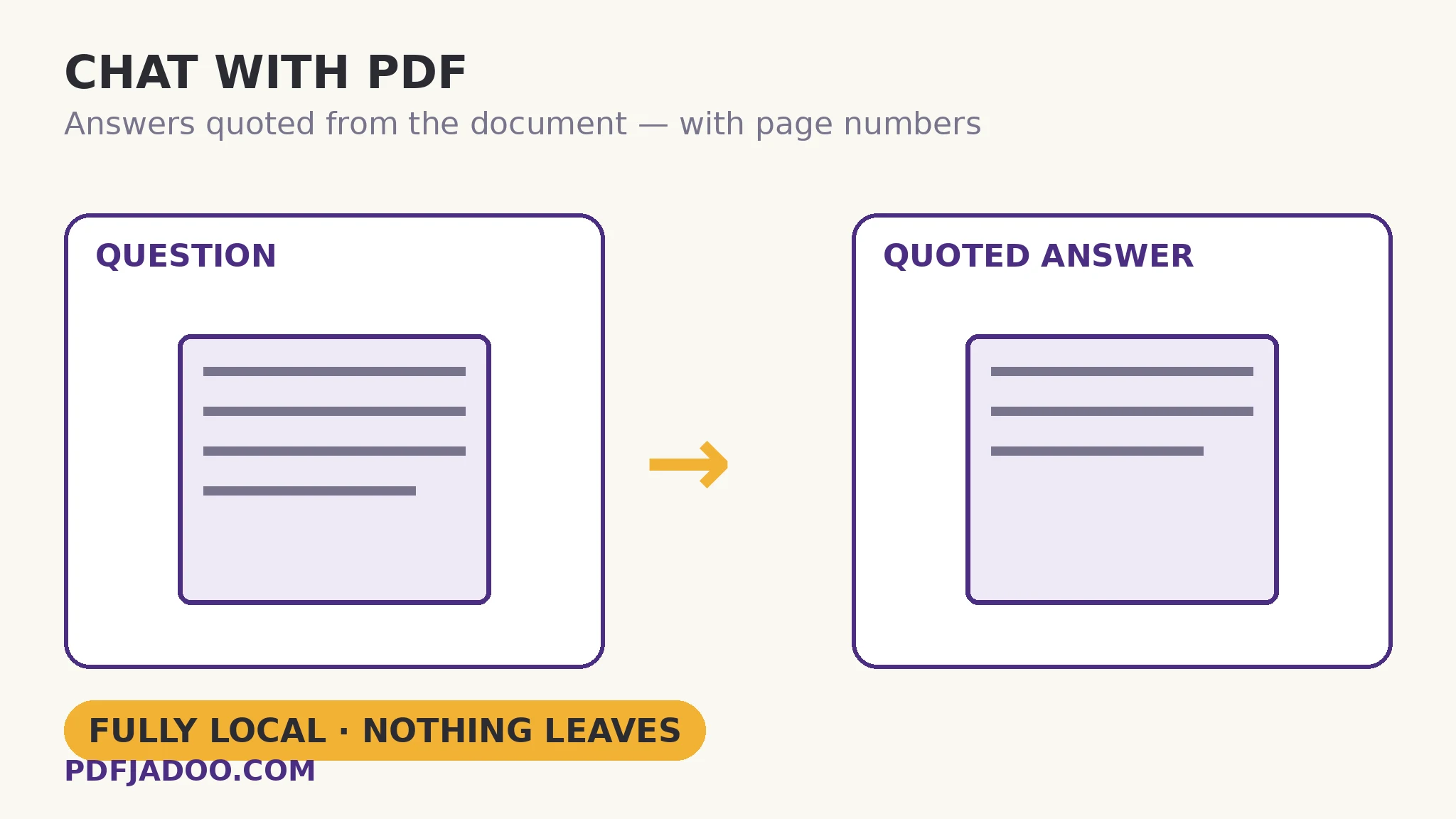
Retrieval: how the answer is found
The mechanism is search with judgement: your question's meaningful terms are matched against the document's text, passages are scored by relevance, and the best is returned verbatim, with its page. Every property of the answer follows from that mechanism. It is true by construction — a quotation cannot hallucinate (it can be the wrong passage, which you can see and correct, unlike a fluent invention you cannot check). It is cited by construction — the page number travels with the quote, so the answer slots into your own work as evidence. And it is private by construction — matching is local computation on your device; the contract, the records, the manuscript never leave the room to be asked about themselves.
The honest limits follow from the same mechanism. Retrieval cannot synthesise across the document — a question whose answer is spread over five sections returns the single most relevant passage, not a merger of five. It cannot reason — “is this clause enforceable?” is a judgement it will not fake; it will hand you the clause, which is the honest contribution. And it depends on the text layer — scans need OCR before they can be asked anything. These are not apologies; they are the shape of a tool that would rather hand you the evidence than perform an answer.
Asking well
Retrieval rewards the document's own vocabulary: ask with the words the document uses (“termination notice period”, not “how do we get out of this”). If the first passage is adjacent rather than exact, re-ask with a term from it — the dialogue is iterative search, each answer teaching you the document's language. And when the question is really “what is this document about?”, the sibling tool answers first: summarize for orientation, then chat for interrogation.
Chat with a PDF, step by step
Step 1 — confirm a text layer. Selectable text means an askable document; scans go to OCR first.
Step 2 — drop the PDF onto Chat with PDF. Everything runs locally.
Step 3 — ask in the document's words. Specific terms beat conversational phrasing; one question at a time.
Step 4 — read the quoted passage and its page. Judge relevance yourself; if it is adjacent, re-ask using a term the passage taught you.
Step 5 — follow the citation. The page number takes you to the context — the paragraphs around the quote, which are part of every honest answer.
The division of labour
The tool finds and quotes; you interpret and decide. That division is the design's respect for the reader: documents that matter — contracts, records, evidence — should be answered with their own words in front of a human judge, not with a machine's summary of what they probably meant.
Ask the document. Get the document's answer.
Questions matched to the most relevant passage — quoted verbatim, page number attached, nothing uploaded.
Open Chat with PDFA worked example: the termination clause, in its own words
A manager, mid-dispute, needs the contract's termination terms — the 90-page agreement, the counterparty's lawyer on the phone in an hour. Asked “termination notice period”, the tool returns page 47's clause, verbatim: the 90-day notice, the cure period, the exception — the actual words both parties signed. She reads the surrounding section (the citation walks her there), and enters the call quoting the contract rather than paraphrasing a chatbot's impression of it. The difference between the two answers is the difference between evidence and hearsay — in a negotiation, the only difference that matters.
Edge cases
The answer is a table. Retrieval finds the passage; a figure inside a table arrives as its line's text. For number-heavy interrogation, extract the table to CSV and interrogate the data directly.
Synonym gaps. The document says “remuneration”, you asked “pay” — no match. Re-ask in the document's register; the first near-miss usually teaches the right word.
Multi-hop questions. “What did section 2 promise that section 9 limits?” needs two retrievals and your own synthesis — the tool supplies both passages; the joining is the reader's craft.
Before you finish: the 60-second check
- Text layer confirmed — scans OCRed before asking
- Questions use the document's own vocabulary; one at a time
- Returned passages were judged for relevance, not assumed
- Citations were followed — context around the quote was read
- Synthesis and judgement stayed with the human, as designed
Fair questions
How do I chat with a PDF for free?
Drop a text-layer PDF onto Chat with PDF and type your question. The tool finds and quotes the most relevant passage, with its page number — running fully on your device, with no AI server involved.
Is this an AI chatbot?
No — and that is the point. It is local retrieval: your question's terms are matched against the document, and the best passage is quoted verbatim. It never generates text, so it cannot invent an answer.
Why quote instead of answering in plain words?
Because for documents that matter, the exact words are the answer — the clause, the figure, the condition. A paraphrase can drift; a quotation, with its page number, is evidence you can use.
Can it answer questions that span several sections?
It returns the single most relevant passage per question. For spread-out answers, ask per section and join the passages yourself — the tool supplies evidence; synthesis stays with the reader.
Why did my scanned PDF return nothing?
Scans have no text to search. OCR the document first (Make a Scanned PDF Searchable), then ask questions of the searchable result.
Is my document uploaded to be questioned?
No — the matching runs locally on your device. The document never leaves the room to be asked about itself.
Tool behaviour — fully local retrieval, answers as quoted passages with page numbers, and the text-layer requirement — is from PDFJadoo's own Chat with PDF page, which is explicit that no AI server is involved. Checked 18 November 2026.
Keep reading
Summarize a PDF (extractive)
Orientation first: the document's key sentences, ranked and quoted.
Make a scanned PDF searchable
The scan becomes askable: OCR builds the text layer.
Extract text from a PDF
The whole text out — for your own searching and tooling.
Read a PDF in the browser
Follow the citation: jump to the page and read the context.