Norway UDI Application Portal documents: one document, one file — never one big bundle
Norway's system is built document by document. UDI's checklists name each document separately, its submission flow asks you to select the document type and submit that document, and its size guidance is to divide a file that is too big into smaller files. The merged mega-PDF that other countries demand is precisely the wrong shape here.
 By the PDFJadoo Team9 min read
The official rules, exactly as UDI publishes them
Norwegian residence cases run through the Norwegian Directorate of Immigration — UDI — and its Application Portal. The workflow is hybrid in a way that surprises applicants from fully digital systems: you register the application online in the portal, the portal issues you documents to print and sign, and you then hand in the full set — signed portal forms, the signed checklist, and copies of every supporting document — at an appointment with the police, an application centre or an embassy, bringing the originals with you. Additional documents for a submitted case go through UDI's "Send documents to UDI" flow, again by selecting the document type for each submission.
| Rule | What UDI specifies |
|---|---|
| One document at a time | Submitting documents means selecting the document type and submitting that document. Checklists list each document as its own item. Keep every document as its own file. |
| Signed cover letter / signature form | The signature form is a PDF on the portal's receipt page when you register online. Print it, sign it, and bring it to your appointment. |
| Signed checklist | Print UDI's checklist for your case, tick each document you hand in, sign the last page, and hand the checklist in with the documents. |
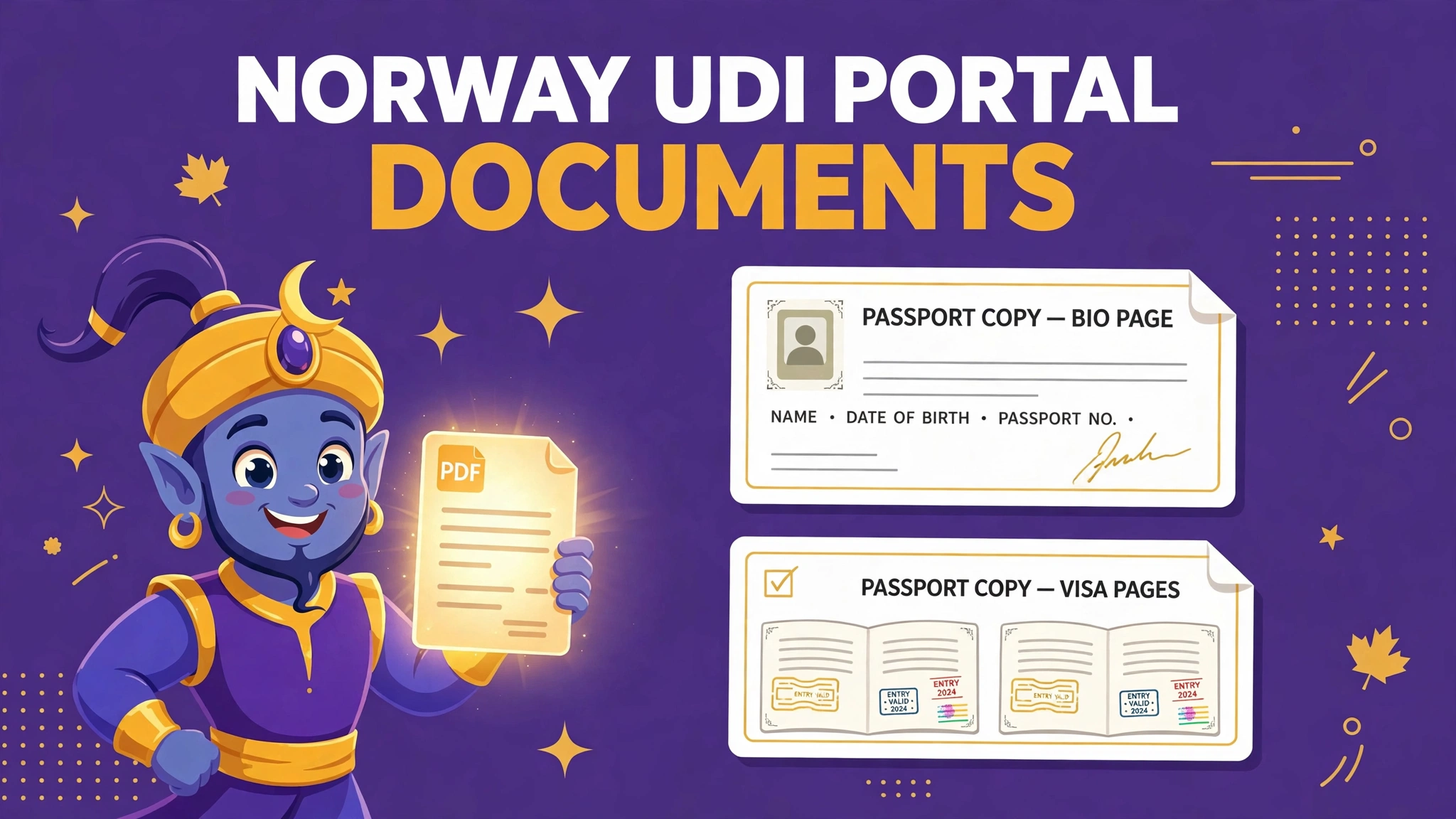
| Passport | Passport plus copies of all used pages. In Norway you normally show the passport and hand in copies; abroad you normally hand in both. |
| Originals and copies | Bring the original documents and copies of all of them. Copies of documents from abroad may need to be stamped by your authorities or a notary; originals from abroad generally need an apostille. Scan copies in colour so stamps and seals are faithfully reproduced. |
| Translations | Documents in a language other than Norwegian or English must be translated into Norwegian or English by an authorised/certified translator; the translation must state who translated it and when. Hand in copies of the translations too. |
| File size | The system has limits on file sizes when you upload; a file that is too big must be divided into smaller files. No megabyte figure is published on the Send documents page. |
| Never on physical media | UDI does not accept documents, pictures, videos or sound files on DVDs, memory sticks or CDs — they are returned unopened. |
The separate-file rule deserves its own paragraph, because it inverts the advice given for several other countries in this series. Where some portals offer a single slot and demand one combined file, UDI's architecture is a checklist of distinct documents, each ticked, signed for, and — in the digital submission flow — sent under its own document type. An applicant who merges a passport, a contract, bank statements and a marriage certificate into one 60-page bundle has not been tidy; they have made their evidence unfindable in the structure UDI actually uses, and they have guaranteed themselves a follow-up. UDI says documents with incomplete information can take up to 30 days to be added to a case, against the usual one day — the price of a submission the system cannot sort.
The cover letter is the second Norwegian particularity. It is not a letter you compose: it is the signature form the portal generates as a PDF on the receipt page when you register your application online. The checklists require it signed and physically brought to the appointment, alongside the signed checklist itself. Applicants who treat the online registration as the finish line arrive without the two signed papers that start the handover — and discover that in Norway, the portal's output is part of the application, not a receipt for it.
Why UDI submissions go wrong
The failures below share a theme: each is a habit imported from another country's system, applied to a system that works differently. Norway rewards applicants who read its own checklist as the whole law — because, for their case, it is.
- The mega-bundle: every document merged into one PDF, against a type-by-type submission flow
- The unsigned handover: cover letter or checklist printed but not signed, or the signed checklist left at home
- Missing used pages: passport copied at the data page only, without the stamped and visa pages UDI asks for
- Black-and-white copies where stamps, seals and the apostille lose their colour and legibility
- Translation gaps: a document in a third language with no Norwegian or English translation, or a translation that does not state who translated it and when
- One heavy file: a long document uploaded whole, when UDI's own guidance is to divide an oversized file into smaller files
- Originals forgotten: copies handed in without the original documents the appointment exists to verify
- Documents on a memory stick: expressly refused and returned unopened
Completeness carries a signature of its own in this system — literally. The checklist is a document you sign, attesting that the items ticked are the items handed in. That makes a missing document a visible, self-declared gap rather than a clerical hope. Work the checklist as UDI intends: gather each item, tick it only when the copy is in the pile, and sign when the pile is complete. If an item genuinely cannot be obtained, several checklists invite a written explanation of why — a far stronger move than silence, and one a merged bundle makes impossible to attach to the right document anyway.
The fix, step by step, with Split PDF, JPG to PDF and Compress PDF
Step one: start from your checklist, not from your documents folder. Generate the checklist for your exact case on udi.no, print it, and use it as the master list. Every file you prepare will correspond to one line on it, in its order. This is the organising principle for everything that follows.
Step two: undo any bundling you have already done. If your evidence currently lives in one combined PDF — assembled for another country, or by a helpful agent — run it through PDFJadoo's Split PDF tool and separate it back into one file per document: passport.pdf, cover-letter.pdf, employment-contract.pdf, bank-statements.pdf, marriage-certificate.pdf. Name each file after its checklist line so that, at submission, selecting the document type and choosing the file is a single obvious motion.
Step three: convert fresh scans and photographs document by document. Photograph or scan each original separately — all used passport pages together as the passport document, each certificate as its own file — in colour, flat and complete, then convert each set of images with JPG to PDF. One document in, one PDF out, every time. Where a document is a translation pair, keep the original and the translation as two clearly named files that sit together.
Step four: keep every file modest with Compress PDF. UDI publishes no megabyte figure, only the instruction that oversized files be divided — so prepare each document small enough that division is unlikely to be needed, and for genuinely long documents (a year of bank statements, a full employment file) split them deliberately into part 1 and part 2 with Split PDF rather than daring the limit with one heavy upload. A case officer can join two labelled parts mentally in seconds; an upload the system refuses joins nothing at all.
Step five: complete the paper layer. Download the signature form from the portal's receipt page, print and sign it. Print the checklist, tick each document as its prepared copy joins the pile, and sign the last page. Place originals behind their copies. This signed, ordered bundle — physical at the appointment, digital in the portal — is the application as UDI designed it to be received.
Prepare your UDI documents — free
Split a bundled PDF back into separate documents, convert scans to PDF, and compress each file — in your browser, with nothing uploaded to us.
Split a bundle Convert scans Compress a fileA worked example: the skilled worker with one 60-page PDF
A skilled worker applying with an employer in Norway had prepared, for an earlier application elsewhere, a single polished PDF: cover material, passport, offer of employment, pay documentation, education diploma and transcripts, CV — sixty pages, one file, in careful order. For most portals that file would be a virtue. For UDI it collided with the checklist at every line: the checklist wanted each item ticked and handed in as itself, and the submission flow wanted a document type per document.
The rebuild took twenty minutes. The bundle went through Split PDF at its natural seams, producing six files named exactly after the checklist: passport copies (all used pages, re-scanned in colour because the bundle's copies were greyscale), the signed signature form from the portal's receipt page, the offer of employment documentation, the pay evidence, the diploma with its transcripts, and the CV. Her diploma, issued in a third language, travelled as a pair — original plus the authorised translation stating the translator's name and date, as UDI requires. The two heaviest files were compressed; nothing exceeded a few megabytes. At the appointment, the officer ticked the checklist against the pile in the order it was printed. Nothing was asked for twice, and nothing had to be explained — the quiet outcome that matching your file structure to the receiving system always buys.
The 60-second check before your appointment
Check the pile, not your memory. One: is every checklist line ticked, with its document present as its own separate file or copy — nothing merged across documents? Two: is the portal's signature form printed and signed, and the checklist itself signed on the last page? Three: does the passport copy include all used pages, in colour, with the original passport in the pile? Four: is every document in Norwegian or English, or paired with an authorised translation naming its translator and date? Five: are the originals present behind their copies, with apostilles where documents from abroad require them? Six: is every digital file small and clearly named, ready to submit under its correct document type?
Six yeses and you are carrying the application UDI's system was built to receive. Norway's trap is not size or format in the abstract — it is structure. Respect the structure, one document at a time, and the handover becomes a formality instead of a negotiation.
Fair questions
Should I merge all my UDI documents into one PDF?
No. UDI's document submission works by document type: you select the type and submit that document. Keep each checklist document as its own file — passport copies in one file, the employment contract in another, and so on. If one document is itself too large, UDI's guidance is to divide it into smaller files, which is the opposite of bundling everything together.
What is the signed cover letter from the UDI portal?
When you register your application in the Application Portal, the receipt page gives you a signature form as a PDF — often called the cover letter. UDI's checklists require it printed, signed, and handed in with your documents at your appointment, together with the filled-in, signed checklist itself.
Which passport pages does UDI want copied?
Your passport and copies of all used pages. Blank pages are not the point — pages with stamps, visas and markings are. Bring the original passport as well: in Norway you normally show it and hand in the copies; abroad you normally hand in both.
Which languages does UDI accept for documents?
Norwegian or English. Documents in any other language must be translated into Norwegian or English by an authorised or certified translator, and the translation must state who translated the document and when. You hand in copies of the translations as well.
Is there a UDI file-size limit when uploading documents?
UDI says its system has limits on file sizes when you upload documents, but the Send documents page does not publish a megabyte figure. If a file is too big, UDI's instruction is to divide it into smaller files. Prepare each document small and split long documents by part rather than uploading one heavy file.
Are my files uploaded to PDFJadoo when I prepare them?
No. PDFJadoo's tools run entirely in your browser, so your documents stay on your device. Nothing is sent to or stored on a server.
Sources: Norwegian Directorate of Immigration (UDI) — checklists on udi.no, including the Checklist for skilled worker (with an employer in Norway) and the family-immigration checklists (signed signature form as a PDF on the portal receipt page, printed and signed; checklist printed, ticked and signed; passport and copies of all used pages; originals and copies, apostille and stamping rules; translations into Norwegian or English by an authorised/certified translator stating who translated the document and when), and Send documents to UDI (log in, find the application, submit additional documents by selecting the document type; the system has file-size limits and an oversized file must be divided into smaller files; documents usually added within one day but up to 30 days if information is incomplete; nothing accepted on DVDs, memory sticks or CDs). Unpublished figure, stated honestly: UDI confirms that file-size limits exist but does not publish a megabyte value on that page, so this guide gives a safe-prep approach instead of a number. This page is general information only and is not legal or immigration advice. PDFJadoo is not affiliated with UDI.