BMP to PDF: the legacy archive, bound at a sane size
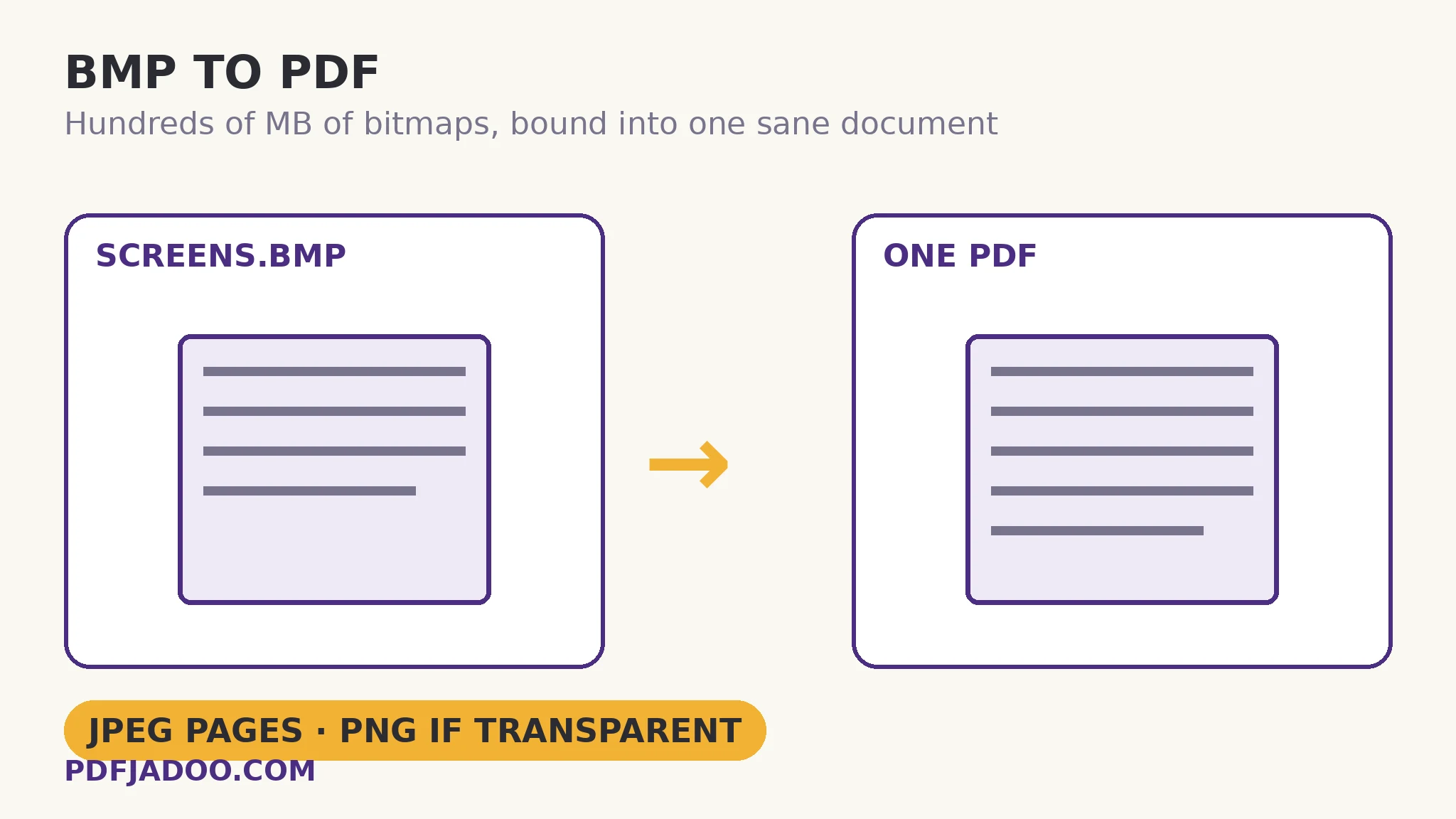
The direct answer: each BMP is placed into the PDF as a high-quality JPEG — transparent images losslessly as PNG — so the document stays a sane size while the pictures stay visually themselves, with page size Fit page, A4 or US Letter, margins of None, Small (18 pt) or Medium (36 pt), and output as one combined PDF or one PDF per image. BMP to PDF prints its reasoning on its own page: BMPs are uncompressed and can be huge; inside the PDF each photo is placed as high-quality JPEG (transparent images as lossless PNG), so the PDF stays a sane size. That placement rule is the rescue's intelligence: the bitmap's raw pixels (about 3 bytes each — a folder of screenshots can total hundreds of megabytes) are not embalmed inside the document; they are re-encoded by nature, photos efficiently, transparent graphics exactly. The value here is rescue, not upgrade — the article says plainly what the plan said: the PDF makes the legacy set shareable, printable and archivable as a document, and the BMPs remain the pixel-exact masters for anything the document cannot say.
 By the PDFJadoo Team5 min read
Why binding rescues what conversion alone does not
The direct answer: a folder of bitmaps fails socially before it fails technically — it cannot be emailed as a set, printed as a set, or reviewed as a set — and the PDF fixes the social layer: one file, pages in your order, openable identically everywhere, at a size the placement rule keeps sane. The individual converters (to JPG, to PNG) solve single images; archives are sets, and sets want documents. One quotable sizing expectation: a 240 MB folder of BMP screenshots typically binds to a PDF in the 10–25 MB range — the difference between an archive that travels and one that stays home.
The order is the document's authorship: drop the screenshots in the sequence the set should read (a procedure's steps, a system's screens, a project's evidence), because the binding preserves drop order as page order, exactly as the family's other binders do.
Fit page or fixed pages, for legacy captures
The direct answer: Fit page keeps each screenshot at its native geometry — the honest choice for screen evidence — while A4 or Letter with margins suits sets destined to print as a manual or a report. Screenshots bound for a printer deserve the fixed page and the 18-point margin for the same dead-zone reason as every binder in this programme; screenshots bound for screens deserve Fit and no apology.
Bind BMPs into a PDF, step by step
The direct answer: order the set as it should read, choose the geometry, drop the bitmaps, and download the combined PDF — or per-image PDFs as a ZIP.
Step 1 — order the set. Rename or arrange so the drop sequence is the reading sequence; the binding preserves it faithfully.
Step 2 — choose page size and margin. Fit page for screen evidence; A4 or US Letter with Small (18 pt) margins for print-bound manuals.
Step 3 — drop the BMPs onto BMP to PDF. Everything runs on your device — the giants never upload.
Step 4 — choose the output. One combined PDF for the archive document; one PDF per image (ZIP) when each capture stays its own record.
Step 5 — download and verify the size. Photos as JPEG pages, transparent graphics as PNG pages — the document should be a small fraction of the folder it replaces.
The masters, one last time
The direct answer: the PDF is the shareable edition, not the archive — keep the BMP folder (or its PNG conversion) as the pixel-exact master set, because the document's JPEG pages, however high-quality, are a reading copy. Rescue means the set can finally travel; it does not mean the originals stop mattering.
The archive nobody could send becomes the document everybody can open.
Placed by nature — JPEG for photos, PNG for transparency — in your order, at a sane size.
Open BMP to PDFSources
- MDN Web Docs — Image file type and format guide: Mozilla's reference for image formats, including BMP support — the legacy-format picture behind binding old screenshots into one portable PDF.
- Tool behaviour — the steps and limits in this guide are from PDFJadoo's own BMP to PDF tool page, checked 19 November 2026; the file never leaves your device, so the result you preview is the file you save.
A worked example: the decommissioned system's manual
The direct answer: a retired system's only documentation — 63 BMP screenshots totalling 380 MB — binds into one 17 MB PDF in screen order, which the support team can finally attach to tickets and print for the training room. The walkthrough's geometry choice was Fit page: the screenshots are evidence of how the old system looked, and their native sizes are part of the record. Two transparent diagram captures rode as PNG pages, exactly as the placement rule promises. The BMP folder went to the archive drive, labelled and complete; the PDF went to work.
Edge cases
Mixed photo/screenshot sets. The per-image placement handles the mixture by nature; your only job is the order.
Enormous sets. Bind in chapter-sized groups and merge the PDFs — the library pattern — rather than forcing hundreds of bitmaps through one browser session.
Before you finish: the 60-second check
- Set ordered as it should read before dropping — order becomes page order
- Geometry chosen: Fit for screen evidence, A4/Letter + margins for print
- Placement verified: photos as JPEG pages, transparent graphics as PNG pages
- Output size sanity-checked against the folder it replaces
- BMP masters archived and labelled; the PDF is the travelling edition
Fair questions
How do I convert BMP images to a PDF?
Drop the BMPs onto BMP to PDF in reading order, choose a page size (Fit page, A4 or US Letter) and margin (None, 18 or 36 pt), and download one combined PDF — or one PDF per image as a ZIP.
Why is the PDF so much smaller than the BMPs?
BMPs are uncompressed and can be huge; inside the PDF each photo is placed as a high-quality JPEG and transparent images losslessly as PNG, so the PDF stays a sane size while the pictures stay visually themselves.
Does the PDF keep my images pixel-exact?
Transparent images are placed losslessly as PNG. Photographs are placed as high-quality JPEG — visually faithful, but a reading copy: keep the BMPs as the pixel-exact masters.
What page sizes and margins can I choose?
Page size: Fit page to each image, A4 or US Letter. Margins: None, Small (18 pt) or Medium (36 pt). On fixed sizes each image is scaled to fit inside page plus margin, centred, proportions untouched.
Can I get a separate PDF for each image?
Yes — choose the per-image output and the set downloads as a ZIP, one PDF per image.
Are my images uploaded?
No — the binding runs entirely in your browser; your files never leave your device — a mercy at BMP sizes.
Tool behaviour — Fit/A4/Letter page sizes with None/18/36-point margins, combined or per-image ZIP output, photos placed as high-quality JPEG and transparent images losslessly as PNG, with the “BMPs are uncompressed and can be huge” note — is from PDFJadoo's own BMP to PDF page. Checked 18 November 2026.
Keep reading
BMP to JPG: shrink the huge file
Individual bitmaps rescued as sendable photos.
BMP to PNG: keep text sharp
The pixel-exact masters this document is made from.
Combine JPG photos into one PDF
The photo-set binder: order, pages, one document.
WebP to PDF: web images bound
The web-saved family's same binding, decoded directly.