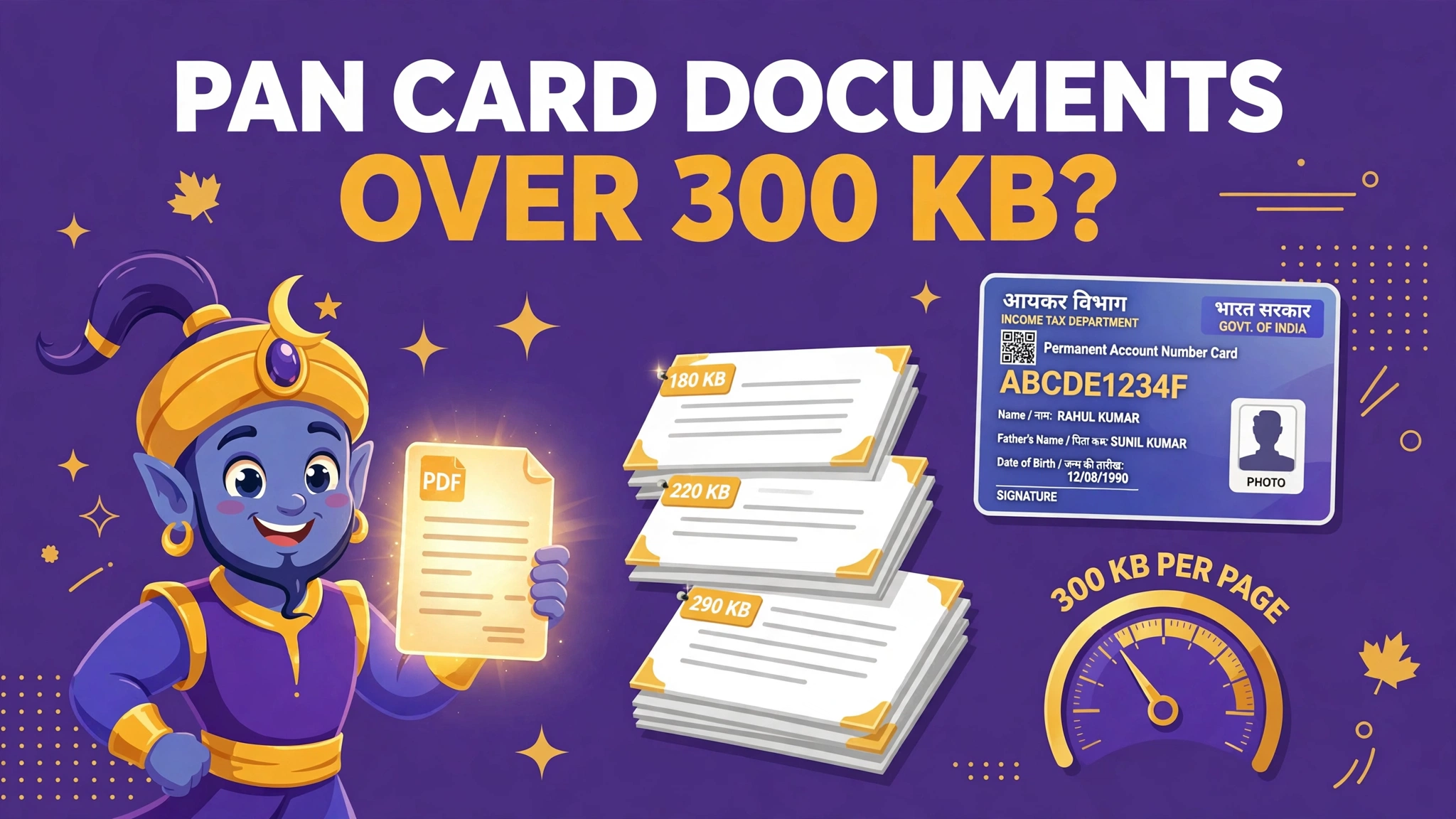
PAN card documents over 300 KB? The limit is per page — read the whole table
Search for PAN upload sizes and you will find a brawl: 20 KB here, 50 KB there, three different pixel sizes for the same photograph. The fighting stops at the source — the scanning table printed inside Protean's own application guidelines. It has one row almost nobody quotes: supporting documents are limited per page, and they are meant to be scanned in black and white.
 By the PDFJadoo Team7 min read
The rules, from the application's own scanning table
| Parameter | Photograph | Signature | Supporting documents |
|---|---|---|---|
| Resolution | 200 DPI | 200 DPI | 200 DPI |
| Colour | Colour | Colour | Black & white |
| File type | JPEG | JPEG | PDF/A or JPEG |
| Maximum size | 20 KB | 10 KB | 300 KB per page |
| Dimensions | 3.5 × 2.5 cm | 2 × 4.5 cm | — |
Every number in that table does a job. The 200 DPI setting is the legibility floor the department chose. The black-and-white row is why documents are expected to be small: a greyscale page of text at 200 DPI is naturally a fraction of a colour photograph of the same page. And "per page" is the phrase that unlocks the multi-page proof problem — your four-page address proof is not one 300 KB allowance, it is four.
Why PAN document uploads fail
- The proof is one heavy colour scan. A phone's colour scan of a single page can exceed 300 KB on its own. The guidelines expect documents in black and white precisely so this does not happen
- The applicant reads 300 KB as a per-file limit and panics — or gives up. A legitimate multi-page proof at 700 KB total may be perfectly compliant page by page, yet looks impossible against a misread limit
- The photo and signature were prepared to rumour numbers. Resizer sites quote 30 KB, 50 KB, even pixel dimensions that belong to the other portal. Preparing to the table above — 20 KB and 10 KB — is safe under the strictest reading
- The scan is at screen resolution. A 72 DPI screenshot-style scan is small enough and unreadable; the specification starts at 200 DPI for a reason
- The discrepancy upload repeats the original mistake. Weeks later, Protean flags a mismatch and asks for fresh documents — uploaded in a hurry, at full phone-photo size, into the same 300 KB per-page wall
The fix, in order
Step 1 — scan documents the way the table expects. Black and white (greyscale is fine), around 200 DPI, page flat and fully in frame. Done this way, a page of a passport, Aadhaar card printout or bank statement lands far under 300 KB with every line readable — the specification is designed so that following it makes the size take care of itself.
Step 2 — assemble each proof as its own file. Proof of identity, proof of address and proof of date of birth are three separate uploads. Keep three files, each proof's pages in order inside it. Do not merge all your proofs into one master PDF; the form gives each its own slot.
Step 3 — if a file is still heavy, compress per page. A colour scan you cannot redo can be converted to greyscale and compressed with Compress PDF. Judge the result per page: a four-page proof should come in around 300 KB a page or less, not 300 KB total — crushing a whole proof to 300 KB total is how readable documents become smudges. The typed-target method is the one in Compress a PDF to an exact size.
Step 4 — if one page is the problem, split it out. Sometimes a single dense page — a bank statement page packed with entries — carries the whole file's weight. Split PDF separates the pages so you can compress or re-scan just the heavy one, then rebuild the proof in order.
Step 5 — prepare the photo and signature to the table, not the rumours. Photograph: colour JPEG, 3.5 × 2.5 cm, at or under 20 KB. Signature: colour JPEG, 2 × 4.5 cm, at or under 10 KB, signed in your usual running hand on white paper. The four-upload discipline in the IBPS upload guide is the same habit: every upload gets its own stated window, met exactly.
Under 300 KB a page, still readable
Greyscale, 200 DPI, compressed to a typed target — in your browser, with nothing uploaded.
Open Compress PDFWorked example: the 1.4 MB address proof
An applicant's address proof is a two-page bank statement, scanned in colour on a home printer at its cheerful default settings: 1.4 MB. Against a limit he has read as "300 KB", the file looks hopeless, and his first instinct — the internet's favourite advice — is to compress the whole proof down to 290 KB. It uploads. It is also, at that weight, a grey fog in which the address line he is proving cannot actually be read.
The table offers the better route. The limit is 300 KB per page, so his real budget is about 600 KB for the two pages. Re-scanned in greyscale at 200 DPI, the same statement comes to roughly 190 KB a page with the address, the bank's stamp and every transaction line crisp — no compression heroics needed at all. Where a re-scan is impossible, Compress PDF to a per-page target reaches the same place. The proof that failed as one fat colour file passes as what the guidelines always asked for: two light, legible, black-and-white pages.
Why the internet's numbers disagree
PAN is served by more than one portal, the guidelines have been revised over the years, and resizer websites copy each other's tables far more often than they open the application. The result is a fog of plausible figures — 30 KB photos, 50 KB photos, pixel sizes from a different form entirely — each true somewhere, sometime, and useless for the form in front of you. The discipline that cuts through it is boring and total: read the specification inside the application you are actually submitting, prepare to its strictest numbers, and let every other website argue with itself. That is the whole method of this page, and it is why the per-page row — present in the official table, absent from nearly every summary of it — is worth a post of its own.
Before you upload: the 60-second check
- Documents are greyscale or black-and-white scans at about 200 DPI
- Each proof is its own file, pages in order, at or under 300 KB per page
- The photograph is a colour JPEG, 3.5 × 2.5 cm, 20 KB or less
- The signature is a colour JPEG, 2 × 4.5 cm, 10 KB or less
- At full size, names, dates and the address line are all readable
- Nothing was crushed to a total-size target the rules never set
Fair questions
What are the official scan specifications for a PAN application on Protean?
From the scanning guidelines in the online PAN application itself: everything scanned at 200 DPI. Photograph: colour JPEG, 3.5 × 2.5 cm, maximum 20 KB. Signature: colour JPEG, 2 × 4.5 cm, maximum 10 KB. Supporting documents: black and white, PDF/A or JPEG, maximum 300 KB per page.
My address proof PDF is 900 KB. The limit is 300 KB — am I stuck?
The 300 KB limit is per page, not per document. A three-page proof scanned at 200 DPI in black and white will normally come in far under 300 KB a page. If your file is one heavy colour scan, re-scan or convert it to greyscale at moderate resolution, or compress it with a 300 KB target per page in mind.
Websites quote 30 KB and 50 KB for the PAN photo. Which is right?
Different numbers circulate because the two PAN portals and older guidelines differ, and resizer sites repeat each other. The scanning table inside Protean's application guidelines says photo maximum 20 KB and signature maximum 10 KB. Preparing to the stricter published numbers keeps you inside either portal's checks.
Why does Protean want documents in black and white?
Because the specification is designed around legibility at small size: a 200 DPI greyscale scan of a text document stays readable while staying tiny. Colour is required only where it carries information — your photograph and signature.
Protean emailed me about a discrepancy. Do the same limits apply to the new documents?
Yes. When a discrepancy is reported, you upload further supporting documents through the same system, and the same scanning specifications apply — PDF, within the 300 KB per-page limit. Prepare the replacement documents to the same table rather than photographing them fresh at full size.
Are my documents uploaded to PDFJadoo's server?
No. Compress PDF and Split PDF run entirely in your browser. Your identity documents never leave your device.
Source: Protean e-Governance Technologies (formerly NSDL e-Governance), scanning specifications printed in the online PAN application guidelines (Forms 49A/49AA) — 200 DPI, photograph max 20 KB, signature max 10 KB, supporting documents PDF/A or JPEG at max 300 KB per page. Checked 12 November 2026. PDFJadoo is not affiliated with Protean, the Income Tax Department or the Government of India.
Keep reading
IBPS upload guide
Four uploads, four windows — photo, signature, thumb impression and declaration.
Compress to an exact size
Type the KB you need and land there — the method behind every portal limit.
Compress PDF
Bring any document to its target size without turning it to mush.
Document Portals hub
Every portal's rules in one place — IRCC, USCIS, ImmiAccount and more.