TIFF to WebP: the archive stays TIFF — the audience gets WebP
The direct answer: the first page of your TIFF becomes a WebP at your quality setting — High (92%), Balanced or Smaller — with transparency kept, at a fraction of the archive file's weight, for display in browsers that cannot show TIFF at all; only the first page converts, and TIFF to PDF is the route for complete documents. TIFF to WebP prints the family's honest note — only the first page of a multi-page TIFF is converted; TIFF to PDF keeps every page — and this article is built on the archival principle the conversion serves: the master/delivery split — the TIFF remains the preservation master (lossless, complete, unmoved), and the WebP is the viewing copy (light, browser-native, regenerable) — so publication never endangers preservation, and a format shift in ten years is a re-conversion, not a rescue. The decode is the family's specialist work, done in your browser by a dedicated TIFF decoder; the audience's experience is the opposite of specialist: the page simply loads, fast, everywhere.
 By the PDFJadoo Team4 min read
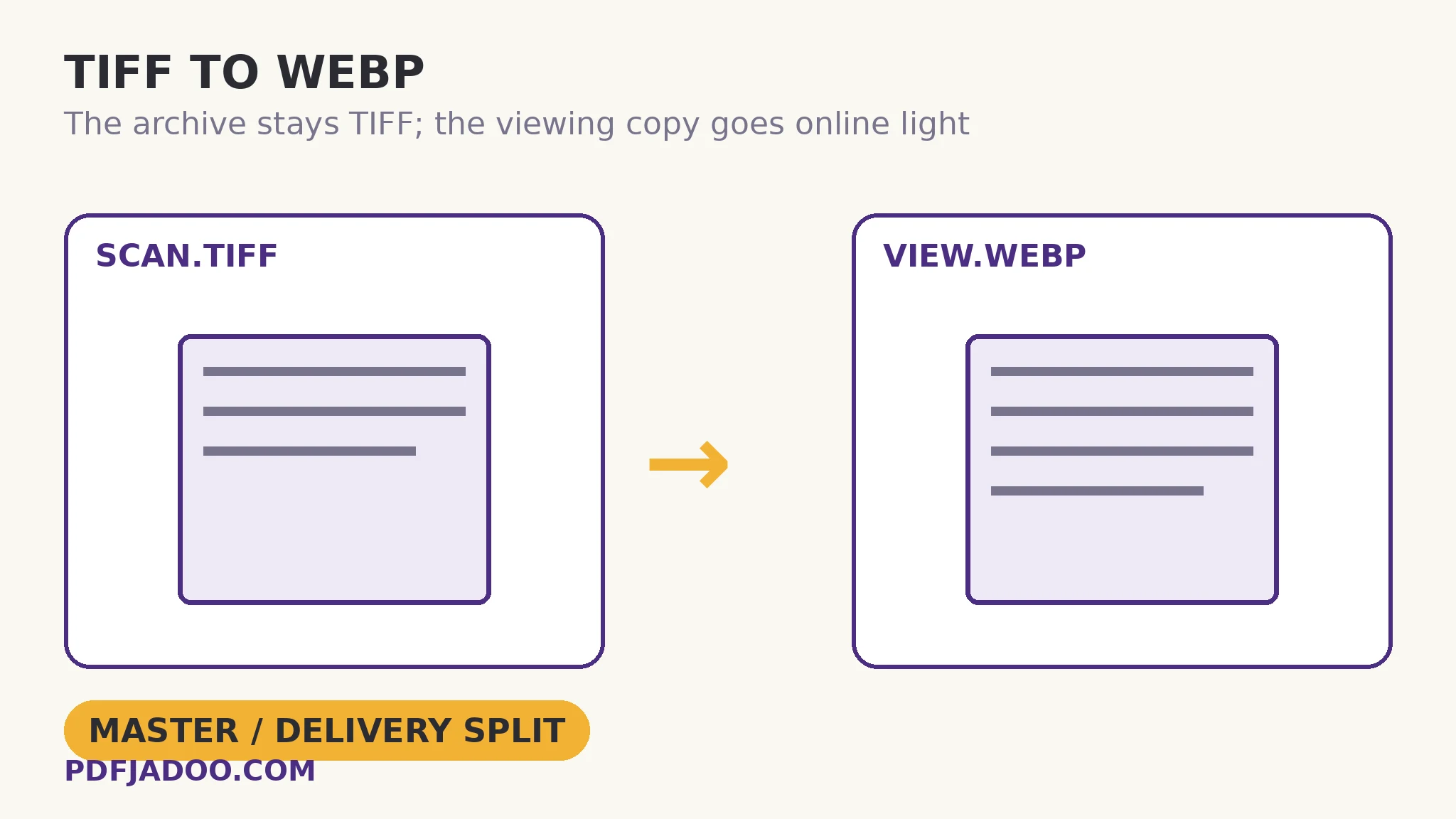
The split, as a principle
The direct answer: archives that publish from their masters eventually lose them — to a careless overwrite, a lossy re-save, a platform's recompression — while archives that publish viewing copies keep masters untouched behind a regenerable layer. TIFF to WebP is that layer for single images: one quotable arithmetic — a 25 MB TIFF page typically views as a WebP of well under 1 MB at High — which is the difference between an archive page that loads for a visitor on a phone and one that effectively does not exist online. Multi-page items publish as PDFs (the complete route) with a WebP cover page from this converter: the split composes.
Transparency rides along for the graphics in the archive — seals, diagrams, overlays — whose WebP copies float over the collection page's design exactly as intended.
Quality for publication
The direct answer: High for the collection's featured images (viewing is the product), Balanced for thumbnails and index grids, and the PNG sibling where a page image must be pixel-exact for scholarly citation. Publication quality is allocated by the reader's purpose, as everywhere in this programme.
Publish a TIFF page as WebP, step by step
The direct answer: pick the page's role (feature or thumbnail), drop the TIFF — or a batch of archive items — choose the quality, convert, and download singly or as a ZIP.
Step 1 — confirm the split. The TIFF stays untouched in the archive; this copy is for the web only. Multi-page items route their full text to PDF.
Step 2 — drop your TIFF onto TIFF to WebP. The dedicated decoder runs in your browser; the master never uploads anywhere.
Step 3 — pick the quality. High (92%) for featured viewing, Balanced for grids, Smaller for thumbnails.
Step 4 — press Convert to WebP. The first page becomes the viewing copy; transparency is kept.
Step 5 — download each file or the batch ZIP and publish. Name the copies as copies (the archive's naming discipline), so no future editor mistakes a viewing copy for a master.
Cover pages for bound items
The direct answer: for a multi-page TIFF published as a PDF, this converter's first-page WebP is its cover — the catalogue shows the cover, the reader downloads the document, and the archive keeps the TIFF: three layers, each honest about what it is. Digital libraries run on exactly this composition.
Let the world see the archive — without ever touching it.
First page at High, alpha kept, masters unmoved — the viewing copy in one conversion.
Open TIFF to WebPA worked example: the photo archive's gallery
The direct answer: a local archive's 200 scanned photographs, held as TIFFs, publish as a gallery of WebP viewing copies at High — the gallery loads instantly on phones, each image captioned to its TIFF's catalogue number, and not one master file was opened by anything but the decoder. The walkthrough's governance was naming: viewing copies carry the catalogue number plus a “-web” suffix, so the boundary between publication and preservation survives staff changes. A year later, three images were re-published at higher quality from their TIFFs in minutes — the split paying its second dividend.
Edge cases
Scholarly exactness. Where a reader must cite pixels, publish the PNG sibling alongside and label the WebP as the viewing copy; honesty about layers is the archive's credibility.
CCITT fax TIFFs. The family's hard case for in-browser decoding; a refusal routes to a desktop re-save first.
Before you finish: the 60-second check
- Master/delivery split respected: TIFF untouched, WebP labelled as the viewing copy
- First-page rule understood — complete items published via TIFF to PDF
- Quality allocated by role: High for features, Balanced for grids
- Transparency verified kept for seals, diagrams and overlays
- Pixel-exact needs routed to the PNG sibling, labelled alongside
Fair questions
My TIFF has several pages — what converts?
Only the first page — the tool states it in its own honest note: TIFF to PDF keeps every page. Publish multi-page items as PDFs, using this converter's first-page WebP as their cover image.
Will I lose quality converting TIFF to WebP?
WebP is lossy at these settings, but at High (92%) the viewing copy looks identical to the eye. The TIFF remains your lossless master — the split means the copy's economy never endangers the archive.
Why can't the TIFF just go on the web page?
Browsers cannot display TIFF at all — most cannot even decode its variants without a dedicated library. A viewing copy is not optional for online publication; WebP is the lightest honest one.
Does transparency survive?
Yes — transparent areas of your TIFF stay transparent in the WebP, so seals, diagrams and overlays float over the collection page as designed.
Can I convert a whole batch?
Yes — drop as many TIFF files as you like. Each converts with the same settings — its first page — and you can download them one by one or all together as a ZIP.
Is my image uploaded?
No — the TIFF is decoded by a dedicated decoder in your browser and re-encoded on your device; your files never leave it.
Tool behaviour — the first-page rule printed as the tool's own honest note, the High (92%) / Balanced / Smaller quality settings, transparency kept, batch conversion with ZIP download, and the in-browser TIFF decode — is from PDFJadoo's own TIFF to WebP page. Checked 18 November 2026.
Keep reading
TIFF to JPG: first page, email size
The correspondence copy of the same first page.
TIFF to PNG: a lossless page image
The pixel-exact publication layer for scholarly use.
TIFF to PDF: every frame a page
Complete items as documents — the cover's companion.
JPG to WebP: website speed
The destination's economics in full.