Why was my photo rejected? Five rules you cannot see in the picture
The photo looks perfect to you: sharp, recent, plain background. The portal still says no — because the portal never really looks at your face. It checks the file: its size in kilobytes, its exact pixels, its format, and a few content rules no camera warns you about. Here are the five hidden rules. Every one is borrowed from a real portal covered on this site — this page introduces no new numbers.
 By the PDFJadoo Team6 min read
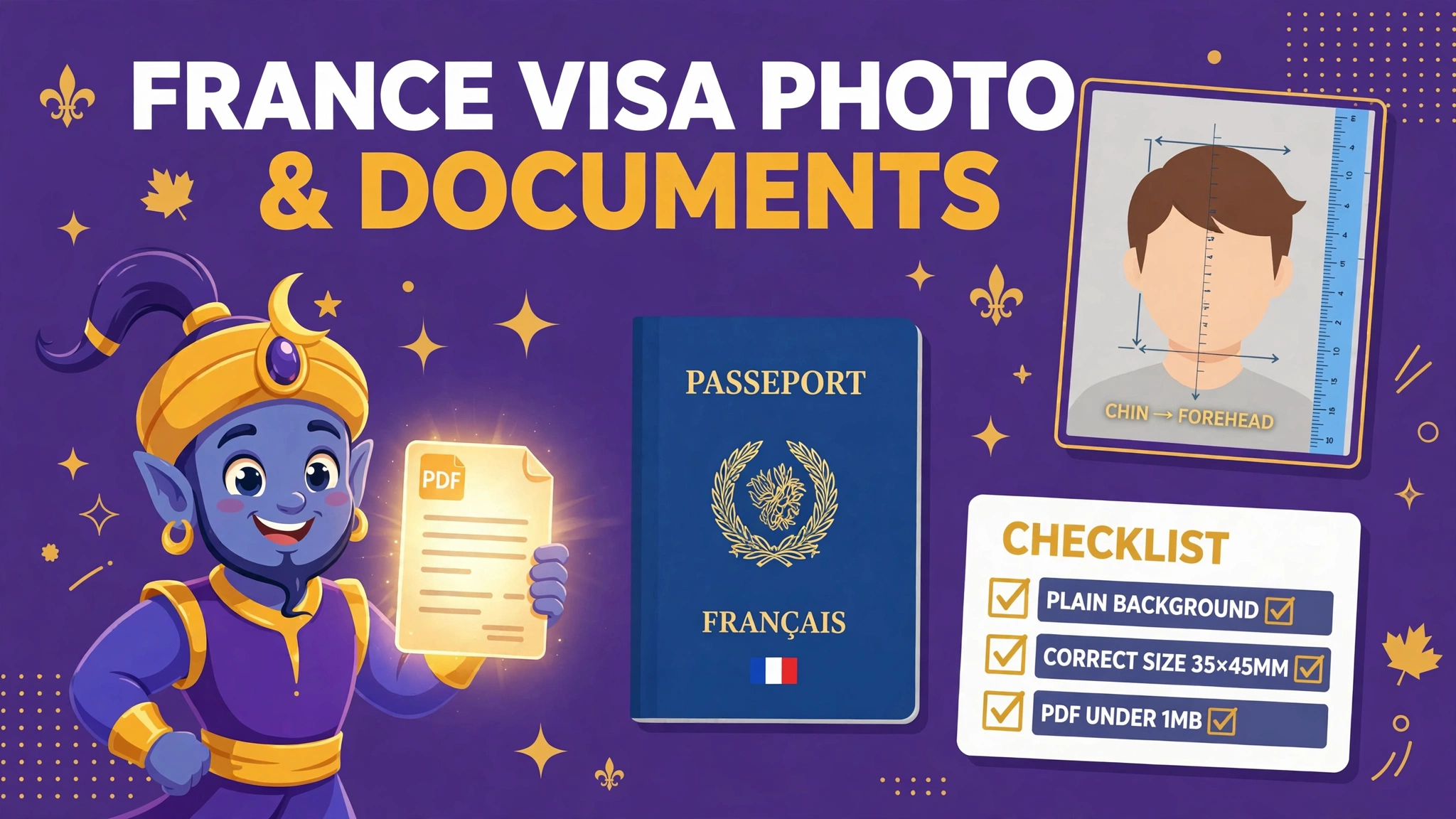
1. Too small — yes, really
Most people only fear the ceiling. Some windows have a floor. India's SSC photograph must land between 20 and 50 KB — under 20 KB fails, exactly like over 50 KB. Saudi Arabia's eVisa photo has the same shape: between 5 and 100 KB. The trap is kindness: you compress your photo hard "to be safe", and drop straight through the floor. A file can be rejected for being too good at shrinking.
The guides: SSC photo rejected — the 20 to 50 KB window · Saudi eVisa photo — 5 to 100 KB
2. Exact pixels, not "about right"
Some portals do not want a size range — they want one size. Bangladesh's BPSC Teletalk system takes a photo of exactly 300 × 300 pixels and a signature of exactly 300 × 80. A photo at 302 × 300 is not "close". It is the wrong file, and the system treats it that way. The same strictness, at the other end of the scale, is why the US DV Lottery photo must be exactly 600 × 600 — covered in the DV Lottery photo guide.
The guide: BPSC Teletalk — exact pixels, exact fix
3. The format is banned
A portal that asks for JPEG means it. India's e-Visa photo slot states it in its own error: only JPEG files can be uploaded. And your phone may not even be saving JPEG — iPhones save HEIC by default, a format most forms cannot read at all. The picture can be flawless and still be, to the form, an unreadable file. Renaming photo.heic to photo.jpg changes the label, not the picture; a real conversion is the fix.
The guides: iPhone photo won't upload? It's HEIC · India e-Visa — photo JPEG, passport PDF
4. Content rules no tool can fix
Two rejections have nothing to do with the file at all. India's IBPS rejects signatures written in CAPITAL letters — the signature must be your normal handwriting, in black ink. And SSC photographs must be taken without a cap or spectacles. No resizer, converter or compressor can rescue either one: the signature has to be rewritten, the photo retaken. Knowing that in advance is the difference between a two-minute fix and a rejected application.
The guides: IBPS uploads — all four files, all four rules · SSC photo & signature hub
5. Your head is the wrong size in the frame
US visa and DV photos measure your head: it must fill 50 to 69 percent of the picture's height. A lovely photo taken a step too far away — head small, shoulders wide — fails the measurement even though nothing about it looks wrong. This is a framing rule, and it is why the fix is a proper crop around the face, not a smaller file.
The guide: DS-160 photo "processing failed" — the bands behind the error
The fix order that covers all five
First, find your portal's actual numbers — its notice or checklist, not a forum post. Then fix the file rules (pixels, KB window, format) in one export from the Passport Photo maker: pick the portal's preset and the pixels, the window and the JPEG come out together. Last, handle the content rules yourself — they are the only ones that need you, not a tool: rewrite the signature in normal handwriting, retake without the cap or glasses. The maker runs entirely in your browser; your photo is never uploaded.
Start with the maker
Pick your portal's preset: exact pixels, the size window — floor included — and a true JPEG, in one export. The content rules are the part only you can do.
Open Passport Photo makerA worked example: one photo, three hidden rules at once
The five rules feel separate on this page. In real applications they arrive together. Take an applicant uploading to a portal with an SSC-style window — a JPEG between 20 and 50 KB. Their photograph looks perfect: sharp, recent, plain background. It is also an iPhone file, saved as HEIC by default, so the format rule refuses it before anything else is even read. Helpfully compressed “to be safe” by a well-meaning app, the converted copy lands under 20 KB — through the floor of the window, the first rule on this page. And the original was taken a step too far away, so the head fills far less of the frame than the 50 to 69 percent band the US-style rules measure — the fifth rule, waiting behind the other two.
The repair follows the fix order below, and the order is the lesson. Content and framing first: a fresh photograph, taken closer, face straight to the camera, meeting the content rules no tool can fix. Then one export from the Passport Photo maker with the portal's preset, which settles the file rules together — true JPEG, the window landed in the middle rather than on either edge, exact pixels where the portal demands them. Three failures, one retake and one export. What would not have worked is fixing them in the order the error messages reported them: the format error was simply the first bouncer, not the only one.
When the portal gives you no reason at all
A bare “invalid file” or a silent refusal is information of a kind: it usually means the file rules, not the face. Work the same order this page teaches. Read the format first — a renamed HEIC or PNG is the commonest silent failure. Then the pixels, where the portal is an exact-pixels one: 302 × 300 fails BPSC Teletalk's exact 300 × 300 exactly as surely as 200 × 300 would. Then the KB window at both edges — SSC's floor at 20 KB and Saudi's floor at 5 KB reject the over-helpfully small. Only when all three read right should you suspect the content rules — the capital-letter signature, the cap and spectacles — because those are the ones whose fix is a retake, not a re-export.
Before you upload: the 60-second check
- KB checked against both edges of the window — the floor, not just the cap
- Pixels exact where the portal says exact — not close, exact
- Format is the one named — usually a true JPEG, not a renamed file
- Signature in normal handwriting, never CAPITAL letters
- Face bare where the rules say so — no cap, no spectacles
- Head fills the required share of the frame
Fair questions
Can a photo really be rejected for being too small?
Yes. Some portals set a minimum as well as a maximum — the SSC photograph must be at least 20 KB, and the Saudi eVisa photo at least 5 KB. Over-compressing 'to be safe' is a real way to fail. Aim at the middle of the window.
My photo is 302 by 300 pixels. Is that close enough?
No. Where a portal specifies exact pixels — BPSC Teletalk's 300 × 300 is the clearest case — the system checks for that size, not a nearby one. 302 × 300 is simply a different size. Export at the exact figure.
The portal says 'invalid file', but it is a normal photo. Why?
Usually the format. iPhones save HEIC by default and many forms accept only JPEG; a PNG can fail the same way. Renaming the file does not convert it — run it through a real converter and upload the JPEG.
Can a tool fix my signature being in capital letters?
No — and be suspicious of anything that claims otherwise. IBPS rejects capital-letter signatures as a content rule. The fix is to sign again in your normal handwriting, in black ink, and scan that.
Where do I find my portal's real numbers?
In the portal's own notice, checklist or upload guide for the current cycle — that document is the authority, and every portal guide on this site names and links its official source so you can check the figure yourself.
The portal gives no reason at all. Where do I start?
Start with the file rules, in this page's order: the format (a true JPEG, not a renamed file), then the pixels where the portal sets them exactly, then the KB window at both edges — floor as well as cap. Only when all three read right should you suspect the content rules, because those are fixed by retaking, not re-exporting.
My photo passed on one portal. Why did a different portal reject the same file?
Because each portal sets its own numbers — one wants an exact 300 by 300, another a window of 20 to 50 KB, another a head measured at 50 to 69 percent of the frame. A file can be perfect for one rulebook and wrong for the next. Export a separate file per portal, each with that portal's preset, from the same good original.
Every rule on this page is quoted from a portal guide on this site, each sourced from that portal's official documents — SSC and IBPS (India), BPSC Teletalk (Bangladesh), Visit Saudi, India's e-Visa service and the U.S. Department of State. No new numbers are introduced here. Checked 10 November 2026.
Keep reading
Passport Photo maker
Pick the portal's preset — exact pixels, the KB window, a true JPEG.
DS-160 photo “processing failed”?
The US visa photo's own bands: pixels, kilobytes and the head measurement.
BPSC Teletalk: exact pixels
Photo 300×300, signature 300×80 — and why 'close' is a rejection.
iPhone photo won't upload?
It is HEIC. Convert it properly instead of renaming it.