Text to PDF: a plain file, typeset like it matters
Plain text is the most durable format in computing — and the least presentable. The log export, the meeting notes, the chapter draft, the licence text: their content is fine and their form is a wall of monospaced sprawl that no one wants to print, file or read on paper. Text to PDF typesets the humble .txt into a proper document: A4 pages, sensible margins, automatic page numbers, your choice of 10, 11 or 13 pt, long lines wrapped to the measure, blank lines read as paragraph breaks, and lines of dashes or equals signs read as dividers. The typesetter respects the few conventions plain text already uses — and adds everything else a document needs. This article covers those conventions and the uses they serve.
 By the PDFJadoo Team5 min read
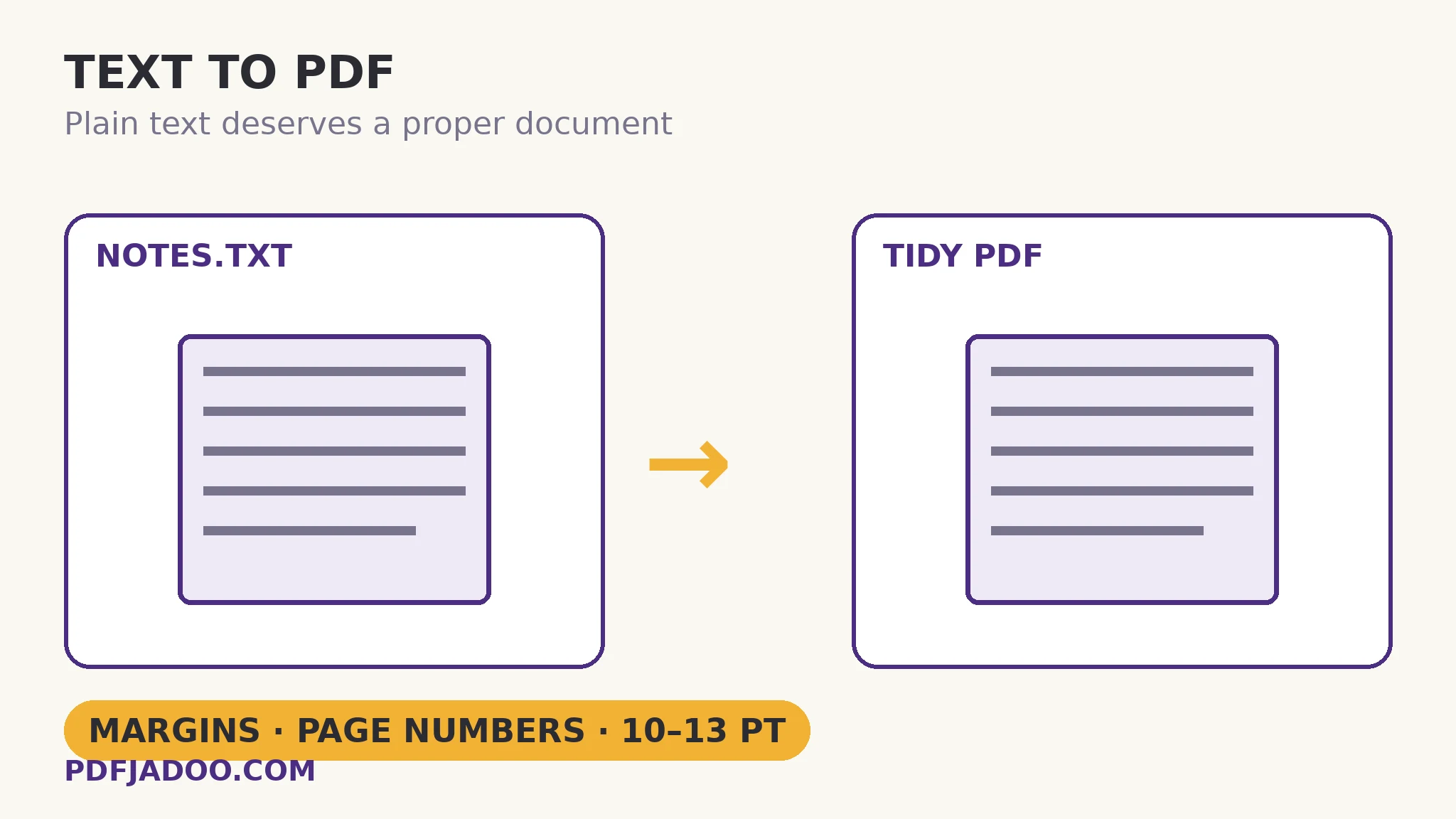
The conventions the typesetter honours
Plain text evolved its own quiet typography, and the converter reads it as intended: a blank line is a paragraph break — the new paragraph starts fresh rather than running on; a line of dashes or equals signs is a divider — the ASCII section break becomes a real typographic separation; over-long lines wrap at the page's measure instead of running off the edge (the log-file line that is 300 characters long becomes readable prose-width). Everything else is the document furniture text never had: margins that give the eye a frame, a readable type size (10 pt compact, 11 the standard, 13 for large-print kindness), and page numbers that make the printed result citable (“page 3 of the log”) — the small features that separate a document from a dump.
The input routes are both of text's habitats: drop a .txt file, or paste the text directly — the clipboard's contents typeset without ever becoming a file first. The output is a single, ordinary PDF: printable, emailable, archivable — the .txt's content with a document's manners.
Why typeset text at all?
Because the recipients of text are humans with printers, filing systems and eyes. A typeset log excerpt can be attached to an incident report; typeset notes can be handed round a meeting; a typeset draft can be proofread on paper, where errors show differently. And because PDF is the format every system accepts, the conversion is the .txt's passport into the document world — archives, submissions, records — without surrendering the master's simplicity: the .txt stays the source; the PDF is its presentation.
Turn text into a PDF, step by step
Step 1 — drop the .txt onto Text to PDF, or paste the text. Nothing uploads — logs and notes stay local.
Step 2 — choose the type size. 11 pt standard; 10 for compact reference material; 13 for large print.
Step 3 — press Make my PDF. A4, margins, wrapping, paragraph breaks, dividers, page numbers — applied in the typeset.
Step 4 — proof a page. Especially where the source's conventions were loose: a missing blank line merges two paragraphs; a decorative dash line becomes a divider (as intended, usually).
Text in, everything out
The text route is the kit's foundation stone: text → PDF here, Markdown → PDF for structured drafts, CSV → PDF for data. Plain formats in, documents out — the pattern that keeps masters simple and deliverables proper.
The words were always fine. Give them pages.
Margins, wrapping, paragraph breaks, dividers and page numbers — a .txt typeset into a document in one paste.
Open Text to PDFA worked example: the incident log, attached
A system incident closes with a 400-line plain-text log: timestamps, messages, one 300-character diagnostic line, sections divided by equals-sign rules. The post-incident report needs the log as an appendix — as a .txt it is unprintable sprawl; pasted into a word processor it would take an hour of fighting autoformat. Typeset directly: A4 pages with margins, the diagnostic line wrapped, the equals rules become dividers between sections, page numbers throughout. The appendix is cited in the report's text (“log, p. 4”) and filed with it. The log's master stays a .txt on the server, exactly as it should; its presentation is now a document.
Edge cases
Tabular text. Columns aligned by spaces in monospace may drift in a proportional typeset. Data that must stay gridded belongs to the CSV route; text with light tabularity survives acceptably.
Code and logs with meaningful line breaks. Every line break within a paragraph is honoured as spacing the typesetter wraps — code whose line structure is sacred is better served by the Markdown route's fenced blocks.
Enormous files. Book-length text typesets, but patience and a proofing pass scale with it; chapter-wise conversion plus a merge is the practical pattern.
Before you finish: the 60-second check
- Blank lines mark the paragraphs — the source was tidied where they were missing
- Dash/equals lines are intended dividers, not decoration to preserve literally
- Type size matches the use: 10 compact, 11 standard, 13 large print
- A page was proofed before the PDF was filed or sent
- The .txt remains the master; the PDF is its presentation
Fair questions
How do I convert a text file to PDF?
Drop the .txt onto Text to PDF — or paste the text — choose 10, 11 or 13 pt, and press Make my PDF. The output is an A4 document with margins, wrapped lines and automatic page numbers.
How are paragraphs and dividers handled?
Blank lines are read as paragraph breaks. A line of dashes or equals signs becomes a divider. Long lines wrap to the page's measure instead of running off the edge.
Can I paste text instead of uploading a file?
Yes — pasting is a first-class route. The clipboard's contents are typeset without becoming a file first, and nothing is uploaded either way: conversion runs in your browser.
What is the difference between Text to PDF and Markdown to PDF?
Text to PDF typesets plain text with its simple conventions (blank-line paragraphs, dash dividers). Markdown to PDF additionally honours structure: headings, emphasis, code blocks, lists and quotes. Plain words: this tool. Structured draft: Markdown.
Will my aligned columns stay aligned?
Space-aligned columns can drift in a proportional typeset. Data that must stay gridded belongs in the CSV to PDF route, which builds a real table.
Is my text uploaded?
No — typesetting runs in your browser; logs, notes and drafts never leave your device.
Tool behaviour — A4 typesetting with margins and automatic page numbers, the 10/11/13 pt choice, long-line wrapping, blank-line paragraph breaks and dash/equals dividers, by file drop or paste — is from PDFJadoo's own Text to PDF page. Checked 18 November 2026.
Keep reading
Markdown to PDF, typeset
Structured draft? Headings, code and quotes get their full honours there.
CSV to a PDF table
Data in rows and columns becomes a real table — header repeated per page.
Extract text from a PDF
The reverse: a PDF's words out as plain text.
Make a booklet PDF
Printing the document folded? Impose the pages in one pass.